
Auto create Jira ticket from error in 10 minutes
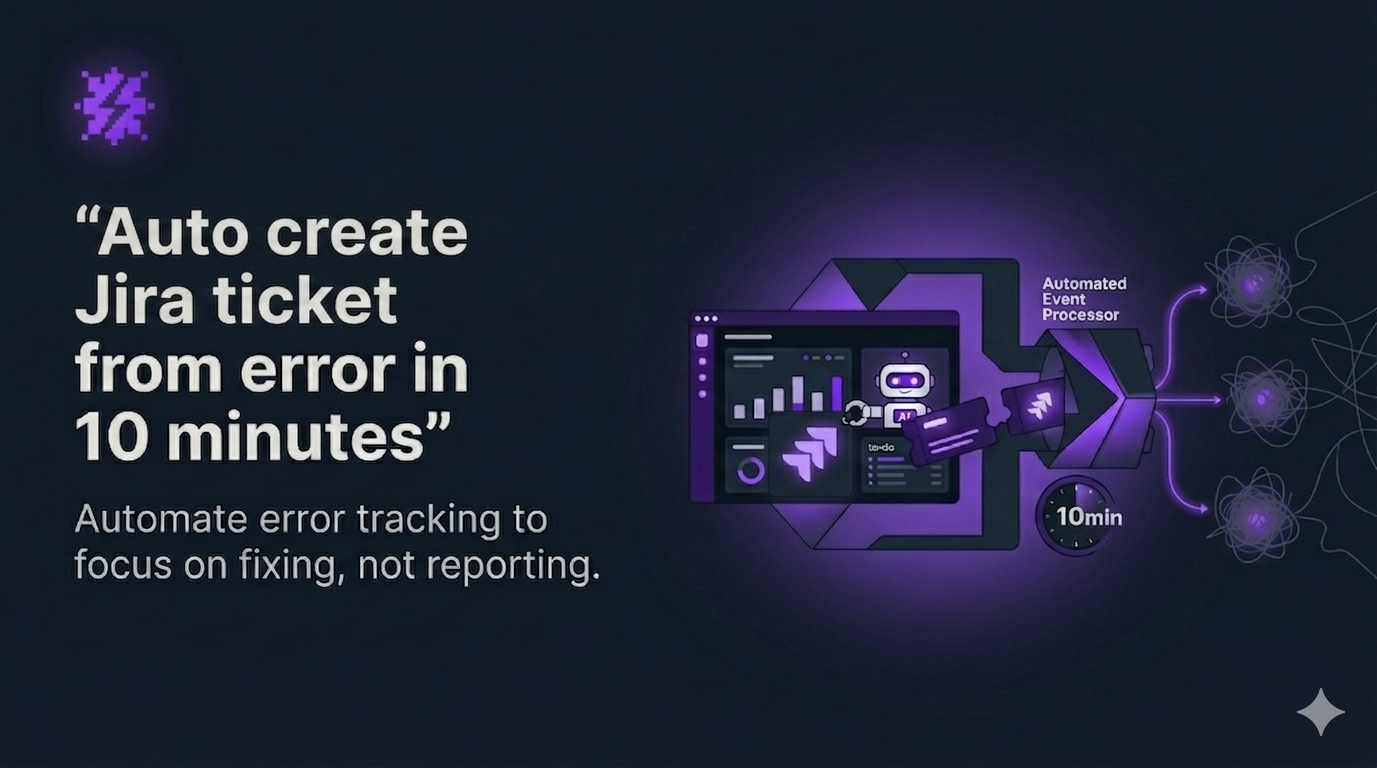
auto create jira ticket from error is the simplest way for early-stage product teams to reduce MTTR without adding process. If you ship weekly or daily with little QA, the real pain is not “missing logs” but slow handoffs: users do not report, bug tickets lack context, and engineers spend hours asking for steps, browser details, and API traces.
This guide shows an end-to-end integration workflow that you can try self-serve in under 10 minutes: capture a real error, let AI package it into a fixable report, and automatically create a Jira ticket that your team can act on immediately.
Table of contents
- Why this workflow beats manual bug reporting
- The measurable output you should expect
- 10-minute setup: error to Jira ticket
- Rules to prevent Jira spam
- How to measure impact weekly
- When to upgrade for a team
- FAQ
 From real-user error capture to an auto-created Jira ticket with repro steps and technical context.
Why this workflow beats manual bug reporting
Most teams already have a bug tracker. The missing layer is automation across the lifecycle:
- Detection: bugs happen in production but users rarely report them.
- Packaging: tickets are created, but they are not actionable (no repro steps, no environment, no network context).
- Triage: severity is guessed, duplicates flood the backlog, and “cannot reproduce” becomes normal.
Auto-creating Jira tickets from errors only works if the ticket is a complete package, not a raw error string. Flash Log focuses on system-level issues (network failures, JavaScript runtime errors, backend/API failures) and avoids treating normal user mis-clicks as product bugs.
The measurable output you should expect
Before you integrate anything, define what “success” looks like in numbers. In the first week, you should be able to measure:
- Time from error to Jira ticket (target: minutes, not hours)
- Ready-to-fix rate: % of tickets that include repro steps + environment + request/response context
- Dedupe ratio: how many repeated occurrences collapse into one Jira issue
- MTTR trend after deploys (especially regressions)
If your current process relies on a bug report template, keep it as a fallback. But use automation to eliminate the human dependency for context collection.
Auto create Jira ticket from error: 10-minute setup
The goal of this setup is a clear first-value moment: you trigger one real error and see one Jira ticket created with enough context to start fixing immediately.
Step 1: Install Flash Log on your web app (2 to 5 minutes)
- Add the Flash Log script/SDK to your React/Next.js app.
- Deploy as usual.
First-value check: Flash Log should start capturing production issues from real users, including cases where no one reports the bug.
Step 2: Validate the AI bug payload (2 minutes)
Open the first captured issue and confirm it includes:
- AI-generated issue summary that highlights the core problem
- Auto-generated reproduction steps so an engineer can validate quickly
- Request/response, status code, timestamp, duration, and network state
- OS, browser, viewport, timezone, and device context
- Customer context (when available) for CS follow-up
This is where ai bug reporting becomes operational: fewer questions, faster fixes, less context switching.
Step 3: Connect Jira and map fields (3 minutes)
- Connect your Jira workspace and select a project.
- Map priority levels so impact drives response order.
- Set status mapping so Jira stays aligned with your internal lifecycle (New, Triaged, In Progress, Done).
Output: a Jira issue created with consistent fields, so triage does not become a manual cleanup task.
Step 4: Turn on one conservative auto-ticket rule (under 1 minute)
Start with a rule that prevents noise:
- Create a Jira ticket only when the same error happens N times (example: 3+) within M minutes (example: 30).
Once the signal quality is proven, you can expand rules by flow (onboarding, billing) or by severity.
Rules to prevent Jira spam (the #1 failure mode)
Most “auto-create ticket” setups fail because they create too many low-quality issues. Use these guardrails:
- Dedupe by signature: one Jira issue, many occurrences (with counts and timestamps).
- Escalate by impact: prioritize errors affecting key pages/flows or many users.
- Ignore low-signal events: focus on system-level failures, not user confusion.
- Auto-close candidates: if an issue stops occurring after a deploy window, mark it for verification instead of leaving it stale.
Use a shared definition of a ticket ready to fix so everyone agrees what qualifies for Jira creation.
 Noise-control rules: dedupe, thresholds, and priority mapping to keep Jira actionable.
How to measure impact weekly (and justify the spend)
For a 5 to 25 person startup, ROI needs to be visible. Track these weekly:
- MTTR after deploy: compare before vs after enabling auto-ticketing.
- “Cannot reproduce” rate: should drop when repro steps and environment context are standard.
- Engineering interruptions: fewer Slack pings for screenshots, browser versions, and API traces.
- Production health trend: use daily summaries and weekly reports to spot regressions without living in dashboards.
If you deploy frequently, pair this with error monitoring with CI/CD to correlate spikes with releases and shorten rollback decisions.
When to upgrade for a team
Start self-serve with one tech lead or engineer. Upgrade when the workflow becomes shared infrastructure and needs governance:
- 2+ engineers triage or fix from the same issue stream weekly
- You need standardized priority and status mapping across projects
- Product/CS needs shared visibility (customer context, trends) without editing Jira
- You want multi-project reporting (top-impact issues, risky flows, weekly trendlines)
- You rely on alert rules and escalation (example: unassigned for 24 hours)
At that stage, the value shifts from “one person saves time” to “the team runs a consistent production triage system.”
FAQ
Will this create tickets for every error?
Not if you configure thresholds and dedupe. Start conservative (repeat count + time window) and expand only when signal quality is high.
How fast can I see first value?
If you can add the SDK/script and connect Jira, you can usually see the first captured issue and the first auto-created Jira ticket in under 10 minutes.
Who owns this in an early-stage startup?
Typically the tech lead or engineering manager. Product and CS benefit via email summaries and trend reports without needing to live in dashboards.
Next step: try it self-serve
If you want to auto create jira ticket from error without adding manual process, start with one project and one rule. Install Flash Log, trigger a real error, and confirm the Jira issue includes AI summary, repro steps, and full technical context.
CTA: Try Flash Log now (self-serve). When multiple engineers rely on it weekly, upgrade to the team plan for standardized workflows, reporting, and governance.
Unknown Author
Stay in the loop
Weekly tactics to reduce debugging time, automate bug reporting, and ship faster without breaking production.