Tool Comparison
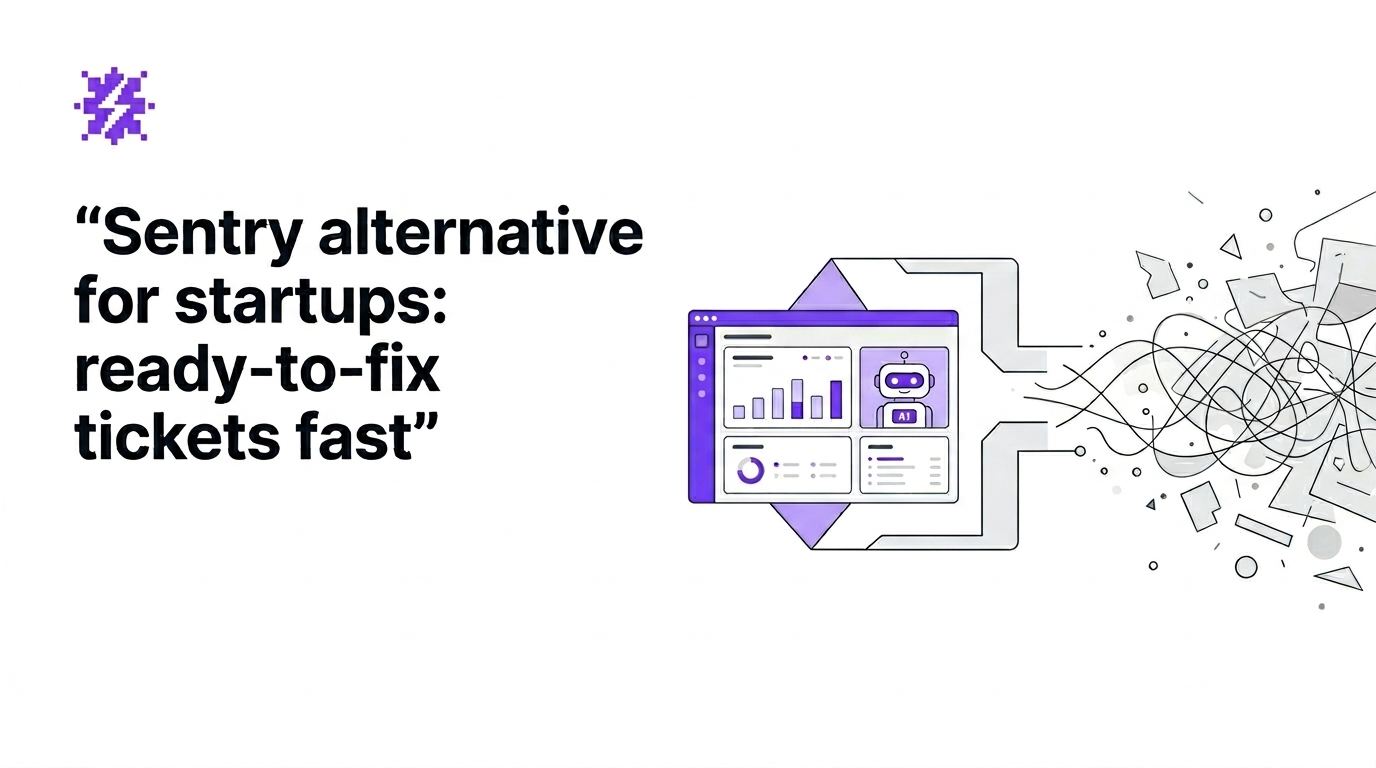
Sentry alternative for startups: ready-to-fix tickets fast
Apr 9, 20266 min read

Top debugging tools for small teams are not about collecting more logs. They are about producing an outcome your team can act on immediately: a reproducible issue with full context, routed into your workflow, so you can ship a fix faster.
If you are an early-stage product team shipping weekly or daily without dedicated QA, your biggest cost is not “bugs exist”. It is the manual lifecycle: users do not report, tickets lack details, engineers ask follow-up questions, and issues sit idle until someone notices churn.
Use this checklist to pick tools that fit small teams with high shipping velocity:
This shortlist is optimized for seed-stage B2B SaaS teams (React/Next.js is common) that need fewer “cannot reproduce” loops and faster triage.
Best for: teams that want bugs captured even when users do not report them, then converted into tickets that are ready to fix.
Setup time: typically 5 to 10 minutes (add SDK/script, trigger a test error, confirm the first issue).
What you get as measurable outputs:
How to evaluate in one sentence: after the first captured issue, can an engineer start fixing without asking “what browser?”, “which endpoint?”, or “how do I reproduce?”
Flash Log focuses on system-level issues (network failures, JavaScript runtime errors, backend/API failures) and avoids treating normal user mistakes as product bugs. That is critical for small teams because false positives destroy trust and create backlog noise.
If you are specifically looking for ai bug reporting that produces actionable tickets, this is the wedge to test first.
Best for: reliable error capture, stack traces, release tracking, and performance signals.
Trade-off for small teams: you may still spend time translating events into consistent bug tickets and managing the lifecycle manually. It is strong at detection; your process still needs to be strong at turning signals into decisions.
Best for: understanding what users did in UI flows before an error or rage click.
Trade-off: replay is powerful but can be time-consuming and expensive at scale. For small teams, the key question is whether replay reduces MTTR, not whether you can watch everything.
Best for: teams with broader infra needs (APM, logs, metrics) and more mature ops practices.
Trade-off: heavier setup and complexity. If your main pain is incomplete bug context and manual triage, you may be paying for breadth while still lacking a tight “issue to ticket” loop.
Best for: managing work once you already have a high-quality bug report.
Trade-off: these tools do not capture production context. Pair them with a capture layer that creates a ticket ready to fix automatically, otherwise your team keeps paying the “missing details” tax.
Run this quick evaluation today. The goal is to validate output quality, not to do a big migration.
If your team still relies on a manual bug report template, compare it against the auto-captured output. Any field your engineers frequently ask for should be present automatically.
To make debugging tools pay for themselves, track metrics that map to engineering velocity and churn risk:
For a broader stack comparison, use this list of best tools to reduce MTTR and choose the smallest set that improves your weekly numbers.
Self-serve is your fastest path to first value. Upgrade when collaboration and governance become the bottleneck:
At that point, the team plan is not “more seats”. It is a standardized issue lifecycle that prevents production bugs from sitting idle after deploys.
Look for release tagging and a workflow that ties error spikes to deploy windows. If you want a concrete implementation path, read error monitoring with CI/CD.
Use a capture layer that automatically collects environment, request/response, and reproduction steps, then dedupes similar issues into one canonical ticket.
If you are comparing top debugging tools for small teams, start with a self-serve install, trigger one real error, and judge the output: can your engineer fix without follow-up questions?
Try Flash Log on one project first. When you see consistent weekly value (lower MTTR, fewer duplicates, more complete tickets), expand to a team workflow with routing, status mapping, alerts, and Jira/Linear/GitHub automation.
Weekly tactics to reduce debugging time, automate bug reporting, and ship faster without breaking production.