
How to Track Production Errors Without Slowing Down Releases
How to Track Production Errors Without Slowing Down Releases
If you are searching for how to track errors in production, you are likely shipping fast and only learning about bugs after a customer complains, churns, or your CS team escalates. This guide shows a repeatable workflow that produces measurable outputs (ready-to-fix tickets, lower “cannot reproduce,” faster MTTR) with first value in under 10 minutes.
Mục lục
- What tracking errors in production should output
- A simple lifecycle framework: Detect, Capture, Triage, Route, Close
- 10-minute quickstart: first issue to ready-to-fix ticket
- Weekly metrics that prove ROI (without noisy backlogs)
- When to upgrade from self-serve to a team plan
- Common blockers and practical fixes
Key Takeaways
- Tracking production errors should produce ready-to-fix tickets, not just dashboards.
- First value under 10 minutes is achievable with a single script or SDK install.
- Measure weekly: time from error to ticket, repro completeness, dedupe rate, and MTTR trend.
- Team expansion happens when routing, permissions, and reporting become shared workflows.
What tracking errors in production should output
Early-stage product teams do not fail because they lack logs. They fail because decisions are slow: Is this real? Can we reproduce it? Who owns it? Is it getting worse? That is how you end up debugging without context while the team context-switches after every deploy.
A production error tracking setup is useful only if it reliably outputs:
- Actionable issue summary: what broke and where, written for humans.
- Auto-generated reproduction steps: so engineers can validate quickly.
- Full technical context: request response, status code, timestamp, duration, network state.
- Environment details: OS, browser, viewport, timezone, device context.
- Deduped issues with severity signals: so your tracker stays clean.
Flash Log is built around this output. It captures system-level issues (network failures, JavaScript runtime errors, backend API failures) and avoids treating normal user mis-clicks as product bugs.
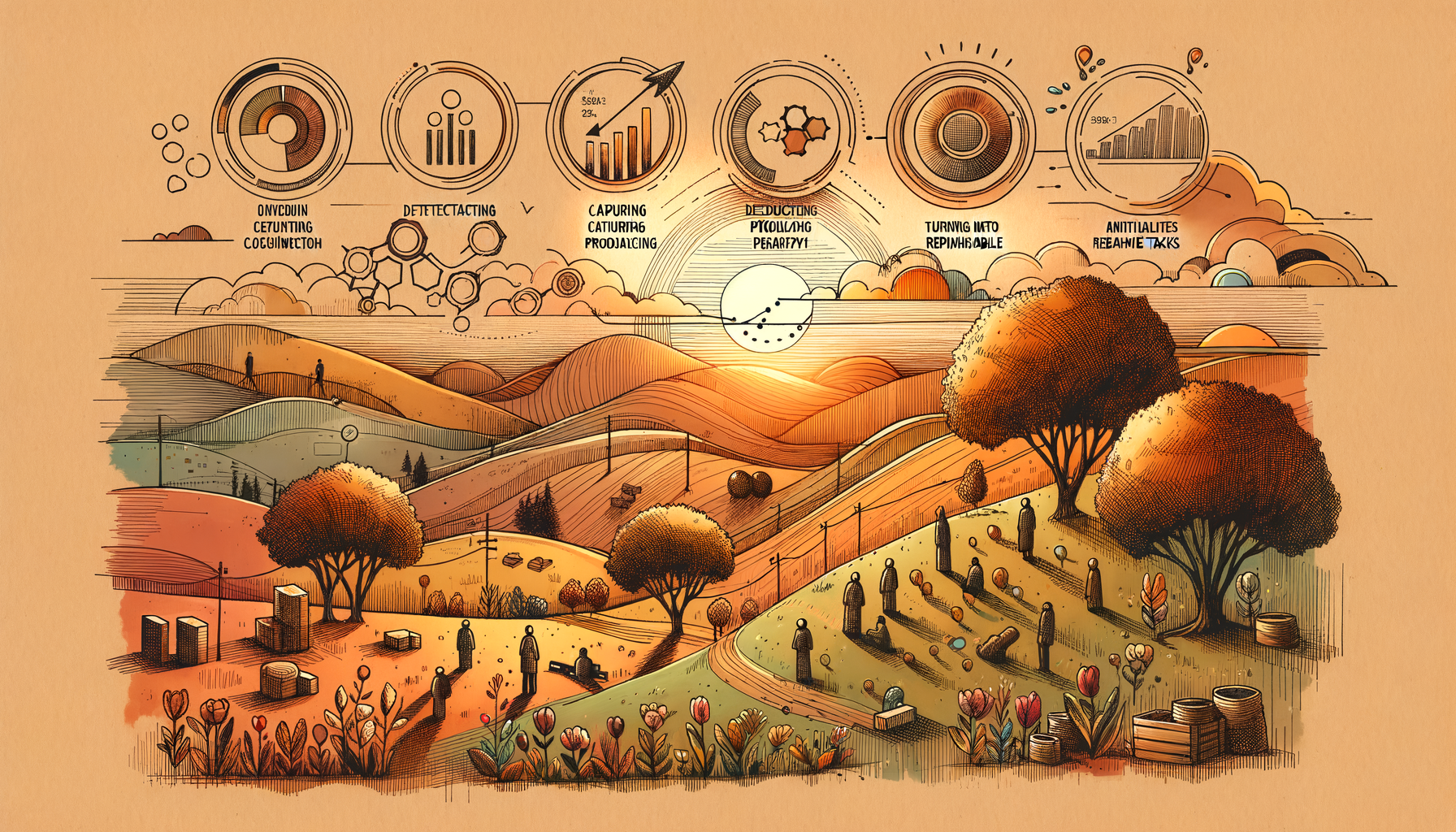 Lifecycle view: detect, capture with context, dedupe, prioritize, and route into a ready-to-fix ticket.
A simple lifecycle framework: Detect, Capture, Triage, Route, Close
Use this framework to turn production errors into a manageable weekly workflow for a 5 to 25 person B2B SaaS team.
1) Detect: know an error happened even if users never report it
User reports are a lagging signal. Detection should come from real-user production behavior and system-level failures. The goal is to reduce the time between “error happened” and “team is aware.”
2) Capture: package the issue into a ready-to-fix artifact
The output here is not an event stream. It is a single bug report that is immediately actionable. Flash Log’s AI Bug Logging generates an issue summary and reproduction steps, and attaches the technical and environment context engineers typically ask for in follow-up.
3) Triage: dedupe and prioritize based on impact
If every event becomes a ticket, your backlog explodes. You need dedupe plus priority rules. This is where bug triage automation matters: map severity to impact and define how statuses should move without manual updates.
4) Route: create tickets where the team already works
Most early-stage teams live in Jira, Linear, or GitHub Issues. Routing is successful when the ticket is created with enough context to start fixing immediately, not just a link to logs. If Jira is your source of truth, you can auto create jira ticket from error so the workflow is consistent after every deploy.
5) Close: manage issue lifecycle automatically
Lifecycle is the hidden cost. Define rules such as: escalate if repeated for 24 hours without an owner, and consider auto-close if the bug stops occurring. This reduces “stale tickets” and keeps attention on active production risk.
How to track errors in production with a 10-minute quickstart
This quickstart is designed for self-serve evaluation. Your goal is first value: one real issue captured with enough context to be ready-to-fix.
- Install the script or SDK on your web app (target: under 5 minutes).
- Trigger a controlled error in a safe flow to confirm capture.
- Verify the output quality: AI summary, reproduction steps, request response details, environment context.
- Enable daily email summary so founders and product leads get signal without logging in.
- Set basic priority mapping to align severity with impact.
- Connect your tracker so issues become tickets automatically when they meet your rules.
In Flash Log, first value is achieved when you see your first issue with full context and reproduction steps, and it is already formatted as a ticket engineers can act on.
Expert Insight
For early-stage product teams, MTTR is dominated by “time to sufficient context,” not “time to detection.” If your system consistently produces reproduction steps plus request response and environment details, you remove the coordination loop that slows every fix.
Weekly metrics that prove ROI (without noisy backlogs)
To justify keeping the tool after the trial, track metrics that map to business impact and engineering throughput:
- Time from error to ticket: median minutes from first occurrence to ticket created.
- Repro completeness rate: percent of tickets with reproduction steps and environment context.
- Dedupe rate: percent of events grouped into existing issues (higher usually means less noise).
- MTTR trend: median time from ticket created to resolved.
- Top impacted flows: pages or journeys with the most high-severity issues.
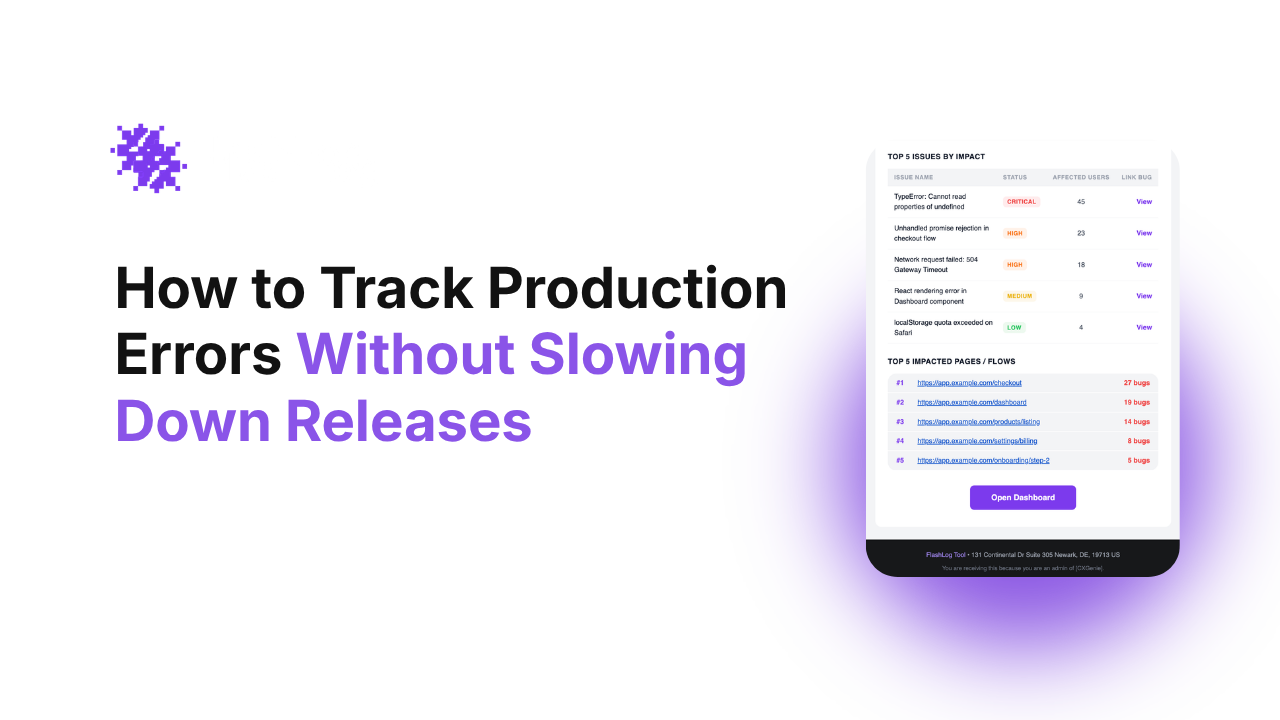
Flash Log supports a report dashboard for trends and top-impact issues, plus daily and weekly email reports so the team can make decisions without living in dashboards.
If you are still comparing categories, start with a shortlist of top debugging tools for small teams and evaluate them on time-to-first-value and ticket readiness, not feature checklists.
When to upgrade from self-serve to a team plan
Self-serve works when one tech lead owns production quality. Upgrade when production triage becomes a shared operating system across Engineering, Product, and CS.
- More than 2 to 3 people triage weekly and you need shared ownership and collaboration.
- You need standardized priority and status mapping across projects to reduce confusion.
- You need routing rules by service, page, or customer segment to avoid manual assignment.
- You need governance such as permissions, multiple projects, and consistent reporting.
- You rely on integrations as the default workflow, not an occasional export.
This is the natural Self-Serve to Team Expansion path: one engineer installs and proves value, then the team adopts it as the default triage and ticket creation layer.
Common blockers and practical fixes
We already use Sentry. Why add another tool?
If your pain is not detection but lifecycle and ticket readiness, you are looking for an automation layer. That is why teams evaluate a Sentry alternative for startups that focuses on dedupe, prioritization, and ready-to-fix tickets rather than only event capture.
Our backlog will explode with tickets
Do not ticket every event. Use dedupe and severity rules, and focus on system-level issues. A clean backlog is an output, too: fewer duplicates, fewer non-reproducible tickets, faster decisions.
Founders will not check another dashboard
Push signal to where they already work. Daily summaries and weekly trend reports by email let leadership spot production risk without logging in.
Câu hỏi thường gặp
What is the fastest way to track errors in production for a small team?
Use a tool with a single script or SDK install, then validate first value by confirming the first captured issue includes an AI summary, reproduction steps, and full technical plus environment context within 10 minutes.
What should a ready-to-fix production bug report include?
It should include a clear summary, reproduction steps, request response details (status code, timing, network state), and environment data (browser, OS, device, timezone). This reduces follow-up questions and lowers MTTR.
How do we avoid tracking user mistakes as bugs?
Filter for system-level signals such as JavaScript runtime errors, network failures, and backend API failures. Combine this with dedupe and severity rules so one-off events do not flood your tracker.
When should we connect production error tracking to Jira?
Connect it when your team is manually copying logs into tickets or repeatedly asking for missing context. Auto-creation is valuable only if the ticket includes repro steps and context so engineers can start immediately.
How do we know the tool is worth paying for after the trial?
Look for weekly improvements in time from error to ticket, repro completeness rate, dedupe rate, and MTTR trend. If multiple people triage weekly, team features like routing, permissions, and reporting typically justify the upgrade.
Next step: Try Flash Log self-serve on one production project. Install, trigger a test error, and aim for your first ready-to-fix ticket in under 10 minutes. If multiple people triage weekly, upgrade to a team plan for shared workflows, routing, and reporting.
 Weekly outcomes to track: time to ticket, repro completeness, dedupe rate, and MTTR trend.
Unknown Author
Stay in the loop
Weekly tactics to reduce debugging time, automate bug reporting, and ship faster without breaking production.