
Bug Ticketing for Support Teams, A Proactive Detection and Triage Framework
Bug ticketing gives support and engineering teams a shared method for turning customer complaints, QA findings, and production defects into actionable work. A reliable process captures evidence, separates severity from priority, assigns ownership, and preserves traceability through verification rather than treating every report as an equally urgent interruption.
- Use one intake-to-closure workflow for support reports, QA discoveries, and automatically detected production defects.
- Prioritize by user impact, business risk, urgency, and scope instead of report volume alone.
- Define explicit handling rules for duplicates, intermittent failures, missing evidence, reopened tickets, and regressions.
What a Reliable Bug Ticketing Workflow Needs to Capture
A reliable bug ticketing workflow captures enough context for another person to understand, reproduce, prioritize, and verify the defect without reopening the original conversation. The ticket is not merely a storage record. It is the handoff contract between the person who detected the problem and the person responsible for resolving it.
Separate the report, ticket, and issue
A bug report is an observation, such as a customer saying that checkout failed. A bug ticket is the structured work item created after the observation has enough evidence to be investigated. An issue is the broader technical or product problem that may include several reports, affected releases, and related tasks. Keeping these levels distinct prevents ten customer conversations from becoming ten competing engineering tickets.
Capture five evidence categories
- Reproduction: precise steps, inputs, frequency, and whether the failure is consistent.
- Impact: affected users, workflow stage, revenue or access implications, and available workaround.
- Environment: release version, browser or device, operating system, account type, feature flags, and relevant logs.
- Ownership: responsible team, individual owner, support contact, and target decision date.
- Traceability: linked conversations, duplicate tickets, deployment references, test evidence, and closure reason.
Support should not be expected to diagnose root cause before creating a ticket. Support does need to preserve the customer’s exact behavior and impact. QA should add controlled reproduction evidence, while engineering should record the suspected cause and change that addresses it. In my experience, the most useful ticket is not the longest one; it is the one that makes the next decision unambiguous.
Use a minimum intake gate: no ticket moves to engineering ownership until it contains a clear symptom, affected workflow, evidence source, and known impact. If one field is unavailable, record “unknown” and assign a named person to investigate it rather than silently leaving the gap.
How to Build a Bug Ticket From Detection to Verified Fix
A complete bug ticket moves through eight controlled stages: intake, evidence collection, creation, assignment, investigation, implementation, retesting, and closure. Each stage should produce a decision or artifact that the next role can use.
The eight-stage workflow
- Intake: record whether the signal came from support, QA, engineering, monitoring, or a customer who did not submit a formal report.
- Evidence collection: preserve screenshots, recordings, logs, request identifiers, timestamps, account context, and reproduction steps.
- Ticket creation: summarize the symptom and separate observed facts from assumptions about cause.
- Assignment: route the ticket to the team that can investigate the affected component, with a priority review date.
- Investigation: confirm scope, identify likely cause, search for duplicates, and document a reproduction result.
- Implementation: link the code or configuration change and state the risk of the proposed fix.
- Retesting: test the original failure, relevant edge cases, and likely regression paths.
- Closure: record the deployed version, verification evidence, customer communication, and final disposition.
Reusable ticket example
Title: Saved payment method disappears after address update
Symptom: A returning customer loses the saved card selection after editing the billing address.
Reproduction steps: 1. Sign in with an account containing a saved card. 2. Open checkout. 3. Edit the billing address. 4. Select Continue. 5. Observe the payment method section.
Expected: The saved card remains selected and available for payment.
Actual: The card selection disappears and the customer must enter payment details again.
Environment: Release 8.4.2, Chrome, macOS, returning account, standard checkout, feature flag enabled.
Severity: High because a core purchase step is disrupted.
Priority: P1 if payment completion is broadly affected or no workaround exists; otherwise P2 pending scope confirmation.
Owner: Checkout engineering.
Acceptance criteria: The saved method persists after address edits, the behavior is covered by an automated test, and QA verifies both saved-card and new-card flows.
Closure requires more than a developer comment saying “fixed.” QA should attach the tested release and result, support should confirm whether the affected customer needs follow-up, and the owner should close linked duplicates with a reference to the canonical ticket. That evidence makes future audits and regressions faster to interpret.
How to Triage Bugs by Severity, Business Impact, and Urgency
Bug triage should assign severity from the damage caused by the defect and priority from the action the team should take next. Treating those terms as interchangeable creates predictable errors, such as escalating a highly visible cosmetic issue above a payment failure with fewer reports.
Use a three-part triage checklist
- Severity: Does the defect block a critical workflow, corrupt data, expose information, cause financial loss, or degrade a noncritical feature?
- Impact: How many users or accounts are affected, which segments are exposed, and is the problem expanding?
- Urgency: Is there a deadline, active incident, security concern, contractual obligation, or release decision that changes the response time?
Severity versus priority matrix
| Situation | Severity signal | Priority decision | Immediate action |
|---|---|---|---|
| Payment failure affecting a small but identifiable segment | Critical workflow blocked | P1 when no reliable workaround exists | Assign an owner, assess scope, and communicate status |
| Cosmetic layout defect affecting many users | Low functional harm | P2 or P3 based on brand and release risk | Schedule a fix and monitor customer impact |
| Intermittent data loss with unclear frequency | Potentially critical | P1 investigation until risk is bounded | Preserve logs and identify affected records |
| Security exposure with a viable workaround | High risk despite limited reports | Urgent priority under the security process | Restrict exposure and involve the security owner |
Report count is evidence, not a ranking system. A single confirmed payment or security failure may deserve more attention than dozens of cosmetic complaints. I generally ask triage participants to state the rationale in one sentence, such as “P1 because checkout completion is blocked for accounts using saved cards and no workaround is confirmed.” That sentence makes later reprioritization defensible.
Set a decision threshold
Require the triage owner to document affected workflow, scope confidence, workaround quality, release risk, and next review time. If scope is unknown, use an investigation priority rather than pretending the severity is known. Reassess after logs, reproduction, or customer segmentation changes the evidence.
How to Handle Duplicate, Intermittent, and Reopened Bug Tickets
Exception handling keeps a bug ticketing system trustworthy because not every ticket follows a straight open-to-closed path. Each exception needs an evidence requirement, a responsible role, a next status, and a precise closure condition.
| Situation | Required evidence | Responsible role | Next status and closure condition |
|---|---|---|---|
| Duplicate | Matching symptom, environment, and affected workflow | Triage owner | Duplicate; close after linking the canonical ticket and preserving customer context |
| Missing information | Specific unanswered fields, not a generic request for more detail | Support or intake owner | Waiting for information; close only after a defined response window and documented attempts |
| Intermittent failure | Timestamps, frequency, identifiers, logs, and conditions that correlate with failure | Engineering with support assistance | Investigating; close only when fixed, risk accepted, or evidence shows a non-bug cause |
| Cannot reproduce | Tested version, environment, steps attempted, and comparison with reported conditions | QA or engineering | Cannot reproduce; keep reopen criteria and avoid treating absence of reproduction as proof of no defect |
| Rejected ticket | Reason such as expected behavior, configuration, or unsupported environment | Product or engineering owner | Rejected; close after the rationale and customer-facing explanation are recorded |
| Blocked fix | Dependency, decision, or missing access preventing progress | Assigned owner | Blocked; review at a stated date and escalate if impact changes |
| Reopened defect | New failure evidence against the acceptance criteria | Original owner or current component owner | Reopened; close only after the failed criterion is retested successfully |
| Regression | Previously passing test or release behavior and the version where it failed | Engineering and release owner | Urgent reassessment; close after fix verification and regression coverage |
Duplicate control should preserve the original reporter’s evidence instead of deleting it. For intermittent bugs, a “cannot reproduce” result is a test record, not a diagnosis. The ticket should remain useful by specifying what would justify reopening, such as a request identifier, release version, or repeatable sequence.
How to Connect Support, QA, and Engineering Without Losing Bug Context
A connected defect workflow assigns each handoff a required artifact, owner, and feedback loop so production signals become useful tickets rather than unfiltered noise.
Define the shared workflow
- Support to triage: send the customer impact, exact wording, account context, evidence, and promised follow-up date.
- Triage to QA: provide reproduction conditions, scope questions, and the priority rationale.
- QA to engineering: attach a verified reproduction, environment metadata, logs, and acceptance criteria.
- Engineering to support: provide status, workaround, release reference, and customer communication guidance.
- Production monitoring to triage: group repeated failures, identify affected workflows, and create a ticket only when the signal passes agreed thresholds.
Use automation as a noise gate
Automation should classify and group signals before creating work for engineers. A practical rule is to filter expected business errors, deduplicate repeated failures, attach available context, and route only issue pressure that crosses a defined impact or priority threshold. This preserves proactive detection without turning every raw error into a ticket.
Flash Log can complement an existing workflow by capturing and classifying bugs automatically, including defects that users never formally report. Teams should evaluate the resulting records against the same intake gate used for support and QA: clear symptom, evidence, affected workflow, priority rationale, owner, and verification path.
Review the workflow weekly using operational questions rather than vanity counts: Which tickets lacked reproduction evidence? Which duplicates reached engineering? Which reopened defects escaped acceptance testing? Which production signals were useful enough to create action? Those answers identify where the process needs a stronger field, rule, or ownership boundary.
Bug Ticketing FAQ
Teams that want to strengthen proactive bug ticketing can explore Flash Log as an option for automatically detecting and classifying production defects, including issues that never become formal customer reports. Use it alongside a clear intake, triage, ownership, and verification process so automation improves signal without weakening accountability.
Alert Fatigue Explained, A 5-Step Playbook to Cut Noise Without Missing Critical Signals
Reduce alert fatigue with a 5-step playbook, a 60-second self-check, and a scorecard to cut noise without missing critical signals.
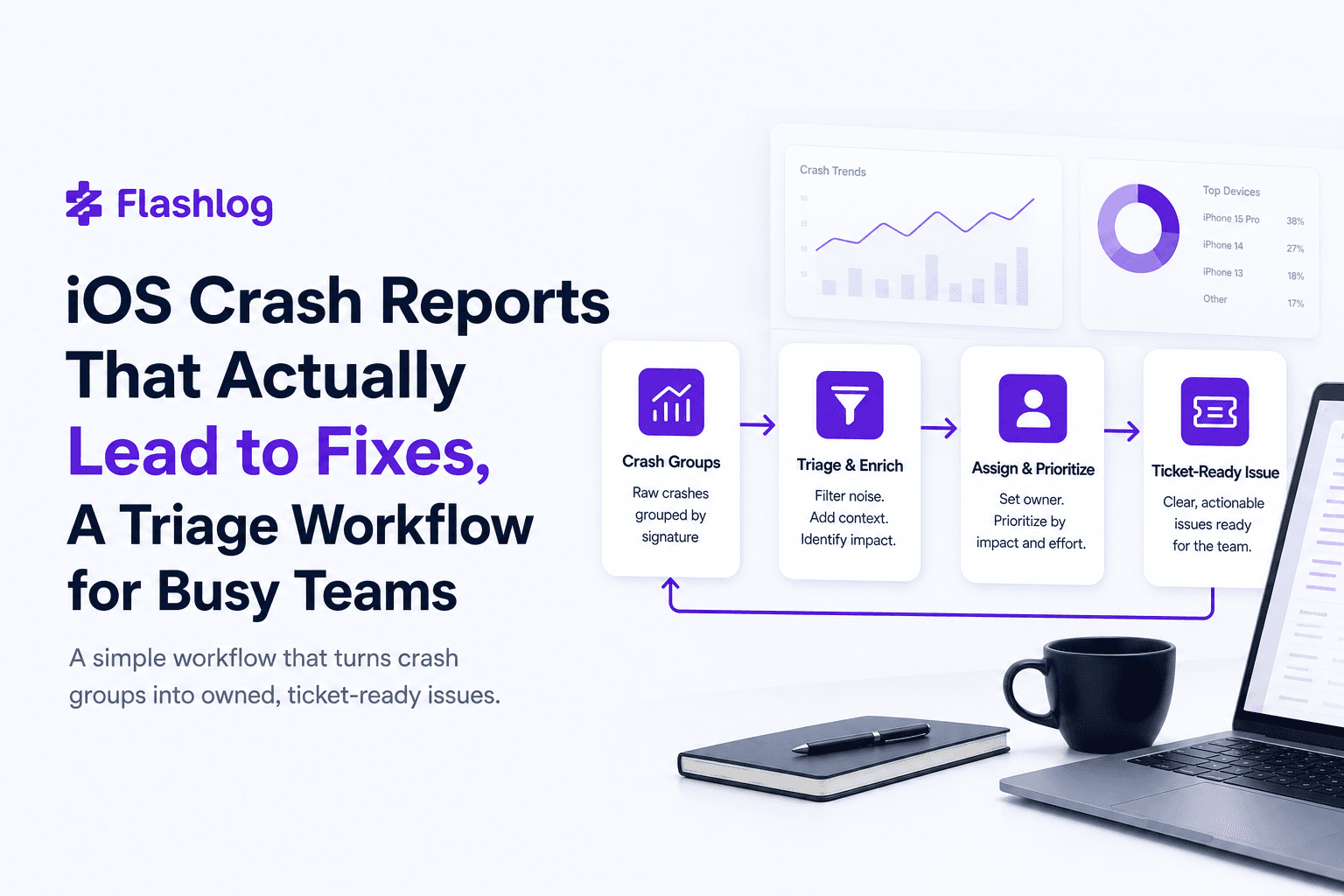
iOS Crash Reports That Actually Lead to Fixes, A Triage Workflow for Busy Teams
Turn ios crash reports into actionable tickets with a simple triage rubric and a minimum context bundle your iOS team can trust.
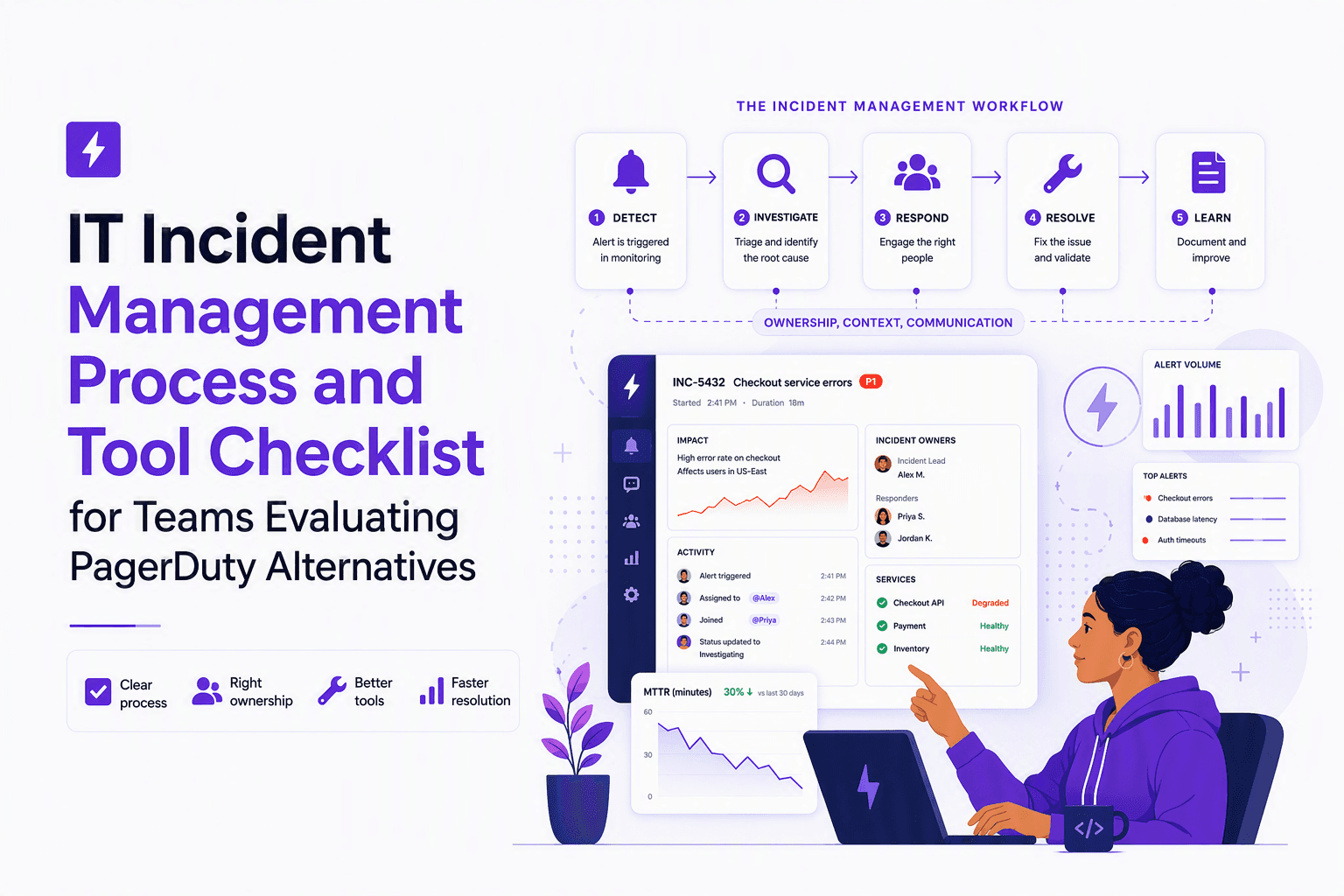
IT Incident Management Process and Tool Checklist for Teams Evaluating PagerDuty Alternatives
Build an it incident management process that maps each stage to tool requirements, major-incident roles, and integrations for PagerDuty-alternative evaluations.