
Alert Management, A Step-By-Step Framework For Routing, Escalation, And Noise Reduction
Alert management is the process of designing how teams detect, route, prioritize, and escalate operational signals before they become disruptive incidents. A reliable system starts with clear alert ownership, defined thresholds, and review loops that protect engineers from unnecessary interruptions while preserving important signals.
- Three alert categories with clear ownership prevent missed signals and unclear handoffs.
- Thresholds, routing rules, and suppression logic create predictable escalation paths.
- Weekly reviews improve alert quality by reducing noise and refining automation.
Build Alert Management Around Three Alert Types And Ownership
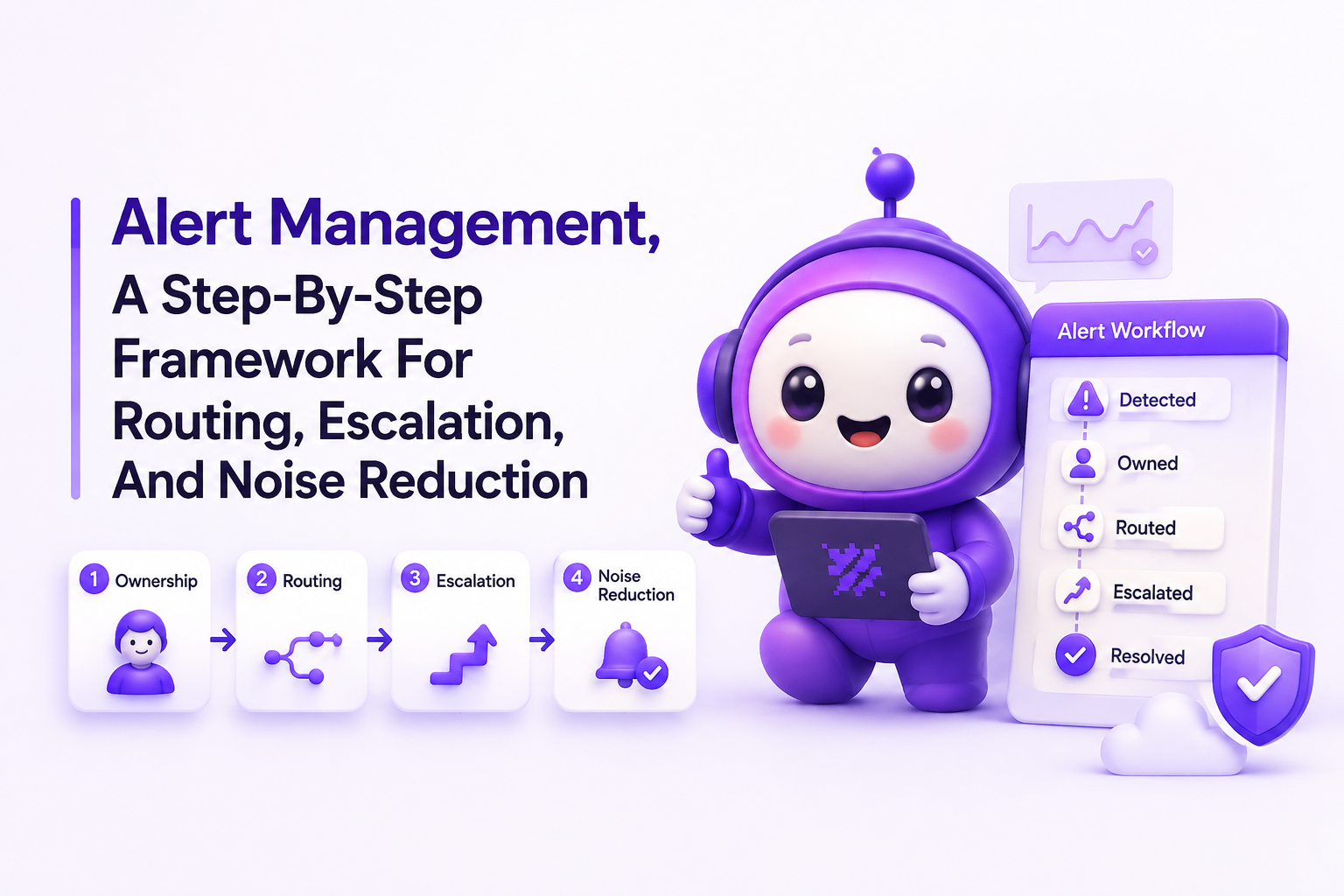
Effective alert management starts with separating alerts into categories based on urgency, ownership, and required action. Teams should define these categories before configuring tools because routing without ownership creates confusion during pressure.
Define the three core alert categories
A practical taxonomy uses three groups: informational alerts, action alerts, and escalation alerts. Informational alerts provide awareness but do not require immediate response. Action alerts indicate a condition that an assigned owner should investigate. Escalation alerts represent growing risk where additional responders or leadership visibility may be required.
A simple ownership checklist includes the alert name, responsible team, response expectation, suppression conditions, and escalation path. For example, a payment processing warning may belong to the payments team, require review within 30 minutes, and escalate only if the issue count crosses a defined threshold.
Assign ownership before creating rules
Ownership prevents alerts from becoming shared responsibilities with no clear responder. Each alert should answer three questions: who receives it, who investigates it, and who decides whether escalation is needed.
In our experience working with engineering teams, unclear ownership was often a larger source of delay than missing notifications. Teams improved handoffs when every alert had a named owner and a documented next action.
Set Alert Management Thresholds And Routing Rules With Concrete Criteria
Alert management thresholds should measure meaningful risk rather than every technical event, using priority levels, counts, and routing rules that match business impact.
Create severity rules based on pressure
Threshold design should consider issue priority, frequency, customer impact, and response capacity. A useful rule format includes the priority level, operator, count, destination, and escalation condition.
- P1 issues: trigger escalation when critical issue count reaches a defined limit.
- P2 issues: notify the responsible team before the backlog affects planned work.
- Lower priorities: monitor trends without interrupting active responders.
For example, a team may configure a rule that sends a notification when P1 issue count reaches five. The important decision is not the number itself but the reason behind the threshold and the action expected after the alert fires.
Use routing and suppression together
Routing determines where alerts go, while suppression prevents repeated or irrelevant signals from creating noise. Good routing sends critical signals to fast channels such as Slack, Telegram, or Discord, while email can provide a durable backup record.
Our team found that reviewing duplicate patterns before adding new alerts produced cleaner results than simply increasing notification volume. Grouping repeated failures into one issue context helps responders focus on pressure instead of counting identical failures.
Teams should also monitor related problems such as false positives because inaccurate signals reduce trust in every future escalation.
Separate Alert Management From Incident Management To Keep Handoffs Clean
Alert management identifies when attention is needed, while incident management organizes the coordinated response after an issue requires broader action.
Define the alert-to-incident boundary
An alert becomes an incident when the team confirms meaningful impact, assigns an incident owner, and begins a coordinated response. Not every alert should create an incident because automatic escalation without validation creates unnecessary operational overhead.
A clean handoff process includes alert detection, ownership confirmation, impact assessment, incident declaration, and post-resolution review. Teams should document who can promote an alert into an incident and what evidence is required.
Clear separation also improves incident management because responders receive context instead of raw notifications.
Create escalation paths before emergencies
Escalation rules should define timing, backup ownership, and communication channels. A mature workflow might route a critical alert to the primary engineer first, then notify a secondary owner if no acknowledgement occurs within the agreed response window.
We initially assumed more escalation layers would improve reliability, but our reviews showed that simpler ownership maps created faster decisions. Teams need fewer handoffs when the first notification already contains priority, issue count, and recommended action.
Tune Noise And Escalations With A Weekly Review Loop
Weekly alert reviews keep alert management effective by turning operational data into continuous improvements.
Measure alert quality with practical metrics
Teams should review alert volume, acknowledgement time, repeated notifications, ignored alerts, and escalation frequency. The goal is not to eliminate alerts but to ensure each alert represents a condition worth attention.
A review checklist should include:
- Which alerts fired without useful action?
- Which alerts created repeated investigations?
- Which thresholds need adjustment?
- Which ownership paths changed?
After running several alert audits, the pattern was clear for our team: fewer, better-defined rules created more reliable response behavior than expanding coverage without review.
Use automation to preserve signal quality
Automation can help teams filter expected noise, group similar failures, and deliver context-rich notifications. Flash Log supports this workflow by automatically capturing and classifying bugs with AI, including cases where users do not submit reports, giving engineering teams additional context when alert patterns reveal emerging issues.
Teams can also use an alert triage process to review whether signals match actual risk. Regular reviews reduce alert fatigue by keeping notifications connected to meaningful actions.
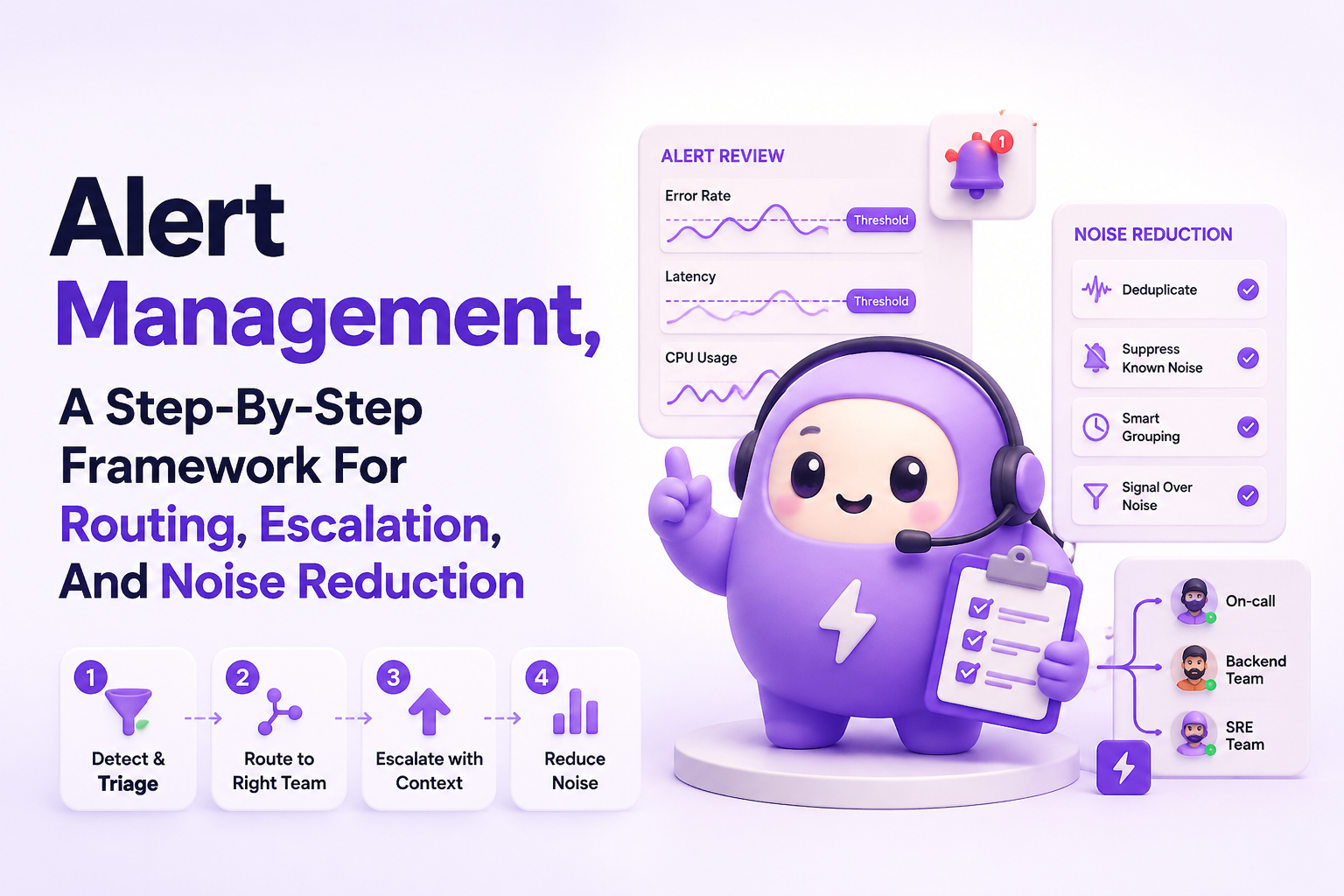
| Alert Area | Decision Criteria | Example |
|---|---|---|
| Severity | Customer impact and urgency | P1 issues require immediate review |
| Threshold | Issue count and risk level | Notify when critical issues reach five |
| Routing | Owner and communication channel | Slack primary route, email backup |
Frequently Asked Questions About Alert Management
Flash Log helps engineering teams strengthen the workflow around bug discovery by automatically capturing and classifying issues when alert patterns reveal meaningful pressure. Start building cleaner operational signals with Flash Log and give your team better context before escalation decisions are made.
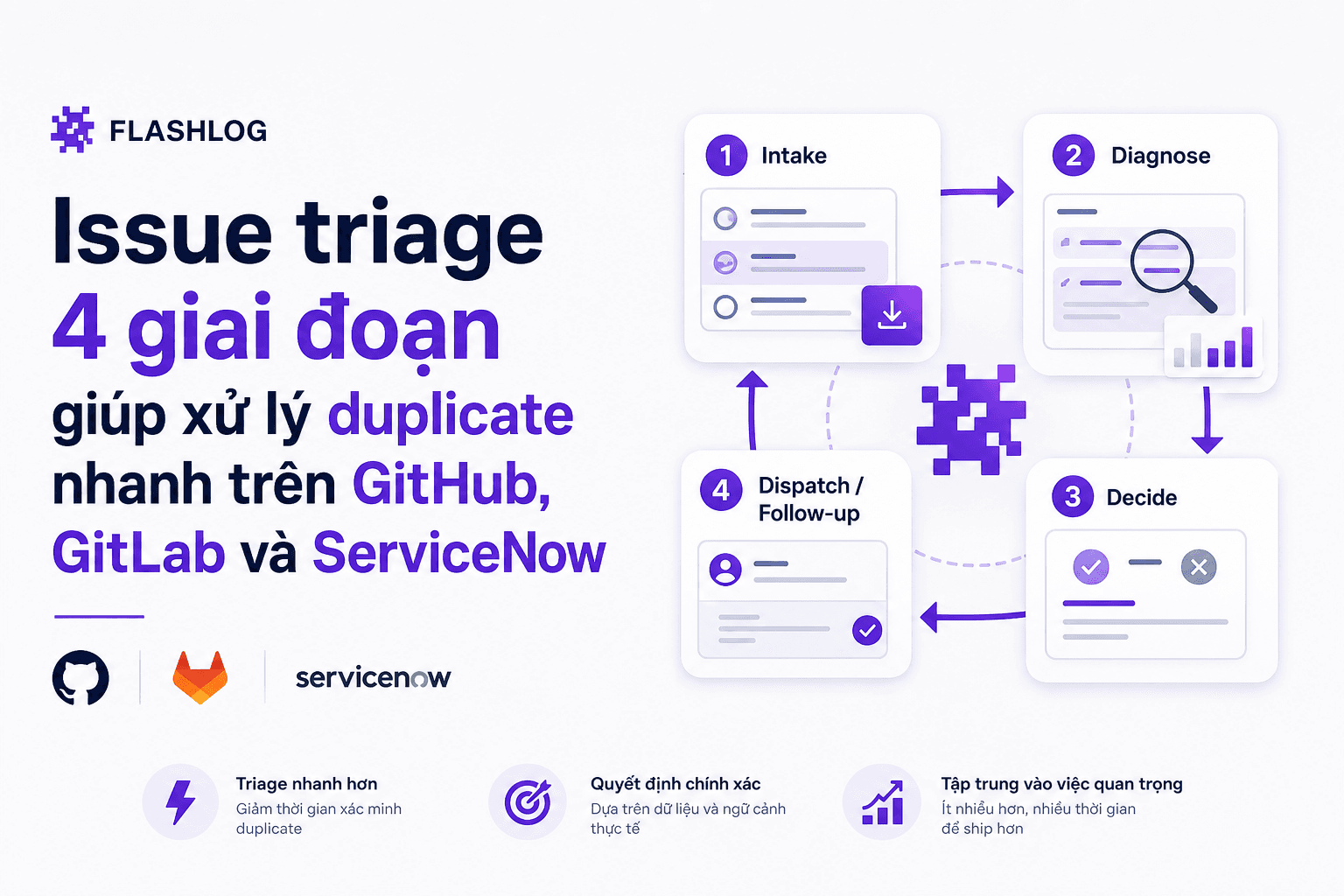
Issue triage 4 giai đoạn giúp xử lý duplicate nhanh trên GitHub, GitLab và ServiceNow
Quy trình issue triage 4 giai đoạn, taxonomy label, mẫu comment đóng duplicate và rules triage bot cho GitHub, GitLab, ServiceNow.
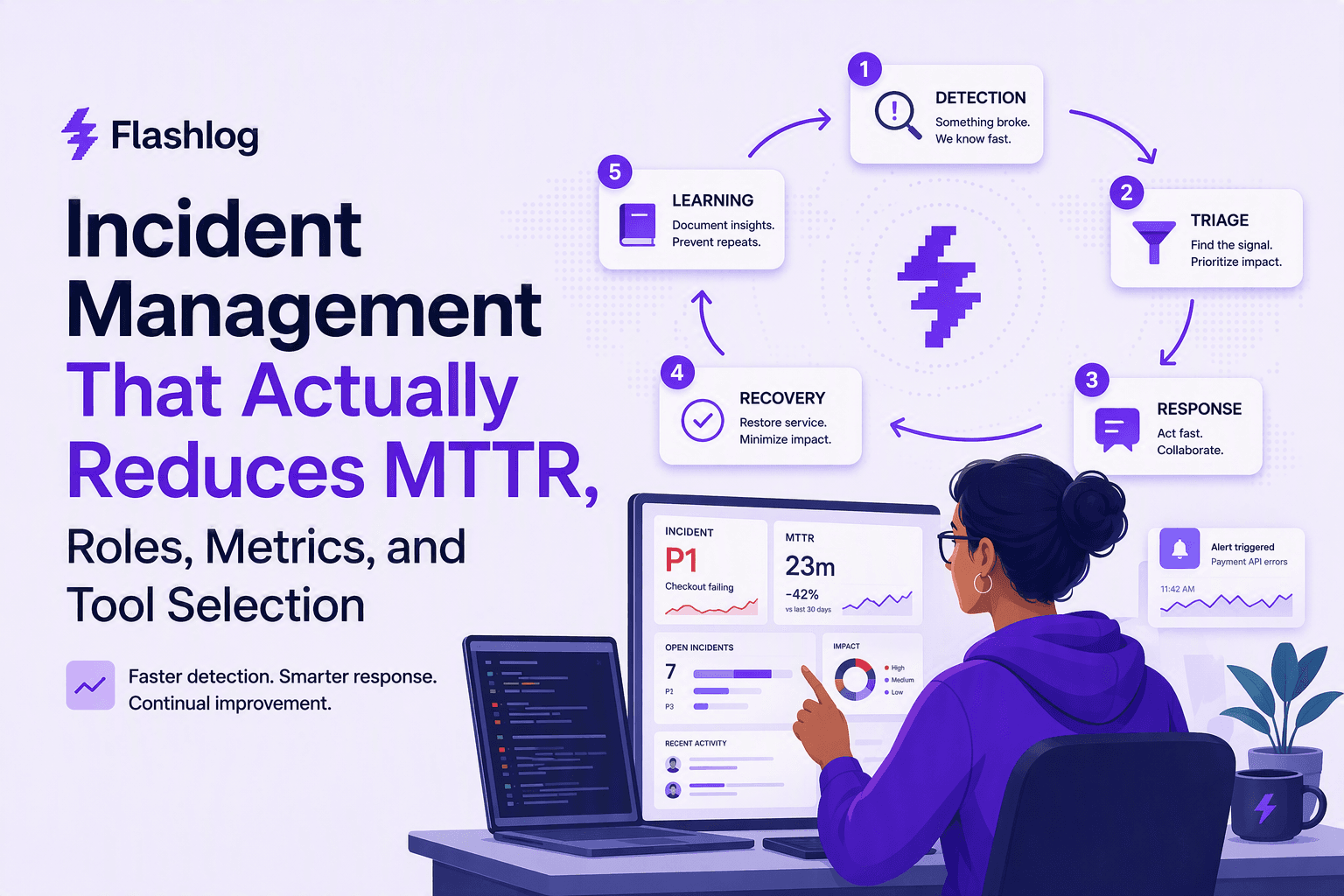
Incident Management That Actually Reduces MTTR, Roles, Metrics, and Tool Selection
A practical incident management playbook: 5-step loop, RACI ownership, MTTR metrics, and tool selection criteria for on-call, ITSM, and AIOps.

Adaptive Sampling for Observability, A Practical Framework to Cut Noise Without Missing Incidents
Adaptive sampling framework for observability: pick signals, set rates with SLO risk math, validate quality, and cut telemetry noise without hiding incidents.