
Alert Triage for On-Call Teams, A Practical Framework For Reducing Noise And Escalations
Alert triage is the process of deciding which alerts deserve immediate attention, who owns the response, and what action should happen next. Effective alert triage helps on-call teams separate operational signals from noise by using clear severity rules, ownership paths, and measurable escalation criteria instead of reacting to every notification.
- Strong alert triage starts with defining what qualifies as a meaningful interruption based on impact, severity, and ownership.
- A scoring model using customer impact, blast radius, and reproducibility creates consistent urgency decisions across responders.
- Automation, runbooks, and health metrics help teams reduce manual investigation and improve escalation quality.
Define What Actually Deserves An Alert Before Triage Begins
Alert quality improves when teams define interruption criteria before production pressure appears. An alert should represent a meaningful operational risk, not simply the existence of an error event.
Many teams struggle because raw failures enter notification systems before they are classified. A useful decision framework separates three questions:
- Signal: Does the event indicate a real product or customer problem?
- Severity: How much damage can occur if nobody responds within the expected window?
- Ownership: Which person or team has the authority and context to act?
The first filter should remove events that do not require human attention. Known business exceptions, duplicate failures, and low-impact issues should not compete with production incidents. Teams that ignore this step often experience an alert storm where notification volume grows faster than response capacity.
A practical alert rule usually contains four components: the condition being measured, the threshold that matters, the responsible owner, and the expected response action. For example, a team may decide that five active P1 issues require an engineering response, while one isolated low-priority error remains visible only in dashboards.
Use A Simple Scoring Model To Rank Alert Urgency
Alert triage becomes more consistent when teams score urgency using customer impact, blast radius, and reproducibility instead of relying on personal judgment alone.
A lightweight scoring model can assign each alert a priority level using three criteria:
- Customer impact: Count affected users, blocked workflows, revenue-sensitive paths, or critical product functions.
- Blast radius: Estimate whether the issue affects one service, one customer segment, or the entire platform.
- Reproducibility: Determine whether engineers can consistently reproduce the failure and verify a fix.
For example, an issue affecting checkout for many users but occurring intermittently may score higher than a repeatable error affecting an internal tool. The scoring model should create a shared language for responders, not replace technical judgment.
We initially assumed that the highest error count always represented the biggest operational risk, but our reviews of incident queues showed that impact context mattered more than raw volume. Teams often discover that a smaller number of high-impact failures deserves faster escalation than thousands of harmless repetitions.
A practical scoring checklist can look like this:
- Does the issue block a core customer action?
- Is the affected surface area expanding?
- Can the team identify a responsible owner immediately?
- Will delayed response increase recovery complexity?
This approach also reduces confusion caused by false positives. A notification that looks urgent but has no meaningful consequence consumes the same attention as a real incident unless teams establish ranking rules.
Route Alerts To The Right Owner Fast
Alert routing works when every notification has a clear owner, escalation path, and handoff threshold before an incident occurs.
The routing framework should map alert categories to teams and response expectations:
- Application failures: Route to the service owner responsible for code changes.
- Infrastructure issues: Route to platform or reliability teams with environment access.
- Customer-impacting bugs: Include product stakeholders when business decisions affect recovery.
Ownership should be visible inside the alert itself. A responder should not need to search documentation to answer who handles the issue, what severity it represents, or when escalation begins.
In our experience working with engineering teams, unclear ownership was often a bigger delay factor than technical complexity. When responders knew the owner and escalation boundary immediately, investigations moved forward without unnecessary coordination loops.
Good escalation policies define thresholds such as:
- Escalate after a defined acknowledgement window.
- Escalate when customer impact increases beyond the original estimate.
- Escalate when the primary owner cannot access required context or systems.
Communication channels also matter. Teams may route urgent alerts through Slack, Telegram, Discord, or email depending on who needs the signal. The channel choice should follow the response workflow rather than personal preference.
Build Triage Runbooks That Reduce Decision Fatigue
On-call runbooks reduce response mistakes by turning common alert decisions into repeatable investigation steps.
A useful runbook does not document every possible technical detail. It provides the minimum information needed to make the next correct decision:
- What does this alert mean?
- What checks should happen first?
- Who owns the next action?
- When should escalation happen?
Runbooks should be reviewed after incidents because outdated instructions create false confidence. The best teams treat documentation as an operational asset that changes with architecture and product behavior.
We tested lightweight runbook formats with short decision trees instead of long incident documents. The pattern was clear: responders needed fast navigation and ownership clarity more than extensive background information during active incidents.
Measure Alert Triage Health With The Right Metrics
Alert triage performance improves when teams measure response quality rather than only counting notifications.
Useful operational metrics include:
- Alert volume: The number of notifications reaching responders over a period of time.
- Time to acknowledge: How quickly someone confirms ownership of an alert.
- False positive rate: The percentage of alerts that do not require action.
- Repeat incident patterns: Issues that return because the underlying cause was not addressed.
These measurements reveal whether an alert system helps engineers or creates additional work. A rising alert count without improved response outcomes usually indicates that filtering and ownership rules need adjustment.
Teams should also review alert fatigue through trends rather than isolated events. High notification frequency, unclear priority levels, and repeated non-actionable messages are common indicators that the system needs refinement. A dedicated alert fatigue review can help identify where attention is being wasted.
Use Automation To Catch Bugs Before They Become Manual Work
Automation improves alert triage by creating cleaner issue queues before engineers spend time searching for missing context.
The ideal workflow starts with automatic bug capture, classification, grouping, and then alert delivery only when the accumulated issue pressure reaches a meaningful threshold. This prevents teams from treating every raw failure as an emergency.
Flash Log supports this workflow by automatically capturing bugs even when users do not report them and applying AI classification to help teams organize issues before manual investigation begins. The goal is to reduce the time engineers spend collecting context and allow them to focus on fixes and impact reduction.
A mature automated alert process follows this sequence:
- A real bug becomes a tracked issue.
- AI classification and grouping organize related failures.
- Priority pressure is evaluated against defined rules.
- The correct channel receives a readable alert with relevant context.
Automation does not remove the need for engineering judgment. It improves the starting point by ensuring responders begin with structured information instead of disconnected error messages.
A useful framework for production teams is to connect automated detection with structured issue triage and focused production debugging. The result is a system where alerts represent decisions already made, not problems that still need basic interpretation.
Frequently Asked Questions About Alert Triage
Flash Log helps engineering teams reduce manual triage overhead by automatically capturing and classifying bugs before responders spend time hunting for missing context. Start building a cleaner alert workflow by connecting real bug pressure with the right escalation channels.
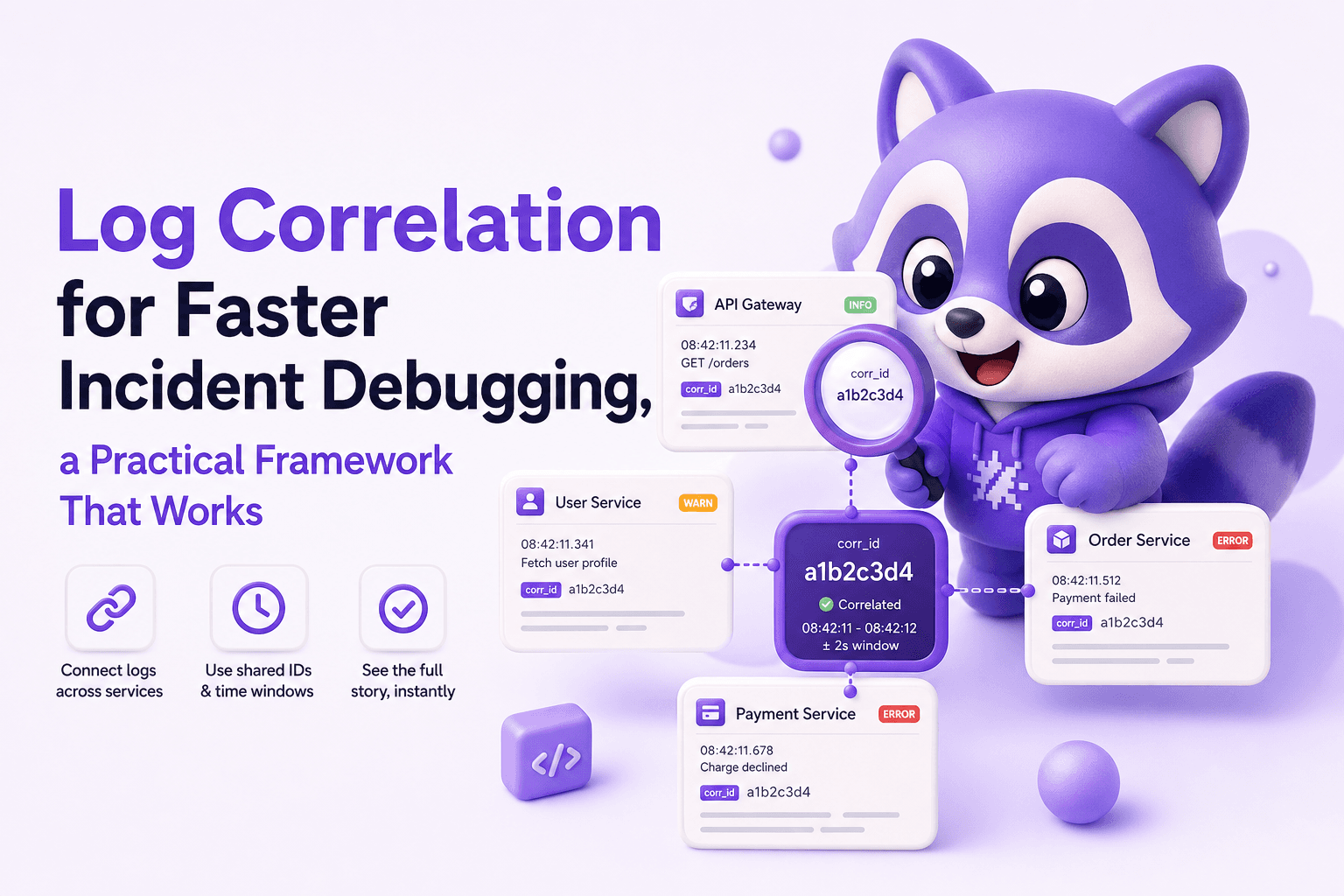
Log Correlation for Faster Incident Debugging, a Practical Framework That Works
Learn log correlation with a practical framework to connect requests across services, reduce noise, and debug production incidents faster.

Machine Learning Anomaly Detection That Reduces Alert Noise, Models, Thresholds, and Examples
Learn machine learning anomaly detection by data type, pick models, tune thresholds, and evaluate to reduce false positives in production alerts.
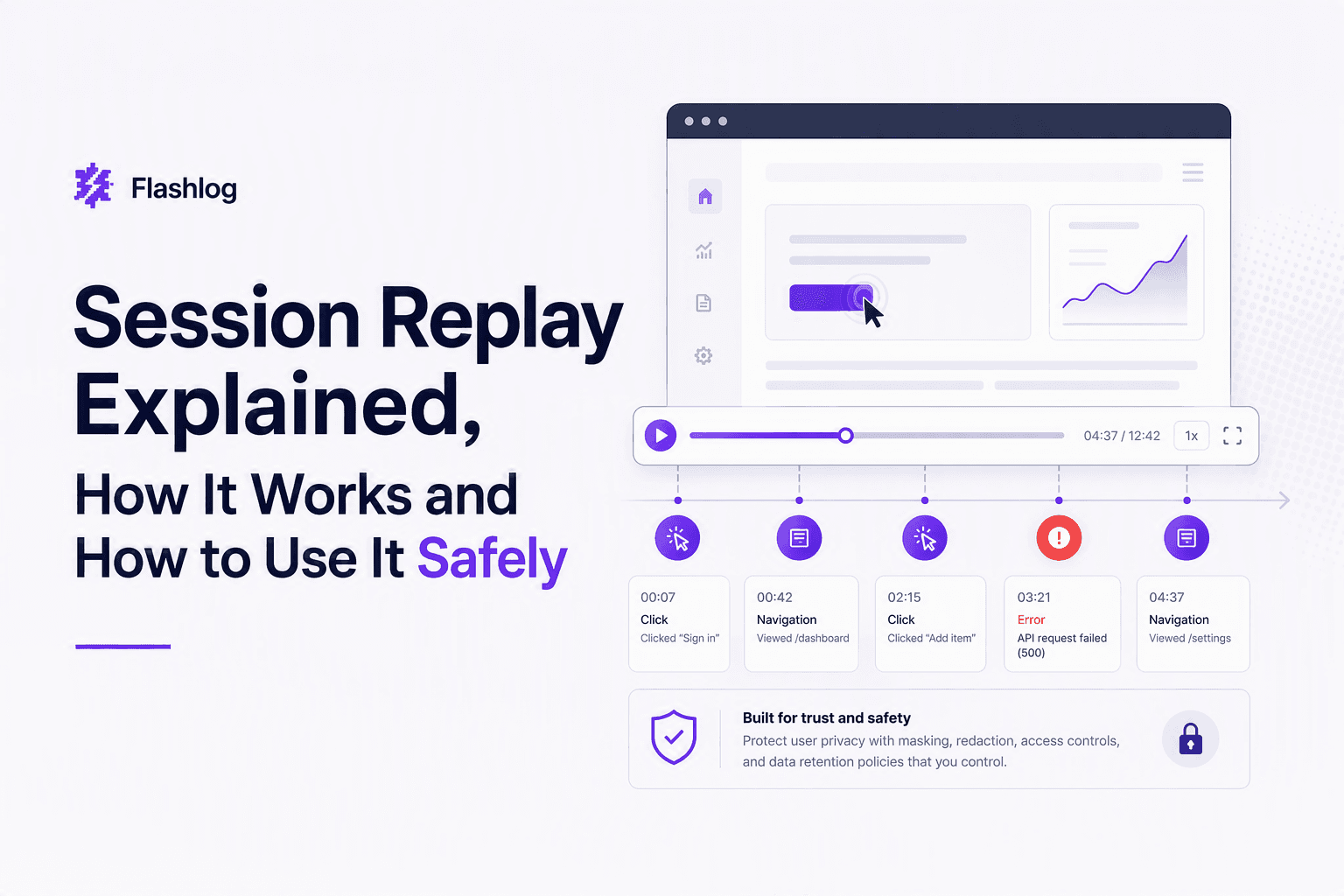
Session Replay Explained, How It Works and How to Use It Safely
Session replay explained for buyers: what it captures, how it works, and a practical privacy checklist and decision tree for safe deployment.