
Issue Triage for Production Bugs - A 10-Minute Framework to Find Signal Fast
When a production bug hits, most teams lose time before they even start fixing it: scattered screenshots, conflicting reports, and a noisy stream of errors that all look “urgent.” That early chaos is exactly what issue triage is meant to prevent. Triage is not deep debugging. It is the first 10 minutes of disciplined decisions: what’s broken, how bad it is, who it affects, and what evidence you need so the next step is obvious instead of guesswork. This guide gives you a lightweight, repeatable system you can run every time.
- Issue triage is a short, structured decision process that reduces time-to-signal before you start root-cause debugging.
- A reliable 10-minute triage flow answers four questions: severity, scope, timeline, and suspected change.
- Most triage failures come from noise, duplicates, and missing context, and each has a concrete prevention checklist.
What is issue triage in production (and what it is not)
Issue triage is the process of quickly classifying a production problem so the team can choose the correct next action with minimal debate. In practical terms, triage produces a short “decision packet” that answers:
- Priority: Is this a P0/P1/P2 and why?
- Scope: How many users, which endpoints, which platforms, which regions?
- Time window: When did it start and is it ongoing?
- Evidence quality: Do we have enough to reproduce or at least localize?
What triage is not
- Not root-cause analysis: You are not proving the exact failing line or building a full postmortem.
- Not “check the logs until you find something”: That is exploration. Triage is decision-making under time constraints.
- Not a backlog grooming session: Triage is about the current incident or newly detected bug, not long-term prioritization debates.
A simple definition you can reuse internally
If you need a one-liner for your runbook: issue triage is the first-pass classification that turns a messy production symptom into a prioritized, scoped, evidence-backed issue the right person can act on.
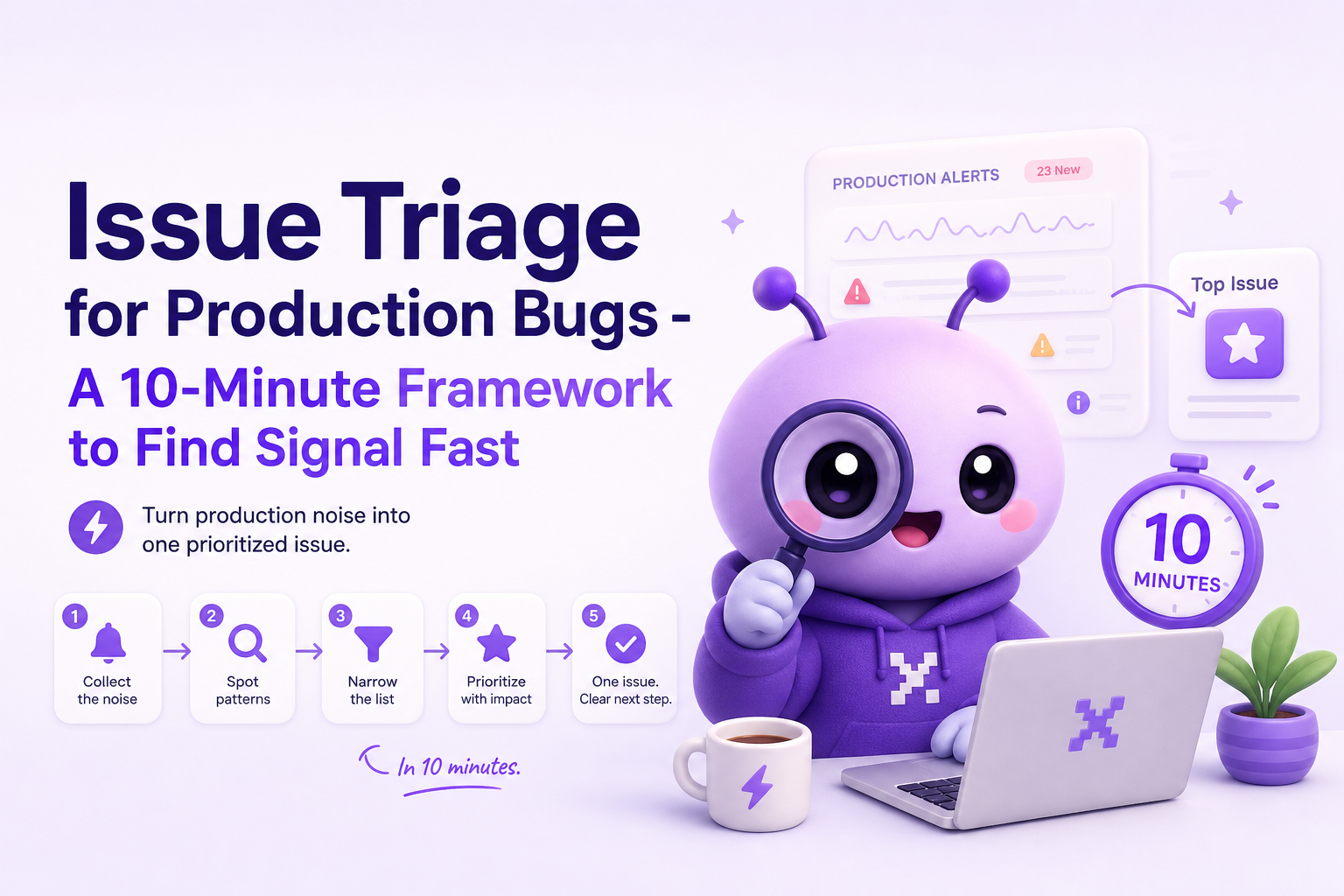
How it works - a 10-minute issue triage framework
This framework is designed for the first 10 minutes after detection, whether the signal comes from monitoring, support, or an engineer noticing errors. The goal is to reduce “time-to-signal,” meaning the time it takes to move from “something is wrong” to “here is the one issue we should act on next, with proof.”
Minute 0 to 2: Confirm it is real and user-impacting
Start with a fast “reality check” so you do not burn cycles on expected behavior or test traffic.
- Is it reproducible right now? Try the critical path once (checkout, login, create, submit).
- Is it user-impacting? A broken revenue flow beats a noisy warning.
- Is it a known expected error? For example, intentional 401s for unauthenticated requests.
Minute 2 to 5: Classify severity using explicit criteria
Use a severity rubric that ties to business impact. If you do not have one, adopt this minimal version and adjust later.
- P0 (Critical): Core flow blocked (payment, login, data loss) OR widespread 5xx spike OR security risk.
- P1 (High): Major feature degraded, workaround exists, or impact limited to a segment (one browser, one region).
- P2 (Medium): Non-core feature broken, intermittent failures, low frequency.
- P3 (Low): Cosmetic, minor UX issues, internal-only impact.
Benchmark: In many orgs, the biggest triage delay is arguing priority. A rubric like this should let you assign a provisional severity in under 60 seconds, then revise later if needed.
Minute 5 to 7: Scope the blast radius with a 4-question checklist
Scoping is where issue triage saves the most time, because it tells you whether to roll back, hotfix, or monitor.
- Who: How many users are affected? Are they paid accounts, a single customer, or everyone?
- Where: Which surface? API endpoint, frontend action, mobile vs web, region, browser.
- When: First seen time, last seen time, and whether frequency is rising.
- What changed: Latest deploy, config change, feature flag, dependency bump.
If the symptom is a spike in network failures, scope by endpoint and region first. If it looks like api errors, scope by status code and route, then map to the owning service.
Minute 7 to 10: Capture ticket-ready evidence (minimum viable context)
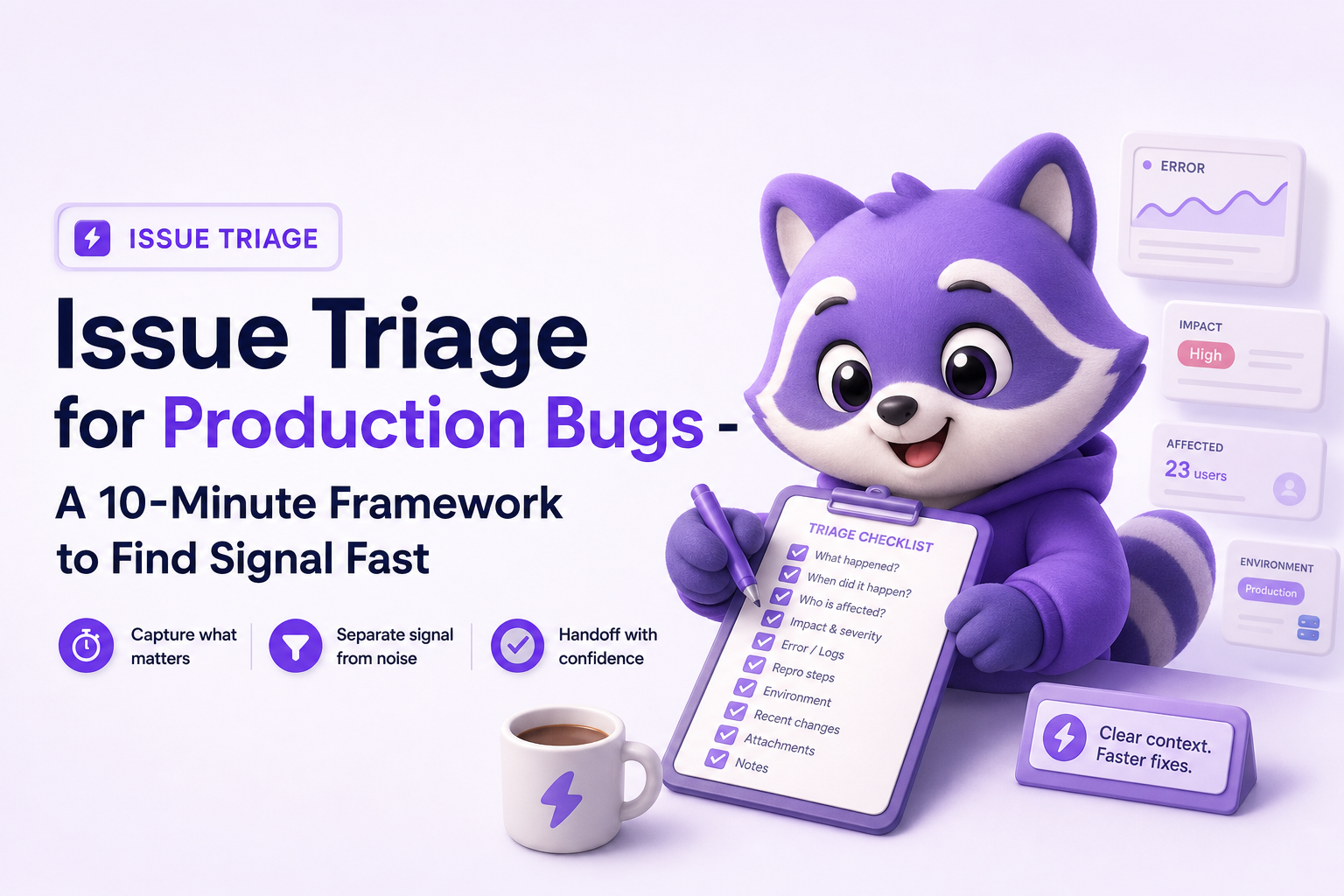
The output of issue triage should be a clean issue record, not a chat thread. Use this minimum evidence checklist so the next engineer does not have to ask five follow-up questions.
- Symptom: What the user sees (error message, broken UI state).
- Reproduction path: 3 to 6 steps, starting from a known entry point.
- Failing technical event: Endpoint + status code, runtime exception name, or socket close code.
- Environment: App version/release, browser/OS/device, region.
- Impact snapshot: Affected users count or rate, plus time window.
- Suspected change: “Started after web@2.3.1 deploy” or “after enabling flag X.”
If you do have a trace or error details, include the key pointer (for example, the exception type and top frame). Deep analysis of stack traces can come later. Triage is about ensuring the evidence is complete enough that someone can reproduce or localize quickly.
Key benefits of disciplined issue triage
Teams often think triage is “process overhead,” but the benefits are measurable because they remove the two biggest time sinks: indecision and missing context.
1) Faster time-to-signal and fewer false alarms
By forcing a 2-minute reality check and explicit severity criteria, you stop escalating expected errors and reduce alert fatigue. This matters most when multiple signals arrive at once (support tickets, monitoring alerts, and internal reports).
2) Better rollback vs hotfix decisions
Scope and timeline tell you whether a rollback is the fastest safe move. Example rule of thumb:
- If impact is widespread and started immediately after a deploy, rollback is usually the fastest risk reducer.
- If impact is limited to one segment and you can isolate a single endpoint or feature flag, a targeted hotfix or flag disable may be safer.
3) Less duplicate work across engineers
Without issue triage, two engineers often investigate the same symptom from different angles, producing duplicate tickets and conflicting theories. A single triage owner producing one “source of truth” issue prevents parallel thrash.
4) Higher quality tickets that do not bounce back
Tickets fail when they lack reproduction steps, release context, or a clear failing event. A triage checklist makes “ticket-ready” the default, which reduces back-and-forth with support and product.
Common issue triage mistakes and how to prevent them
Most teams do some form of triage, but it fails in predictable ways. Here are the most common failure modes, plus concrete prevention tactics.
Mistake 1: Treating every error as a separate issue
Symptoms often fan out: one backend failure can trigger multiple frontend errors and retries. If you file five tickets, you slow the fix and confuse prioritization.
Prevention checklist:
- Group by user journey first (checkout, login, onboarding).
- Then group by failing event (same endpoint, same exception type).
- Keep one “primary issue” and list secondary symptoms as evidence.
Mistake 2: Starting deep debugging before scoping
Jumping into logs immediately feels productive, but it can be the wrong move if the blast radius is unclear. You may spend 30 minutes digging into a low-impact edge case while a P0 spreads.
Prevention rule: Do not start deep debugging until you have written down severity and scope in one place. If you need a deeper workflow later, use a structured approach like log correlation after triage is complete.
Mistake 3: Missing release and change context
A large share of incidents correlate with a recent change: deploy, config, feature flag, or dependency update. If triage does not capture “what changed,” engineers waste time rediscovering it.
Prevention checklist:
- Record the last known good release and the first bad release (even if approximate).
- List the top 1 to 3 suspected changes (deploy ID, flag name, config key).
- If possible, test the same flow on the previous release or in a canary environment.
Mistake 4: Low-quality evidence that cannot reproduce
“It broke” is not actionable. A screenshot without the steps and environment is often worse than nothing, because it creates false confidence.
Prevention checklist (minimum viable reproduction):
- Entry point (URL/screen) + user role
- Exact action that triggers failure (button, API call, form submit)
- Expected vs actual outcome
- Browser/OS/device and app version
Mistake 5: No single triage owner for the first 10 minutes
If everyone triages, no one triages. The result is fragmented information and delayed decisions.
Prevention rule: Assign a rotating “triage driver” for on-call hours. Their only job for the first 10 minutes is to run the checklist and produce one issue record. Then hand off debugging to the right owner.
| Triage question | What to write down | Example | Why it matters |
|---|---|---|---|
| Severity | P0/P1/P2 + reason | P0: checkout blocked for most users | Prevents priority debates and drives rollback vs hotfix |
| Scope | Who/Where | 42 users, POST /api/checkout, web only, Chrome | Targets the right team and narrows investigation |
| Timeline | First seen, last seen, trend | Started 10:12 UTC after deploy, ongoing spike | Correlates with changes and shows whether it is spreading |
| Suspected change | Deploy/flag/config/dependency | web@2.3.1 released 10:05 UTC | Shortens the path to rollback or targeted fix |
| Evidence quality | Repro steps + failing event + env | Steps + HTTP 500 on submit + macOS/Chrome 142 | Makes the next engineering step obvious |
FAQ about issue triage
If you want issue triage to be faster and more consistent, the biggest leverage is capturing clean, privacy-safe context the moment a real production failure happens. Flash Log is designed to automatically record the failing path, classify the bug, reduce duplicates, and produce a ticket-ready summary so engineers spend less time assembling evidence and more time fixing the right problem.

CX Genie x Flashlog: Keeping Every Customer Conversation Reliable
See how Flashlog helps CX Genie detect missing messages, delayed replies, failed chat widgets, and other incidents affecting customer support.
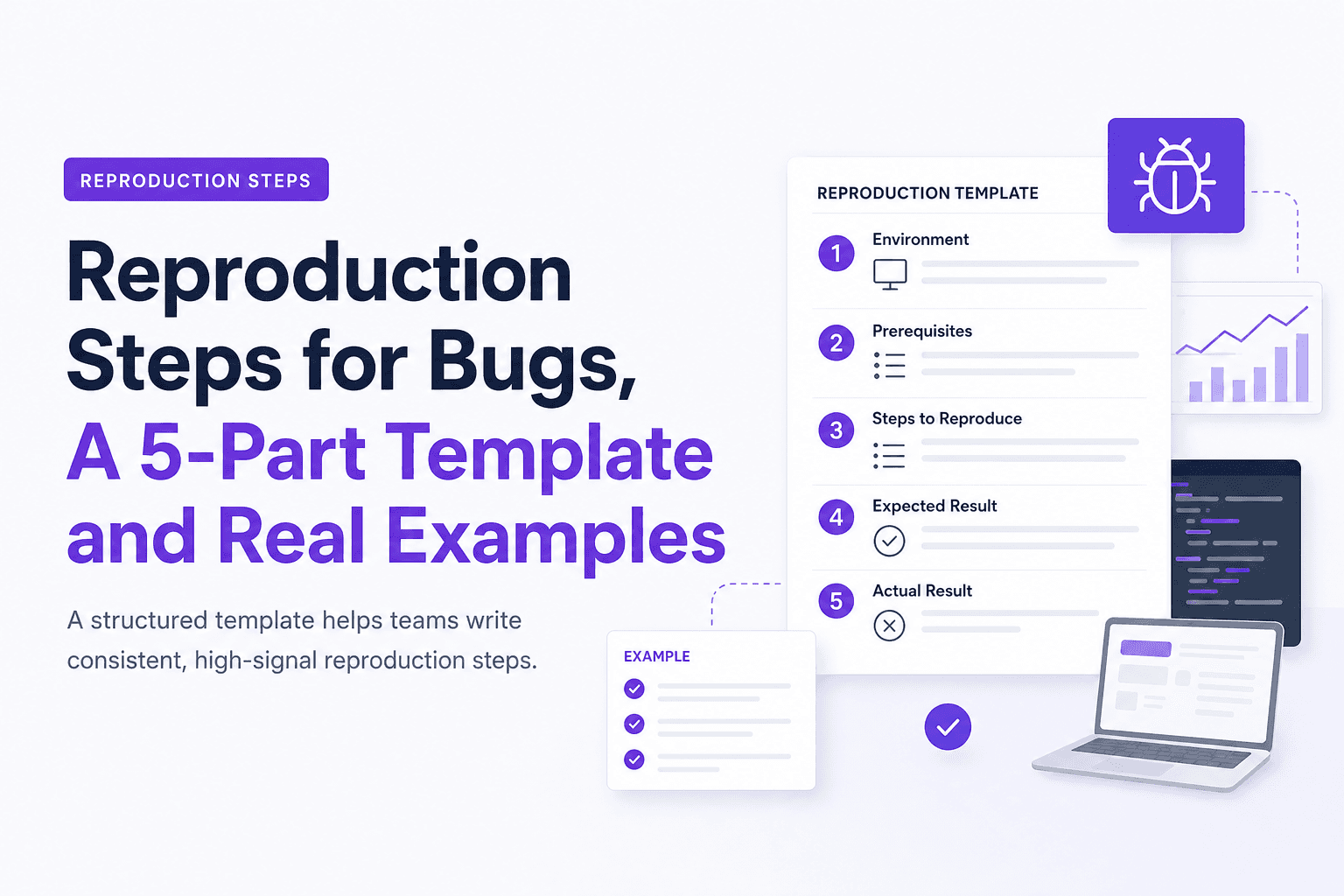
Reproduction Steps for Bugs, A 5-Part Template and Real Examples
Learn reproduction steps that engineers can actually follow: a 5-part template, diagram, and real web, mobile, and API examples.

Notification Fatigue Explained and a Simple Reset Plan You Can Finish This Week
Learn what notification fatigue is, how to diagnose it, and a practical reset plan for phone, email, chat, and social without going off-grid.