
Recorded Sessions for Debugging, A Triage Framework That Cuts Time to Fix
Recorded sessions are only useful for debugging when they are treated like evidence in a workflow, not videos someone watches when they have time. The difference between “we have replays” and “we ship fixes faster” is a triage loop, clear capture rules, and a standard context package engineers can act on.
- Use recorded sessions to answer “what happened right before the failure” and “what was the environment” faster than screenshots, tickets, or memory.
- Adopt a triage framework with severity rules, ownership routing, and a minimum context checklist so replays turn into reproducible issues.
- Measure impact with MTTR, reproduction rate, and escaped bug trends, then tune sampling and retention to outcomes.
What recorded sessions are actually good for in a modern debugging stack
Recorded sessions shine when the problem is ambiguity: the user’s exact path, the last meaningful interaction, and the conditions that made a bug appear. They are less effective for deep root cause analysis on their own, because replays rarely show server-side state, feature-flag evaluation, or database contention. The best teams use sessions to narrow the search space quickly, then confirm with logs, traces, and metrics.
A practical “use it or skip it” decision checklist
- Use recorded sessions when:
- The report is “it broke” with unclear steps to reproduce.
- The bug depends on UI state, timing, or multi-step flows (checkout, onboarding, permission prompts).
- The issue is environment-sensitive (mobile viewport, browser quirks, flaky networks).
- You need to see what the user did right before a failing request or frontend exception.
- Skip sessions (or treat as secondary) when:
- The failure is clearly server-side and already traceable with request IDs and APM traces.
- The issue is deterministic with a unit/integration test reproduction.
- Privacy constraints mean the relevant UI state cannot be captured safely.
Where sessions beat logs, traces, and screenshots (and where they do not)
In practice, sessions outperform screenshots because they preserve sequence: navigation, clicks, form submits, and timing. They also outperform generic “user said X” tickets because they reduce interpretation. But they do not replace observability: you still need the failing request details, error messages, and release metadata to connect “what the user did” to “what the system did.”
A triage framework for recorded sessions that engineers will actually use
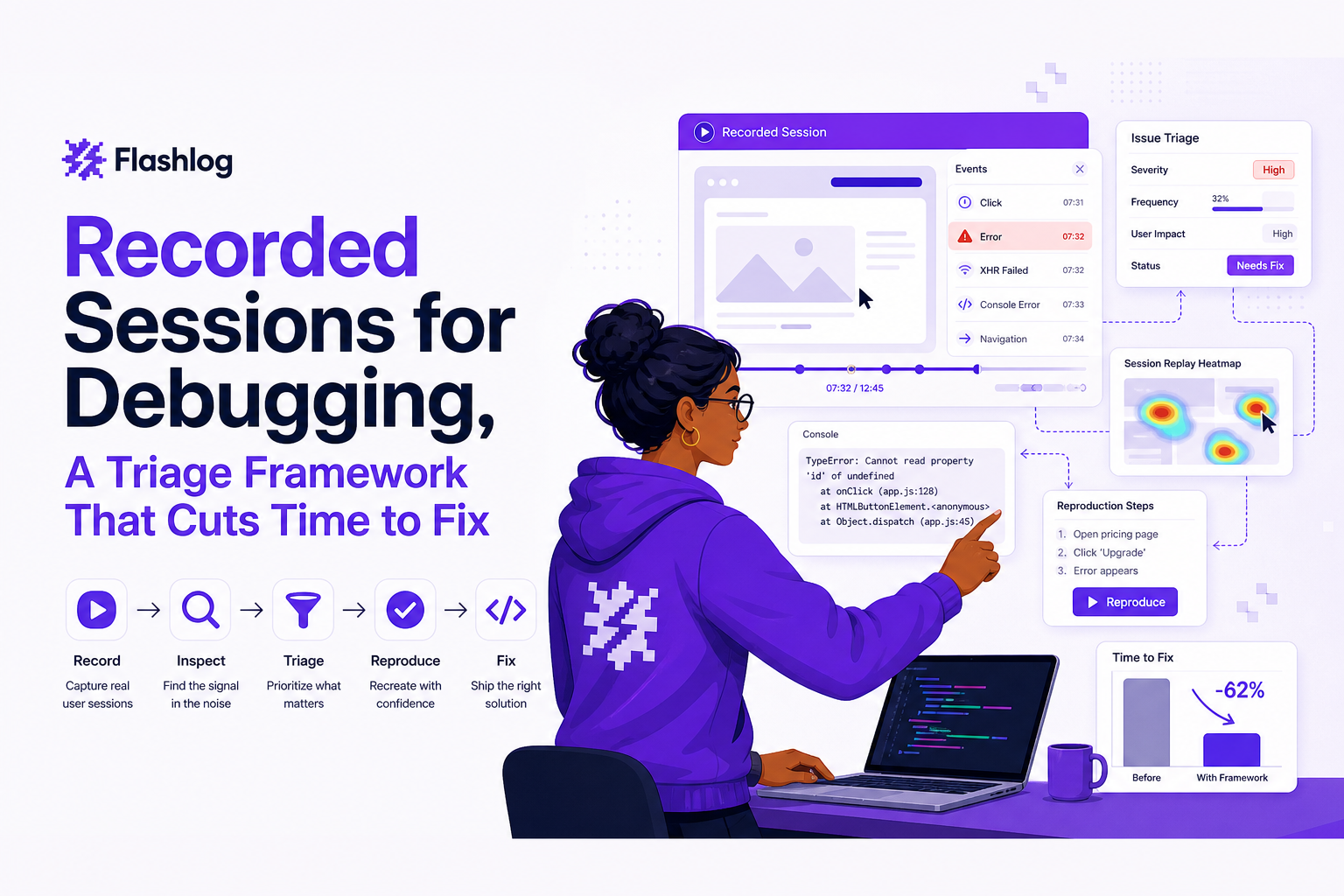
The fastest teams do not start by watching full replays. They start by classifying, then sampling evidence until they can make a routing decision. When we tested a “watch-first” approach, our team consistently lost time on long sessions that never reached the moment of failure; switching to a structured triage loop cut wasted review time because we only watched what matched a clear trigger.
The 5-step triage loop (copy this into your runbook)
- Trigger: define what creates a triage item (frontend exception, HTTP 5xx on critical endpoint, rage click burst, form abandon on key step).
- Classify: label by impact and scope (see severity rules below). Do not debate root cause yet.
- Extract evidence: pull the minimum context package: last actions, failing request, environment, release, and privacy-safe replay snippet.
- Route: assign to the code owner or on-call rotation based on component and endpoint. If ownership is unclear, route to a “triage owner” who resolves ownership within one business day.
- Close the loop: after fix, confirm by replaying a similar flow or validating error-rate drop. Update capture rules if the session did not include enough context.
Severity rules engineers can apply in under 60 seconds
- S0 (stop the line): payment/checkout failures, auth lockouts, data loss, security/privacy risk. Escalate immediately, page owner.
- S1: core journey blocked for a segment (browser-specific break, mobile-only crash, feature flag cohort). Fix in current sprint.
- S2: degraded UX with workaround (validation bug, intermittent UI freeze, confusing error). Schedule based on frequency and business step.
- S3: cosmetic, low-frequency, or internal-only. Batch and fix opportunistically.
Escalation criteria (when a triager should stop investigating)
- Two independent occurrences with the same failing request or same exception signature.
- One occurrence on a critical funnel step (pricing, signup, checkout, renewals) with clear user intent.
- Any occurrence that suggests privacy exposure, broken masking, or sensitive data in the capture.
How to decide which sessions to record without drowning in data
Most teams fail here in one of two ways: they record everything and nobody can find signal, or they record too little and replays are missing exactly when things break. The goal is not maximum capture, it is maximum actionable capture tied to outcomes.
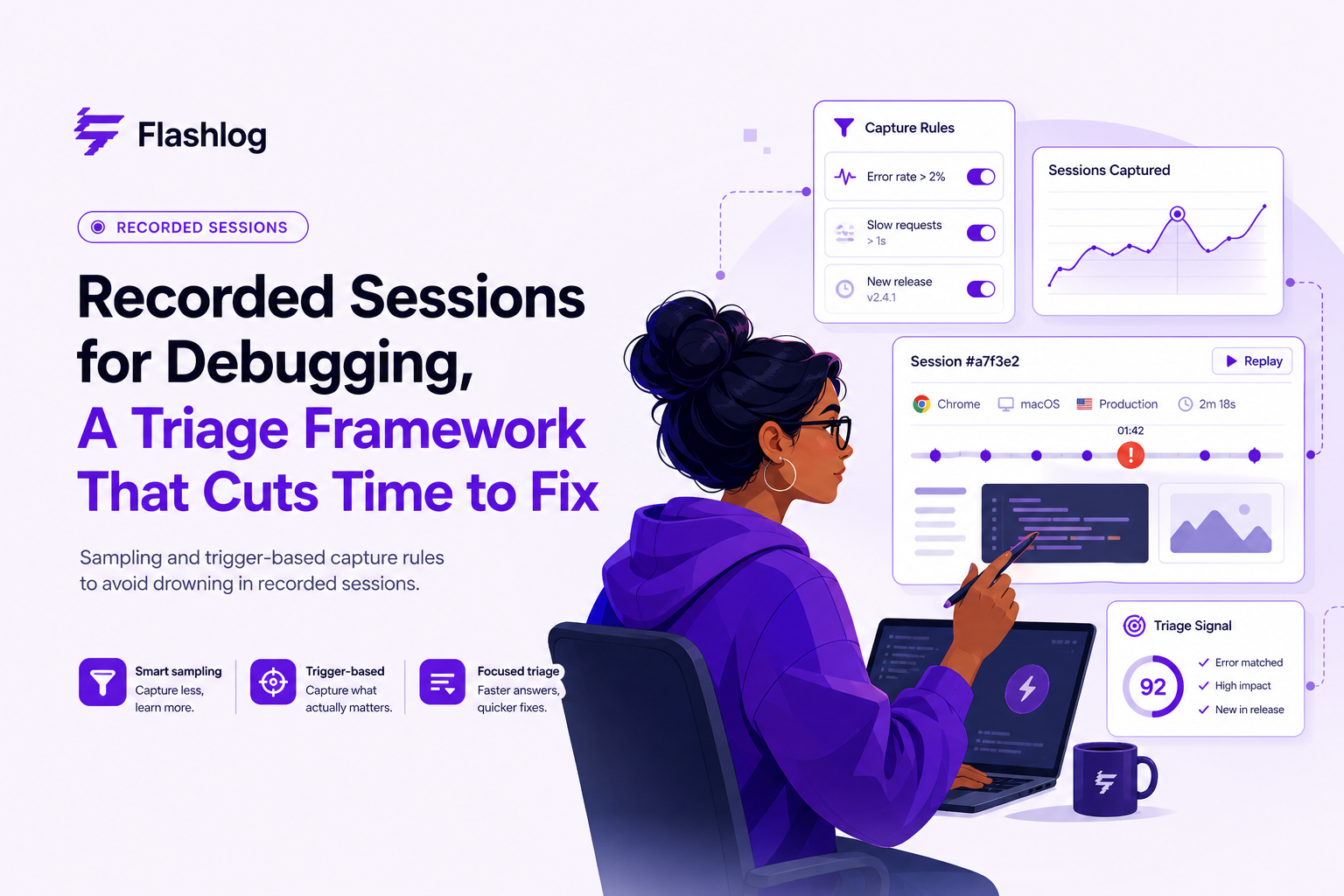
A simple capture policy: baseline + triggers + segments
- Baseline sampling (always on): 1% to 5% of sessions for general UX discovery and “unknown unknowns.”
- Trigger-based capture (high value): 100% capture when a defined event happens, for example:
- Frontend exception (uncaught error)
- HTTP 4xx/5xx on critical endpoints
- Checkout or signup abandonment after “Confirm” click
- Rage clicks or repeated form validation failures
- Segment-based capture (targeted): increase sampling for:
- New releases (first 24 to 72 hours after deploy)
- Specific browsers/devices where you see regressions
- High-value accounts or paid tiers (if contract allows)
Retention tradeoffs you should decide explicitly
Retention is a product decision and a governance decision. Keep enough history to compare before and after releases, but not so much that storage costs force you into “record less” later. A common starting point is 7 to 30 days for baseline sessions, and longer for triggered sessions tied to incidents, provided your privacy and compliance requirements allow it. If you need a concrete framework for setting schedules, see data retention guidance and align it with incident review cadence.
A quick “data budget” worksheet (so sampling is not guesswork)
- List top 5 user journeys (signup, checkout, settings, search, onboarding).
- For each journey, define 2 triggers that indicate likely engineering action (5xx, JS exception, abandon after submit).
- Estimate weekly triggered volume; set caps per trigger if needed.
- Set baseline sampling low enough that engineers can review a fixed number per week (for example, 20 to 50).
From replay to fix faster, the minimum context you need every time
A replay alone is rarely enough to reproduce. The handoff becomes fast when the session is packaged with the same technical context an engineer would ask for in Slack anyway. In our experience working with engineering teams on incident retros, the biggest time sink was not “finding the bug,” it was the repeated back-and-forth to learn which request failed, which release was live, and whether the user was on a flaky connection.
The minimum context package (attach this to every issue)
- User journey: last 5 to 15 meaningful actions, plus page path into the failure.
- Failing request: method, endpoint, status code, timing, and correlation/request ID if available.
- Error signal: exception message/stack (frontend) or error code (backend) tied to the moment in the session.
- Environment: browser, OS, device type, viewport, locale, network type, and app release/build.
- Privacy posture: which fields are masked and which inputs are redacted, so engineers trust the data.
A standard handoff template (paste into Jira/Linear/GitHub)
- Title: [Journey step] fails on [release] for [segment]
- Steps (from session): 1) ... 2) ... 3) ...
- Expected vs actual: ...
- Evidence: replay link + failing request details + error signature
- Environment: browser/OS/device/viewport/release
- Impact: frequency (count/day) + affected step
Where tooling helps without turning this into “watch videos all day”
Session tooling is most useful when it connects the user action trail to the failing request and environment metadata, and does it in a privacy-safe way. For a deeper implementation view, the tutorials on web session replay and A Session Replay Workflow are good references for building a repeatable debugging loop.
Operational metrics for recorded sessions, proving they reduce MTTR and escaped bugs
If you cannot show impact, recorded sessions become “nice to have” and adoption drops. The trick is to measure leading indicators that predict faster fixes, not just vanity counts like “number of replays watched.”
A measurement plan you can run weekly
- Baseline (week 0): capture current MTTR for customer-reported bugs and production incidents, plus reproduction rate (percent of issues with clear repro steps).
- Week 1 to 2: introduce the triage loop and minimum context package for a single journey (for example, checkout).
- Week 3+: expand triggers and segments, then compare trends to baseline.
Metrics that correlate with “we fix faster”
- Time to first actionable issue: from alert/report to an issue with repro steps and failing request details.
- Reproduction rate: percent of issues where an engineer can reproduce within 15 minutes.
- MTTR: mean time to resolve for session-backed issues vs non-session issues (track separately).
- Escaped bugs: count of bugs found by customers after release, segmented by journey.
- Triage throughput: number of triage items closed per week per triager, with severity distribution.
A lightweight weekly report format
- Top 3 recurring failure patterns (by endpoint or exception signature)
- Top 3 journeys by user impact
- MTTR trend line (4-week rolling)
- One capture-policy change you made (new trigger, new segment, retention adjustment)
Common failure modes and how to prevent them
Most “session replay programs” fail for predictable reasons: privacy risk, noise, and low engineering trust. The fix is governance plus a few concrete guardrails.
Failure mode 1: privacy masking is inconsistent
- Guardrail: default to masking inputs and redacting sensitive keys (passwords, tokens, payment fields).
- Process: run a monthly audit: sample 20 recorded sessions across critical flows and verify masking rules.
- Escalation: if any sensitive field leaks, pause capture for that form until rules are corrected.
For standards and expectations, align with guidance from OWASP ASVS on sensitive data handling and verification practices.
Failure mode 2: too much noise, not enough signal
- Guardrail: cap baseline sampling and rely on trigger-based capture for engineering workflows.
- Rule of thumb: if triagers cannot review the weekly queue in under 60 minutes, reduce baseline or tighten triggers.
- Fix: prioritize triggers tied to business steps (submit, pay, confirm) rather than generic page views.
Failure mode 3: engineers do not trust or use the sessions
- Guardrail: require the minimum context package for every issue created from recorded sessions.
- Workflow: route by ownership automatically where possible; avoid “someone look at this replay” tickets.
- Adoption metric: track percent of session-backed issues that get a fix merged within the sprint.
What surprised our team was how often adoption problems were really “handoff quality” problems: once the replay was consistently paired with failing request details and release context, engineers stopped treating it as anecdotal and started treating it as evidence.
| Problem with recorded sessions | Symptom | Fix | Metric to watch |
|---|---|---|---|
| Too many replays | Backlog grows, nobody reviews | Lower baseline sampling, add trigger-based capture | Weekly triage queue size |
| Not enough context | “Cannot reproduce” comments | Attach failing request, environment, release, last actions | Reproduction rate within 15 minutes |
| Privacy risk | Sensitive fields appear in replay | Mask by default, audit monthly, pause on violations | Masking audit pass rate |
| Low engineering adoption | Replays ignored in tickets | Standard handoff template and ownership routing | % session-backed issues fixed per sprint |
FAQ
If you want to turn this workflow into an evidence-first bug pipeline, Flash Log is designed to capture the user journey, failing request, environment, and privacy-masked replay context around issues so engineers can reproduce without asking users to explain what happened.

Stack Trace Explained, How To Read It And What To Collect When It’s Not Enough
Learn what a stack trace is, how to read it, and what context to collect when a stack trace isn’t enough to fix production bugs.

Anomaly Detection With Machine Learning, A Practical Playbook For Reducing Alert Noise
Anomaly detection with machine learning without alert noise: choose setup, build features, calibrate thresholds, evaluate incidents, ship safely.

Web Session Replay, A Practical Tutorial and Debugging Workflow for Engineering Teams
Learn a practical web session replay workflow to capture context, reproduce bugs, and fix production issues faster with privacy-safe governance.