
A Session Replay Workflow That Turns User Sessions Into Shipped Fixes
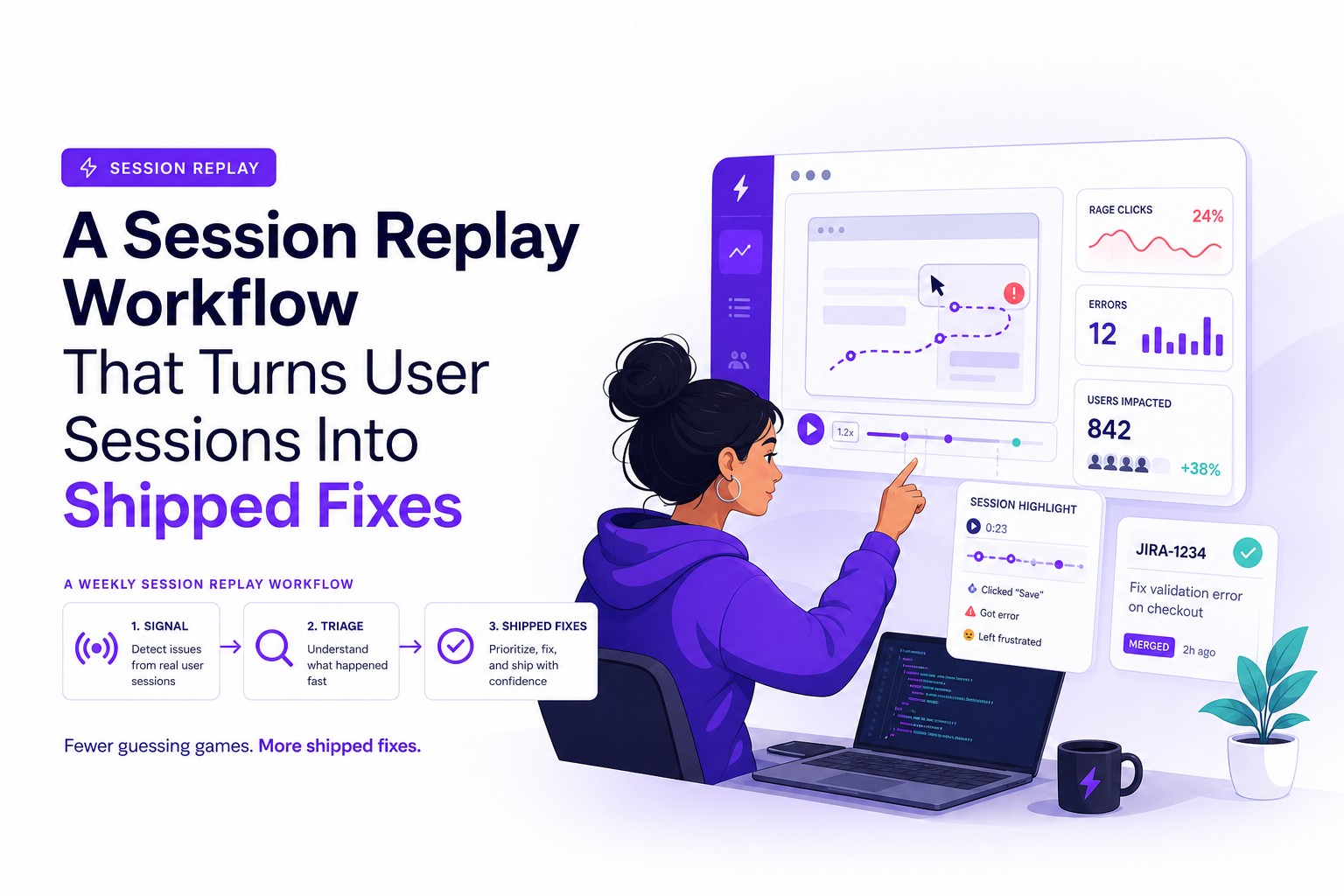
Session replay is most valuable when it stops being “watch a few recordings” and becomes a repeatable workflow that produces evidence, prioritization, and reproduction-ready tickets engineers can close every week.
- Turn session replay into a weekly pipeline: collect signal, triage fast, package evidence, ship fixes, then measure impact.
- Speed comes from rules: tagging, sampling, and severity scoring that prevent drowning in video.
- A replay alone is rarely enough; pair it with request, environment, and privacy-safe input context so bugs are reproducible.
What Session Replay Is Actually Good For in 2026
Session replay earns its keep when you treat it as evidence, not entertainment. In practice, it supports three jobs that teams repeatedly struggle with: proving a bug is real, pinpointing UX friction, and quantifying where revenue leaks out of a flow.
1) Bug evidence that reduces back-and-forth
- What it answers: “What did the user do right before it broke?”
- What to look for: last meaningful click, form submit, navigation changes, and the exact moment the UI diverges from expectation.
- What it replaces: support screenshots, vague “it didn’t work” tickets, and multiple clarification meetings.
2) UX friction you can label and count
Replays are great at revealing friction patterns that analytics under-explains, for example repeated clicking, rage clicks, dead-end navigation, or users oscillating between two pages. The key is to translate “I saw something weird” into a tagged pattern you can count across sessions.
3) Conversion diagnosis with proof, not opinions
Session replay can connect a drop-off metric to a concrete behavior, like users abandoning a checkout step because an address autocomplete fails on mobile, or because a required field error is off-screen. The practical output is not a highlight reel; it is a ranked list of fix candidates with clips attached.
A 5-Step Session Replay Workflow From Signal to Shipped Fix
The biggest failure mode is “we watched 30 sessions and learned a lot” followed by nothing shipping. A workflow prevents that by forcing each replay into a decision: ignore, tag for later, escalate, or convert into a ticket with evidence.
Step 1: Define 3 replay queues tied to outcomes
- Bug queue: sessions with errors, failed requests, blank states, crashes.
- Friction queue: rage clicks, repeated form attempts, backtracking loops.
- Revenue queue: sessions that hit key steps but exit (pricing, checkout, upgrade, activation).
In our experience working with product and engineering teams, limiting to three queues prevents “replay sprawl” and makes weekly review predictable.
Step 2: Set a weekly cadence and timebox
- 30 minutes: collect and sample sessions from each queue.
- 45 minutes: triage and tag (decide severity and next action).
- 30 minutes: convert top items into tickets with evidence and reproduction steps.
- 10 minutes: assign owners and define “done” (fix shipped, verified, measured).
Step 3: Apply a severity score so priorities stop being subjective
Use a simple scoring model that fits in a ticket title. Here is a practical one that teams can run quickly:
- Impact (0-3): cosmetic (0), friction (1), blocks key action (2), revenue or data loss (3)
- Frequency (0-3): one-off (0), occasional (1), daily (2), widespread (3)
- Confidence (0-2): unclear (0), likely (1), replay proves it (2)
Priority score = Impact + Frequency + Confidence. Escalate anything 6+ to engineering this week; keep 4-5 in backlog; archive 0-3 unless it clusters with others.
Step 4: Convert replays into “evidence packets”
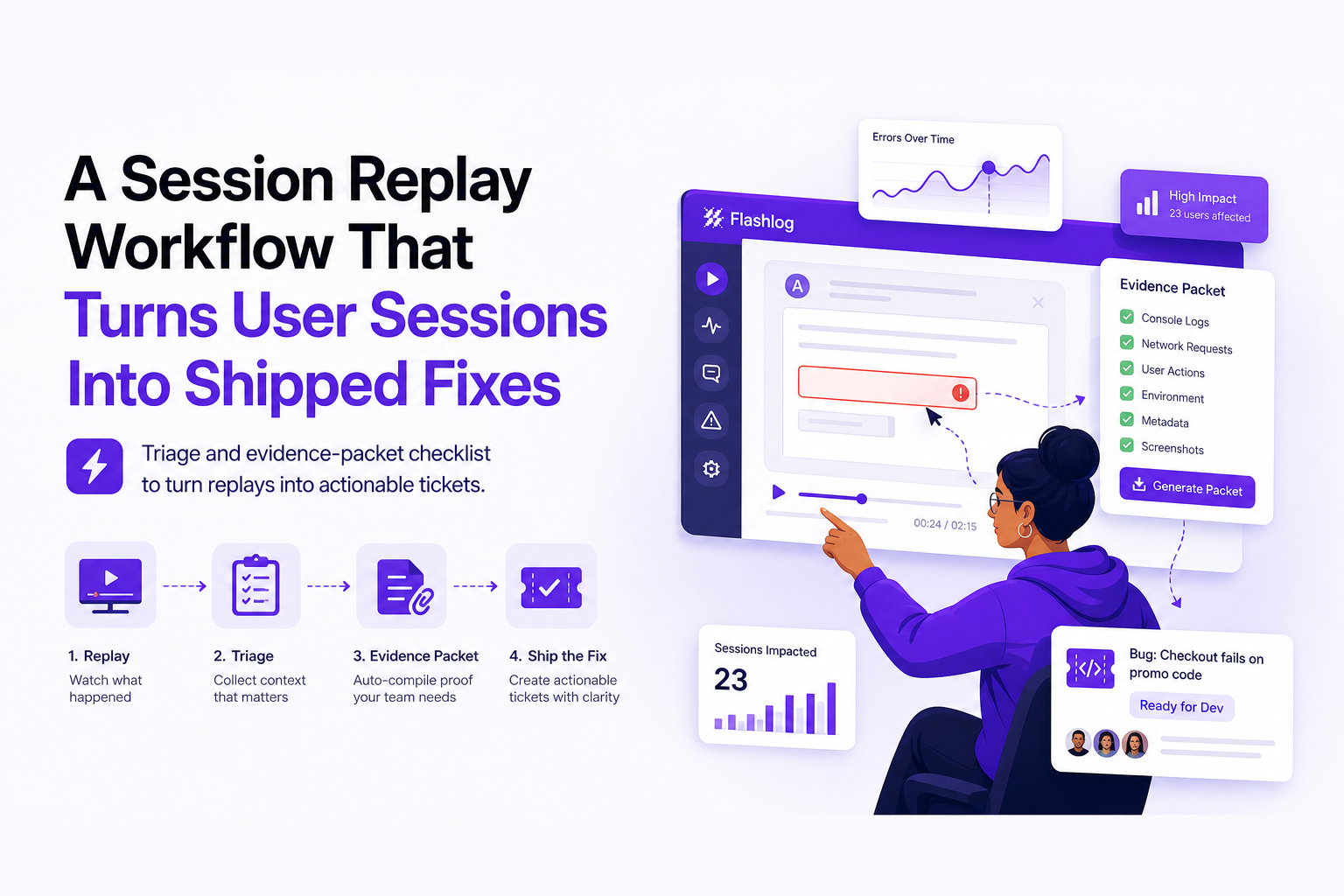
A replay clip should be bundled with the minimum context an engineer needs to reproduce, not just a link to a recording. If you already run a structured issue triage routine, the packet becomes the input that makes triage fast instead of speculative.
Step 5: Verify fixes with the same replay lens
Close the loop by watching a small sample of sessions after release: the same path, the same device class, and the same failure point. We initially assumed “ship the fix and move on,” but post-fix sampling repeatedly catches regressions like new validation errors or performance slowdowns around the same UI step.
How to Triage Replays Fast Without Drowning in Video
Most teams drown because they watch full sessions. The goal is to watch the shortest slice that answers a question, then tag it so you can aggregate patterns.
Tagging rules that keep data usable
- One primary tag per replay: “Checkout error”, “Login loop”, “Plan selection confusion”.
- One secondary tag for context: device (mobile/desktop), browser, locale, plan tier.
- One outcome tag: “blocked”, “abandoned”, “completed”, “workaround”.
Good tags are nouns and outcomes, not theories. “User is frustrated” is weak; “Address validation blocks submit” is actionable.
Sampling strategy that finds signal quickly
- Start with triggered sessions: errors, failed requests, or rage clicks if you have them.
- Then sample by step: pick 10 sessions that reached “checkout shipping” but did not purchase.
- Cap watch time: 2 minutes per session unless it is a confirmed high-severity issue.
Escalation criteria for engineering
- Escalate immediately if you see data loss, payment failures, account lockouts, or repeated crashes.
- Escalate this week if the issue score is 6+ and the replay shows a clear trigger.
- Do not escalate if you cannot describe the failure in one sentence and attach evidence; keep tagging until a pattern forms.
A 10-minute triage checklist
- Identify the last meaningful action before failure.
- Note the exact UI symptom (error message, spinner, blank state).
- Capture the smallest clip that proves it (20-60 seconds).
- Assign severity score (Impact, Frequency, Confidence).
- Decide next action: ticket now, backlog, or archive with tags.
Session Replay Context Engineers Need to Reproduce Bugs
Session replay shows behavior; engineers still need technical context to reproduce. The practical rule: if the ticket cannot be executed as a testable sequence, the replay is only half useful.
The minimum “reproduction context” bundle
- User journey slice: last 3 to 8 steps (pages visited, clicks, form submits).
- Failing request evidence: endpoint, method, status code, timing, and the moment it aligns with the UI action.
- Environment: browser, OS, device class, viewport, locale, release or build version.
- Privacy-safe inputs: masked fields and redacted sensitive keys so the trail is usable without leaking secrets.
Ticket template that pairs replay with engineering proof
- Title: [Score] [Outcome] [Step] (example: “7: Checkout submit fails on mobile after address edit”)
- Replay clip: link + timestamp range
- Observed: what the user saw
- Expected: what should happen
- Request trail: failing call details (if available)
- Environment: browser/OS/device/release
When we tested this template across weekly triage, the biggest time saver was forcing “Observed vs Expected” plus environment into every ticket; it eliminated the common “cannot reproduce” loop and made it easier to log correlation with backend signals.
Measuring Impact From Session Replay Beyond Vanity Metrics
Counting recordings watched is not impact. Measure whether session replay changes outcomes: faster fixes, fewer support tickets, and better conversion.
Three KPI buckets that map to real business value
- Engineering speed: time-to-reproduce, time-to-resolution, reopen rate.
- Support deflection: fewer “need more info” loops, fewer tickets per active user, shorter handle time.
- Funnel lift: step-to-step conversion, checkout completion, activation rate.
A simple measurement plan you can run monthly
- Pick one critical flow (signup, checkout, onboarding).
- Track baseline conversion and top 3 failure tags.
- Ship one replay-backed fix per week for 4 weeks.
- Compare: conversion change, error rate change, and median time-to-resolution.
Benchmarks that are realistic
Exact numbers vary by product maturity, but in teams that adopt a structured evidence packet, it is common to see fewer “cannot reproduce” cycles and a measurable drop in time spent clarifying tickets. For broader debugging hygiene, pair replay work with a safety-first approach to debug in production so fixes are verified without risky guesswork.
Choosing a Session Replay Setup That Fits Your Stack and Risk Profile
Not all session replay setups are equal. Evaluate them on privacy, performance, searchability, and collaboration, because those determine whether replays become a weekly workflow or an abandoned tool.
Evaluation criteria checklist
- Privacy controls: input masking, selective capture, redaction, and retention policies. For standards context, align with GDPR guidance and your internal security review.
- Performance impact: script weight, buffering, and whether capture degrades Core Web Vitals.
- Searchability: can you find sessions by error, page path, device, release, or custom tags?
- Evidence export: can you attach clips, steps, and context into your tracker without manual rewriting?
- Collaboration: commenting, assignment, and a clear handoff from triage to engineering.
Red flags that predict low adoption
- Replays are hard to find without watching many full sessions.
- Engineers cannot connect a UI moment to a failing request or environment details.
- Privacy review blocks rollout because masking and retention are unclear.
| Workflow need | What to require from your setup | How to validate in a 1-week trial |
|---|---|---|
| Fast triage | Search by tags, errors, key pages, device, release | Can a PM find 10 checkout failures in 15 minutes? |
| Repro-ready tickets | Replay plus request trail and environment context export | Can an engineer reproduce 3 issues without a follow-up question? |
| Privacy and compliance | Masking, redaction, retention controls, least-privilege access | Can security approve with documented controls and defaults? |
| Measurable impact | Links to KPIs: error rate, conversion steps, resolution time | Can you tie 1 fix to a before/after metric change? |
FAQ
If you want this workflow to produce repro-ready issues automatically, Flash Log focuses on capturing bug context even when users never report it, packaging the journey, failing request, environment, and masked replay context so engineering can move from evidence to shipped fixes with less back-and-forth.

Alert Noise Explained, How To Find The Source And Silence It On iPhone And Android
Alert noise is nonstop pings, alarms, and system alerts. Use this step-by-step flow to find the source and quiet iPhone or Android safely.
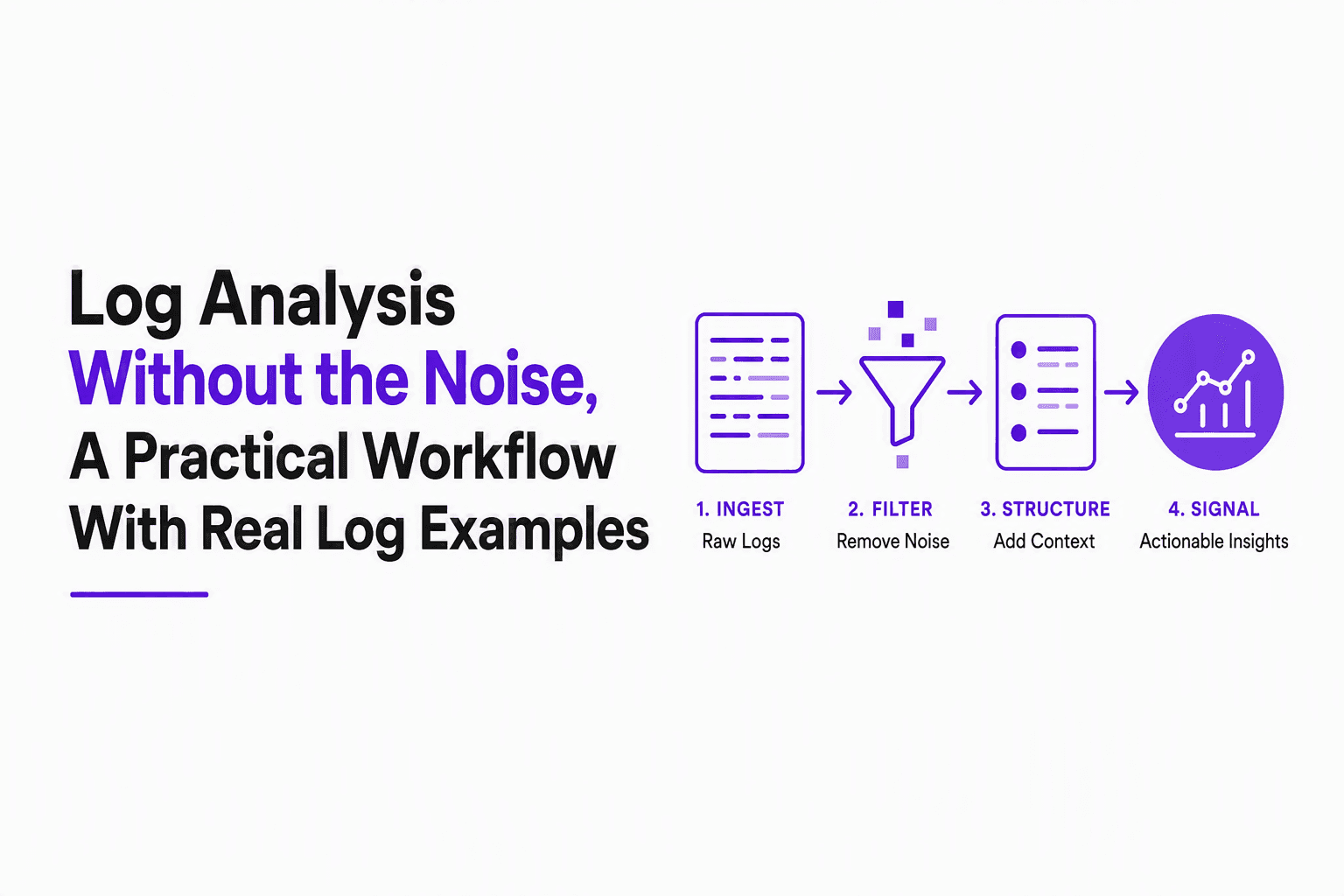
Log Analysis Without the Noise, A Practical Workflow With Real Log Examples
Learn log analysis without alert fatigue: a repeatable workflow, real log examples, Linux commands, and AI noise reduction guardrails.

Notification Fatigue Explained and a Simple Reset Plan You Can Finish This Week
Learn what notification fatigue is, how to diagnose it, and a practical reset plan for phone, email, chat, and social without going off-grid.