
Data Retention Explained, Examples, Schedules, and How Long to Keep Session Replay Data
Data retention is the set of rules that decide what data you keep, for how long, and how you dispose of it safely. For teams using session replay and product analytics, getting data retention right is a balancing act: keep enough context to debug and improve the product, but not so much that you increase privacy risk, storage cost, or compliance exposure.
- Use a simple worksheet to pick retention periods based on data category, purpose, legal minimums, and over-retention risk.
- Separate retention from archiving, backups, and legal hold, because each has different access rules and deletion behavior.
- Document decisions in a retention schedule that includes owners, triggers, disposal methods, and where the data lives.
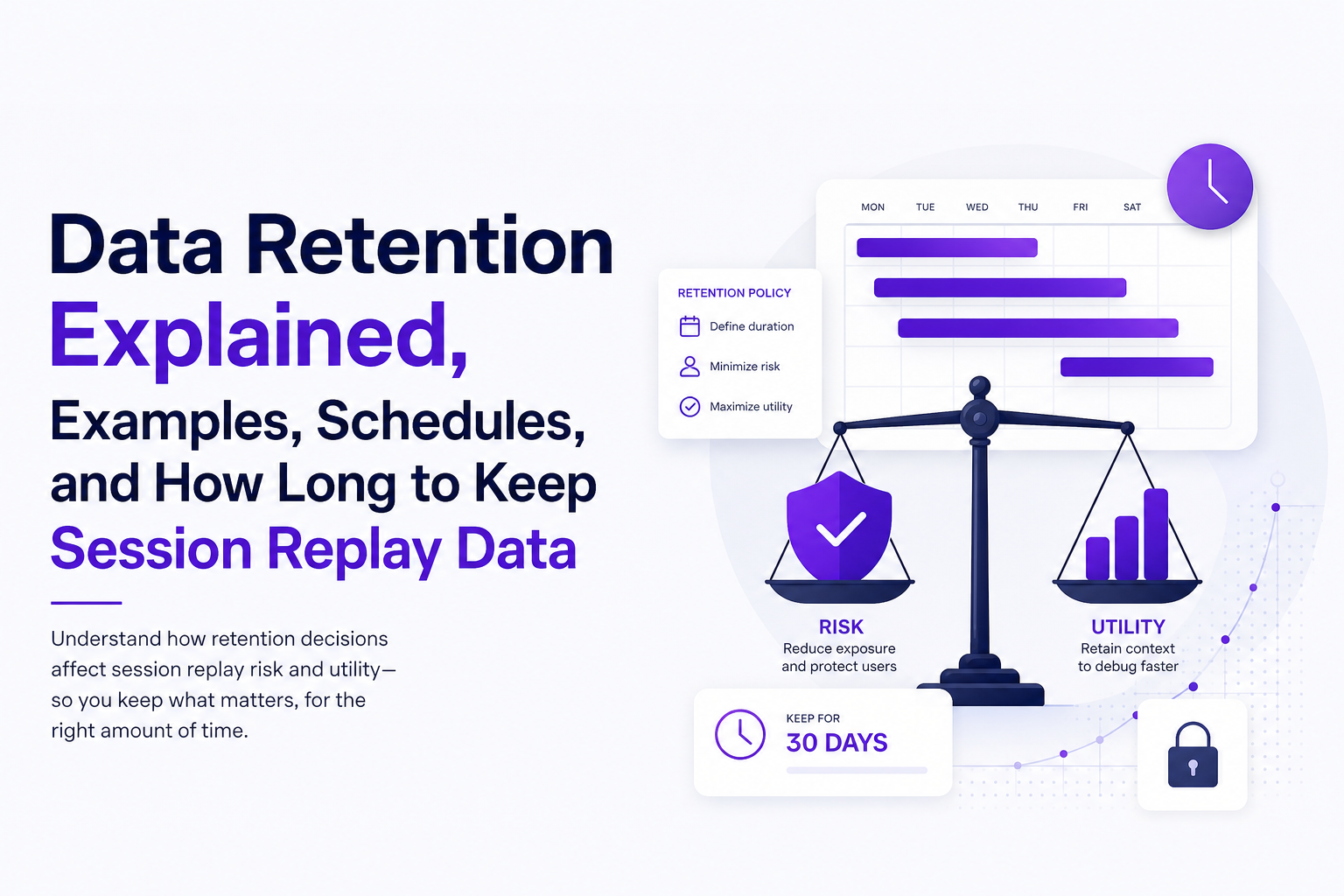
What Data Retention Means and Why It Matters for Session Replay
Definition: data retention is a policy plus an operational process that specifies (1) what data is collected, (2) the retention period, (3) who can access it, and (4) what happens at end of life (delete, anonymize, aggregate, or move to an archive).
Why teams retain data in the first place
- Debugging and incident response: keeping enough history to reproduce bugs, investigate errors, and understand regressions.
- Product decisions: trend analysis, funnel changes, and cohort comparisons over time.
- Security and accountability: tracing administrative actions and changes (often via audit logs).
- Legal and contractual obligations: statutory requirements, tax records, and customer agreements.
Why session replay raises the stakes
Session replay frequently contains high-context behavioral data: clicks, navigation paths, timestamps, and sometimes form interactions. Even when you mask inputs, replay data can still be sensitive because it may reveal intent, health-related browsing, account identifiers in URLs, or unexpected on-page content. That is why data retention for replay should be shorter by default, paired with strict access controls, and documented with clear deletion triggers.
A quick risk checklist for replay and analytics
- Content risk: Are you capturing text nodes, DOM, or inputs that could contain personal data?
- Linkability: Can a session be tied back to a named person or account?
- Blast radius: How many people can access the tool, exports, and raw events?
- Retention creep: Does “temporary” data become permanent because no one owns deletion?
Data Retention vs Archiving vs Backups vs Legal Hold
Most retention mistakes come from mixing up terms. “We have backups” is not the same as “we have a retention policy,” and “we archived it” is not the same as “users cannot access it.” The table below maps the four concepts to practical decisions you can apply.
Use-this-when guidance table
| Concept | Primary goal | Typical access | Deletion behavior | Use it when |
|---|---|---|---|---|
| Data retention | Limit how long active data exists | Normal operational access | Deleted or transformed at end of period | You want least-necessary data for debugging, analytics, and compliance |
| Archiving | Keep data longer but reduce exposure | Restricted, infrequent access | Usually retained longer; may have separate purge | You need historical reference but not day-to-day access |
| Backups | Disaster recovery and restore | Highly restricted; restore-only workflows | Expires by backup rotation schedule | You need resilience against deletion, corruption, ransomware |
| Legal hold | Preserve data for litigation/investigation | Restricted to legal/security | Retention is paused until hold is lifted | You must not delete relevant records even if normal retention says so |
Two common traps to avoid
- Backups silently defeating deletion: You delete production data, but it still exists in backups for months. That may be acceptable, but you should document it and restrict restore access.
- Archiving without changing access: If everyone can still query the “archive,” it is not reducing privacy risk, it is just changing storage.
How Long Should You Keep Data, A Simple Retention-Period Selection Worksheet
Instead of picking “30 days” or “7 years” by habit, use a worksheet that forces a defensible answer. After running a few internal retention audits, the pattern was clear: teams over-retain because they decide by system (like “the analytics tool”) rather than by data category and purpose.
Step 1: Classify the data category and sensitivity
Start with categories that map to how you actually use the data:
- Session replay events: DOM snapshots, interactions, page URLs, timestamps.
- Product analytics events: page views, feature usage, cohorts, experiment events.
- Application logs: server logs, error traces, request metadata.
- Security logs: authentication events, admin actions.
- Support content: tickets, attachments, chat transcripts.
Then tag sensitivity: personal data, financial, health, secrets (tokens), or “low sensitivity.” If you are using session replay technology, include whether inputs are masked and whether text capture is enabled.
Step 2: Write the purpose in one sentence
Examples:
- “Reproduce checkout errors reported by users.”
- “Measure activation funnel conversion over time.”
- “Investigate suspicious admin activity.”
If you cannot write a purpose, do not retain it. This is the easiest way to stop retention creep.
Step 3: Identify the retention trigger event
Retention should start from a trigger, not from “whenever it was created” if that is ambiguous. Common triggers:
- Session end (best for replay).
- Issue created (best for bug evidence packages).
- Account closed (best for customer profile data).
- Invoice paid / fiscal year end (best for finance records).
Step 4: Apply constraints: legal minimums, contract terms, and user expectations
Use a three-lens check:
- Legal: tax, employment, sector rules (varies by jurisdiction).
- Contractual: DPAs, enterprise agreements, security addenda.
- Expectation: what a reasonable user would assume you keep, given your privacy notice and product behavior.
For privacy programs, a common reference point is the storage limitation principle in GDPR. See GDPR Article 5 for the principle wording.
Step 5: Choose the shortest period that still meets the purpose
Use this practical heuristic:
- Replay for debugging: usually days to a few weeks.
- Aggregated analytics: months to years if truly aggregated or de-identified.
- Security and admin activity: often longer, because investigations are slow.
What surprised our team was how often “we need it for debugging” really meant “we need it until the next release cycle ends,” which is a concrete timebox you can encode into data retention.
Data Retention Examples, 8 End-to-End Mini Scenarios You Can Copy
Below are copyable examples that go from category to trigger to disposal. Use them as starting points, then adjust based on your constraints and risk profile.
1) Session replay for checkout debugging
- Data: replay events, page path, interaction trail
- Trigger: session end
- Retention: 14 to 30 days
- Disposal: hard delete; keep only aggregated metrics
- Notes: mask inputs; restrict access to engineering on-call
2) Replay evidence attached to a specific bug
- Data: minimal reproduction context (last actions, failing request metadata, environment)
- Trigger: issue created
- Retention: until issue closed + 30 days
- Disposal: delete raw replay; keep sanitized issue summary
- Notes: keep enough to reproduce without keeping full sessions indefinitely
3) Web access logs for operations
- Data: IP address, user agent, request path, status
- Trigger: log ingestion date
- Retention: 30 to 90 days hot storage
- Disposal: delete or aggregate (for example, daily counts)
4) Security authentication logs
- Data: login attempts, MFA events, admin changes
- Trigger: event time
- Retention: 6 to 12 months (or per security requirements)
- Disposal: archive with restricted access, then purge
5) Support tickets with attachments
- Data: ticket text, screenshots, user-provided files
- Trigger: ticket closed
- Retention: 12 to 24 months
- Disposal: delete attachments earlier than text when possible
- Notes: attachments often contain unintended sensitive data
6) Product analytics event stream
- Data: event name, timestamp, properties, pseudonymous IDs
- Trigger: event time
- Retention: 13 months for raw events; longer for aggregated tables
- Disposal: roll up to weekly/monthly aggregates, then delete raw
7) HR recruiting records
- Data: CVs, interview notes, assessments
- Trigger: role filled
- Retention: timeboxed per jurisdiction and policy (often months, not years)
- Disposal: delete; keep anonymized pipeline metrics
8) Finance invoices and receipts
- Data: invoices, receipts, payment confirmations
- Trigger: fiscal year end
- Retention: per tax and accounting requirements (commonly multiple years)
- Disposal: archive then purge after statutory window
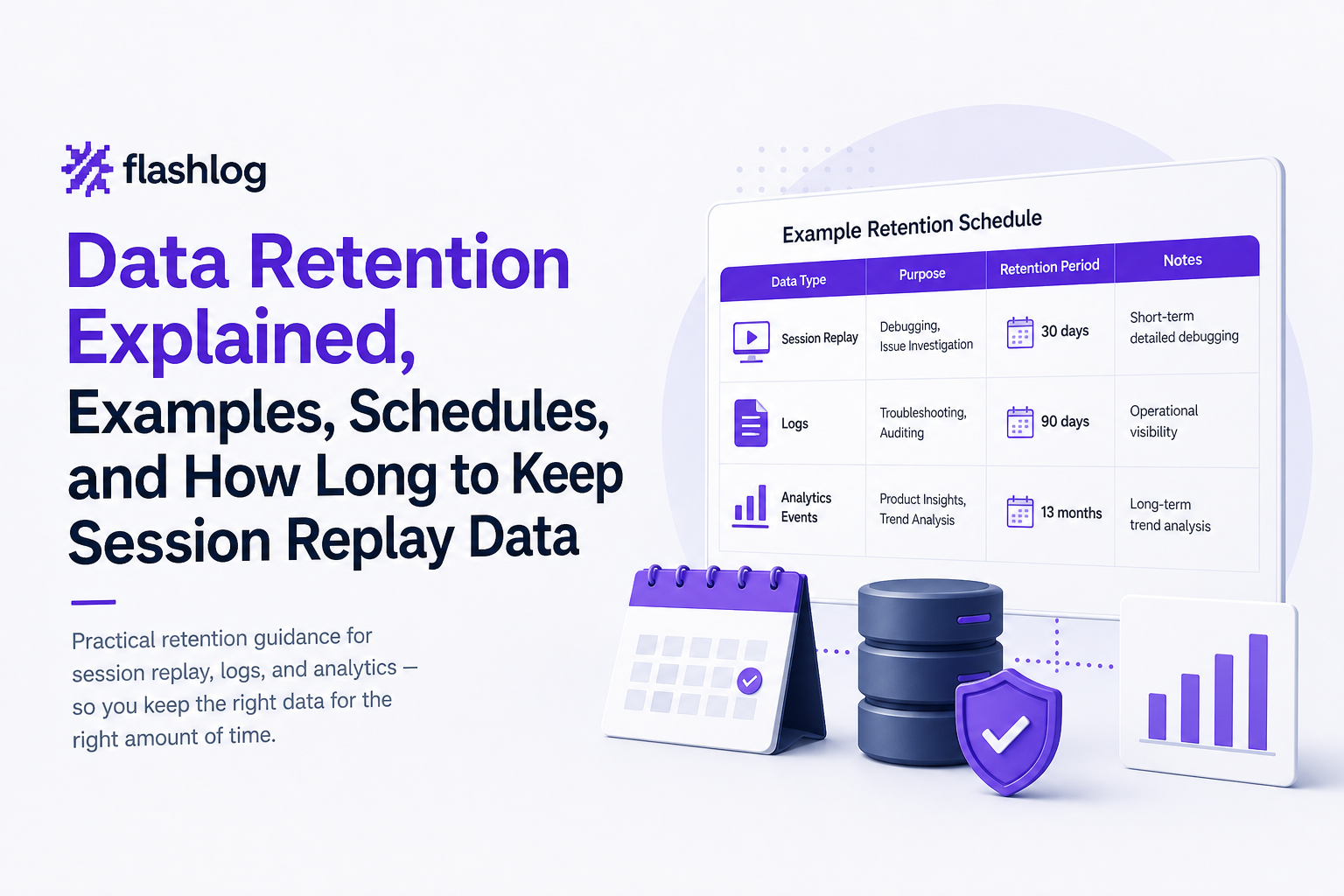
The 7-Year Retention Rule, When It Applies and Common Misconceptions
“Keep it for 7 years” is a common shorthand, but it is not a universal rule for all business data. In practice, 7-year retention is most often associated with certain financial and tax records, not with session replay, session recording, or raw product analytics event streams.
Where 7 years often makes sense
- Invoices, receipts, general ledger entries, and audit-related financial documentation (depending on country and entity type).
- Some corporate governance records.
Where it usually does not apply
- Session replay: retaining full replay for years is hard to justify under data minimization and storage limitation principles.
- Raw analytics events: you can usually keep aggregates longer and delete raw sooner.
- Debug logs: most operational debugging value decays quickly after a few release cycles.
A decision rule you can use tomorrow
If someone proposes “7 years,” ask these three questions:
- What obligation requires it? Name the law, regulation, or contract clause.
- What is the minimum dataset that satisfies that obligation? Often it is an invoice PDF, not the entire user journey.
- Can we separate raw from derived? Keep derived summaries longer, delete raw sooner.
A Ready-to-Use Data Retention Schedule Template for Session Replay and SaaS Teams
A retention schedule is the operational document that makes data retention real. It should be simple enough that engineering, security, and legal can all read it, and specific enough that someone can implement deletion jobs and access controls without guessing.
Required columns for a practical retention schedule
- System / dataset name (for example, “Replay events store”)
- Data category (replay, analytics, logs, support)
- Purpose (one sentence)
- Sensitivity (personal, secrets, financial, low)
- Trigger event (session end, ticket closed, fiscal year end)
- Retention period (number + unit)
- Access role (who can see it)
- Disposal method (delete, anonymize, aggregate, archive)
- Owner (person/team accountable)
- Notes (masking rules, exceptions, legal hold process)
Copy/paste starter schedule
| Dataset | Category | Purpose | Trigger | Retention | Access role | Disposal | Owner | Notes |
|---|---|---|---|---|---|---|---|---|
| Session replay events | Replay | Reproduce user-facing bugs | Session end | 30 days | Engineering on-call | Hard delete | Eng platform | Mask inputs; restrict exports |
| Bug reproduction package | Replay + request metadata | Make issues reproducible | Issue created | Close + 30 days | Engineering | Delete raw; keep sanitized summary | Bug triage owner | Keep only last actions and failing request metadata |
| Web access logs | Ops logs | Reliability troubleshooting | Ingestion date | 90 days | SRE | Delete or aggregate | SRE lead | Consider IP truncation |
| Admin action logs | Security logs | Investigate suspicious changes | Event time | 12 months | Security | Archive then purge | Security | Legal hold overrides deletion |
| Analytics raw events | Analytics | Product measurement | Event time | 13 months | Product analytics | Roll up then delete raw | Data team | Keep aggregates longer |
Implementation checklist (so the schedule is not just a document)
- Automate deletion: scheduled jobs, TTL indexes, or lifecycle rules.
- Prove it works: quarterly spot checks of oldest records present in each dataset.
- Handle exceptions: documented legal hold process and access approvals.
- Limit copies: control exports, debug dumps, and “temporary” spreadsheets.
In our experience working with SaaS engineering teams, the biggest win comes from linking retention to the debugging workflow: if the team can reproduce issues quickly, they stop asking to keep replay data “just in case,” and data retention periods naturally shrink without slowing delivery.
FAQ about data retention
If you are tightening data retention while still needing fast, reproducible bug context, Flash Log can help by capturing the journey, failing request metadata, environment details, and privacy-masked replay context around issues so engineers can reproduce problems without keeping full sessions longer than necessary.
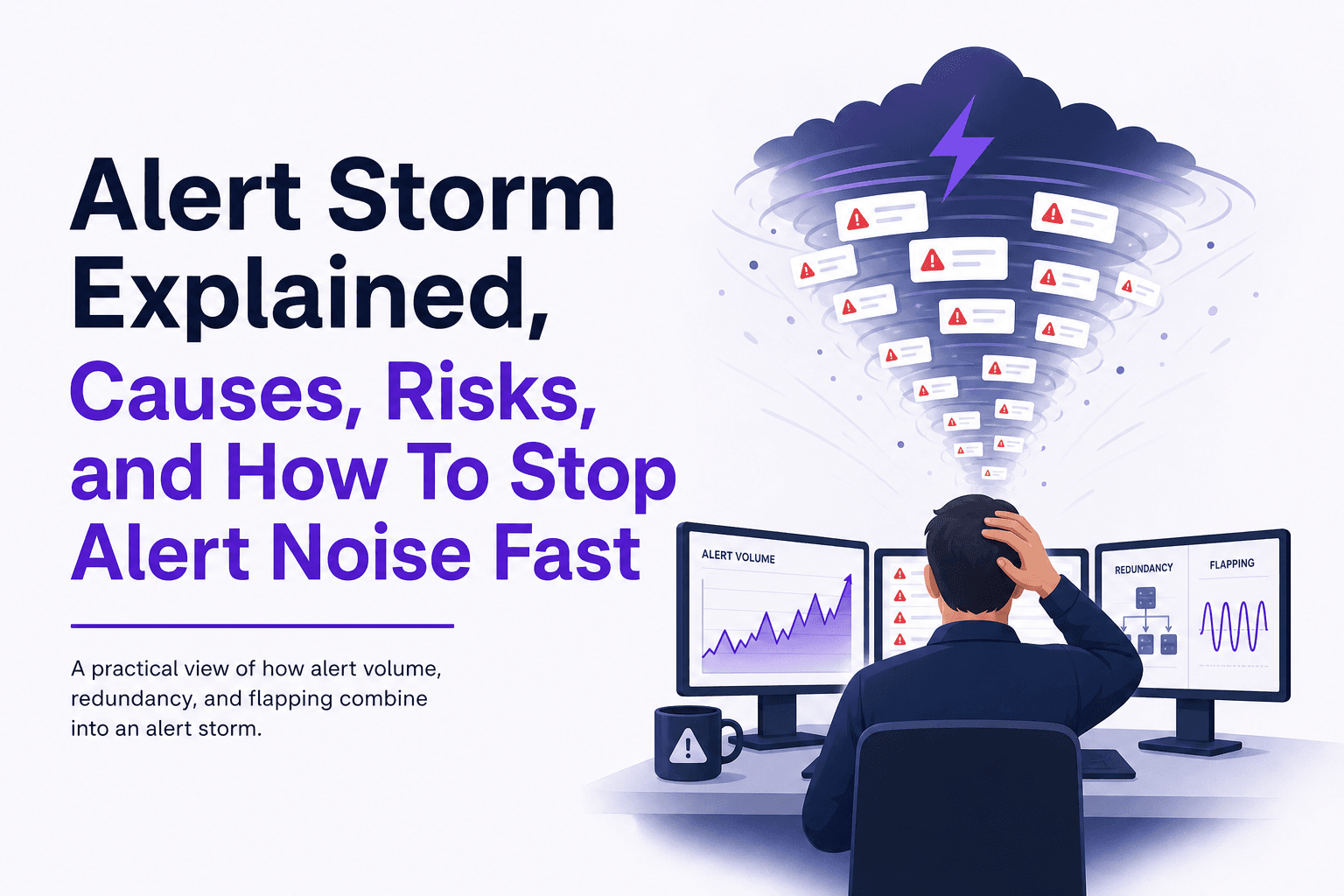
Alert Storm Explained, Causes, Risks, and How To Stop Alert Noise Fast
Learn what an alert storm is, why it happens, and a first-week framework to cut alert noise fast without missing real incidents.

Stacktraces Explained, How To Read Them Across Python, Java, JavaScript, and C#
Learn how to read stacktraces fast: find the useful frame, reduce noise, handle missing symbols, and share redacted traces safely.
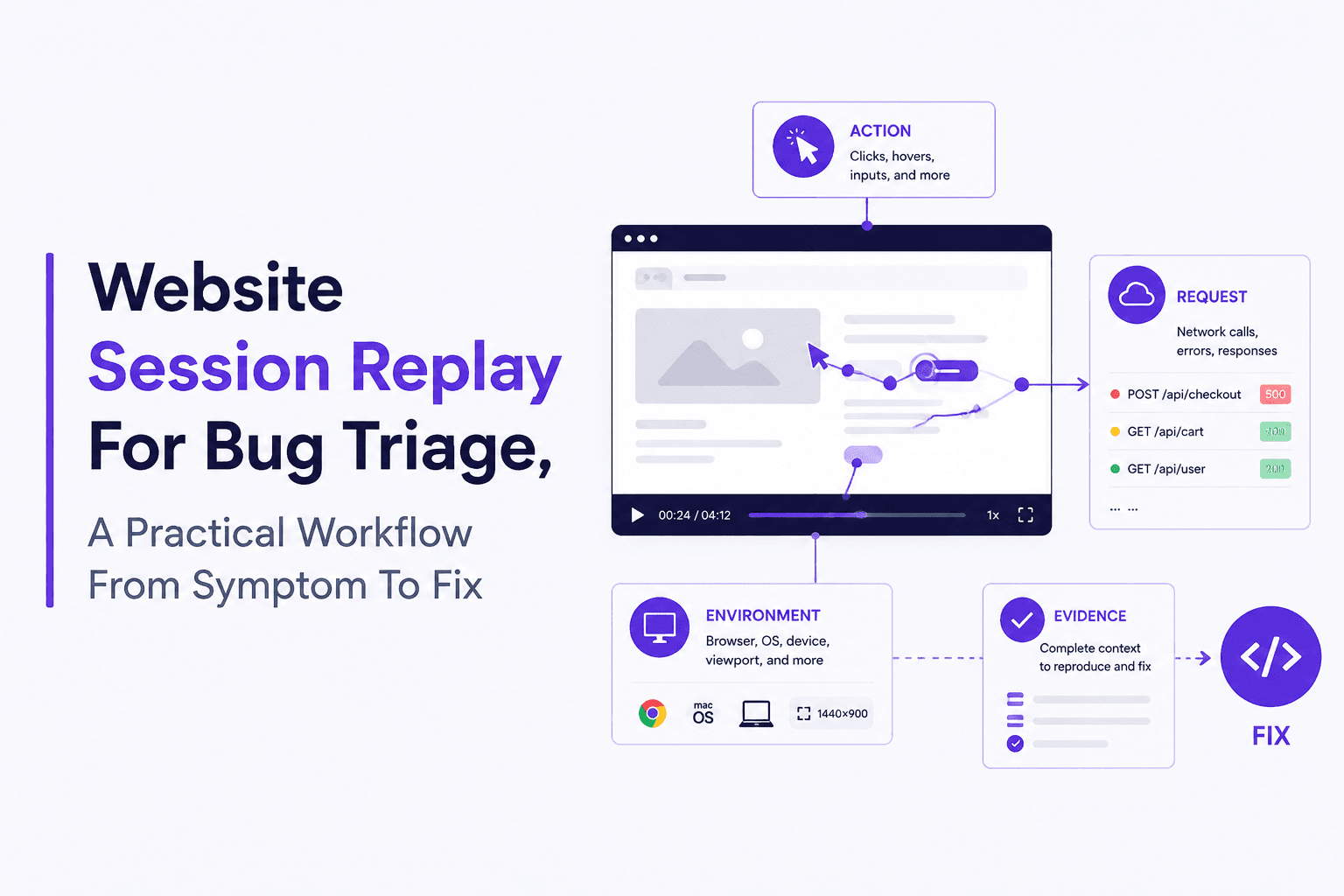
Website Session Replay For Bug Triage, A Practical Workflow From Symptom To Fix
Use website session replay for bug triage: what to capture, a checkout drop-off example, privacy-safe setup, and how to choose replay tools.