
Audit Logs Explained, Types, Examples, and How to Check Them
Audit logs are the backbone of privacy and accountability because they answer a simple question with evidence: who did what, to which data or setting, when, and from where. If you use session replay, analytics, or admin consoles, audit logs are also how you prove you are not over-collecting or silently changing access in ways users would not expect.
- Use a simple two-type model: access audit logs (who viewed data) and change audit logs (who changed systems or permissions).
- Start with a minimum-fields checklist so you can investigate incidents without storing extra user content.
- For fast triage, learn “where to check” paths and the 3 filters that matter: time window, actor, and target.
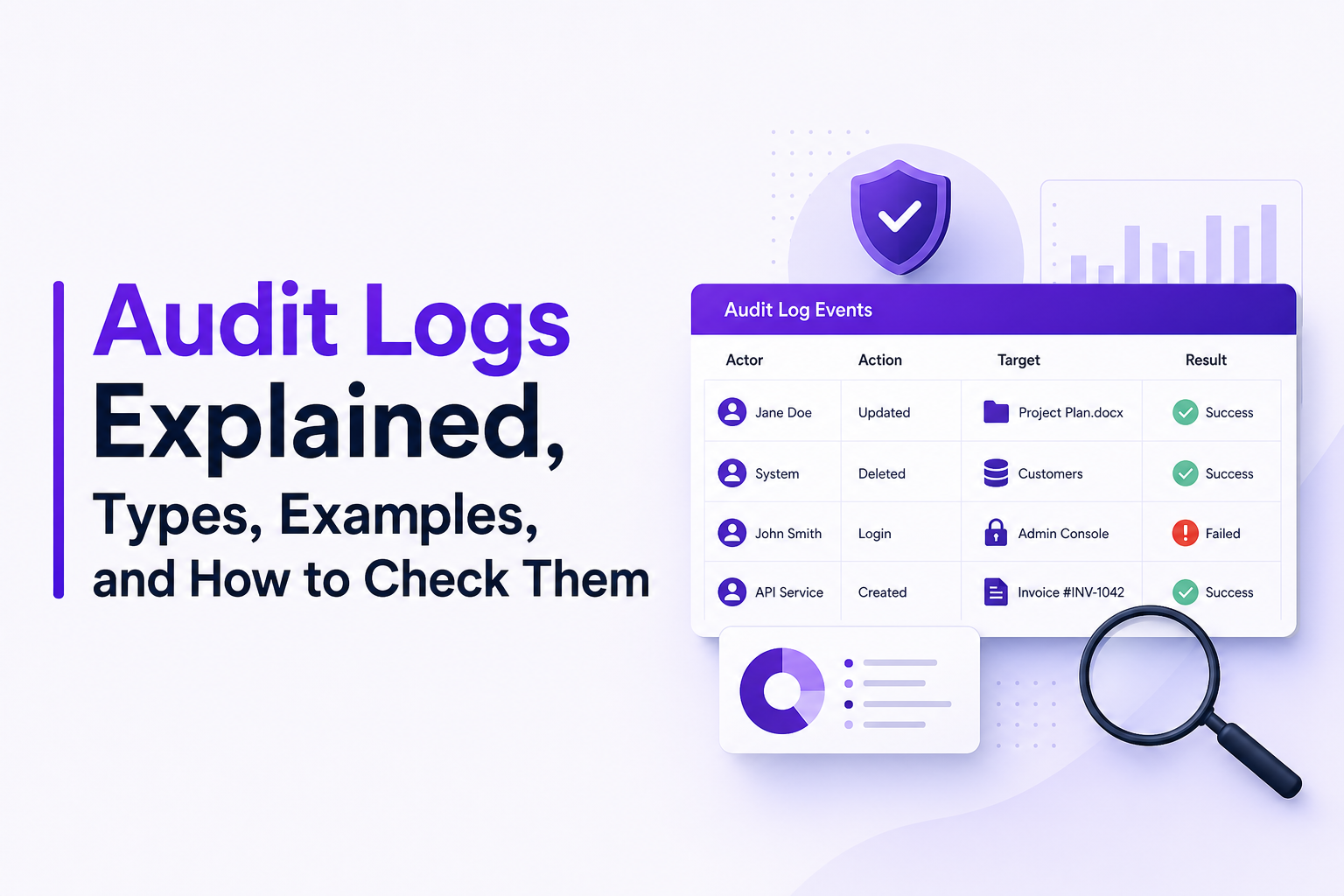
What audit logs are and why they matter for privacy and accountability
Audit logs vs other logs
It helps to separate three things that often get mixed together:
- Audit logs: evidence of actions taken by an actor (human or service) against a target (data, configuration, permission, report, record). They are about accountability.
- Application logs: what your code did internally (exceptions, debug statements, business events). They are about observability.
- Security telemetry: detections and signals (EDR alerts, IDS events, anomalous sign-ins). They are about threat detection.
For privacy-conscious teams, audit logs are the safest way to answer “who accessed what” without capturing the content itself. A well-designed audit event can show that a support agent opened a customer profile at 10:41 and exported 24 rows, without storing the customer’s email, notes, or session replay frames inside the audit record.
Why audit logs are a privacy tool, not just a compliance checkbox
Auditability is part of privacy expectations: if you collect user data, you should be able to show how it was accessed and changed. This is also why many standards emphasize logging and monitoring as controls. For example, ISO/IEC 27001 includes logging/monitoring controls (see the ISO overview at ISO/IEC 27001 information security management).
The practical benefit is speed: when something feels off, audit logs let you confirm whether it was a real access, a permission change, or just a user misunderstanding, before you pull more invasive data sources.
The two types of audit logs you actually need to know
If you remember only one model, use this: most audit logs fall into access and change. In our experience working with SaaS teams, this two-bucket taxonomy reduces “logging debates” because it forces every event to justify itself as either access evidence or change evidence.
Type 1: Access audit logs
Access audit logs record “read-like” actions against sensitive resources. Typical examples:
- User views a customer record (CRM profile view)
- Admin downloads a report (export)
- Support agent searches for an email address
- API token reads an object from storage
Privacy note: access events should usually store identifiers (record IDs, report IDs), not the content viewed.
Type 2: Change audit logs
Change audit logs record actions that modify data, configuration, or permissions. Typical examples:
- Role change (user promoted to admin)
- Policy change (MFA disabled, retention changed)
- Data mutation (delete, update, restore)
- Integration change (webhook URL updated, API key rotated)
Change events are often the most important for investigations because they explain how a later access became possible.
A quick mapping you can use in a logging spec
- VIEW, SEARCH, EXPORT, DOWNLOAD → Access audit logs
- CREATE, UPDATE, DELETE, RESTORE → Change audit logs
- GRANT, REVOKE, ENABLE, DISABLE → Change audit logs
- LOGIN, LOGOUT, TOKEN_ISSUED → Usually access-adjacent (security audit), keep minimal fields
What audit logs should contain, minimum fields checklist plus optional fields
The fastest way to make audit logs useful without over-collecting is to define a “must vs nice” schema. When we tested a minimum-fields schema across multiple internal audits, it cut investigation time because analysts stopped chasing missing actor and target details, while still avoiding payload capture.
Minimum fields (MUST)
- timestamp: ISO 8601 with timezone (example: 2026-07-17T10:41:22Z)
- event_name: stable verb-noun (REPORT_EXPORTED, ROLE_GRANTED)
- actor: who initiated it (user_id or service_principal_id)
- actor_type: user, admin, service, system
- target: what was acted on (resource type + resource ID)
- action: read, export, update, delete, grant, revoke
- result: success or failure (plus failure_reason if applicable)
- source: IP (or subnet), user agent (or device ID), and auth method if available
Optional fields (NICE, add only when you can justify a use case)
- request_id / correlation_id: links to app logs without copying content
- session_id: useful for tracing a sequence, but avoid tying to replay unless necessary
- tenant / org_id: for multi-tenant systems
- location: coarse geo derived from IP (country/region), not precise coordinates
- before_hash / after_hash: for high-risk config changes, store hashes instead of full values
- policy_context: which policy allowed or denied the action (policy ID, not the full policy blob)
Redaction rules that keep audit logs privacy-respecting
- Never store: passwords, tokens, auth headers, full card numbers, full message bodies, session replay frames.
- Prefer IDs over content: customer_id instead of email; report_id instead of report rows.
- For search queries: store query type and length (email_search, length=18) instead of the raw string, unless you have a documented need.
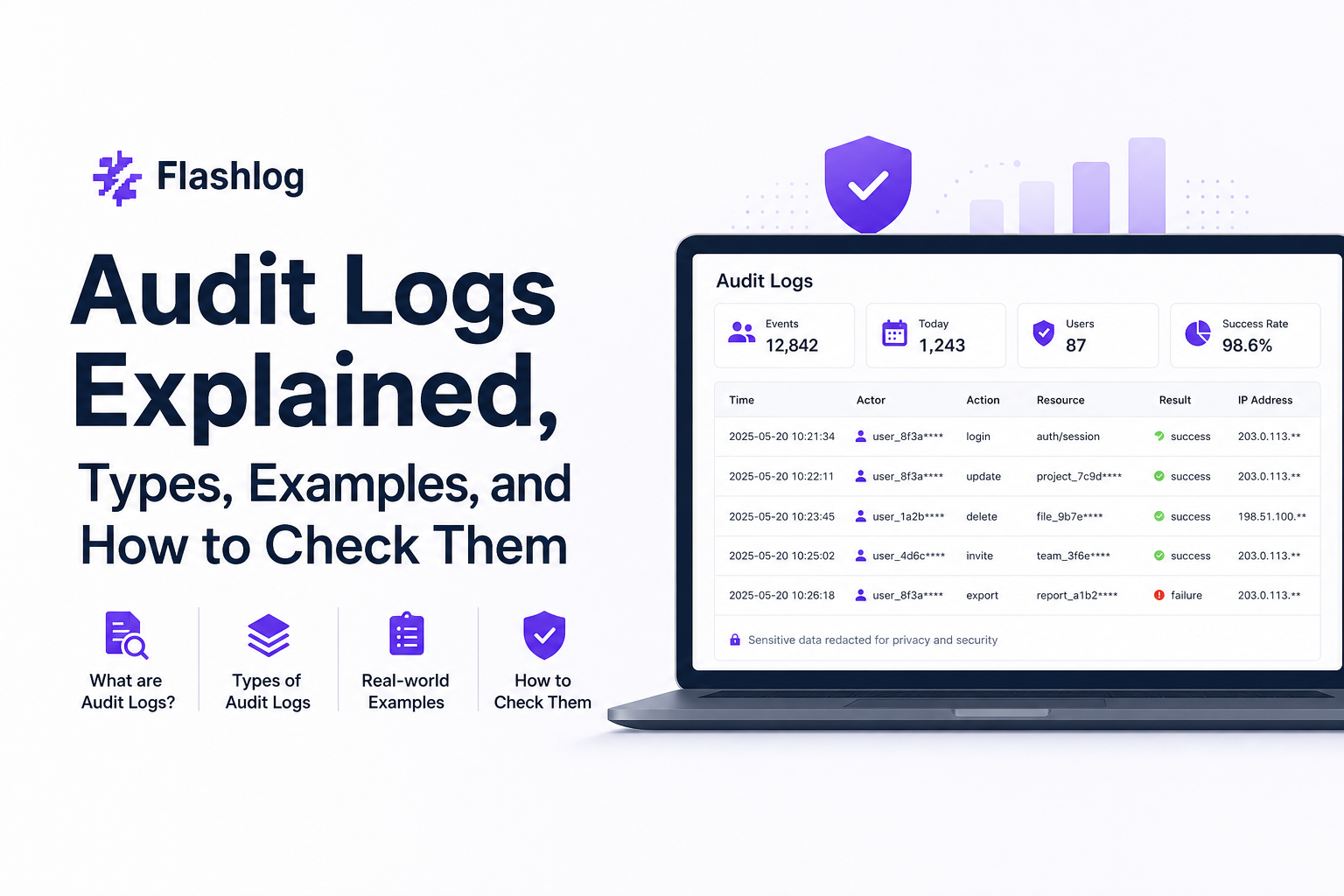
Audit log examples you can copy, JSON and CSV records with annotations
Below are copyable examples that follow the minimum-fields checklist. The goal is to make audit logs readable in an investigation: you should be able to identify actor, target, source, result, and how to correlate.
Example 1: Access event (JSON)
{
  "timestamp": "2026-07-17T10:41:22Z",
  "event_name": "CUSTOMER_PROFILE_VIEWED",
  "action": "read",
  "actor": {"id": "u_18421", "type": "support_agent"},
  "target": {"type": "customer", "id": "c_90211"},
  "source": {"ip": "203.0.113.10", "user_agent": "Chrome/126"},
  "result": "success",
  "correlation_id": "req_7f3a9c"
}
How to read it: a support agent (u_18421) viewed customer c_90211 successfully from a specific IP and browser, and you can pivot to app logs with correlation_id req_7f3a9c.
Example 2: Export event (CSV)
timestamp,event_name,action,actor_id,actor_type,target_type,target_id,result,source_ip
2026-07-17T10:45:03Z,REPORT_EXPORTED,export,u_18421,support_agent,report,r_7712,success,203.0.113.10Annotation: export is an access-adjacent action. If you need volume, add an optional field like rows_exported or file_size_bytes but avoid exporting the exported data into the audit record itself.
Example 3: Permission change (JSON)
{
  "timestamp": "2026-07-17T11:02:10Z",
  "event_name": "ROLE_GRANTED",
  "action": "grant",
  "actor": {"id": "u_01002", "type": "admin"},
  "target": {"type": "user", "id": "u_18421"},
  "change": {"role": "billing_admin"},
  "source": {"ip": "198.51.100.44", "user_agent": "Edge/126"},
  "result": "success"
}Annotation: this is a change audit log. It explains how someone might later access billing data. Note it stores the role name, not a full permission graph.
Example 4: Failed access attempt (JSON)
{
  "timestamp": "2026-07-17T11:05:55Z",
  "event_name": "CUSTOMER_EXPORT_ATTEMPTED",
  "action": "export",
  "actor": {"id": "u_18421", "type": "support_agent"},
  "target": {"type": "customer_list", "id": "segment_high_value"},
  "source": {"ip": "203.0.113.10", "user_agent": "Chrome/126"},
  "result": "failure",
  "failure_reason": "insufficient_role"
}Annotation: failures matter. They can indicate misconfiguration, training issues, or malicious intent. Log the reason code, not verbose stack traces.
How to check audit logs in common environments, Microsoft 365, Azure, Power BI, and Linux
This section is a practical “where to click or type” guide. The fastest triage pattern is consistent across tools: set a tight time window, filter by actor, then filter by target (resource, mailbox, report, VM).
Microsoft 365 (Unified Audit Log)
- Prerequisite: auditing must be enabled for your tenant (in many tenants it is on by default; verify in compliance settings).
- Path: Microsoft Purview portal → Audit.
- Filters to use: date range (start with 15 to 60 minutes), Activities (File accessed, Mailbox login, Role assigned), Users (actor).
- Quick investigation: search for “export”, “download”, “role added”, then pivot to the specific user and object.
Reference: Microsoft’s overview of audit solutions is at Microsoft Purview Audit solutions overview.
Azure (Activity Log)
- Path: Azure Portal → Monitor → Activity log.
- Filters to use: Subscription, Resource Group, Resource, Event category (Administrative is often your “change audit” goldmine), and Initiated by (actor).
- What to look for: role assignments, policy changes, key vault access policy edits, network security group changes.
Tip: export a narrow time window first; wide exports create noise and increase the chance you store more than you need.
Power BI (Activity Log and audit events)
- Path: Power BI Admin portal → Audit logs (or use Microsoft 365 audit if integrated).
- Filters to use: Activity type (view report, export data, share, publish), user, workspace.
- Fast privacy check: focus on export and share activities, then confirm who initiated them and from where.
Linux (auth logs and auditd)
- Auth events: check
/var/log/auth.log(Debian/Ubuntu) or/var/log/secure(RHEL/CentOS) for sudo, SSH, and login activity. - auditd events: if enabled, query with
ausearchand summarize withaureport.
# Failed SSH logins in the last hour (example approach)
sudo journalctl -u ssh --since "1 hour ago" | grep -i "failed"

# auditd: search by user and time range
sudo ausearch -ua 1001 -ts today
What surprised our team was how often “missing audit logs” on Linux was really “logs exist but retention is too short”; increasing retention from 7 days to 30 days (with access controls) eliminated repeat investigations where evidence had already rotated out.
| Environment | Best starting filter | Most useful audit category | Common pitfall |
|---|---|---|---|
| Microsoft 365 | User (actor) + Activity | Exports, role changes, mailbox access | Searching too wide a date range |
| Azure | Resource + Administrative events | Policy/role/network changes | Not exporting to a long-term store |
| Power BI | Export/Share activities | Data export and sharing | Not distinguishing view vs export |
| Linux | Time window + user ID | sudo/SSH/auditd rules | Retention too short for investigations |
Best practices for secure, privacy-respecting audit logging
Here is a concrete 4-part framework that keeps audit logs useful and privacy-safe: minimize what you store, protect who can read it, preserve integrity, and reduce noise so humans can actually use it.
1) Minimize: log actions, not content
- Prefer identifiers and counts (record_id, rows_exported) over payloads.
- Store reason codes, not stack traces.
- Keep “search” events minimal unless there is a documented abuse scenario.
2) Protect: strict access control and separation of duties
- Restrict read access to audit logs to a small group (security, compliance, designated admins).
- Use separate roles for “manage logging configuration” vs “read audit events”.
- Alert on access to the audit log store itself (meta-auditing).
3) Preserve: integrity, immutability, and retention
- Use append-only storage where possible (WORM or immutability policies).
- Digitally sign batches or use hash chaining for high-assurance environments.
- Set retention based on your incident response reality, not wishful thinking: many teams choose 30 to 90 days minimum for operational investigations, longer if regulated.
4) Reduce noise: decide what deserves an audit event
- Always log: permission changes, exports, deletes, policy changes, admin logins.
- Sample or aggregate: high-volume reads that do not touch sensitive fields.
- Separate system actors from humans: service-to-service chatter can drown your access audit logs if you do not tag actor_type properly.
When you are debugging user-reported issues, you will often combine audit logs with other evidence. For deeper workflows, see our guides on issue triage, log correlation, and production debugging.
FAQ
If you want to speed up investigations without asking users to explain every step, Flash Log captures reproduction context around failures, including user journey, failing requests, and environment details, while masking sensitive inputs so your team can move faster without expanding what you store in audit logs.
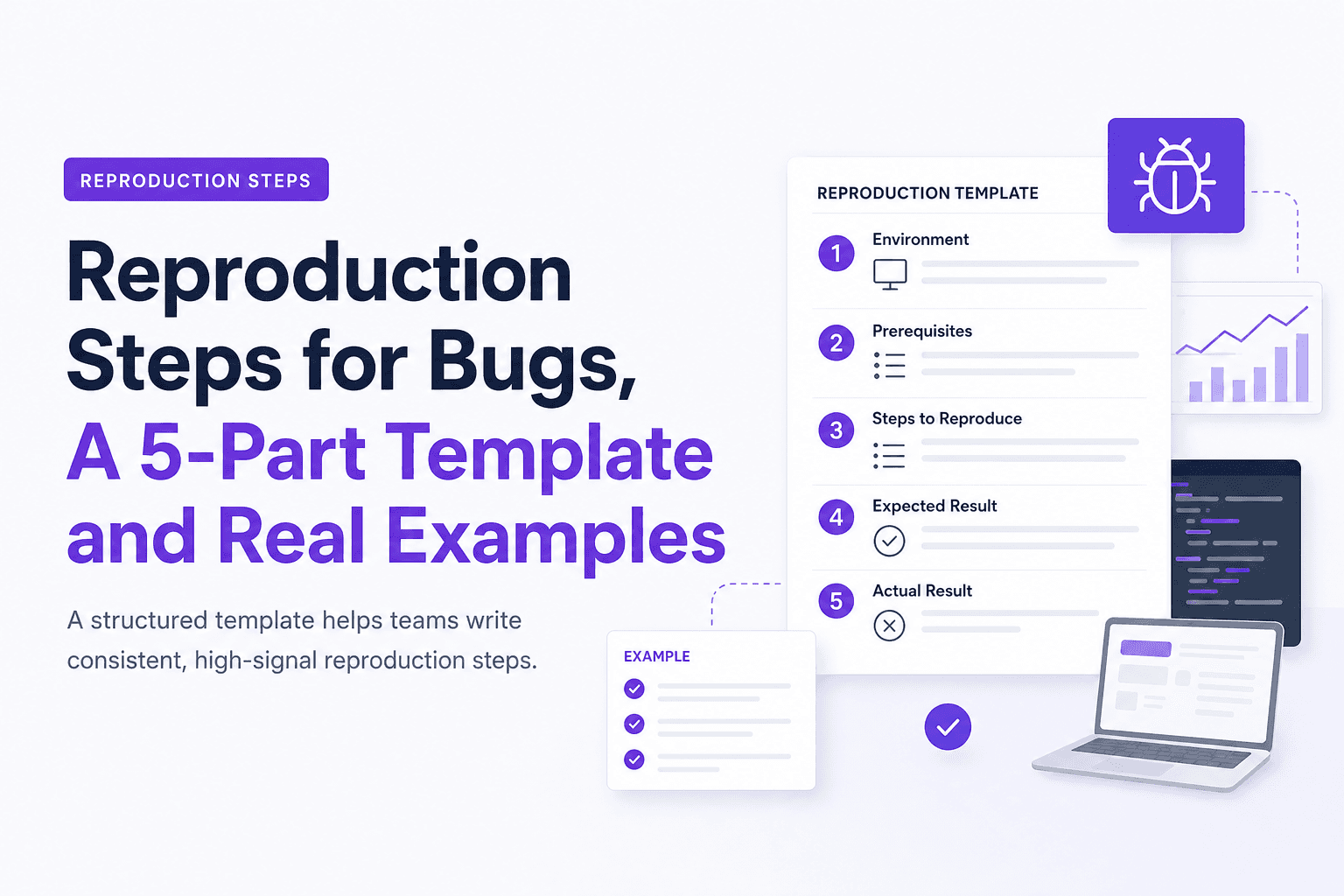
Reproduction Steps for Bugs, A 5-Part Template and Real Examples
Learn reproduction steps that engineers can actually follow: a 5-part template, diagram, and real web, mobile, and API examples.

Notification Fatigue Explained and a Simple Reset Plan You Can Finish This Week
Learn what notification fatigue is, how to diagnose it, and a practical reset plan for phone, email, chat, and social without going off-grid.
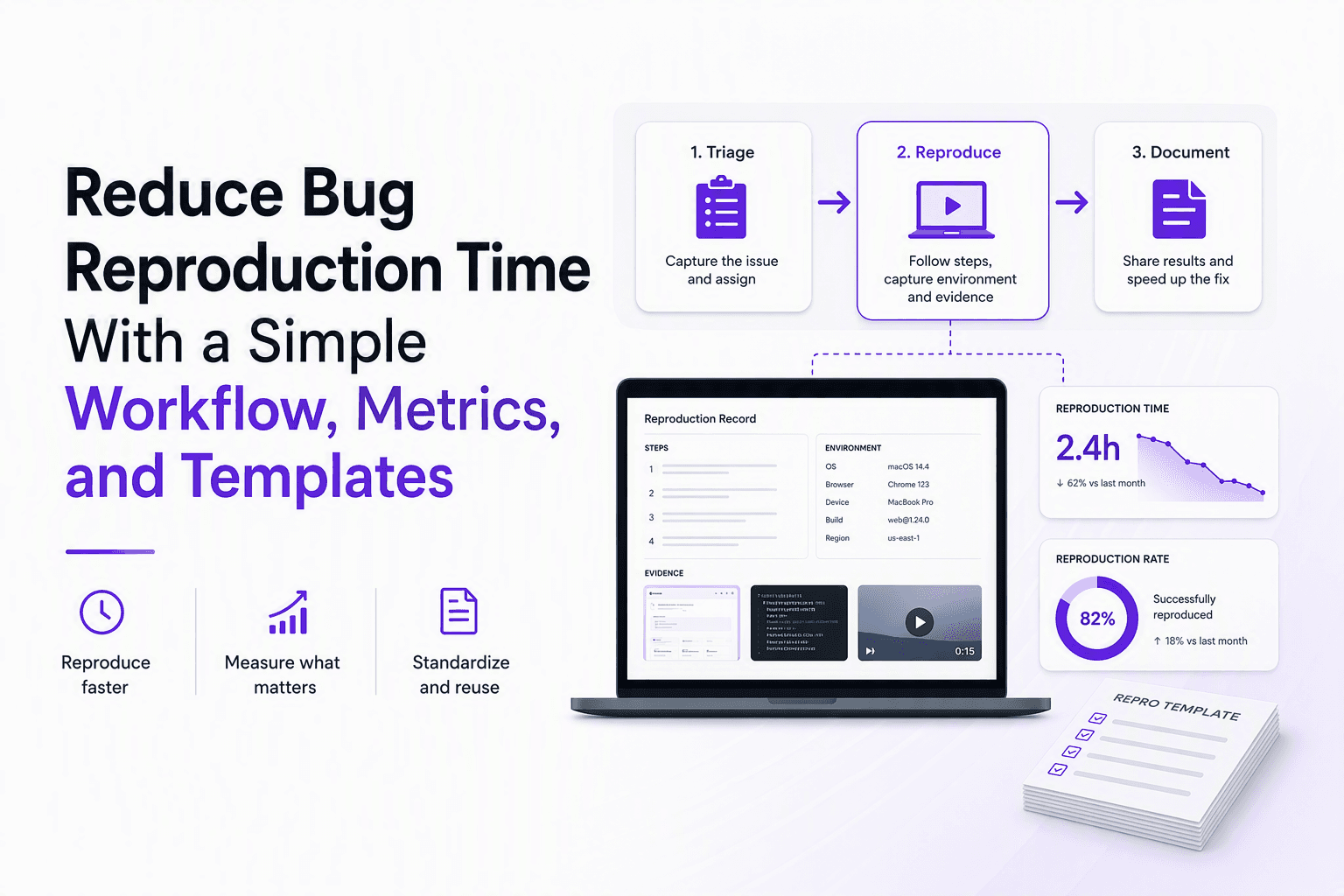
Reduce Bug Reproduction Time With a Simple Workflow, Metrics, and Templates
Learn how to reduce bug reproduction time with clear metrics, a triage-to-repro workflow, and copy-paste templates that cut back-and-forth.