
Session Replay Software Buyer’s Guide, Features, Privacy, And A Shortlist Comparison
Choosing session replay software is less about “watching videos of users” and more about whether your team can reliably answer: what happened, where it broke, who it affects, and how to fix it without weeks of back-and-forth.
- Shortlist tools by how well they connect replay to errors, network requests, and searchable context, not by how pretty the player looks.
- Plan capture like an engineering rollout: sampling, retention, performance budgets, and data governance determine whether replay becomes trusted or ignored.
- Privacy and compliance are operational: consent, masking rules, access controls, auditability, and retention policies must be configurable and provable.
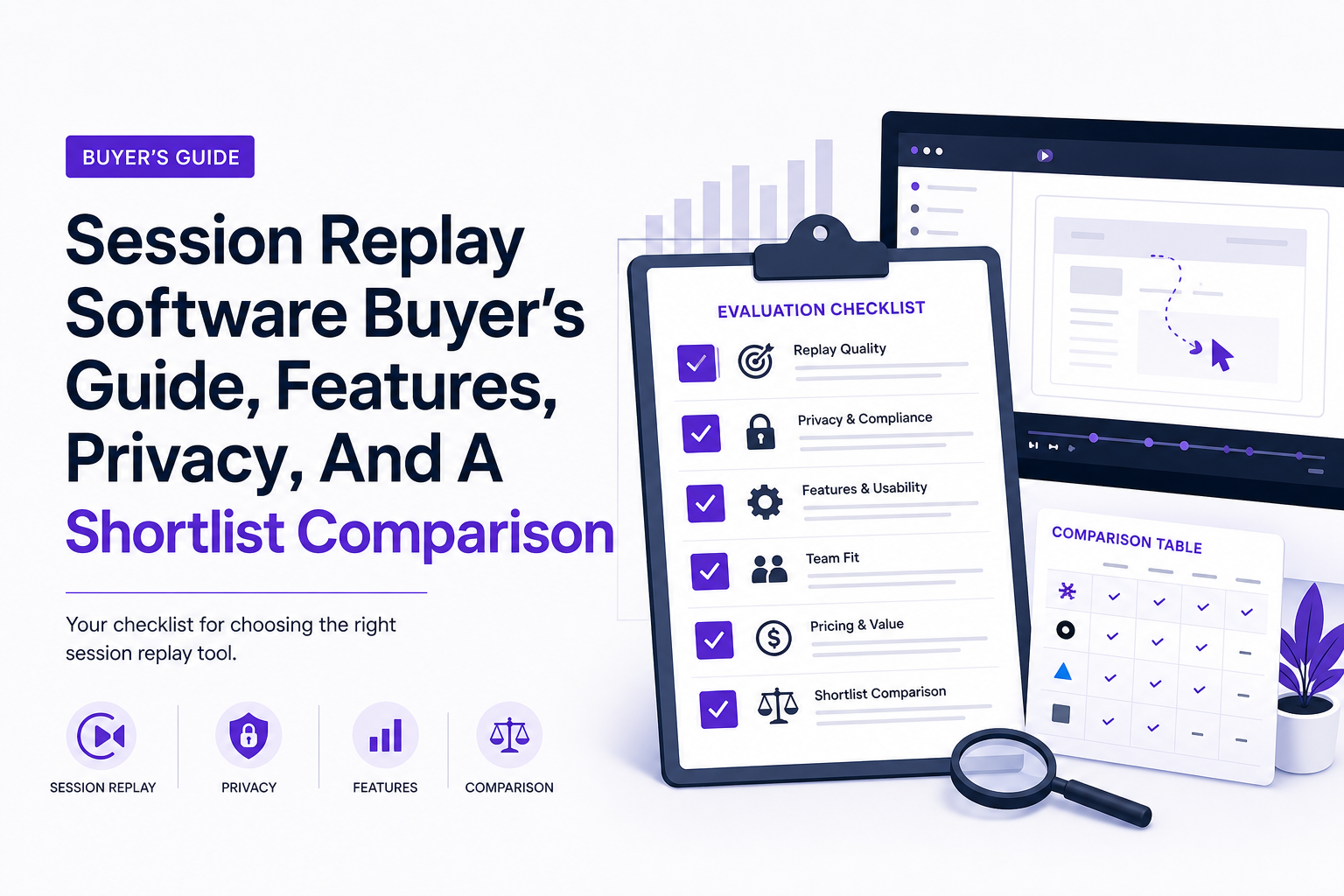
What to evaluate in session replay software before you shortlist vendors
A good buyer’s guide starts with decision criteria you can score. Below is a practical framework we use to separate “nice demo” tools from tools that reduce time-to-reproduce and time-to-fix.
1) Search and segmentation that match how you debug
Replays are only useful if you can find the right ones fast. Look for:
- Event-based search: filter by clicks, rage clicks, dead clicks, form submits, route changes, and custom events.
- User and account attributes: plan, tenant, region, device class, release version, feature flags.
- Time slicing: “last 15 minutes” for incident response and “last 30 days” for regression hunting.
- Saved segments: reusable filters for support and engineering (for example: “Checkout errors on iOS”).
Selection test: ask vendors to reproduce a bug you describe using only filters and search, starting from “all sessions,” in under 2 minutes.
2) Funnels, journeys, and UX friction signals
Even if your primary use case is debugging, teams quickly ask for product signals. Evaluate whether the tool supports:
- Funnel analysis tied to replay: click into representative sessions from a drop-off step.
- Journey views: common paths into an error state.
- Friction heuristics: rage clicks, error clicks, slow pages, and form abandonment.
Tradeoff: deeper product analytics often means more instrumentation work. If you already have analytics, prioritize “link out to replay” rather than duplicating your whole analytics stack.
3) Error linking and technical context (the difference-maker)
The most valuable session replay software does not just show the UI. It correlates the replay with technical evidence. Score tools on:
- Frontend errors: exceptions tied to the exact moment in the session timeline.
- Network visibility: failing requests (method, URL, status, timing) adjacent to the user action that triggered them.
- Release and environment context: browser, OS, device, viewport, and app version to isolate environment-specific bugs.
- Export to your tracker: a shareable link plus structured context that survives handoff.
After running a few incident reviews, the pattern was clear: teams stop using replay when it cannot answer “what request failed and under what environment” without extra tools.
4) Collaboration and workflow fit
Replays become operational when they fit existing workflows:
- Annotations and comments at timestamps.
- Share links that preserve permissions and redaction rules.
- Integrations with Slack, Jira, Linear, GitHub, and incident tooling.
- Role-based access so support can view masked sessions while engineering can access deeper context if allowed.
5) Mobile support and hybrid apps
If you support mobile, confirm whether replay covers web only, native mobile, or both. Ask specifically about:
- iOS/Android SDK maturity and crash correlation.
- Performance overhead on low-end devices.
- Privacy controls on mobile inputs and screens.
6) Masking, redaction, and capture controls
Masking is not a checkbox; it is the foundation that lets teams use replay broadly. Require:
- Default masking for inputs, with allowlists for safe fields.
- CSS/selector-based redaction for specific DOM regions.
- Network payload controls (headers, bodies, query strings) so secrets are not ingested.
- Per-project rules to reflect different products or compliance needs.
If you are new to the space, it helps to align terminology with a quick primer on session replay before you start vendor demos.
Implementation reality check performance, sampling, retention, and data governance
Most replay rollouts fail for predictable reasons: too much capture, unclear retention, and privacy rules that are decided after the data is already flowing. Treat implementation as an engineering project with explicit budgets and controls.
Choose a capture approach and set performance budgets
Session replay typically captures DOM mutations, user events, and metadata, then reconstructs the experience. Your rollout should define:
- Overhead budget: target a small CPU and memory footprint; validate on low-end devices and slow networks.
- Page performance guardrails: confirm the SDK does not materially worsen Core Web Vitals. Use lab tests plus real-user monitoring if you have it.
- Replay fidelity: decide whether you need pixel-perfect rendering or “debuggable context” (often enough for engineering).
What surprised our team was how often “capture everything” caused teams to turn replay off during incidents due to performance concerns, so we now start with conservative settings and expand only after measuring overhead.
Sampling strategy that matches your use cases
Sampling is not only a cost lever; it changes whether you can find rare bugs. Use a layered approach:
- Baseline sampling: 1% to 10% of sessions for general UX discovery.
- Error-triggered capture: 100% capture when specific errors occur (checkout failures, auth loops, payment API errors).
- High-value segments: higher sampling for paying accounts, specific geos, or new releases.
Checklist: confirm the tool supports dynamic sampling rules (by event, route, error, or user segment) and that changes take effect quickly.
Retention and storage policies you can defend
Retention should be set by purpose, not habit. A practical starting point:
- 7 to 14 days for high-volume consumer apps (fast-moving UX issues).
- 30 days for B2B apps (longer customer cycles and support timelines).
- Longer retention only for explicitly approved projects and with stronger access controls.
Also require the ability to delete sessions for a user on request and to enforce retention automatically.
Data governance rollout checklist (use this before production)
- Data map: list what is captured (DOM, events, network metadata, errors) and where it is stored.
- Masking rules: default mask inputs; add selector-based redaction for sensitive UI regions.
- Access model: define roles for support, product, engineering, security; enforce least privilege.
- Auditability: ensure access logs exist and are reviewable.
- Incident procedure: how to temporarily increase sampling during an outage without violating policy.
Common pitfall: teams decide on redaction after the SDK is live. Make masking and payload controls part of the initial definition of done.
If you are standardizing operational processes, pair replay with a consistent issue triage routine so the same signals are reviewed every time.
Best session replay software options with a comparison table for fast shortlisting
For 2026 buyers, “best” usually means best for your primary workflow. Use this mental model: developer debugging tools should lead with errors + failing requests + environment context; UX analytics tools should lead with funnels and friction signals; observability suites should connect replay to RUM/APM traces and logs; and if you’re doing lightweight research, prioritize fast setup and safe sharing. In practice, replay alone is rarely enough for root cause—you want replay correlated to errors, network, and (when available) traces so the issue is reproducible instead of anecdotal.
1) FullStory
Best for: product teams that want strong UX analytics plus replay.
- Strengths: polished replay experience, strong segmentation and behavioral signals, good collaboration flows.
- Watch-outs: costs can scale quickly with higher sampling and longer retention; validate masking and governance fit for your environment.
2) PostHog (Session Replay)
Best for: teams that want product analytics and replay in one stack, with flexibility.
- Strengths: event-based analytics plus replay, strong experimentation and feature flag workflows for many teams.
- Watch-outs: you may need more setup discipline to keep events and naming consistent across teams.
3) Datadog (Session Replay)
Best for: engineering teams already using Datadog for APM and RUM who want replay tied to performance and incidents.
- Strengths: strong correlation across RUM, traces, logs, and errors; good for incident response workflows.
- Watch-outs: if you do not already use the platform, it can be heavier than a focused replay tool.
4) Sentry (Session Replay)
Best for: developer-first debugging where errors are the entry point.
- Strengths: excellent error context and developer workflows; replay attached to issues is a natural fit.
- Watch-outs: UX analytics depth may be less than product-focused tools; confirm how you will do funnels and journey analysis if you need it.
5) Hotjar (Recordings)
Best for: lightweight UX research with heatmaps and qualitative insights.
- Strengths: fast to start, strong for UX discovery and feedback loops.
- Watch-outs: less developer debugging context; validate network and error correlation if engineering is a key stakeholder.
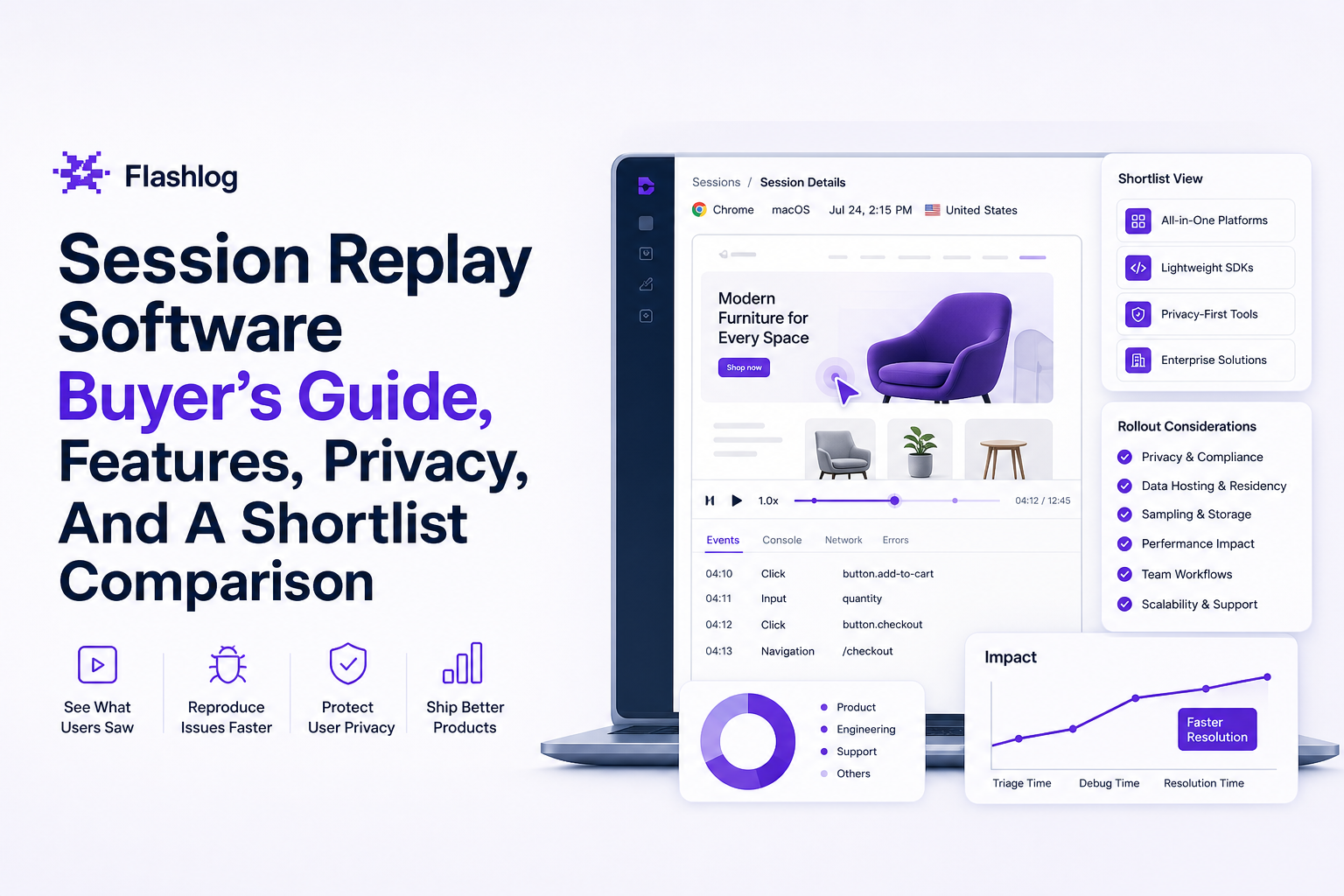
Privacy and compliance playbook for session replay GDPR, CCPA, HIPAA, PCI
Privacy is where many session replay evaluations stall, especially in regulated environments. The goal is to operationalize compliance so teams can still debug effectively.
Start with a data classification matrix
Create a simple matrix with three columns: Allowed, Allowed with masking, Never capture. Populate it with:
- Authentication data (tokens, session IDs)
- Payment data (card numbers, CVV)
- Health data (if applicable)
- Personal identifiers (email, phone, address)
Then map each item to where it appears: DOM inputs, URL parameters, network payloads, or local storage.
Consent and notice requirements
For GDPR and CCPA, you need a clear legal basis and transparent notice. Practically, that means:
- Consent gating where required: do not initialize capture until consent is recorded.
- Do Not Sell/Share handling (CCPA/CPRA): ensure your configuration respects opt-outs.
- Documented purpose: debugging and product improvement are common purposes, but confirm with counsel.
Reference: align your approach with GDPR requirements and ensure your privacy policy reflects replay usage.
Redaction rules that are provable
Require controls that make it hard to accidentally capture sensitive data:
- Mask-by-default for inputs and text fields.
- Selector-based redaction for known sensitive components (billing forms, patient info panels).
- Network scrubbing for request and response bodies, headers, and query parameters.
- Testing protocol: run a “sensitive data capture audit” in staging and production with synthetic test accounts.
Vendor due diligence checklist: in a demo, validate whether masking is default-on (not opt-in), whether you can apply preset rules quickly (inputs, selectors, URL/query patterns, and network payload filters), and whether redaction happens before data leaves the browser or only after ingestion. Also confirm RBAC boundaries, audit logs for replay access/config changes, and a practical deletion workflow (user-level deletion plus policy-driven retention enforcement) you can evidence to security.
Access controls, audit logs, and retention enforcement
- Role-based access: limit who can view replay, who can export, and who can change masking rules.
- Audit logs: record access to replays and configuration changes.
- Retention enforcement: automatic deletion aligned to policy; ability to delete user data on request.
For HIPAA or PCI contexts, involve security early and consider whether you should disable replay on specific routes entirely (for example: payment screens), even if masking exists.
| Tool | Best for | Error + network correlation | Analytics depth | Governance controls to verify | Typical rollout notes |
|---|---|---|---|---|---|
| FullStory | UX insights + collaboration | Medium to High (depends on setup) | High | Masking defaults, RBAC, retention | Great for product-led teams; validate cost at scale |
| PostHog | Analytics + replay in one | Medium | High | Event governance, masking, export controls | Strong if you standardize event naming early |
| Datadog | Observability-first orgs | High | Medium | RBAC, audit logs, retention | Best when you already use RUM/APM |
| Sentry | Developer debugging | High (issue-first workflows) | Low to Medium | PII scrubbing, access controls | Fast path to “replay attached to error” |
| Hotjar | Qualitative UX research | Low to Medium | Medium | Masking, consent, retention | Easy start; may need separate dev debugging stack |
FAQ
If your main pain is bugs that users never report, consider adding Flash Log alongside your session replay software so issues can capture their own reproduction context automatically, including the user journey, failing request, environment details, and privacy-safe masking, before they ever reach engineering.
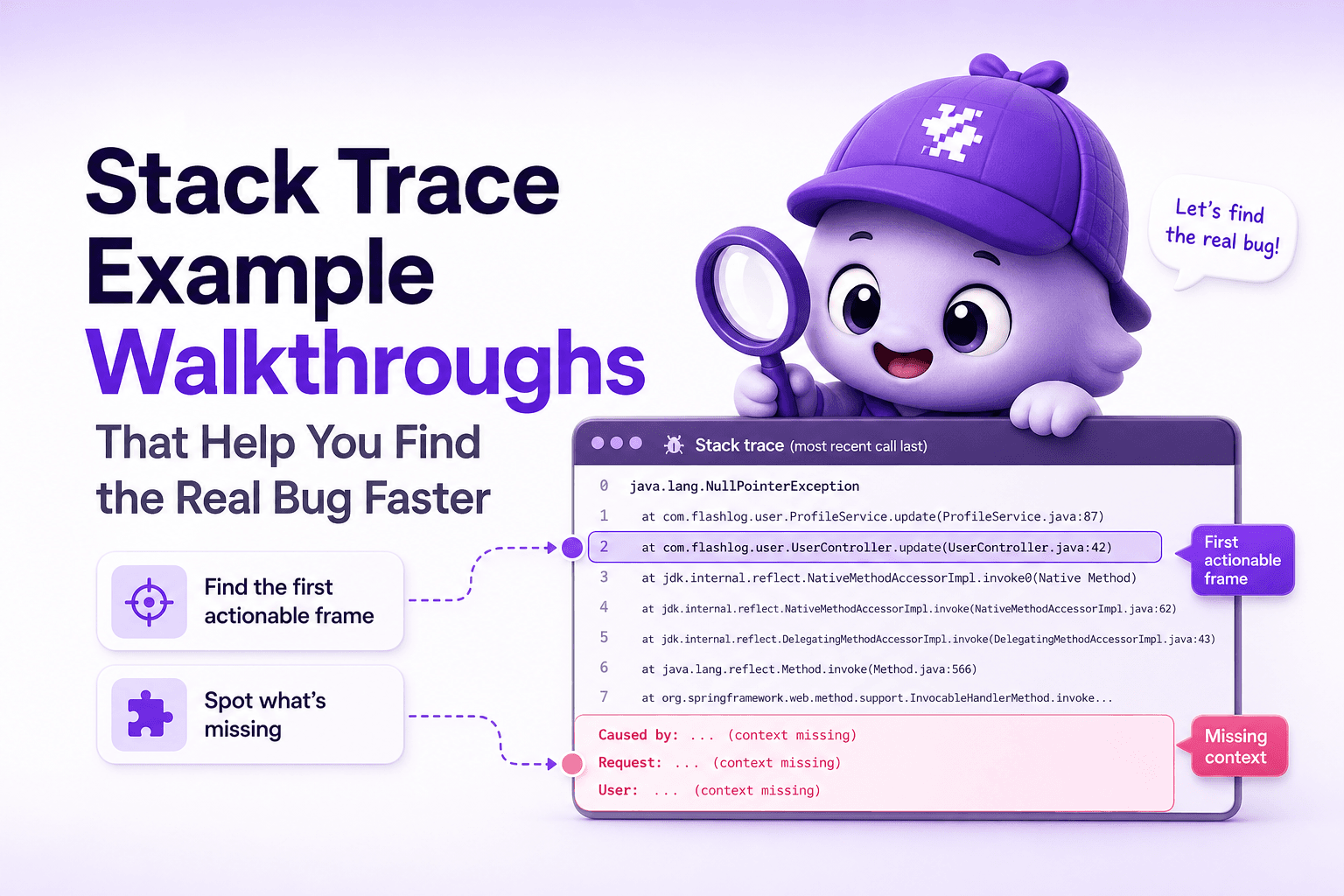
Stack Trace Example Walkthroughs That Help You Find the Real Bug Faster
Learn how to read a stack trace example in production, spot the first actionable frame, and gather the missing context to fix bugs faster.
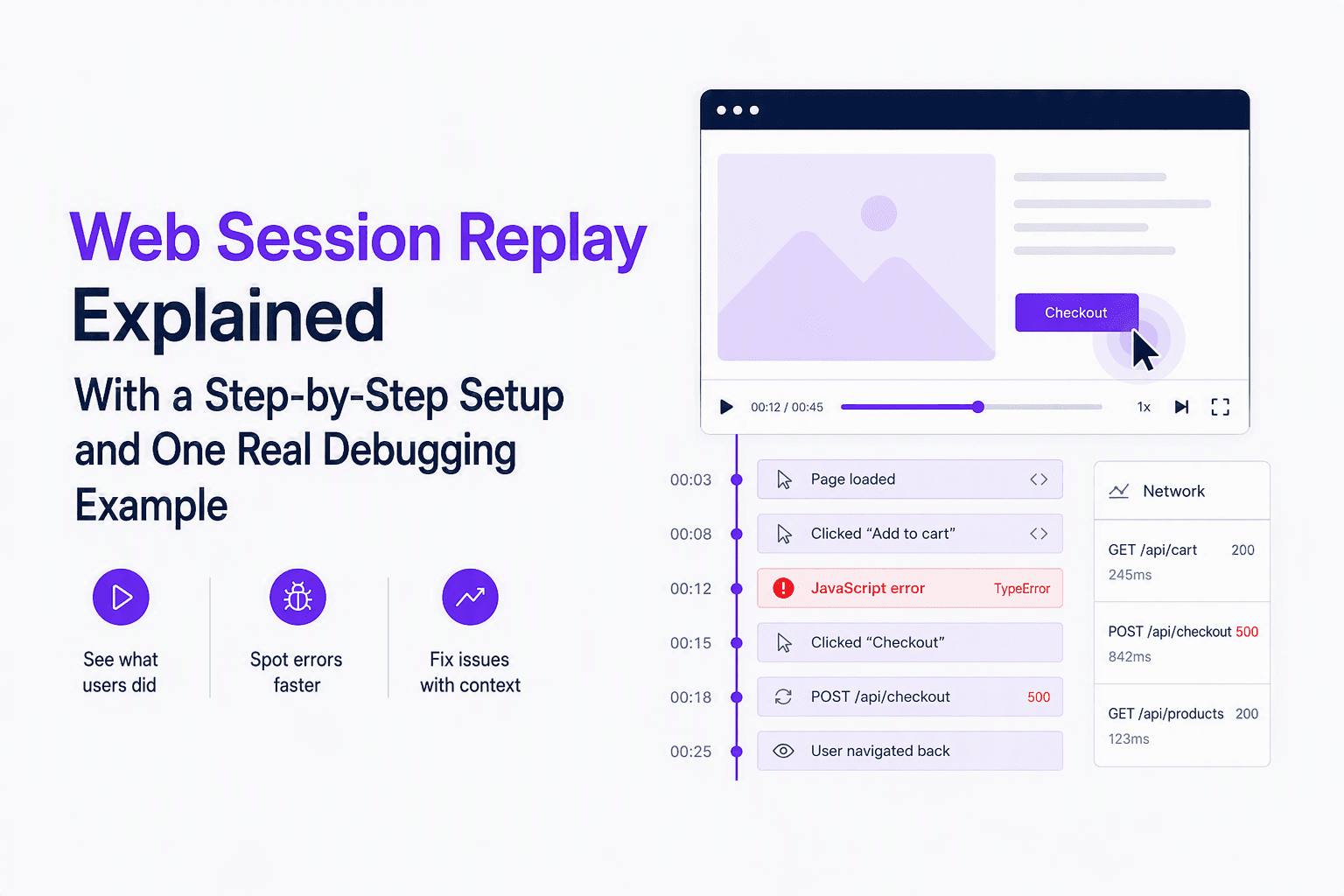
Web Session Replay Explained With a Step-by-Step Setup and One Real Debugging Example
Learn web session replay fundamentals: what it captures, how it works, and a step-by-step setup plus a real timeline walkthrough to find root cause.

Adaptive Sampling for Observability, A Practical Framework to Cut Noise Without Missing Incidents
Adaptive sampling framework for observability: pick signals, set rates with SLO risk math, validate quality, and cut telemetry noise without hiding incidents.