
How to Choose Session Replay Tools for Faster Bug Triage and Safer Investigations
Session replay tools are easiest to choose when you score them against the specific outcomes you need: faster bug reproduction, fewer support back-and-forth loops, safer security investigations, and measurable reductions in time-to-triage.
- Start with outcome-to-use-case mapping (engineering, UX, support, product, security) so you evaluate replay features against real workflows, not demos.
- Prioritize evidence that reduces triage time: deterministic capture, searchable metadata, timeline correlation (errors, console, network), and tight issue-tracker handoff.
- Privacy and deployment are first-order decisions: masking, RBAC, retention, and data residency constraints should eliminate tools before you debate UI polish.
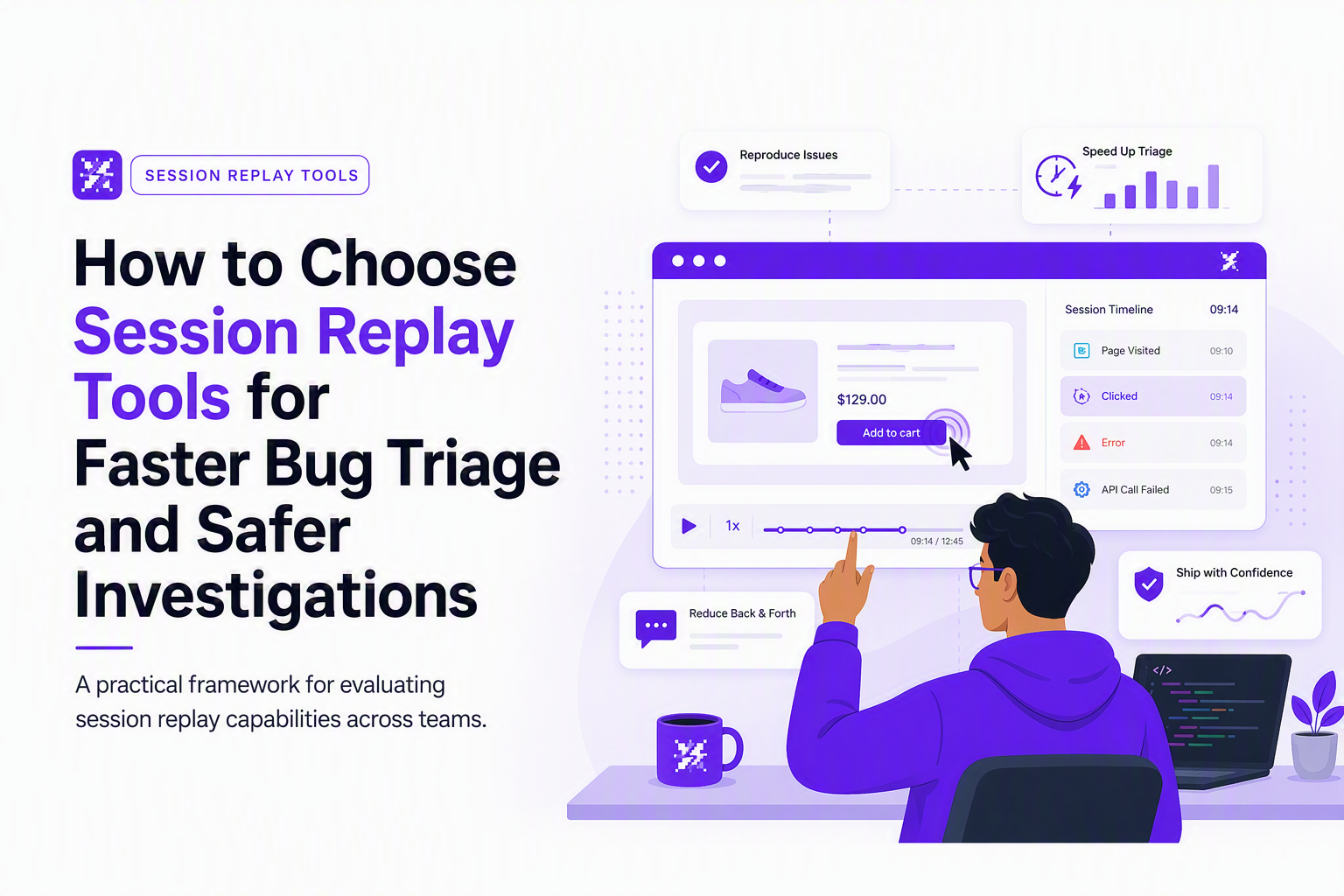
Start with the problem your session replay tool must solve
Session replay tools record what users did in your app (UI events and page/DOM state) so you can “rewind” a session and see the sequence that led to an issue. For production bug triage, the value is not the video—it’s the evidence package: timestamped actions tied to errors, failing requests, and environment details (browser/OS/release) so engineers can reproduce without another user interview. If you’re here mainly for “best session replay tools,” use this framework as a vendor-agnostic filter: it’s designed to help you pick 2–3 candidates (from error-monitoring, product analytics, or observability suites) to pilot with the same pass/fail gates.
Step 1: Map outcomes to replay use cases
Use the table below to force clarity across engineering, product, UX, support, and security. Each row includes a measurable “before vs after” metric so the pilot is easy to judge.
- Engineering outcome: reproduce and fix bugs faster. Replay use case: confirm exact user path into a failure and capture surrounding technical context. Metric: median time from “issue opened” to “repro confirmed”.
- Support outcome: reduce back-and-forth with users. Replay use case: replace “can you send steps/screenshots” with a link to a replay that shows navigation, clicks, and form actions. Metric: number of support touches per bug ticket.
- UX outcome: diagnose friction and dead clicks. Replay use case: inspect hesitations, rage clicks, scroll depth, and form abandonment. Metric: task completion rate for a defined flow.
- Product outcome: explain drop-offs and experiment regressions. Replay use case: watch sessions for a specific cohort, release version, or feature flag state. Metric: time to identify root cause of conversion change (qualitative plus logged evidence).
- Security outcome: investigate suspicious activity without increasing risk. Replay use case: validate suspected fraud, account takeover, or automation patterns while masking sensitive inputs. Metric: time to confirm an incident narrative and scope (what happened, where, and on which devices).
Step 2: Define what “reproducible” means for your team
A replay that “looks right” is not always enough for debugging. Define a minimum reproduction package for bugs, then evaluate tools against it:
- Journey: last meaningful actions, page path, and timestamps.
- Technical trigger: frontend exception or failing request linked to the user action.
- Network evidence: request method, URL, status, and timing around the failure.
- Environment: browser, OS, device/viewport, release version, and connection context.
- Privacy: masked inputs and redacted keys before the replay reaches engineering.
Step 3: Decide the sampling strategy up front
Sampling is where “unlimited sessions” marketing becomes reality. Write down what you need to capture, then confirm the tool can do it within cost and privacy constraints:
- Always-on for key flows: checkout, onboarding, auth, billing, and settings.
- Triggered capture: record sessions only when errors occur (exceptions, 4xx/5xx spikes), when users rage click, or when latency crosses a threshold.
- Targeted cohorts: record sessions only for a beta release, a feature flag cohort, or specific geos where incidents occur.
Evaluate capture, playback, and analysis capabilities
High-quality session replay tools combine reliable capture with analysis primitives that let you find the right sessions in minutes, not by watching videos for hours.
Capture checklist you can validate in a day
- Deterministic DOM capture: can the replay reconstruct UI states accurately across route changes, modals, and dynamic content?
- Autocapture coverage: clicks, taps, scrolls, inputs, and navigations should be captured without requiring custom instrumentation for every element.
- SPAs and mobile web: confirm routing (React/Vue/Angular) and mobile viewport interactions reproduce correctly.
- Performance impact: validate the runtime overhead in your own app by comparing key performance metrics with and without the recorder enabled.
- Edge cases: test shadow DOM, iframes you control, contenteditable fields, and third-party scripts that often break replay fidelity.
Playback features that actually reduce debugging time
In practice, the best playback features are the ones that shorten “time-to-first-signal”:
- Timeline correlation: the moment of failure should align with user actions, network requests, and console logs.
- Speed controls and skip: jump to errors, long tasks, or specific events instead of watching the full session.
- State inspection: view DOM snapshots, console output, and relevant metadata at the timestamp of the issue.
- Stable sharing: permalinks that preserve filters and time offsets so engineering and support see the same evidence.
Search and segmentation, the real scaling bottleneck
Search determines whether replays stay useful past the first month. Evaluate whether you can filter and segment by:
- Release version and deploy time (critical for regression triage).
- Environment (browser, OS, device, viewport).
- Error and network signals (exception type, endpoint, status code, latency threshold).
- User and account traits (role, plan, cohort) using privacy-safe identifiers.
Instead of trusting a demo, turn “capture/playback” into pass/fail checks: (1) console logs are visible and timestamp-aligned to user actions, (2) network events show method/URL/status/duration and sit beside the triggering click/submit, (3) errors/stack traces jump you to the exact moment on the timeline, (4) you can inspect DOM/state at that timestamp (not just watch), and (5) you can measure overhead by comparing your own key performance metrics with the recorder on vs off for the same flow. If a vendor can’t pass these in your app, “beautiful replays” quickly become hours of footage with no root-cause evidence.
AI-assisted investigation, what to ask vendors to prove
“AI” can mean anything from text summaries to automated issue grouping. Instead of evaluating the label, ask for proof in your own data:
- Can it cluster sessions by root-cause signals (same failing endpoint, same stack trace, same release)?
- Can it propose reproduction steps from event sequences, not just summarizing the page?
- Can it reduce noise by deduplicating frequent non-actionable issues?
Connect replays to the rest of your debugging stack
Session replay tools deliver their biggest ROI when they attach to the systems where decisions are made: error tracking, logs, APM, product analytics, and issue trackers.
Integration scorecard, what “good” looks like
- Error tracking: a replay link should be attached to the error occurrence, not manually searched. Bonus if the error payload includes release, user/session id, and a timestamp aligned to the replay timeline.
- APM and performance: slow transactions should link to a replay slice around the latency spike, with endpoint timing and user actions visible.
- Console and network: console logs, failed requests, and status codes should be visible next to the user action that triggered them.
- Product analytics: the tool should let you jump from a funnel drop-off or cohort to representative sessions without exporting CSVs.
- Issue workflow: create or enrich tickets with the evidence bundle (steps, environment, failing request) so engineering does not ask support to re-collect it.
A concrete workflow test you can run with two bugs
Pick two real issues from the last 30 days: one obvious frontend exception and one “it failed on checkout” support report. Then run this test end-to-end:
- Locate: can support or QA find the exact session in under 5 minutes using metadata and filters?
- Explain: can an engineer identify the failing action, the failing request (if any), and the environment without opening DevTools locally?
- Handoff: can you push a ticket into your tracker that includes the replay link and the key context (steps, environment, request status/timing)?
- Reproduce: can a different engineer reproduce from the ticket alone?
When we tested this “two-bug workflow” in our experience, the deciding factor was not whether the replay existed but whether the replay was automatically connected to the error and the network context so triage stayed linear instead of turning into Slack archaeology.
If you are building out the foundational pieces, start with web session replay implementation details and sanity checks, then formalize a session replay workflow that defines who triages, who fixes, and what evidence is required.
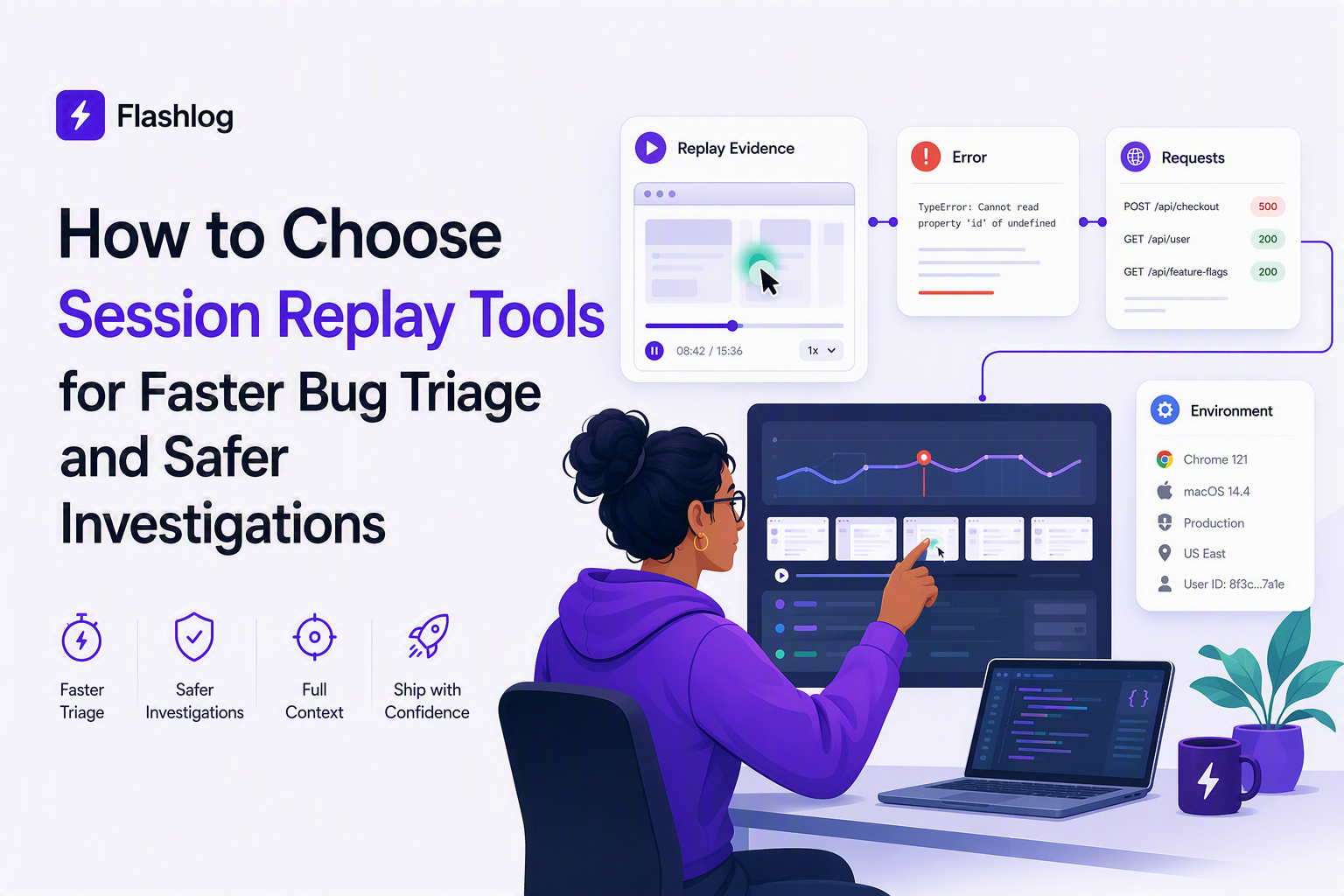
Use session replay in cybersecurity without creating new risk
Security-safe session replay requires enforceable controls for masking, access, retention, and auditability because replay data can contain sensitive inputs and behavioral identifiers.
Threat investigations where replay helps
- Fraud review: confirm whether the flow looked automated, whether user behavior matched expected patterns, and whether unusual navigation preceded a transaction.
- Account takeover: validate suspicious login sequences, password reset attempts, and post-login actions tied to a specific device and browser fingerprint context.
- Incident response: reconstruct what happened in a window of time around an event, then identify impacted sessions by release, endpoint, or geography.
Privacy controls to treat as “hard requirements”
- Field-level masking and redaction: ensure sensitive inputs are masked at capture time, not after the fact. A practical deep dive: hiding masking personally identifiable information.
- RBAC: define who can view full replays, who can view metadata only, and who can export data.
- Retention limits: enforce short retention for raw replay when possible, and longer retention for aggregated metrics if needed.
- Audit logs: security teams often need to know who accessed which sessions and when.
- Consent and regional compliance: confirm how the tool supports GDPR and CCPA operational needs (access requests, deletion, and data minimization).
Standards and policies to align with
If your org uses SOC 2 reporting or formal privacy reviews, require documentation that explains data collection, retention, subprocessors, and customer controls. For baseline GDPR context, refer to EU GDPR guidance and ensure your legal and security owners sign off on replay scope.
Compare cloud, self-hosted, and free session replay options
Deployment and pricing constraints often eliminate choices faster than feature debates, so compare session replay tools by residency, maintenance cost, and limit behavior under real traffic.
A neutral decision matrix for hosting and limits
- Cloud: fastest time-to-value, usually best collaboration UI, but requires vendor trust for sensitive data handling and may restrict residency choices.
- Self-hosted: strongest control for data residency and internal access policies, but adds operational work (upgrades, scaling, storage, monitoring).
- Free tiers: useful for instrumentation learning and UX spot checks, but often constrain retention, session volume, search, or export, which are exactly the capabilities you need for reliable triage.
Questions that expose real free-plan limits
- Session caps: is the limit based on recorded sessions, unique users, or events? Does sampling start silently after the cap?
- Retention: do replays expire before you can correlate them with weekly releases and bug cycles?
- Search and filters: are key filters gated, making the free plan effectively “watch-only”?
- Exports and sharing: can you attach a replay to a ticket, or does sharing require paid seats?
- Privacy controls: are masking and RBAC available before you commit?
Upgrade triggers you can write into policy
To avoid surprises, write a quick “cost & limits worksheet” before you pilot: how the vendor meters (sessions, users, events, or retention), what the default retention is, whether replay is included or an add-on, and what triggers recording (always-on vs error-triggered vs custom paths/events). During the pilot, record three numbers from real traffic—sessions/day for the app, the % of sessions that include your key flows, and the trigger rate for errors/latency—then estimate “recorded sessions/day” under each policy. This also forces the free-tier reality check: short retention, gated filters, or limited sharing/seat access can turn a free plan into a “demo mode” that can’t support reproducible triage.
Score tools against team fit and business impact
A simple weighted score keeps your evaluation honest because it forces tradeoffs between capture quality, privacy, integrations, and operational cost.
A scoring model you can copy
Start with 100 points and tune weights to your org. The point is not perfect math; it is transparency.
- Coverage and fidelity (25): replay accuracy for your key flows, SPA routing, mobile web behavior, and edge cases.
- Triage speed (20): filters, search, jump-to-error, and timeline correlation for errors and network.
- Integrations (20): error tracking, APM, analytics, and issue tracker handoff with minimal manual steps.
- Privacy and security (20): capture-time masking, RBAC, audit logs, retention controls, and compliance support.
- Ops and cost predictability (15): pricing transparency, sampling control, storage and retention costs, and self-hosted maintenance if applicable.
Define pass-fail gates before scoring
Gates prevent teams from “scoring around” a blocker. Common gates include: capture-time masking, RBAC, a minimum retention window, and the ability to filter by release version and error signals.
We initially assumed UI usability would dominate our decision, but repeated evaluations showed integrations and pass-fail privacy gates eliminated more options than playback polish.
Run a focused pilot and turn replays into faster fixes
A one-week pilot is enough to evaluate session replay tools if you measure the same workflow metrics you ultimately want to improve.
Day 0 setup, instrument only what you need
- Choose 1 to 2 critical flows: for example onboarding and checkout.
- Enable release tagging: ensure replays can be filtered by deploy version.
- Define capture rules: always-on for the selected flows, triggered capture for errors elsewhere.
- Mask sensitive fields: verify inputs are masked in the replay output, not just hidden visually.
Days 1 to 5, run the triage workflow with real tickets
- Baseline metrics: median time to confirm repro, number of tickets needing “need more info”, and support touches per bug.
- Daily triage: one person from support/QA and one engineer review new issues using the replay-first workflow.
- Evidence standard: every ticket must include steps, environment, and the failing request or error context if available.
Day 6 review, decide with explicit thresholds
Decide whether to adopt based on thresholds you can defend. Examples: “engineers can confirm repro from ticket alone most of the time” and “support reduces reproduction back-and-forth on workflow bugs.” If a tool cannot meet the evidence standard on your real flows, it will not improve triage no matter how many sessions you can record.
| Evaluation area | What to test | Evidence to collect | Adopt if |
|---|---|---|---|
| Capture fidelity | Replay accuracy on key SPA flows and mobile | 3 to 5 replays per flow reviewed by QA | Replays are consistently navigable and trustworthy |
| Triage speed | Find a session tied to a real bug | Time-to-find measured across 5 tickets | Finding the right replay is repeatable without tribal knowledge |
| Correlation | Errors and network events align to user actions | At least 2 bugs with clear failing signals | Engineers can identify the failure trigger quickly |
| Privacy | Masking, RBAC, retention | Screenshots of masked fields and role permissions | Security and privacy owners approve scope |
| Workflow | Ticket creation with evidence bundle | Example tickets created during the pilot | Repro-ready handoff works in your existing tracker |
FAQ
If your priority is finding bugs that users never report and classifying them automatically, Flash Log can complement session replay tools by using AI to capture and categorize issues with reproduction context so engineering can measure whether delivery efficiency improves after rollout.

How Session Replay Works, The End-to-End Pipeline From Capture to Playback
Learn how session replay works end to end: capture, serialize, transmit, store, and reconstruct, plus Android specifics, performance, and privacy.

Log Analyzer Workflow For Noise Reduction, Queries, Correlation, And AI Triage
Learn how a log analyzer workflow reduces noise with queries, correlation, AI triage, and practical evaluation steps for production teams.

Alert Management System Playbook for On-Call Teams, Routing, Deduping, Escalation, Metrics
Build an alert management system in a week with routing, dedupe, escalation timelines, and KPIs like MTTA and noise ratio.