
Bug Reporting and Tracking Tools That Actually Reduce Triage Time, A 2026 Shortlist
Most teams do not lose time because they lack a tracker, they lose time because the “bug” arrives without context: no steps, no environment, no failing request, and five duplicate reports that all describe the same production failure differently. The fastest way to fix more with the same headcount is to choose bug reporting and tracking tools that capture the missing evidence automatically, deduplicate aggressively, and route only actionable issues into engineering workflows.
- Prioritize time-to-clarity: pick tools that auto-capture reproduction context (request, console, user path) and reduce back-and-forth with support.
- Measure duplicate reduction and routing quality: the best setups create one clean issue per real failure, not five tickets per symptom.
- Validate production coverage and privacy: ensure you can capture real user failures safely (redaction, retention controls) without flooding your backlog.
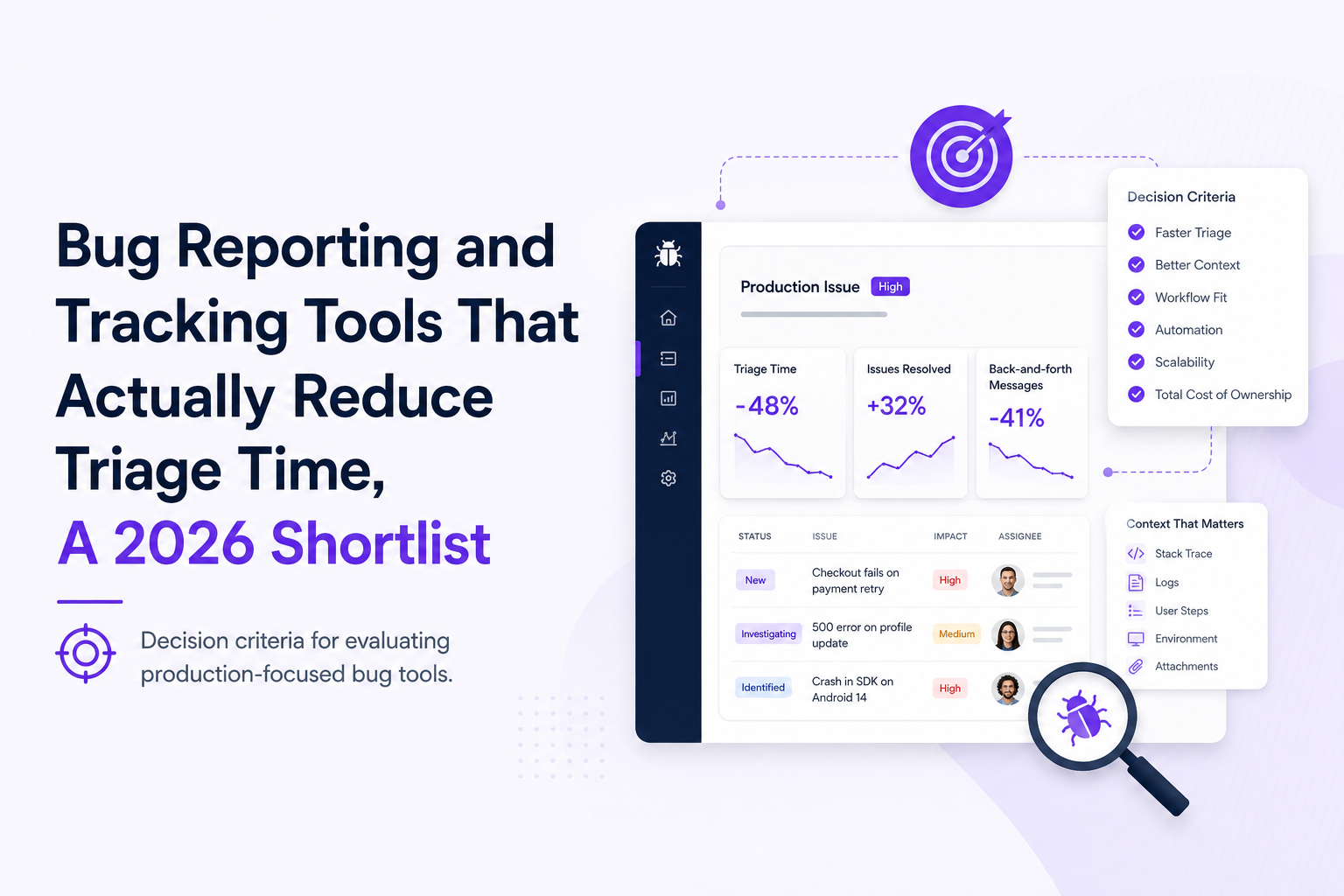
What to evaluate in bug reporting and tracking tools before you buy
This is a decision checklist designed for teams that already feel the pain of slow triage and noisy backlogs. Use it to score bug reporting and tracking tools on outcomes, not marketing features.
1) Time-to-clarity (TTC) beats “time-to-ticket”
Many teams can create a ticket in 30 seconds. The expensive part is reaching clarity: the point where an engineer can reproduce or confidently identify the failing component. Track TTC as:
- TTC (minutes) = time from first user impact to “engineer knows what to do next.”
- Target benchmark: for common production failures, many mature teams aim for < 10 minutes to reach a clear next step when context is captured automatically.
When you demo tools, ask: “Show me the evidence attached to a production bug without any manual user report.” If the answer is “we need a screenshot and steps from support,” TTC will stay high.
2) Context quality: can the tool rebuild the failing moment?
High-quality bug context typically includes:
- User path: navigation history and the exact action that preceded failure.
- Network evidence: failing endpoint, status code, timings, payload metadata (with sensitive fields masked).
- Runtime evidence: stack traces, console errors, and release/version identifiers.
- Environment: browser/OS/device plus feature flags or build number.
If a tool cannot capture the failing request (or cannot do so safely), engineers will still spend time asking for logs, trying to reproduce, or adding more instrumentation.
3) Duplicate reduction and noise control
Dupes are not just annoying. They distort prioritization and create hidden coordination costs. Evaluate:
- Deduplication: does it group by stack trace, endpoint signature, or error fingerprint?
- Aggregation: can it show “42 affected users” as one issue instead of 42 tickets?
- Ignore rules: can you suppress expected business errors and non-actionable noise?
A practical test: take one real recurring bug (for example, an intermittent 500 on checkout) and see whether the tool produces one evolving incident record or a backlog flood.
4) Production coverage: web, mobile, backend, and realtime
Many bug reporting and tracking tools are strong in one surface area and weak in another. Map your failure modes:
- Web UI: broken flows, JS exceptions, failed actions.
- Mobile: crashes, ANRs, device-specific regressions.
- Backend: 4xx/5xx spikes, slow endpoints, deploy regressions.
- Realtime: websocket disconnects, message rejection, streaming failures.
Choose tools that match where your highest-cost bugs occur, not where it is easiest to instrument.
5) Workflow fit: where does the “final” issue live?
Most teams already live in Jira, Linear, or GitHub Issues. The tool you choose should:
- Create structured tickets with consistent fields (severity, release, component, reproduction hints).
- Route issues to the right place (project, team, on-call rotation, or a weekly review queue).
- Support a lightweight issue triage routine so the backlog stays trustworthy.
6) Privacy, compliance, and data access
Production debugging often touches sensitive data. Validate:
- Redaction: can you mask sensitive fields before upload?
- Retention controls: configurable retention and deletion.
- Access control: role-based access and audit trails if needed.
If privacy is an afterthought, teams either under-instrument (and lose context) or over-collect (and create risk).
Why bug reporting and tracking tools matter for production teams in 2026
In 2026, “bug tracking” is less about capturing a description and more about compressing production reality into an engineer-ready artifact. Modern apps ship faster, rely on more third-party services, and release more frequently, which increases the number of edge cases that only appear in real user environments.
The hidden cost is not fixes, it is coordination
When context is missing, teams pay in:
- Support ping-pong: repeated requests for steps, screenshots, and logs.
- Reproduction tax: engineers spend hours trying to recreate a state that only existed in production.
- Backlog distrust: duplicates and vague issues make prioritization unreliable.
That is why the best bug reporting and tracking tools are the ones that reduce TTC and duplicates, not the ones with the most fields in a form.
What “good” looks like: a ticket-ready incident record
A production-grade workflow produces one clean issue that already includes impact, environment, likely failure point, and reproduction hints. If you regularly need a separate “investigation ticket” before the “real ticket,” your tooling is not doing enough context capture.
A practical framework to compare bug reporting and tracking tools
Use this framework to run a fair evaluation in 1 to 2 weeks. It is designed to expose whether a tool actually reduces triage time in your environment.
Step 1: Pick three real bug stories as test cases
Choose failures you have already experienced so you can judge accuracy:
- Network failure: intermittent 500 on a revenue-critical endpoint.
- Frontend runtime error: a TypeError that blocks a key flow.
- Realtime failure: websocket disconnects or message rejection causing stale UI.
Step 2: Score evidence completeness (0 to 2 per category)
Create a simple rubric:
- User path: 0 none, 1 partial, 2 clear sequence to failure.
- Network context: 0 none, 1 status only, 2 endpoint plus timings plus safe payload metadata.
- Runtime context: 0 none, 1 stack trace only, 2 stack trace plus release and breadcrumbs.
- Impact: 0 unknown, 1 approximate, 2 affected users/events quantified.
- Deduping: 0 manual, 1 partial, 2 strong grouping into one issue.
Total score out of 10, then compare across tools.
Step 3: Measure TTC in a tabletop drill
Run a 30-minute drill with one engineer and one support or PM partner:
- Start from the first alert or first user complaint.
- Use only what the tool provides to identify the failing component and next action.
- Stop the clock when you can write a “next-step” comment: fix location, suspected cause, or reproduction steps.
Repeat for each test case. This is the fastest way to see whether a tool reduces triage time in practice.
Step 4: Validate workflow routing and ticket quality
Even great evidence fails if it does not land where work happens. Confirm:
- Ticket fields map cleanly to your tracker.
- Severity and component labels are consistent.
- Duplicates do not create duplicate tickets.
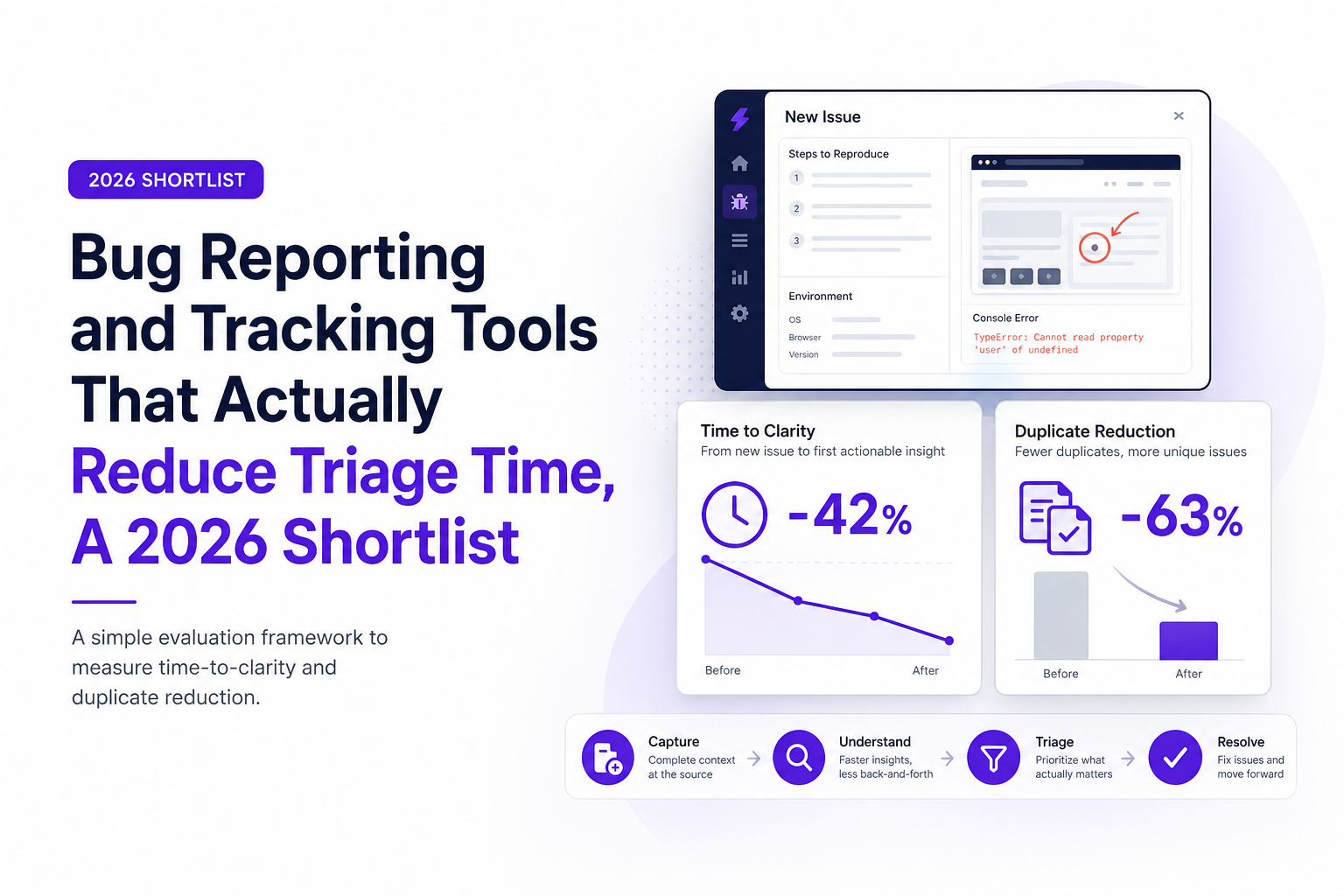
Best bug reporting and tracking tools for production-grade teams in 2026
This shortlist ranks tools by how well they reduce manual reporting overhead and accelerate triage through automatic context capture and noise control. It is not a generic list of trackers. It is focused on production visibility and decision-ready tradeoffs.
1) Flash Log (best for automatically turning production failures into ticket-ready issues)
If your biggest bottleneck is that real production bugs arrive without enough evidence, Flash Log is built around capturing the failure the moment it happens and packaging the technical context into a clean issue engineers can act on. The most practical advantage is reduced TTC: instead of “a screenshot and a complaint,” the issue can include the failing endpoint, environment, user path, and a concise summary that helps an engineer decide the next debugging step.
Where it fits best:
- Web apps where API failures, frontend crashes, and realtime/socket issues are common.
- Teams that want fewer Jira or GitHub Issues duplicates by routing only real bugs.
- Organizations that need privacy-safe evidence collection, including redaction of sensitive fields.
Tradeoffs to consider:
- If your core pain is purely mobile crash analytics, a mobile-first crash suite may be more specialized.
- You will still need a destination system for long-term project tracking (Jira, Linear, GitHub Issues), because the goal is to deliver clean issues into that workflow.
2) Sentry (best for application error monitoring and developer-first debugging signals)
Sentry is widely adopted for capturing exceptions and performance signals, especially for web and backend services. It can drastically improve debugging when stack traces and breadcrumbs are the missing piece. For many teams, Sentry is the first place engineers look when a production error appears.
Where it fits best:
- Teams that need strong exception visibility across services and frontends.
- Engineering-led orgs that already have disciplined release tracking and alerting.
Tradeoffs to consider:
- Turning errors into clean, deduped “tickets” still requires workflow design so you do not flood your tracker.
- Some product teams find the signal too engineering-centric unless you build a triage layer.
If your process currently relies on ad-hoc investigation, pairing Sentry-style signals with a consistent log correlation approach can reduce time lost to disconnected clues.
3) Bugsnag (best for stability monitoring with strong error grouping)
Bugsnag is known for stability-focused error reporting and grouping, often used by teams that want a clear view of “what is breaking for users” with manageable noise. It is commonly used for web and mobile error visibility.
Where it fits best:
- Teams that want strong grouping and stability metrics without building everything from scratch.
- Organizations that prioritize reducing alert fatigue through better deduplication.
Tradeoffs to consider:
- Like most monitoring-first tools, you still need to define how and when issues become tracker tickets.
- For complex “broken flow” bugs that are not a single exception, you may need additional context capture.
4) Instabug (best for in-app feedback plus mobile-first context capture)
Instabug is often chosen for mobile teams that want in-app bug reporting, user feedback, and contextual data from the device. If your users report issues from within the app, this can reduce the “what device was this?” back-and-forth.
Where it fits best:
- Mobile-first products where in-app reporting drives a meaningful share of bug discovery.
- Teams that want a bridge between user feedback and engineering follow-up.
Tradeoffs to consider:
- In-app reports are still user-initiated, so you may miss failures users do not report.
- For backend or multi-surface failures, you may need broader production coverage.
5) Jira plus a structured intake layer (best when you need governance and custom workflows)
Jira is not a context-capture system by itself, but many organizations use it as the system of record for engineering work. If you already have strong observability and support processes, Jira can work well when paired with a disciplined intake layer: templates, required fields, automation rules, and clear definitions of “what becomes a bug.”
Where it fits best:
- Large teams needing permissions, auditability, and complex workflows.
- Organizations willing to invest in process and automation to keep quality high.
Tradeoffs to consider:
- Without automation, Jira tends to collect low-context tickets and duplicates.
- You may need a dedicated bug report tool layer to capture evidence consistently.
How to choose based on workflow, stack, and constraints
The “best” choice depends on where your bugs originate and how your team operates. Use these decision paths to match bug reporting and tracking tools to your reality.
Scenario A: Web app with revenue-critical flows (checkout, onboarding, forms)
- Primary need: capture failing requests, user path, and impact quickly.
- Choose: tools that auto-capture network failures and provide ticket-ready context, plus dedupe and routing.
- Proof in 30 days: reduce TTC on top 3 revenue flow bugs by 30%+ and cut duplicate tickets by half.
Teams in this scenario often benefit from a production-first workflow and a clear playbook for production debugging when local reproduction is unreliable.
Scenario B: Mobile-first consumer product
- Primary need: crash and device context at scale, plus user feedback loops.
- Choose: mobile-first crash and feedback tooling, then ensure it integrates cleanly with your tracker.
- Proof in 30 days: reduce “cannot reproduce” closures and improve crash-free sessions for top devices.
Scenario C: B2B SaaS with enterprise customers and strict privacy requirements
- Primary need: privacy-safe evidence, access controls, and consistent ticket structure.
- Choose: bug reporting and tracking tools with strong redaction, retention controls, and routing into governed workflows.
- Proof in 30 days: fewer support escalations that require engineering to “ask for logs,” and higher first-response quality.
Scenario D: Platform team supporting multiple services
- Primary need: dedupe across services, correlation, and clean routing to owners.
- Choose: tools that group failures well and help you create one canonical issue per incident.
- Proof in 30 days: fewer cross-team pings and faster assignment to owning service.
Implementation reality check and proving ROI in 30 days
Most tool rollouts fail for one reason: they add a new inbox without removing an old one. Here is a rollout plan that forces measurable outcomes.
Week 1: Instrument one critical flow and define “what becomes a ticket”
- Pick one flow (checkout, signup, billing update).
- Define severity rules and ignore rules (expected validation errors, known benign failures).
- Decide the destination: Jira, GitHub Issues, or a weekly review queue.
Week 2: Run a triage drill and tighten dedupe
- Run the TTC drill from the framework above.
- Review duplicates: adjust grouping rules and routing thresholds.
- Ensure every created ticket has the minimum viable context: steps, environment, failing request or stack trace.
Week 3: Expand coverage to your second-highest failure mode
- If you started with network failures, add runtime exceptions next, or vice versa.
- Audit privacy: confirm redaction works and retention is correct.
Week 4: Report ROI with three metrics executives understand
- Mean TTC: minutes from first impact to clear next step.
- Duplicate rate: duplicates per unique production failure.
- Engineering interruption load: number of “need more info” loops per bug.
If you want an external reference point for incident response and triage practices, the Google SRE Book is a solid baseline for operational thinking, even if your team is not formally SRE.
Common mistakes when selecting bug reporting and tracking tools
Choosing based on ticketing UI instead of evidence capture
If engineers still ask “what happened?” after opening the issue, the UI did not matter. Optimize for context completeness and dedupe first.
Flooding the tracker on day one
Routing every raw error into Jira or GitHub Issues creates instant distrust. Start with a narrow scope, strong grouping, and clear thresholds for what becomes a ticket.
Ignoring privacy until procurement blocks the rollout
Make redaction and retention part of the evaluation. A tool that captures perfect context but cannot safely handle sensitive fields will be disabled or underused.
Not defining ownership and review cadence
Even the best bug reporting and tracking tools need an owner for routing rules and a weekly review habit. Otherwise, noise creeps back in.
Best practices that consistently reduce triage time
Use a “one bug, one issue” rule
Define a canonical issue per unique failure fingerprint. Everything else should be grouped as occurrences with impact counts.
Require three fields for every actionable ticket
- Reproduction hint (user path or steps)
- Technical evidence (endpoint/status or stack trace)
- Release context (version/build)
Adopt a 10-minute daily triage routine
A short daily pass prevents backlog rot. If you need a lightweight template, see the linked issue triage guide above.
Make crashes and production failures visible to product, not just engineering
Engineering needs stack traces. Product needs impact and user-facing symptoms. The best workflows provide both views without duplicating work. A focused crash reporting workflow is often the fastest win.
Decision checklist you can copy into your evaluation doc
- Evidence capture: user path, network request context, runtime trace, environment, release.
- Noise control: dedupe strength, ignore rules, aggregation by affected users.
- Workflow routing: structured ticket payload, correct project/team mapping, avoids duplicates.
- Production coverage: web, backend, mobile, realtime aligned to your top failure modes.
- Privacy and governance: redaction, retention, access control, auditability.
- ROI metrics: baseline TTC, duplicate rate, “need more info” loops, then measure improvement in 30 days.
Related guides for deeper implementation
| Tool | Best for | Strength in auto-context | Duplicate reduction | Best “proof in 30 days” metric |
|---|---|---|---|---|
| Flash Log | Production failures packaged into ticket-ready issues | High for network, frontend, realtime with user-path evidence | High when routing only real bugs | Mean time-to-clarity decreases on top production flows |
| Sentry | Exception visibility and debugging signals | High for stack traces and breadcrumbs | Medium to high depending on configuration | Fewer “cannot reproduce” investigations for top errors |
| Bugsnag | Stability monitoring with grouping | Medium to high for error events | High for grouped stability issues | Reduced alert fatigue and duplicate issue volume |
| Instabug | Mobile in-app reporting and feedback | Medium, strong for device context in user reports | Medium | Higher quality mobile bug reports and faster reproduction |
| Jira (with intake layer) | Governed workflows and system of record | Low by itself | Low to medium unless automated | Decrease in “need more info” loops per ticket |
FAQ
If your current bug reporting and tracking tools still depend on users or support to describe what happened, consider trialing Flash Log as a production-first layer that captures failures automatically, redacts sensitive fields, and routes one ticket-ready issue into your existing workflow so engineers spend less time triaging and more time fixing.

False Positives Explained, Why They Happen and How to Reduce Alert Noise
Learn what false positives are, why they create alert noise, and how to reduce false positives without missing real issues.
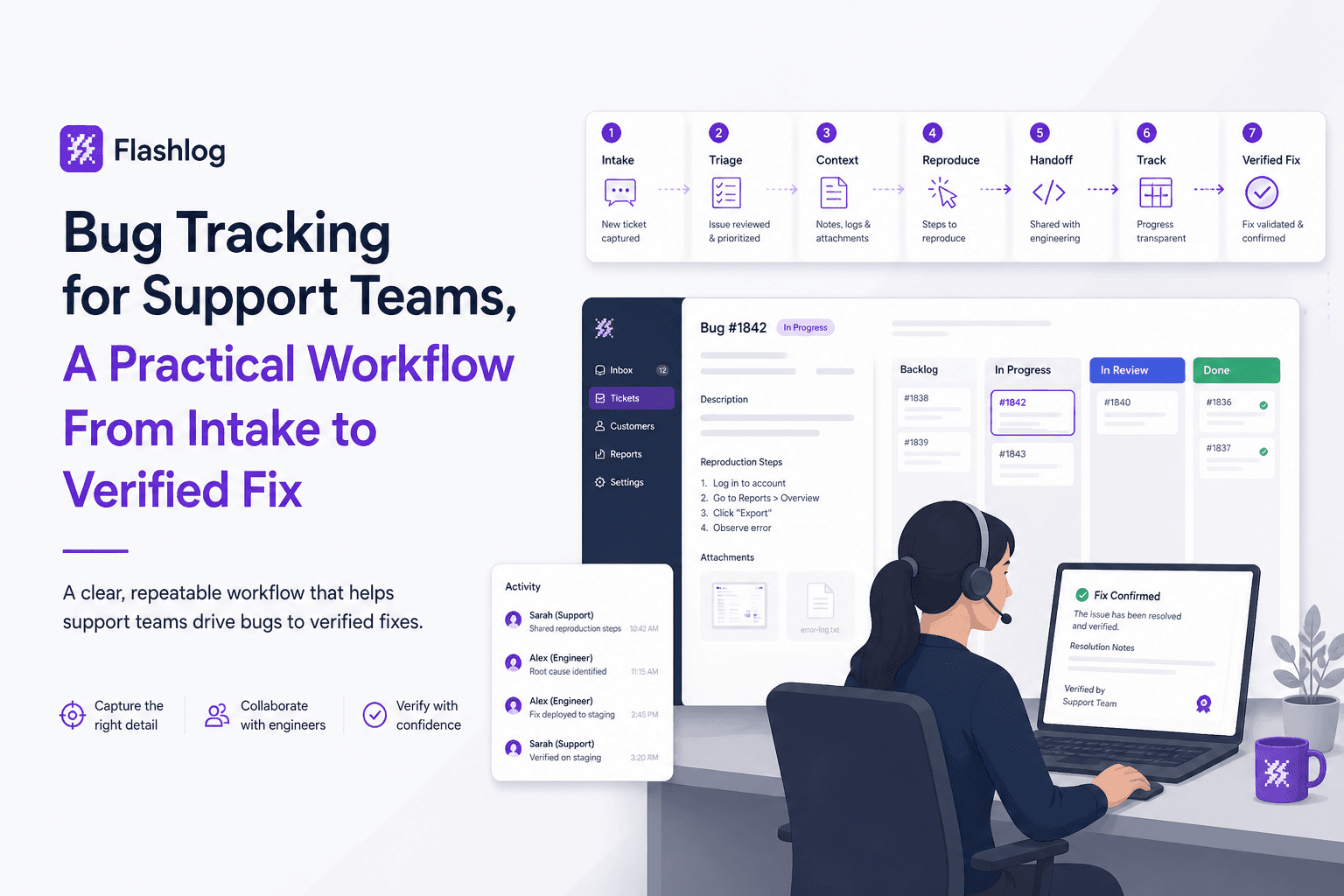
Bug Tracking for Support Teams, A Practical Workflow From Intake to Verified Fix
Bug tracking playbook for support teams: owners, templates, SLAs, and KPIs to turn noisy tickets into verified fixes and reduce defect leakage.

Unhandled Exceptions Explained, How They Happen and How to Fix Them
Learn what unhandled exceptions are, why they crash apps, and a practical flow to diagnose and prevent unhandled exceptions in production.