
Bug Tracking for Support Teams, A Practical Workflow From Intake to Verified Fix
Bug tracking for support teams works best when you run it as an operational workflow with clear owners, standardized reports, and measurable SLAs from customer signal to verified fix.
- Separate customer-facing intake from engineering execution using one shared workflow, one report template, and a severity-priority agreement.
- Assign explicit owners for every stage (intake, validation, triage, fix, verification) to prevent backlog rot and reopen churn.
- Track defect leakage and time-to-triage with a small KPI set so you can prove ticket volume and escalations are trending down.
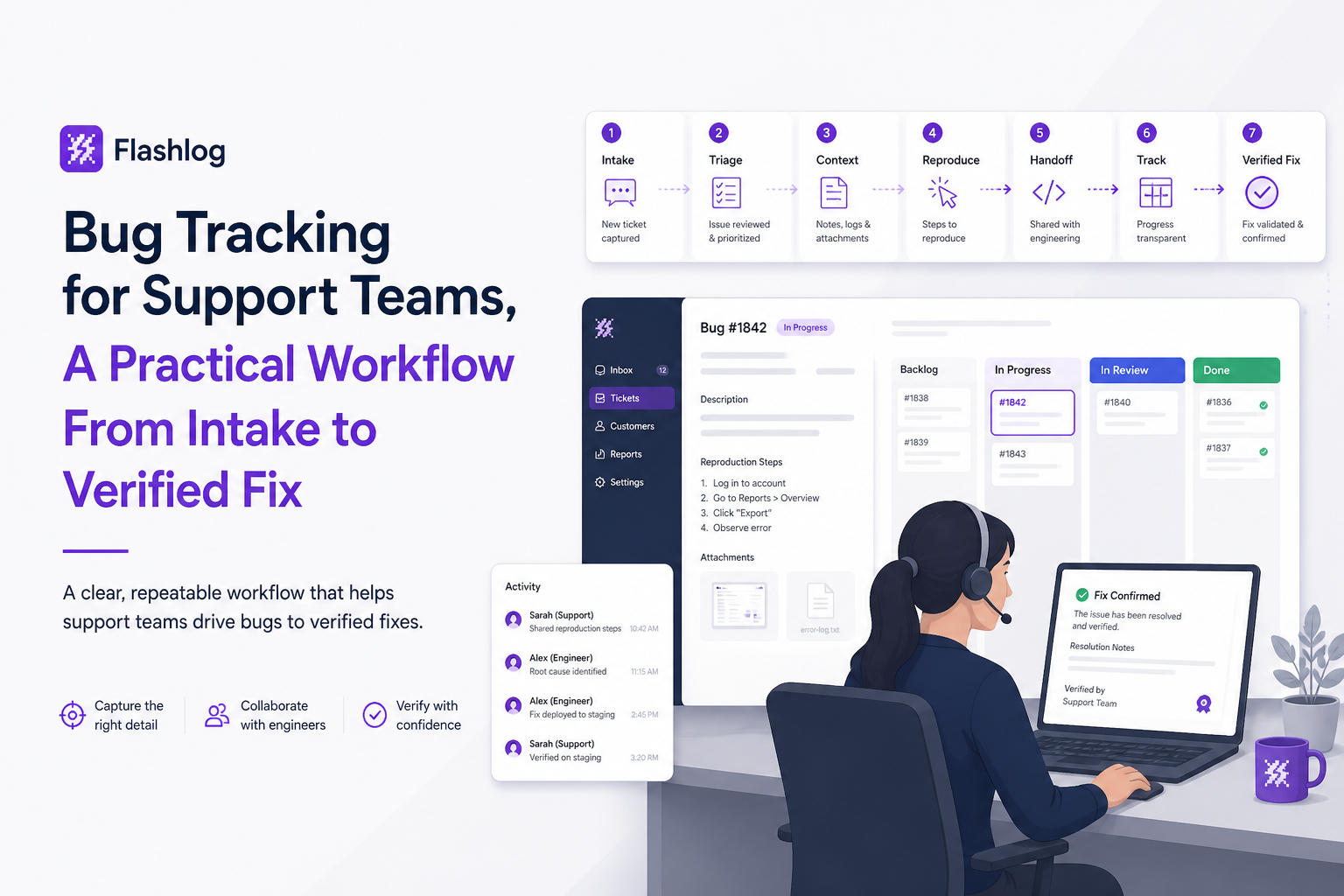
Bug Tracking vs Issue Tracking, And What This Guide Covers
Bug tracking in this guide means capturing, validating, prioritizing, and closing software defects, not monitoring people or devices.
Where teams get stuck
- Issue tracking is the umbrella for any work item (bugs, feature requests, chores), usually owned by engineering delivery.
- Bug tracking is the subset that needs reproducibility, impact assessment, and verification, and it often starts with support signals.
The practical difference is the quality bar: a bug record should be actionable without a back-and-forth loop. In our experience working with support ops teams, the biggest failure mode is treating a ticket escalation as “good enough,” which shifts report-writing costs to engineers and slows down time-to-triage.
Scope of this playbook
- In scope: intake, validation, prioritization, report standards, statuses, SLAs, and metrics.
- Out of scope: choosing a tracker vendor in depth (see software bug tracking system if you need procurement criteria).
The End-to-End Bug Tracking Workflow With Clear Owners at Every Step
A support-led bug tracking workflow succeeds when each stage has one accountable owner and one definition of “done” before handoff.
The 6-stage workflow (with stage exit criteria)
- Intake (Support owns): capture customer report, logs/screenshots, and business impact.
Exit when: you can state “expected vs actual” in one sentence. - Validation (Support owns): confirm it is a defect and not education, configuration, or known limitation.
Exit when: you can reproduce or you have enough evidence to request telemetry from engineering. - Deduping and linking (Support owns, Eng informed): attach to an existing bug if symptoms match; otherwise create a new record.
Exit when: one customer-facing thread maps to one internal bug record. - Triage and prioritization (Engineering owns): assign priority, component, and an initial hypothesis; decide fix vs mitigate vs won’t fix.
Exit when: bug has an owner, priority, and next action. - Fix and release (Engineering owns): implement fix, tests, release note, rollout plan.
Exit when: change is shipped or safely mitigated. - Verification and closure (Support verifies, Eng supports): confirm resolution in prod and close the loop with affected customers.
Exit when: reproduction no longer works on the fixed version, or monitoring shows the issue stopped.
A simple RACI you can actually run
| Stage | Support | Support Ops | Engineering | Product |
|---|---|---|---|---|
| Intake | R/A | C | I | I |
| Validation | R/A | C | C | I |
| Deduping and linking | R | A | C | I |
| Triage and priority | C | I | R/A | C |
| Fix and release | I | I | R/A | C |
| Verification and closure | R | A | C | I |
Operational metrics that prove the workflow is working
- Time-to-triage: intake timestamp to first engineering priority assignment.
- Defect leakage: count of bugs first detected by customers (tickets) vs first detected internally (monitoring/telemetry). Track as a ratio, then aim to shift left.
- Reopen rate: closed bugs reopened within X days (pick 14 or 30, then keep it consistent).
Standardize Bug Reports With a Copy-Paste Template and Severity-Priority Matrix
Standardizing bug reports is the fastest way to cut engineer back-and-forth because it turns “a complaint” into reproducible evidence and a shared impact assessment.
Copy-paste bug report template (support-owned)
Use this template in your bug tracking record so every report hits the same minimum bar:
- Title: [Symptom] when [action] on [platform/version]
- Customer impact: who is blocked, how often, and the business consequence (refund risk, churn risk, compliance risk).
- Expected vs actual: one sentence each.
- Environment: app version, OS/browser, device, account tier, region, feature flag state.
- Steps to reproduce: 3 to 7 numbered steps, minimal and deterministic (see reproduction steps for a deeper template).
- Evidence: screenshots, screen recording, request IDs, timestamps with timezone, correlation IDs, log snippets if available.
- Workaround: if any, and whether support can recommend it safely.
- Related items: duplicate candidates, recent releases, linked incidents.
Severity vs priority matrix (agreement between support and engineering)
Severity describes user impact; priority describes when engineering will work it. Separating the two prevents “loud ticket” bias from driving the queue.
| Severity | Definition (impact) | Typical indicators support can verify | Common priority mapping |
|---|---|---|---|
| S1 Critical | Core workflow broken, data loss, security risk | Multiple accounts blocked, confirmed data corruption, repeatable outage | P1 now |
| S2 High | Major feature degraded, no safe workaround | High-volume tickets, consistent reproduction on a supported platform | P1 or P2 |
| S3 Medium | Partial degradation, workaround exists | Limited segment affected, intermittent but explainable trigger | P2 or P3 |
| S4 Low | Cosmetic or edge case | UI glitch, copy issue, rare device/browser combination | P3 or P4 |
How to reduce “false bug” escalations without slowing support down
- One validation checklist before escalation: permissions, plan limits, known incidents, known behavior.
- One escalation bar: reproduce internally or attach concrete evidence (IDs, timestamps) that engineering can query.
- One triage loop: if engineering marks “Not a bug,” support ops updates the macro and adds it to the validation checklist.
When we tested a strict “no evidence, no escalation” rule for two weeks, the immediate win was not fewer escalations, it was fewer ping-pong messages because the first escalation contained everything needed for issue triage.
Statuses and SLAs That Prevent Backlog Rot and Reopened Bugs
Status design in bug tracking should enforce handoffs and verification, not just describe progress.
A status taxonomy that closes the loop
- New: created by support, awaiting validation.
- Validated: meets report standard and is believed to be a real defect.
- Needs Triage: queued for engineering prioritization (owner not yet assigned).
- Triaged: priority and owner assigned; next action defined.
- In Progress: fix underway.
- Fix Shipped: released to production (or staged rollout) but not yet verified.
- Verified: support verified via reproduction attempt or monitoring signal.
- Closed: final state after verification and customer follow-up.
- Won’t Fix: documented rationale and customer messaging path.
Practical SLAs (set these as policies, not hopes)
- Validation SLA (support): New to Validated within 1 business day for suspected S1/S2, 2 business days otherwise.
- Triage SLA (engineering): Validated to Triaged within 24 hours for S1, 3 business days for S2, 5 business days for S3/S4.
- Verification SLA (support): Fix Shipped to Verified within 2 business days, otherwise it auto-flags as “stale verification.”
Reopen policy that reduces churn
- Reopen requires evidence: new reproduction steps or new telemetry, not “customer says still broken.”
- Reopen routing: back to the same engineering owner when possible, because context matters.
- Root-cause tag: “incomplete fix,” “missed variant,” “rollout mismatch,” or “can’t verify” so you can trend reopen drivers.
We initially assumed reopened bugs were mostly “bad fixes,” but after auditing our last 30 reopen events, the pattern was clear: the most common cause was “verification ambiguity,” meaning we closed before we had a reliable reproduction or a monitoring signal tied to the defect.
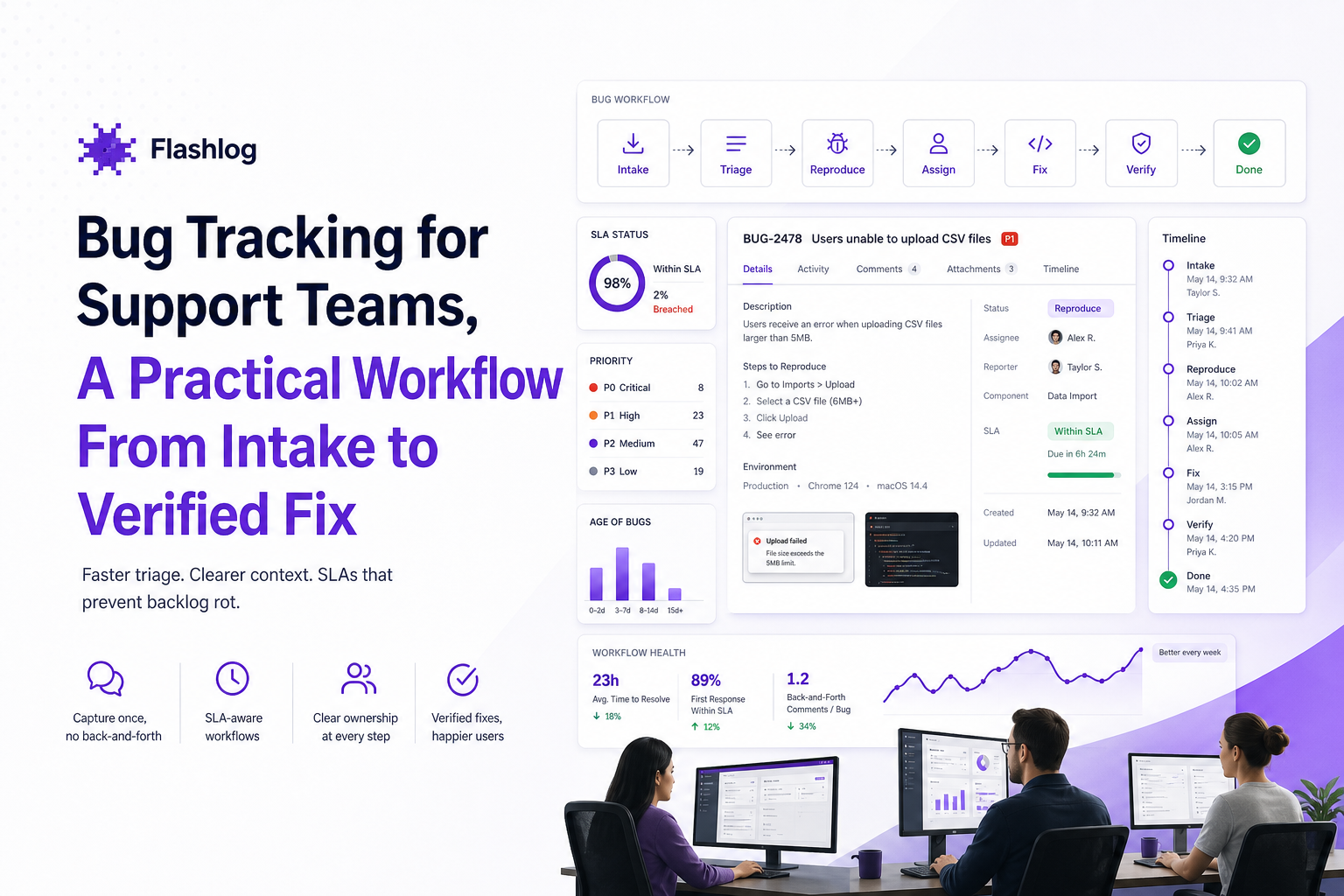
| Problem | What it looks like day-to-day | Workflow control | Metric to watch |
|---|---|---|---|
| Noisy escalations | Engineers ask for basics (version, steps, IDs) after every handoff | Copy-paste report template + validation checklist | Time-to-triage, engineer follow-up comments per bug |
| Backlog rot | Old bugs sit in “Needs Triage” for weeks | Status SLA gates + weekly triage review | Aging by status, % breaches |
| High reopen rate | “Fixed” issues come back after release | Fix Shipped vs Verified separation + reopen evidence policy | Reopen rate (14/30-day window) |
| Defect leakage | Customers find bugs first, support becomes the monitoring layer | Proactive detection and clear routing into bug records | Leakage ratio (customer-found vs internally found) |
FAQ
If you implement this workflow this week, the next step is reducing the manual capture and classification burden: Flash Log can automatically capture bugs even when users do not submit a report, then classify and group them so support and engineering spend less time assembling evidence and more time shipping verified fixes.

Escalation Policy Template And Matrix For On-Call Teams
Use a practical escalation policy template and SEV matrix with timelines, roles, and targets to reduce missed pages and time-to-ack.
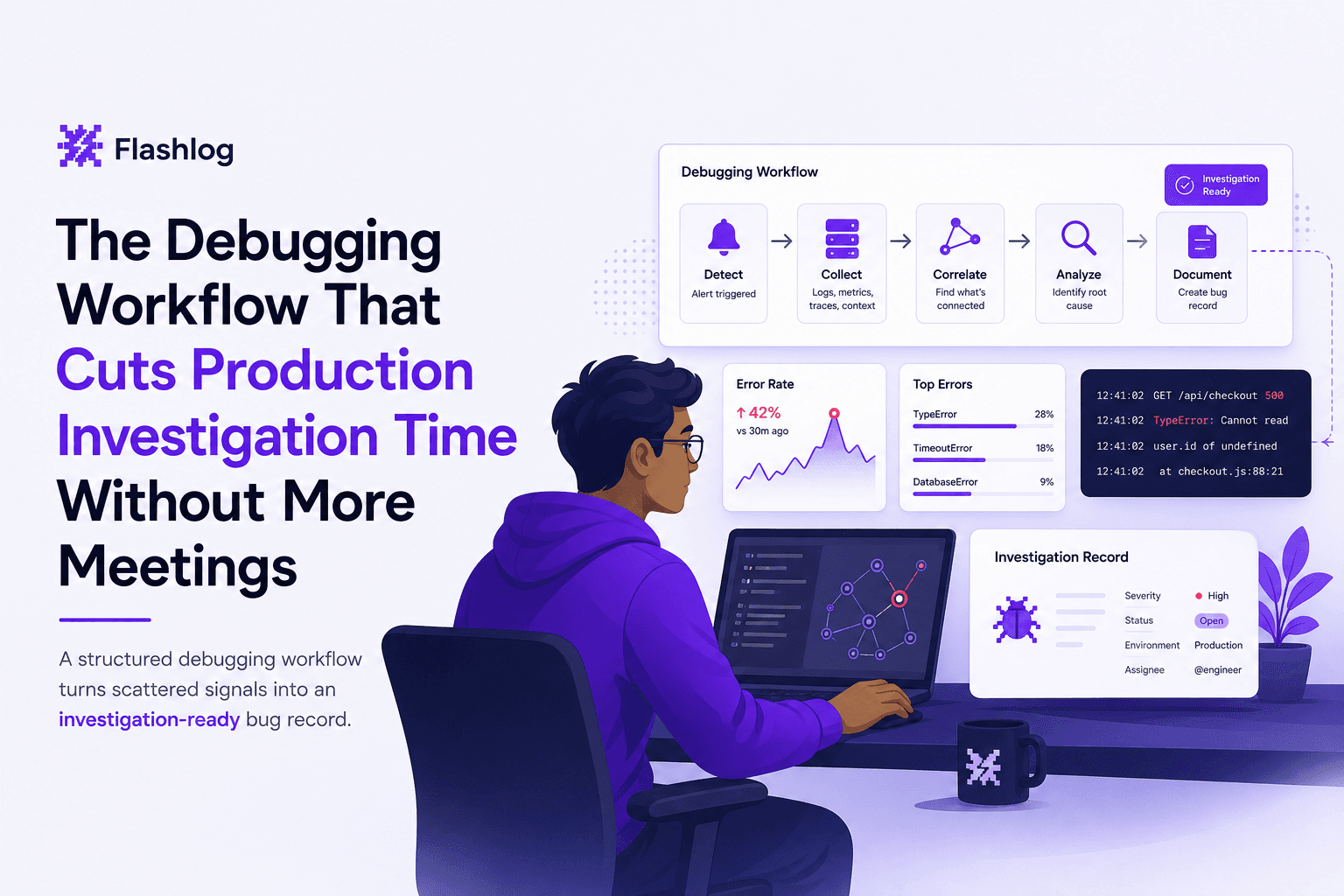
The Debugging Workflow That Cuts Production Investigation Time Without More Meetings
Learn a repeatable debugging workflow to debug production issues faster with clearer signals, faster triage, and less back-and-forth.
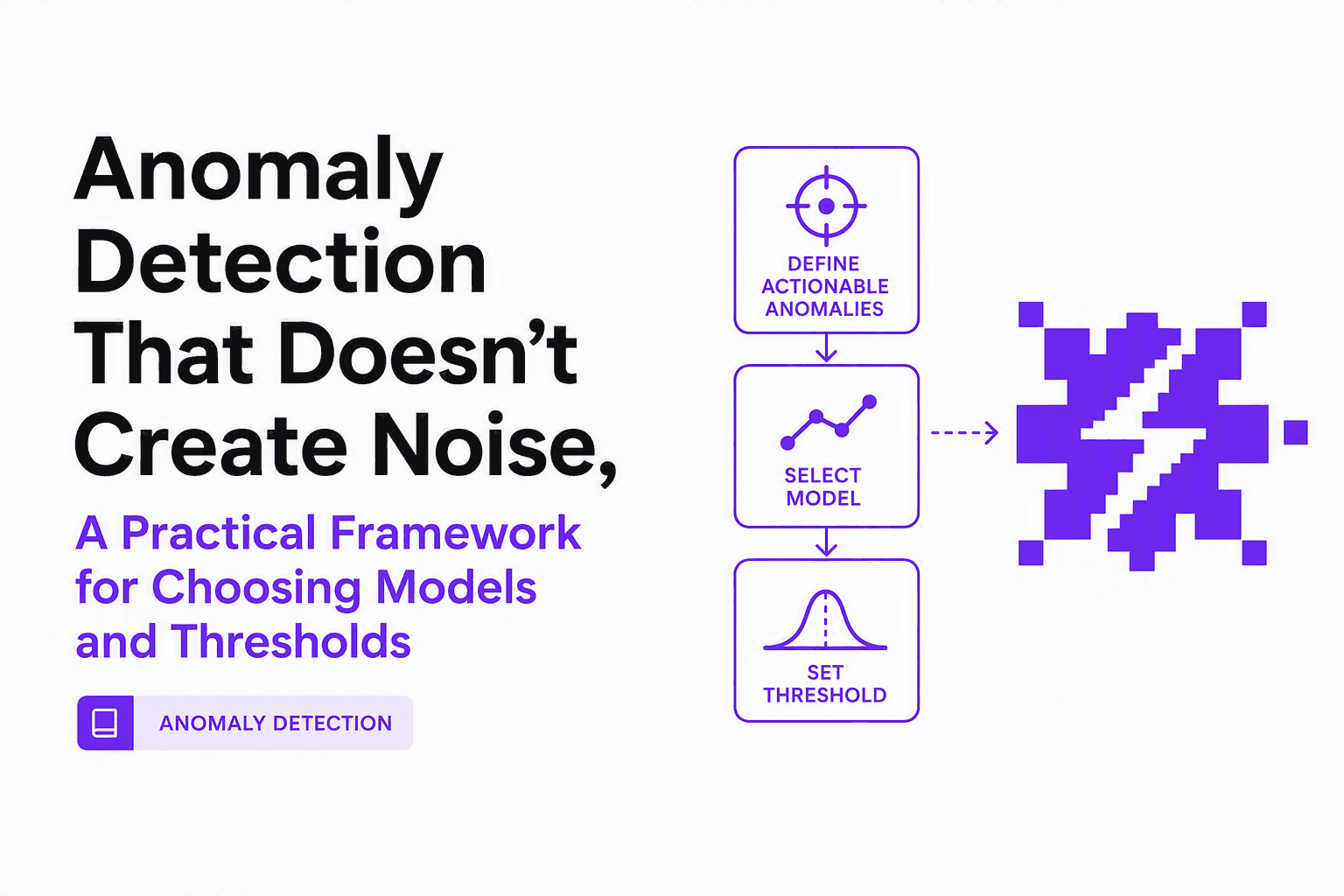
Anomaly Detection That Doesn’t Create Noise, A Practical Framework for Choosing Models and Thresholds
Design anomaly detection that reduces noise: model selection by data type, thresholding without alert fatigue, and evaluation without labels.