
Escalation Policy Template And Matrix For On-Call Teams
An escalation policy is a written, time-boxed chain of notification and ownership that ensures an incident gets acknowledged and actively worked within defined minutes, even when the first person paged is unavailable. If your on-call alerts still rely on “who sits where in the org chart” or “ping a channel and hope,” you will see missed pages, slow engagement, and noisy handoffs that inflate time-to-ack and time-to-engage.
- Design your escalation policy around time-to-ack and time-to-engage targets per severity, not around titles or teams.
- Prevent alert ping-pong by defining severity triggers, routing targets (people vs schedules), and channel roles (page vs notify) up front.
- Use a copy-paste template plus a one-page SEV matrix so responders can execute without opening a tool UI.
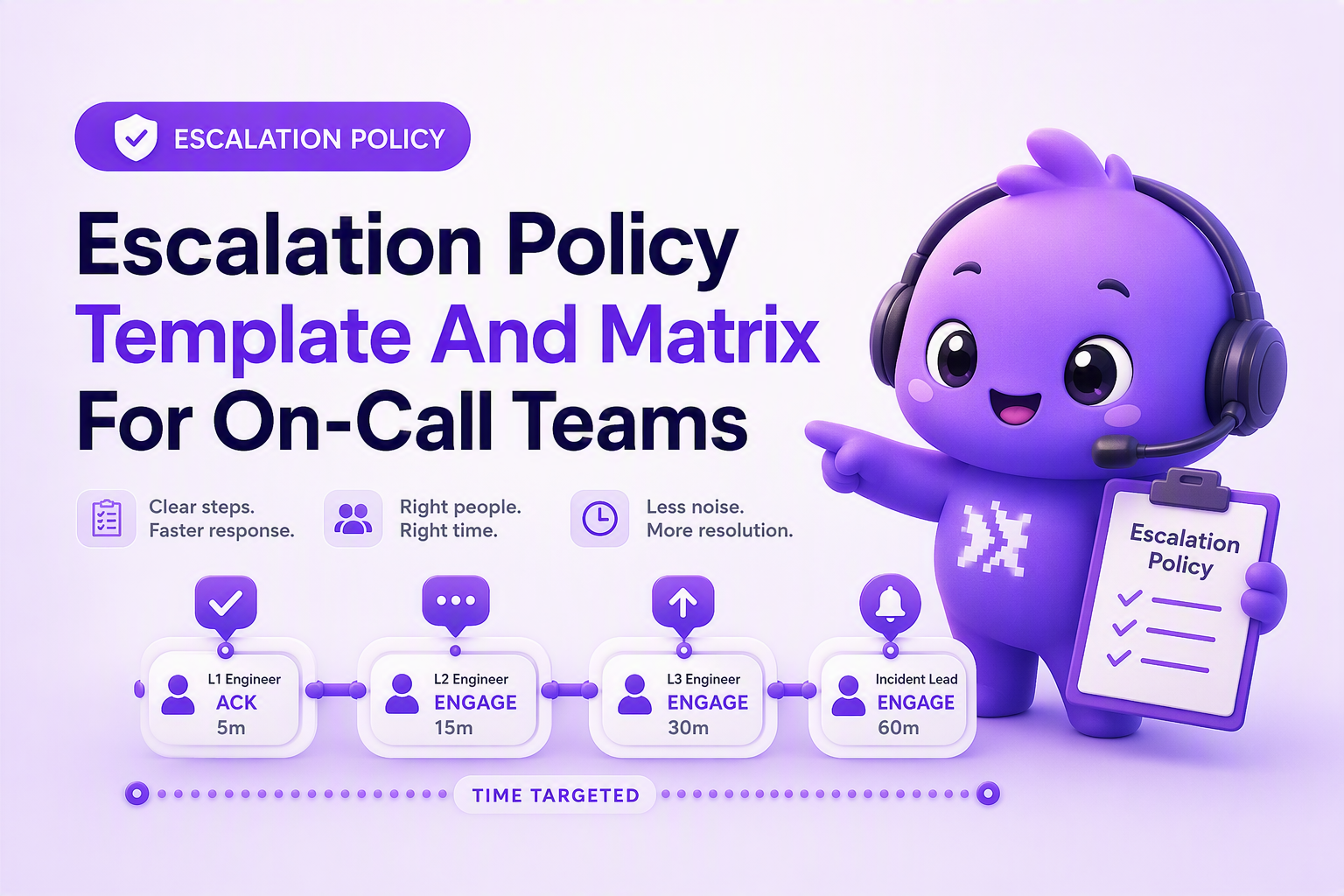
Design the escalation chain around time targets, not org charts
Time targets are the only stable way to design an escalation chain because they define what “good” looks like regardless of who is on-call this week. Build the escalation policy as a sequence of steps with explicit clocks, where each step answers two questions: who must acknowledge, and who must engage (start working) by when.
Use two clocks: time-to-ack vs time-to-engage
- Time-to-ack (TTA): the maximum time from alert fired to a human acknowledging receipt (page received, taking ownership).
- Time-to-engage (TTE): the maximum time from alert fired to meaningful work starting (triage begun, incident channel created, mitigation attempted).
Conflating these creates failure modes: someone clicks “ack” from bed and goes back to sleep, or a manager joins a call but nobody is actually driving the technical response.
Define escalation “levels” as responsibility transfers, not more noise
Each level should represent a clear change in outcome probability, not just “add more people.” A simple, tool-agnostic pattern:
- Level 1 (Primary on-call): must ack quickly; begins triage.
- Level 2 (Secondary / buddy): must join if L1 does not ack, or if SEV is high enough to require parallel work.
- Level 3 (Team lead / incident commander): takes coordination ownership; keeps responders focused; makes scope calls.
- Level 4 (Executive / business owner): only for SEV1 business-impact decisions (status page, customer comms, rollback risk).
Set end-of-chain behavior so nothing falls off a cliff
An escalation policy needs an explicit “last step” that cannot silently fail. Common end-of-chain behaviors that work in any stack:
- Auto-create an incident bridge: open an incident channel and conference link as soon as SEV1 triggers.
- Notify a 24/7 catch-all: an operations phone, NOC, or contracted answering service if you have one.
- Fail-safe broadcast: page both primary and secondary schedules plus a backup email distribution list.
In our experience, the most reliable end-of-chain rule is “if nobody acknowledges by the final timer, re-page L1 + L2 and notify an always-on channel,” because it forces a second chance without requiring a new person to exist.
Choose triggers, severities, and notification targets that prevent alert ping-pong
Escalation quality depends more on correct severity mapping and routing targets than on any specific tool workflow. The goal is to page the smallest set of people who can stop the bleeding, and notify everyone else without turning “FYI” into a page.
Map alerts to SEV tiers using impact criteria, not labels
Write SEV definitions that a responder can apply in 30 seconds. A practical starting point:
- SEV1: active customer impact or data loss risk, or a critical user journey is hard down.
- SEV2: partial degradation, elevated error rate, or a major feature impaired with workaround available.
- SEV3: localized bug or internal-only issue; should be handled in-hours unless it piles up.
If you need an external reference for common incident language, align terms with the severity concepts in Google’s SRE incident response guidance, then tailor thresholds to your product risk.
Decide “page vs notify” per channel to stop Slack escalation loops
A simple channel strategy that reduces ping-pong:
- Paging channel (interruptive): phone push/SMS/app push, or a dedicated paging integration. Use only for SEV1 and time-sensitive SEV2.
- Responder coordination (interactive): Slack/Teams incident channel where the engaged responders work.
- Broadcast notify (non-interruptive): a #prod-notify channel for visibility without action pressure.
- Durable backup: email distribution list for audits and “if chat is down.”
Link routing and escalation concepts to your broader alert management approach so the policy stays consistent across systems.
Route to schedules first, people second
Avoid policy text like “page Alice.” Route to:
- Primary schedule: whoever is on-call now.
- Secondary schedule: the buddy or backup.
- Functional target: “Payments on-call” instead of a named engineer.
We initially assumed naming individuals would speed response, but audits showed it increased confusion during PTO and team changes; routing to schedules made the escalation policy survive reorganizations with fewer edits.
Pick triggers that represent “pressure,” not raw events
Escalations should fire from conditions that correlate to real risk, such as sustained error rate, failed checkout count, or rising bug volume in a single issue group. If you are still alerting on every exception, invest in alert triage and grouping so escalations represent actionable work, not log exhaust.
Escalation policy template and one-page escalation matrix you can copy-paste
A copy-paste escalation policy template works best when it is short enough to live in a runbook and specific enough to execute without interpretation. Use the template below, then summarize it into a one-page matrix responders can screenshot.
Copy-paste escalation policy template
Escalation Policy: [Service / Product Area]
Owner: [Team]
Last reviewed: [YYYY-MM-DD]

Severity definitions:
- SEV1: [impact definition]
- SEV2: [impact definition]
- SEV3: [impact definition]

Time targets (from alert fired):
- SEV1: Ack <= [X] min, Engage <= [Y] min
- SEV2: Ack <= [X] min, Engage <= [Y] min
- SEV3: Ack <= [X] min, Engage <= [Y] min (or business-hours)

Routing targets:
- Level 1 (L1): [Primary on-call schedule]
- Level 2 (L2): [Secondary on-call schedule]
- Level 3 (L3): [Incident commander / team lead schedule]
- Level 4 (L4): [Exec / business owner notify list]

Escalation steps:
- SEV1
  - T+0: Page L1 (paging channel) and post in incident chat channel
  - T+[A]: If no ack, page L2
  - T+[B]: If no ack, page L3 and notify L4
  - T+[C]: End-of-chain behavior: [re-page L1+L2], [email], [fallback]

- SEV2
  - T+0: Page L1 (paging channel) and post in team triage channel
  - T+[A]: If no ack, page L2
  - T+[B]: If still unowned, notify L3 (non-paging)

- SEV3
  - T+0: Post to triage channel (non-paging)
  - T+[A]: If issue persists or threshold met, upgrade to SEV2

Ownership rules:
- First acknowledger becomes Incident Owner until handoff is explicitly stated in chat.
- Incident Commander is required for SEV1 and optional for SEV2.

Communication:
- SEV1: Update cadence every [15] minutes in incident channel and status page policy per [link].
- SEV2: Update cadence every [30-60] minutes in incident channel.

Post-incident:
- SEV1/SEV2 require review within [X] business days with action items tracked.
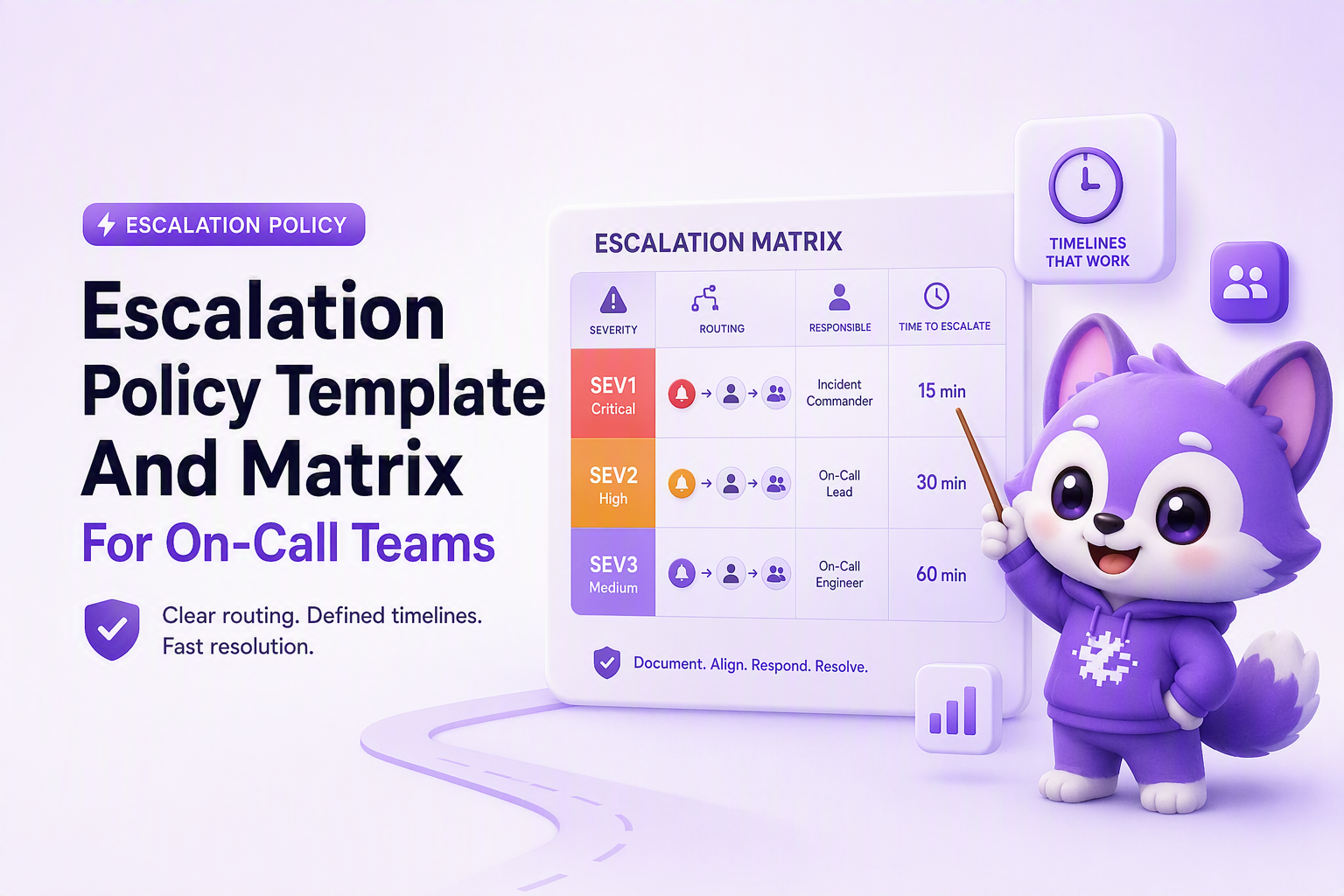
One-page escalation matrix (printable)
Use the matrix to make the escalation policy executable at 2 a.m. without opening documentation.
Three written escalation policy examples with realistic timelines
Concrete timelines reduce missed pages because responders do not have to negotiate urgency mid-incident. The examples below assume you can page and also post to chat, but they do not rely on any specific vendor UI.
Example 1: SEV1 checkout down
- Definition: purchases failing for most users, no workaround.
- Targets: Ack <= 2 min, Engage <= 5 min.
- T+0: Page L1 (primary schedule). Auto-post context to #inc-checkout.
- T+2: If no ack, page L2 (secondary schedule).
- T+5: If still unacked, page L3 (incident commander) and notify L4 (non-paging).
- T+10: End-of-chain: re-page L1+L2 and send email to ops-backup.
- Handoff rule: first acknowledger is Incident Owner; L3 becomes Incident Commander on join and runs comms cadence every 15 minutes.
Example 2: SEV2 elevated 500s with partial impact
- Definition: elevated errors with degraded experience; workaround exists.
- Targets: Ack <= 5 min, Engage <= 15 min.
- T+0: Page L1 and post to #triage-api with runbook link.
- T+5: If no ack, page L2.
- T+15: If not engaged (no triage notes, no mitigation attempt), notify L3 in chat to remove blockers, but do not auto-page executives.
- Upgrade clause: if error rate breaches your SEV1 criteria for 5 consecutive minutes, reclassify to SEV1 and restart the SEV1 escalation timers.
Example 3: SEV3 bug pressure that should not wake anyone up
- Definition: single feature bug or internal-only failure; no immediate customer-wide impact.
- Targets: Ack <= 4 business hours, Engage same day.
- T+0: Notify #team-bugs (non-paging) with owner suggestion.
- T+60 min: If duplicates accumulate past your threshold, promote to SEV2 and begin paging sequence.
- Governance: weekly review of SEV3 noise for new suppression rules and better grouping.
After running several on-call retros, the pattern was clear: most “missed page” stories were really “unclear ownership” stories, and adding explicit handoff text to the escalation policy reduced time wasted debating who was driving.
| Severity | Primary goal | Ack target | Engage target | Typical routing |
|---|---|---|---|---|
| SEV1 | Stop active impact fast | <= 2 min | <= 5 min | L1 page, fast L2 page, IC required |
| SEV2 | Mitigate before it escalates | <= 5 min | <= 15 min | L1 page, L2 backup, IC optional |
| SEV3 | Capture and schedule work | Business hours | Same day | Chat notify, ticket, upgrade on threshold |
FAQ
If you implement this escalation policy template this week, you will usually see fewer stalled incidents because the timers, roles, and end-of-chain behavior are explicit. To reduce the number of situations that ever reach SEV1 in the first place, Flash Log can proactively capture bugs even when users do not report them, classify and group them with AI to reduce manual triage, and trigger earlier signals based on issue pressure so your on-call load is driven by real risk instead of surprise spikes.
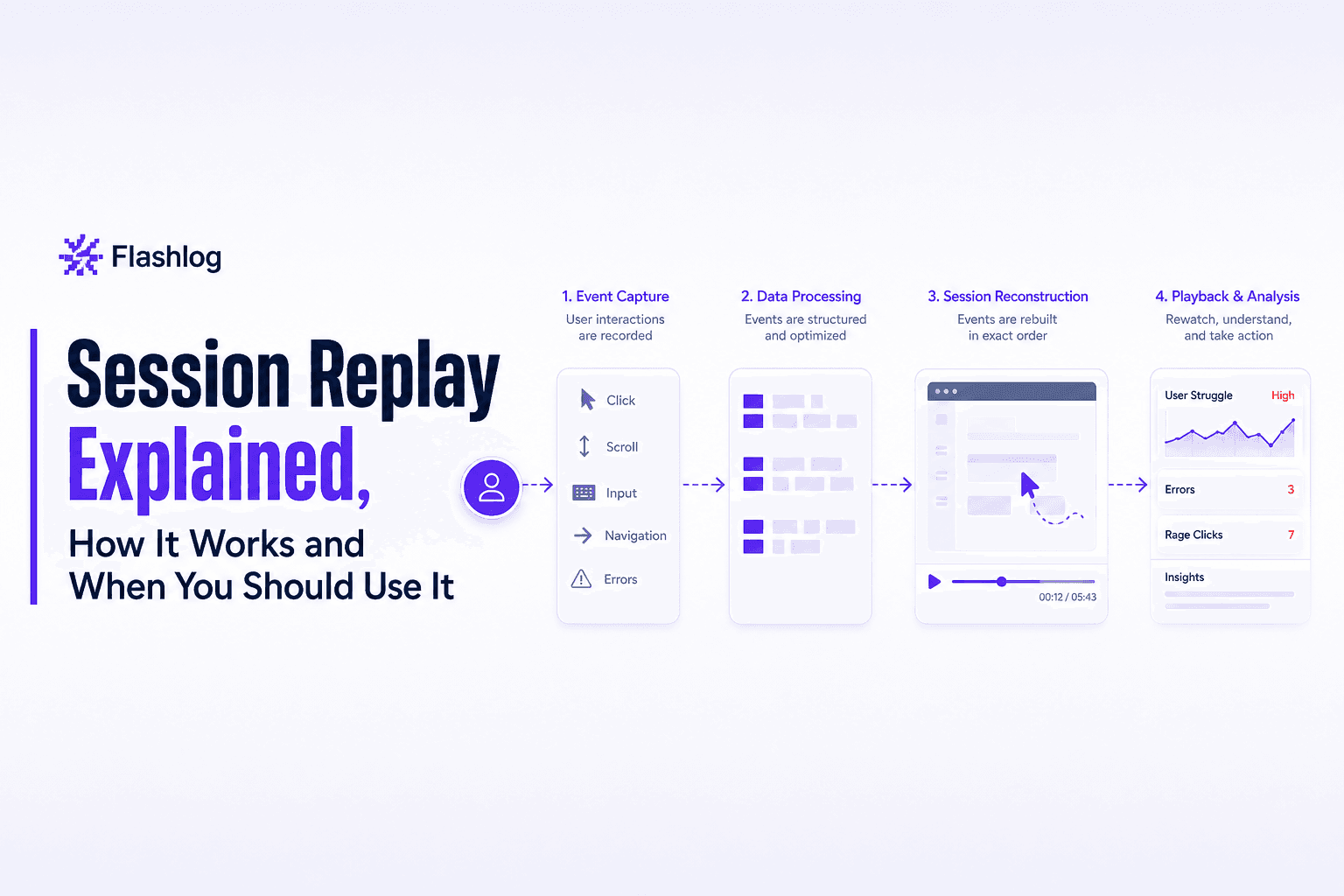
Session Replay Explained, How It Works and When You Should Use It
Learn what session replay is, how it works, top use cases, and the privacy basics you must get right before rolling it out.
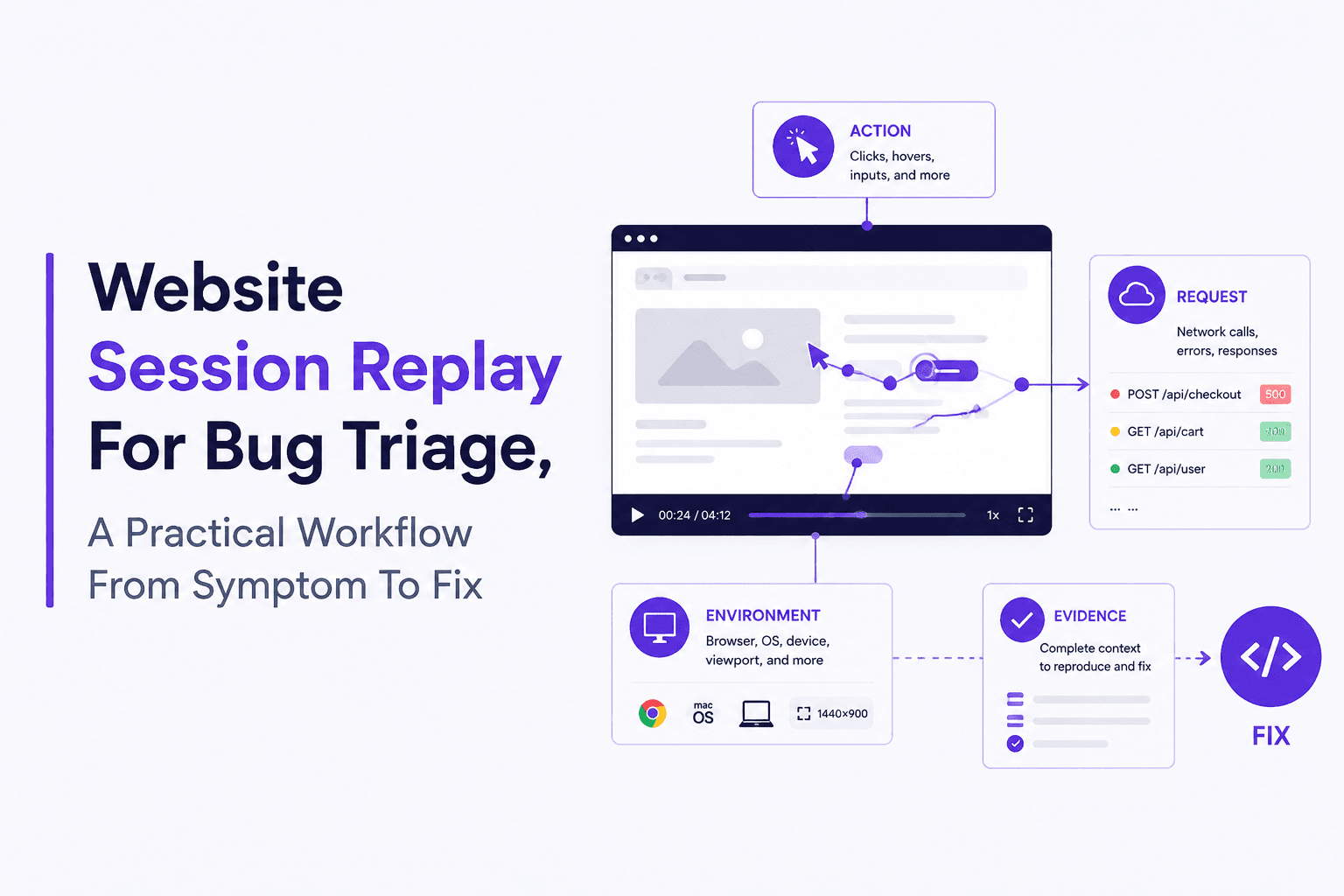
Website Session Replay Explained With a Real Example and a Setup Checklist
Learn website session replay basics, a real bug-to-fix walkthrough, and a privacy-safe setup checklist for collecting and using replay data.
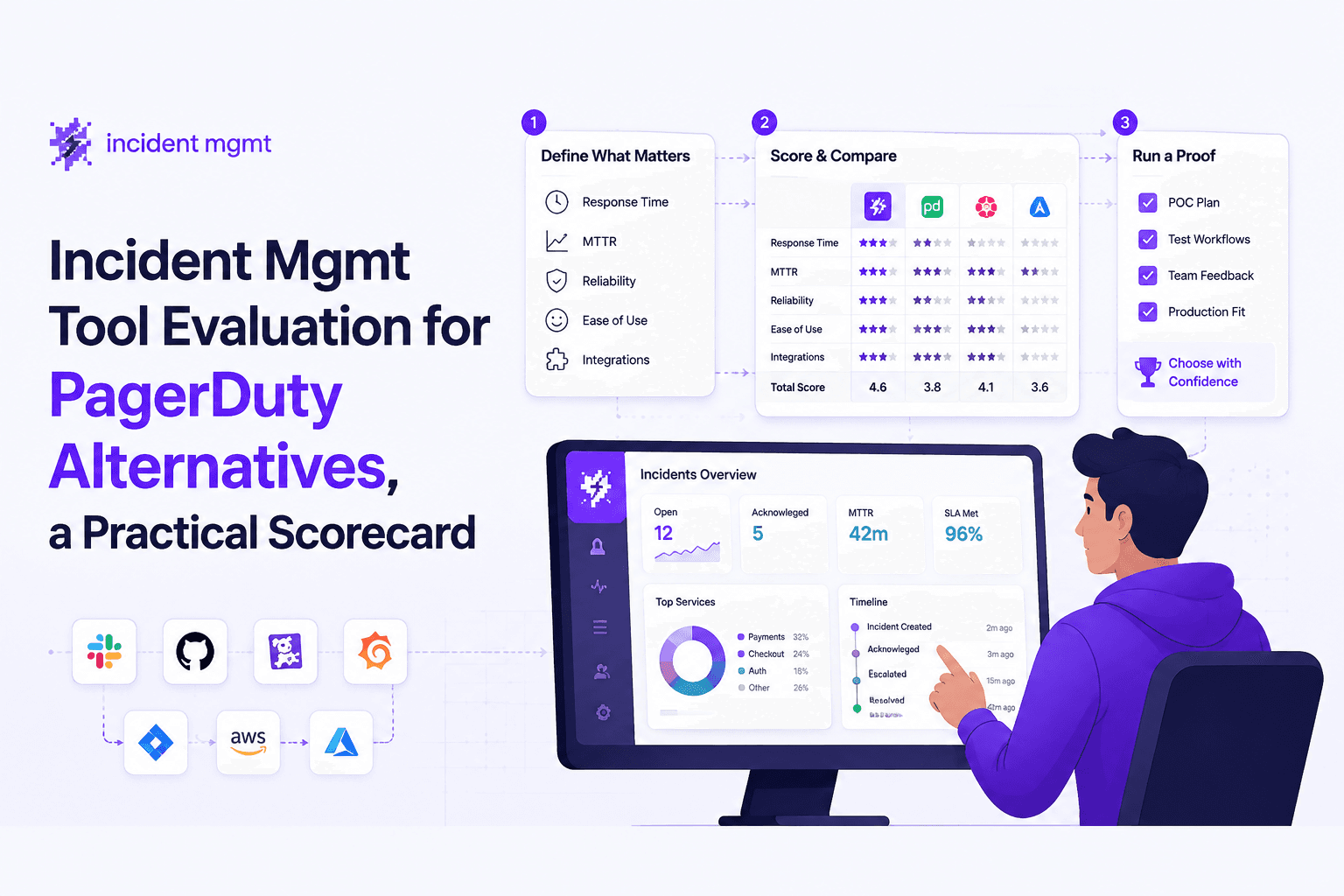
Incident Mgmt Tool Evaluation for PagerDuty Alternatives, a Practical Scorecard
Use this incident mgmt scorecard to compare PagerDuty alternatives, cut alert noise, validate workflows, and reduce MTTR with proof questions.