
Incident Alerting for On-Call Teams, How to Route, Escalate, and Reduce Noise
Incident alerting works best when alerts are treated as routed, contextual work items that only escalate into incidents when clear thresholds are met. The practical goal is simple: page the right owner, in the right channel, with enough context to act, while keeping noise low enough that responders still trust the signal.
- Route alerts by owner + channel + required context, not by raw event type, so every notification has an accountable responder and a next action.
- Separate alert lifecycle from incident lifecycle using explicit thresholds (severity, blast radius, and time-to-mitigate), then automate escalation when those thresholds are crossed.
- Reduce noise with deduplication, suppression windows, and threshold-based triggering so repeat failures become one growing signal, not a stream of pages.
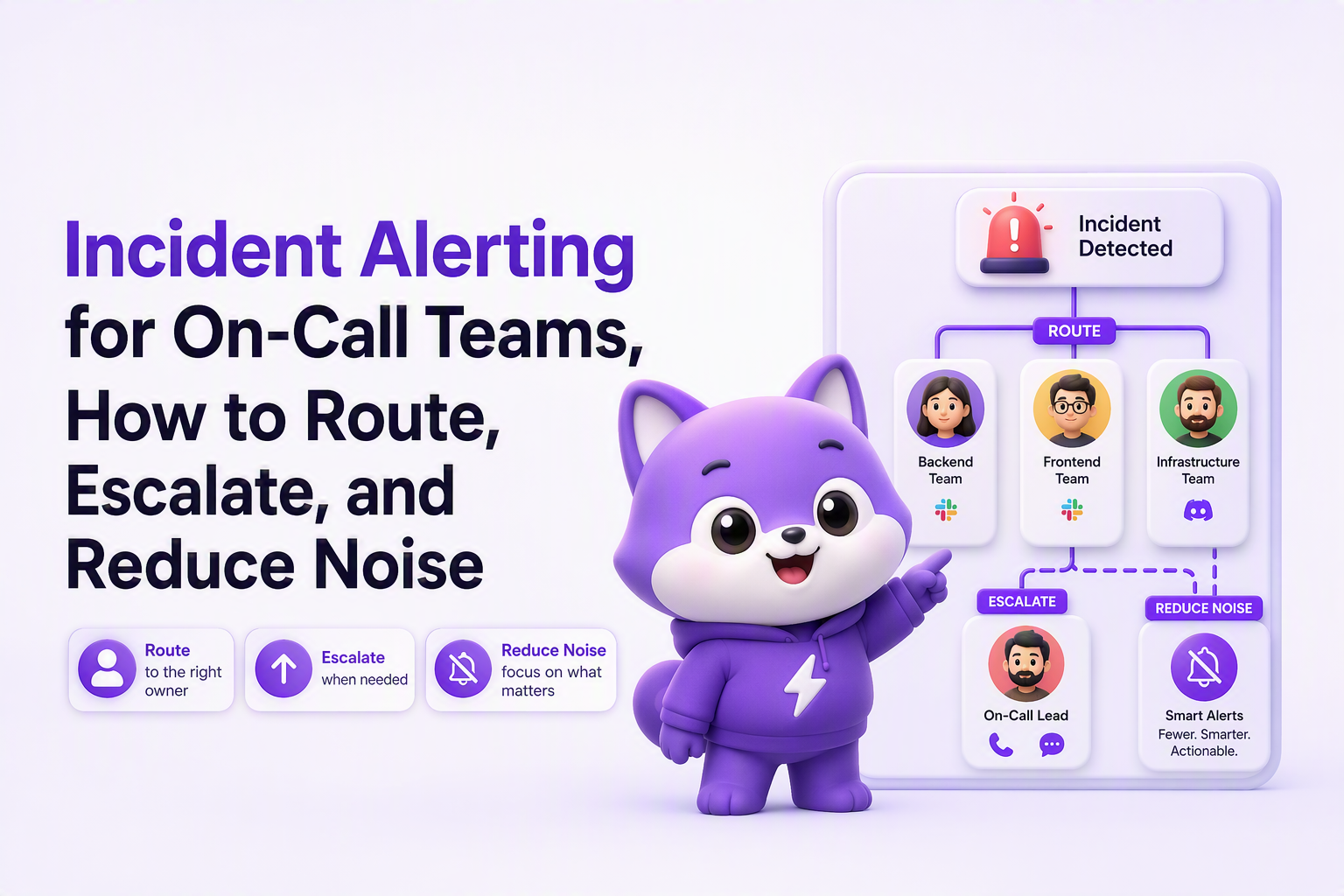
Organize incident alerting around owner, channel, and context, not raw notifications
Incident alerting becomes reliable when every alert answers three operational questions up front: who owns it, where it should land, and what context is required to take the first action. If you cannot answer those three consistently, responders end up doing routing work while half-awake, and that is where alert fatigue starts.
A routing model that prevents “orphan alerts”
Use a simple routing contract for each alert class:
- Owner: the primary responder role (not a person) and the fallback role.
- Channel: chat for fast triage, paging for wake-ups, email for durable backup.
- Context: the minimum fields required to decide “mitigate now vs schedule work”.
In our experience, the fastest win comes from refusing to ship any new alert until its owner is explicit; otherwise, the “someone should look at this” message becomes everyone’s problem and no one’s responsibility.
Context checklist for actionable alerts
For on-call, the alert payload should be intentionally small but complete. A practical checklist:
- What changed: symptom (error spike, latency, failed job) and current value.
- Scope: service/component, environment, region, and affected user segment if known.
- Time window: when it started and whether it is still active.
- Correlation pointers: top fingerprint, trace/log link, deploy/version, recent config change.
- Expected first action: “ack and triage”, “rollback”, “disable feature flag”, “run runbook step 1”.
Channel rules that match urgency
Define channel selection rules so the same condition does not hit every destination:
- Chat-only for non-waking signals (for example, “P3 bug pressure rising”).
- Paging for time-sensitive issues where delay increases customer harm.
- Email as backup delivery, not as the primary wake-up path.
If you need a deeper routing and governance structure, map this to an alert management policy so owners, channels, and overrides are consistent across teams.
Compare alerts vs incidents with a lifecycle example and sample alert text
Alerts are inputs to operational decision-making, while incidents are managed processes with coordination, communication, and time-bound objectives. Treating every alert like an incident bloats overhead; treating every incident like “just an alert” causes missed comms, unclear roles, and slow mitigation.
Side-by-side: alert lifecycle vs incident lifecycle
| Dimension | Alert | Incident |
|---|---|---|
| Primary purpose | Surface a signal that might require action | Coordinate response to restore service and reduce impact |
| Ownership | Single responder role (triage owner) | Roles: incident commander, communications, ops/SMEs |
| Entry criteria | Condition met (threshold, anomaly, error budget burn) | Customer impact or high risk plus time sensitivity |
| Success criteria | Acked, classified, routed, suppressed, or escalated | Mitigated, communicated, and post-incident follow-up created |
| Typical comms | Responder-only (on-call channel) | Broader stakeholders, status page, customer support |
One end-to-end scenario from trigger to escalation
Trigger: A backend service starts producing a grouped error fingerprint that increases failure rate across a critical user flow. The alert condition is not “every error event”, but “issue pressure above a threshold” (for example, five critical issues open concurrently in the last N minutes).
Alert text example (chat or pager):
- Title: “P1 issue count hit 5 for Checkout API”
- Body: “Grouped failures rising. Started 12:42 UTC. Deploy v2.18.3. Next step: rollback or disable feature flag checkout_v2. Links: traces/logs/runbook.”
Owner action: The triage owner acks, checks correlation to the last deploy, and either mitigates (rollback/flag) or routes to the owning team if not already correct.
Escalation to incident: Escalate when one of your explicit incident gates is met, such as: confirmed customer impact, breach of SLO, sustained elevated error rate for 15+ minutes, or requirement for cross-team coordination. This handoff is where it incident management practices matter, because the work shifts from “investigate” to “coordinate and restore”.
Set severity, deduplication, and escalation rules that page the correct responder
Severity and escalation rules for incident alerting should be expressed as thresholds on impact and persistence, not just “error happened”, so paging aligns to real risk. The objective is repeatable decision-making: the same signal should produce the same routing and the same escalation behavior across rotations.
A severity rubric you can apply immediately
Keep the rubric small enough that responders can use it under pressure:
- P1: active customer impact or high probability of immediate impact; requires rapid mitigation and paging.
- P2: degraded behavior with contained blast radius; chat alert plus timed escalation if it persists.
- P3: background risk or non-urgent defects; ticket or daily digest, no page.
To reduce ambiguity, define one measurable gate per severity in your environment (examples: “checkout failures confirmed”, “API 5xx sustained”, “job backlog above limit”). Avoid inventing universal numbers; tie gates to what your SLOs and user paths consider critical.
Deduplication and suppression logic that stops noise without hiding risk
Three mechanisms cover most alert fatigue patterns:
- Deduplicate by fingerprint: group repeat failures into one evolving alert so responders track “issue pressure” rather than reading 200 near-identical pages. This is the fastest way to avoid an alert storm when a single bug loops in production.
- Suppression windows: after ack, suppress identical alerts for a defined window (for example, 10 to 30 minutes) while the responder investigates, but keep a counter of suppressed events.
- Threshold-based triggering: alert when the grouped count crosses a line (for example, P1 issues >= N), not for every raw event.
What surprised our team was how often “duplicate pages” were actually “duplicate routing”: once we deduped by a stable fingerprint and forced a single owner, the same underlying bug stopped waking multiple people.
Escalation policy: time-based plus condition-based
Escalation should happen for one of two reasons:
- Time-based: no ack in X minutes, no mitigation progress in Y minutes.
- Condition-based: blast radius increases, severity gate is crossed, or a second system is now involved.
A simple policy many teams can start with:
- P1: page primary immediately; escalate to secondary at 5-10 minutes without ack; open incident channel at first confirmation of customer impact.
- P2: notify in chat; page only if sustained for 30-60 minutes or if a key metric crosses the P1 gate.
- P3: no page; create work item and include in weekly defect review.
If you want a responder-centric workflow for what happens after the ping, connect this to an alert triage checklist so ack, classify, mitigate, and escalate are consistent.
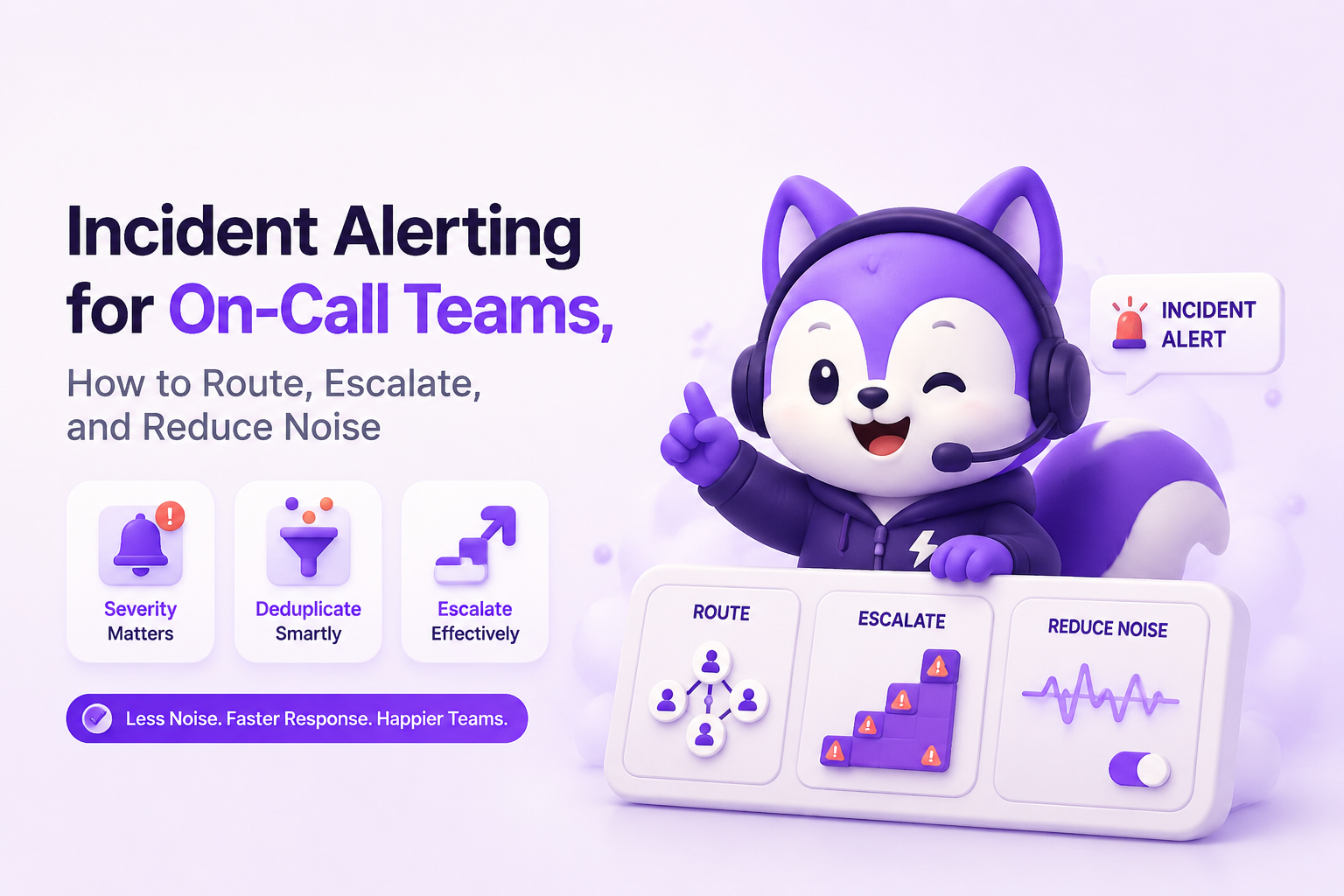
Classify alert and incident types, then map them to the 5 C's framework
Alert and incident classification works best when you standardize a small taxonomy and map it to operating behaviors, so responders do not improvise under stress. The goal is not labeling; it is selecting the right coordination pattern quickly.
A lightweight taxonomy for alert and incident classes
- Availability: outages, elevated 5xx, failing health checks.
- Performance: latency regressions, saturation, queue growth.
- Correctness: functional bugs, data integrity, wrong results.
- Change-related: deploy/config regressions, feature flag mistakes.
- Security/abuse: suspicious access patterns, rate-limit spikes.
For incident alerting, this taxonomy primarily helps you pre-assign owners and pre-write runbook entry points (for example, “performance alert goes to platform on-call, with link to saturation dashboard”).
The 5 C's mapping for faster escalation and cleaner coordination
Use the 5 C's as a quick decision framework once an alert is acked:
- Classification: which class (availability, performance, correctness, change, security) and provisional severity (P1/P2/P3).
- Containment: immediate action to stop the bleeding (rollback, disable flag, shed load).
- Coordination: do you need an incident commander and multiple teams, or can one owner resolve?
- Communication: who must be notified and how often (internal channel, support, status page).
- Correction: what follow-up artifact is required (bug ticket, post-incident review, test coverage, guardrail alert).
After running several on-call audits, the pattern was clear: teams escalated too late when “communication” and “coordination” were optional steps. Making those two C's explicit gates reduced the grey zone between “we saw it” and “we declared an incident”.
Where bug capture and classification fits without creating more noise
Correctness alerts are often the hardest to tune because a single bug can generate many similar failures, and users do not always report the problem when it starts. Tools such as Flash Log add an AI layer that captures bugs even when users do not report them and automatically classifies and groups them, which makes it easier to trigger incident alerting from “issue pressure” (grouped, triaged defects) rather than raw error exhaust.
| Rule element | Decision it enforces | Example (fill with your thresholds) |
|---|---|---|
| Owner | Who must respond | “Checkout on-call primary; escalate to platform secondary” |
| Channel | Where it lands | “Slack for P2, paging for P1, email backup” |
| Severity gate | When to wake people | “P1 if confirmed customer impact or SLO breach” |
| Dedup key | What counts as “same problem” | “Fingerprint: endpoint + stack trace signature + version” |
| Escalation | When alert becomes incident | “No ack in 10 min OR impact confirmed OR persists 30 min” |
FAQ
If you are tightening incident alerting and want correctness issues to surface earlier without turning into raw error spam, explore Flash Log as an AI layer that captures bugs even when users do not report them and automatically classifies them so on-call teams can trigger cleaner, threshold-based alerts from grouped issue pressure.

Alert Management System Playbook for On-Call Teams, Routing, Deduping, Escalation, Metrics
Build an alert management system in a week with routing, dedupe, escalation timelines, and KPIs like MTTA and noise ratio.

Software Bug Tracking System Buyer Guide, How To Choose The Right One In 2026
A practical 2026 buyer guide to pick a software bug tracking system using criteria, a shortlist by use case, and a rollout checklist.

Escalation Policy Template And Matrix For On-Call Teams
Use a practical escalation policy template and SEV matrix with timelines, roles, and targets to reduce missed pages and time-to-ack.