
Incident Mgmt Tool Evaluation for PagerDuty Alternatives, a Practical Scorecard
Incident mgmt tool evaluation gets easier when you score vendors on the few capabilities that actually move MTTR: alert quality, routing and escalation integrity, and faster detection of user-impacting bugs that never get reported.
- Measure leading indicators (noise rate, actionability, time-to-detect) before comparing vendors, because they predict MTTR better than feature lists.
- Use an end-to-end capability checklist across detection, response, comms, and learning, then validate each item with a proof question.
- Add an “information gain” criterion for silent bugs: tools that auto-capture and classify user-impacting failures shorten triage and reduce missed incidents.
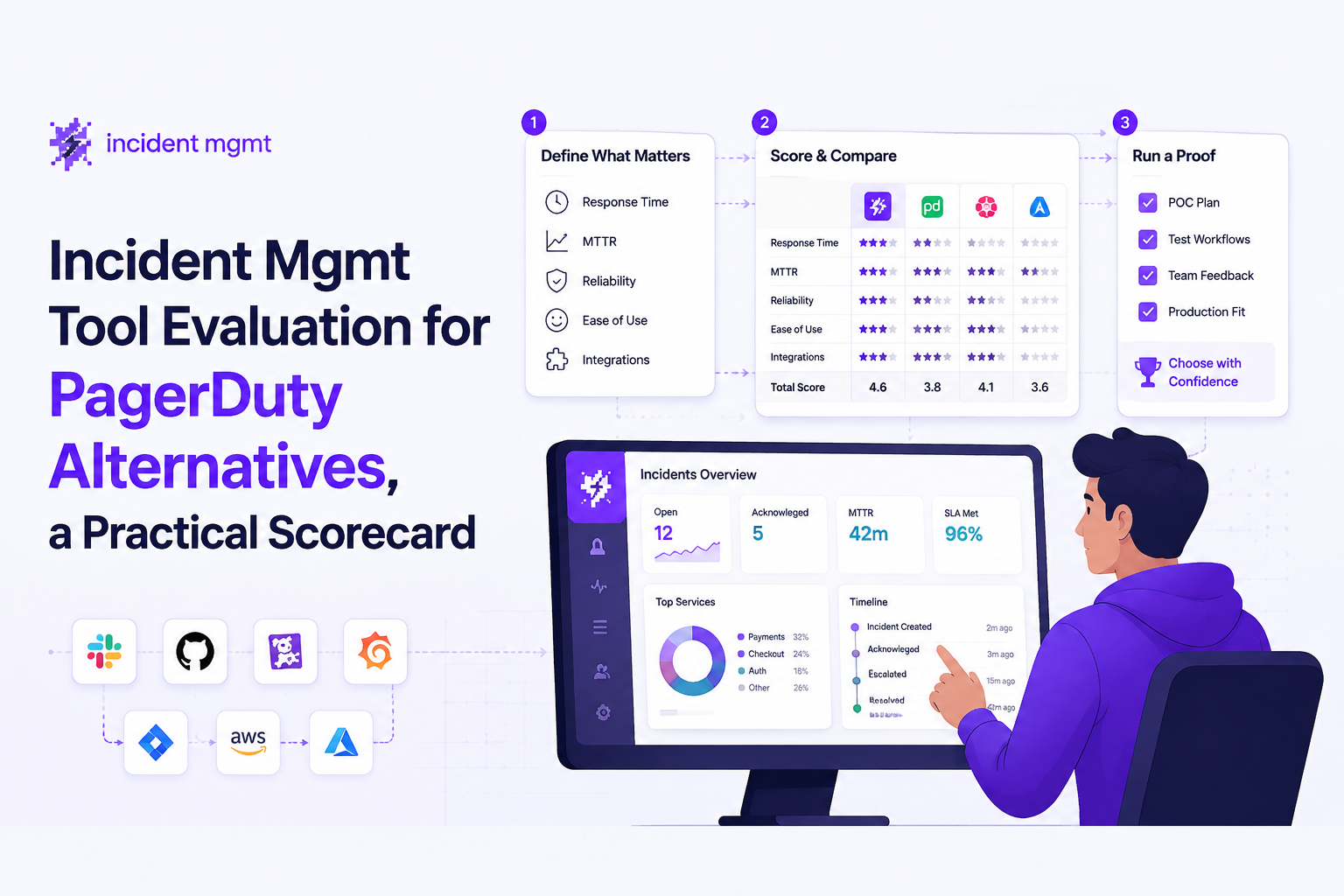
What to Measure in Incident Mgmt Before You Compare Tools
Incident mgmt comparisons go off the rails when teams measure outcomes (MTTR) but skip the leading indicators that cause it: alert noise, actionability, and detection coverage for real user impact.
Step 1: Define the few metrics that predict MTTR
MTTR is the lagging metric, but you can only improve it by tightening the inputs. Before evaluating PagerDuty alternatives, define a small “measurement set” you can collect in any stack:
- Time to detect (TTD): time from first user impact to first actionable alert. (Not “first error event”.)
- Time to acknowledge (TTA): time from alert fire to human acknowledgement, broken down by business hours vs on-call.
- Time to mitigate (TTM): time from acknowledgement to customer-impact stopped (rollback, feature flag, scaling, config revert).
- Alert actionability rate: percentage of alerts that lead to an operator action within 10 to 15 minutes.
- Noise ratio: alerts per incident, plus “pages with no code or config change” as a proxy for junk.
Step 2: Add two leading indicators most teams forget
Two indicators tend to expose whether a tool reduces MTTR in practice:
- Deduped issue pressure vs raw event volume: whether you page on a rising, grouped signal (issue count, priority pressure) instead of every incoming failure event.
- Silent failure coverage: the share of user-impacting bugs you learn about without a user ticket. This is the gap between “we saw errors” and “we knew customers were blocked”.
Step 3: Set baselines from your current month, not ideals
Pull 30 days of alert history and incident tickets, then compute: alerts per incident, top 10 alert sources, after-hours paging volume, and percentage of alerts without follow-up action. In our experience, just tagging alerts as “actioned” vs “not actioned” for two weeks is enough to reveal which integrations are producing most of the noise.
The Incident Mgmt Capability Checklist Most PagerDuty Alternative Lists Miss
PagerDuty alternative lists usually enumerate integrations, but incident mgmt success depends on an end-to-end workflow that starts with detection quality and ends with learning that prevents repeats.
Detection and signal quality (before paging)
- Noise gating: can you suppress known junk and expected business errors before they become issues?
- Grouping and dedupe: can repeated failures roll up into a single issue context instead of generating parallel alerts?
- Priority model: can you express what “P1 pressure” means using thresholds and operators (for example, P1 count >= N)?
Routing, escalation, and ownership
- Deterministic routing rules: based on service, environment, severity, and time of day.
- Escalation integrity: verify schedules, fallbacks, and that “no acknowledgement” escalates as designed.
- Channel strategy: chat for fast triage and a durable backup channel (often email) for auditability.
Response execution
- Runbook linkage: every page should map to “first three moves” without searching a wiki.
- Context payload: alert content should carry enough context to decide, not just notify.
- Safe testing: ability to test delivery and templates before trusting production paging.
Comms and post-incident learning
- Status updates: internal and external update workflows (even if you use a separate status page).
- Postmortems with prevention hooks: the output should feed backlog items, alert tuning, and detection changes.
- Audit trail: who acknowledged, what actions were taken, and what changed afterward.
As you validate options, connect this checklist to concrete operator workflows. If a vendor demo cannot show a single incident from detection to post-incident changes, treat it as a documentation gap and a risk.
Information Gain, Proactive Incident Detection From Silent Bugs
Information gain is the selection criterion that separates “notification plumbing” from incident mgmt systems that genuinely reduce time-to-detect by surfacing user-impacting bugs even when nobody reports them.
Why silent bugs are an incident mgmt problem, not just QA
User-impacting failures often show up as scattered errors, degraded conversions, or broken edge flows that never become support tickets. If your stack pages on raw error events, you either drown in noise or you raise thresholds so high you miss the slow-burn problems. Either way, triage starts late.
What to look for: issue-based alerting instead of event spam
A practical pattern is to alert from “bug pressure” after classification and grouping, not from every event. That gives responders a stable unit to triage: one issue with repeats, trend, and priority. Flash Log, for example, is built around automatic bug capture plus AI classification and grouping, then alert rules that fire when priority issue counts cross a threshold. The operational difference is that the team gets one readable signal when P1 issues stack up, rather than a flood of identical webhook pings.
Proof questions that expose real information gain
- Show me an example where a bug was captured without a user report: what evidence is stored, and how is it classified?
- Where does dedupe happen? Ask whether grouping occurs before the alert rule evaluates thresholds.
- How do you filter expected business errors? Look for ignore rules and a place to encode “known junk” safely.
- Can alerts be templated with live context? For example, placeholders for priority and running issue count so on-call can decide faster.
What surprised our team was how often “better incident mgmt” was really “better problem statements”: once alerts carried grouped issue context and a clear priority signal, responders stopped treating pages as a scavenger hunt across logs and dashboards.
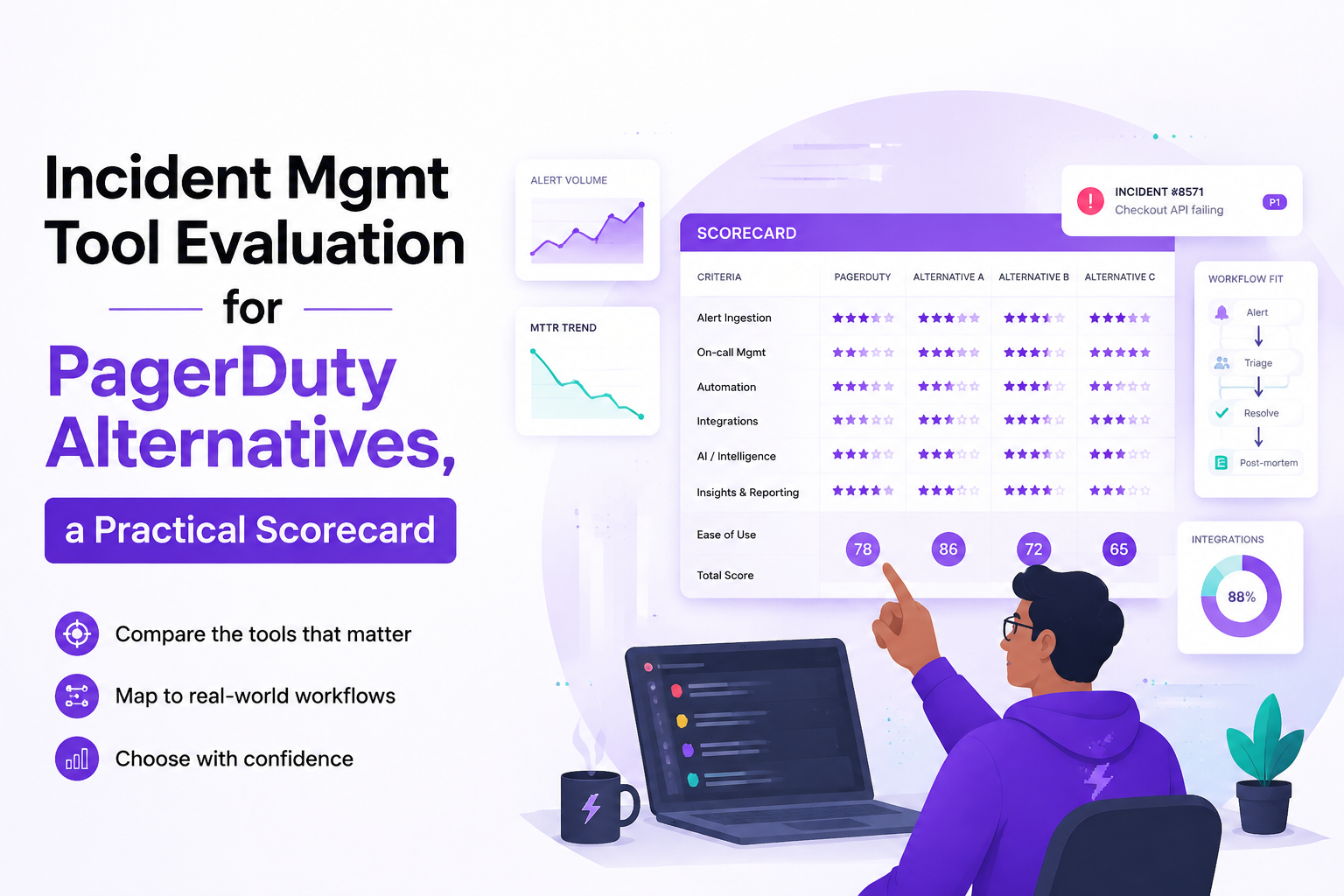
Scorecard and Vendor Questions to Shortlist PagerDuty Alternatives Fast
A weighted scorecard turns incident mgmt selection into a repeatable decision by forcing each vendor to prove fit against your workflows, not their slide deck.
A practical weighting model (adjust to your environment)
Start with weights that reflect what usually moves MTTR the most for product teams, then tune after you baseline your last 30 days:
- Signal quality and noise reduction (30%): dedupe, grouping, noise gating, actionability.
- Routing and escalation integrity (25%): schedules, fallbacks, deterministic routing, auditability.
- Information gain for silent bugs (20%): auto-capture, classification, issue pressure alerting.
- Response acceleration (15%): context payload, runbook linkage, fast triage workflows.
- Implementation and governance (10%): access control, change safety, testing, reporting.
Shortlist-ready vendor questions (use these in live demos)
- Noise: “Walk through your top three ways to prevent an alert storm from paging humans.”
- Actionability: “Show an alert payload that includes the exact fields responders need for the first decision.”
- Triage workflow: “Demonstrate your alert triage flow for repeated failures that should roll into one issue.”
- Escalations: “If nobody acknowledges, what happens at minute 5, 10, and 15, and how do you prove it in audit logs?”
- Learning loop: “After an incident, how do changes to detection rules and alerts get reviewed, tested, and rolled out?”
Scoring rubric example (1 to 5) to reduce subjectivity
- 1: exists only via custom scripts, unreliable or not demonstrable
- 3: works for common paths, but weak change safety or limited context
- 5: demonstrated end-to-end in your scenario, includes testing, audit, and noise controls
Common Switching Risks and How to De-Risk a PagerDuty Replacement
PagerDuty replacement risk drops sharply when you run a phased cutover with explicit acceptance criteria for paging integrity, noise rate, and incident outcomes.
Risk 1: breaking paging integrity during migration
Mitigation: run “shadow paging” for 2 to 4 weeks where the new tool receives the same triggers but does not wake the primary on-call. Compare acknowledgement latency, delivery reliability by channel, and escalation behavior. Our team uses a simple rule: no production cutover until we can show that every critical route has a tested fallback channel and an audit trail of test dispatches.
Risk 2: recreating the same noise in a new UI
Mitigation: migrate alerts only after you re-author them as intent, not as forwarded events. This is where a structured alert management framework helps: define what should page, what should ticket, and what should only annotate dashboards. If you keep the old “page on every exception” wiring, you pay switching costs without changing MTTR.
Risk 3: losing context during incidents
Mitigation: insist that every migrated alert includes a minimum context contract: service, environment, severity, owner, and a link to correlated evidence. If your selection includes log-heavy debugging, add log correlation requirements so responders land on one view, not five tabs.
Acceptance criteria for “go live”
- Delivery: every critical route tested end-to-end in production configuration
- Noise: measurable reduction in non-actionable pages compared to baseline month
- Coverage: demonstrable detection path for at least one class of user-impacting bug that previously relied on support tickets
- Ops fit: on-call can acknowledge, escalate, and close within your documented workflow
| Scorecard Category | What “good” looks like | How to verify in a demo |
|---|---|---|
| Signal quality | Grouped issues, dedupe before paging, ignore rules | Replay repeated failures and show they roll into one issue before alert fires |
| Routing and escalation | Deterministic rules, tested fallbacks, audit trail | Run a test dispatch to Slack plus email fallback and show logs |
| Information gain | Auto-capture and classification of silent bugs | Show a bug captured without user report, then how it becomes an actionable issue |
| Response acceleration | Actionable payload, runbook links, fast acknowledgement | Open one alert and show the first decision can be made from the payload |
| Governance | Safe changes, roles, reporting | Show how alert rule edits are tested before activation |
FAQ
If you want to operationalize this evaluation quickly, map your current incident mgmt baselines into the scorecard, then book a demo of Flash Log to see how automatic bug capture and AI classification can surface silent user-impacting issues earlier and reduce triage time.
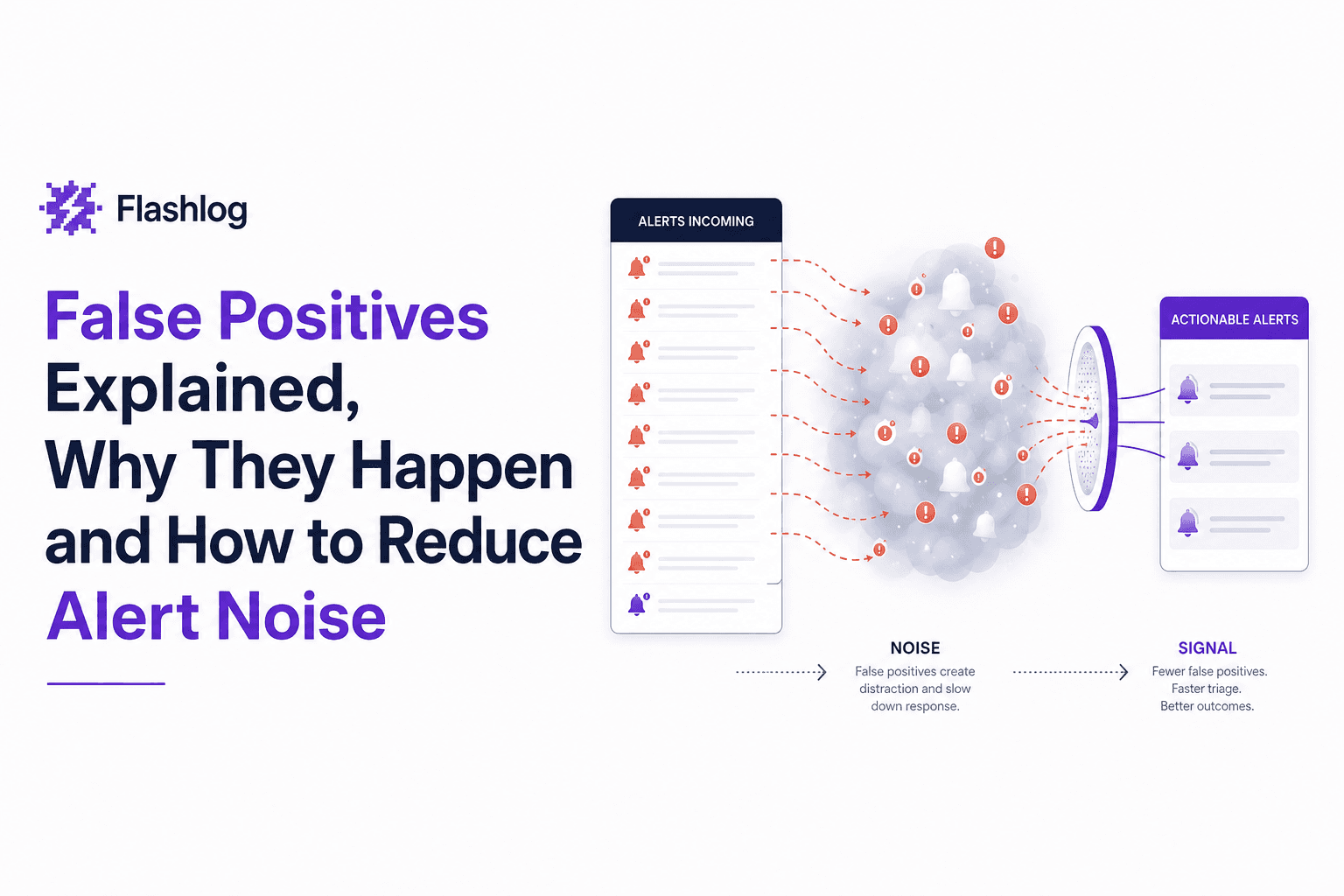
False Positives Explained, Why They Happen and How to Reduce Alert Noise
Learn what false positives are, why they create alert noise, and how to reduce false positives without missing real issues.
Incident Alerting That Stays Actionable, An AI Noise Reduction Framework
Build incident alerting that stays actionable using AI noise reduction: dedupe, clustering, suppression, thresholds, and validation guardrails.
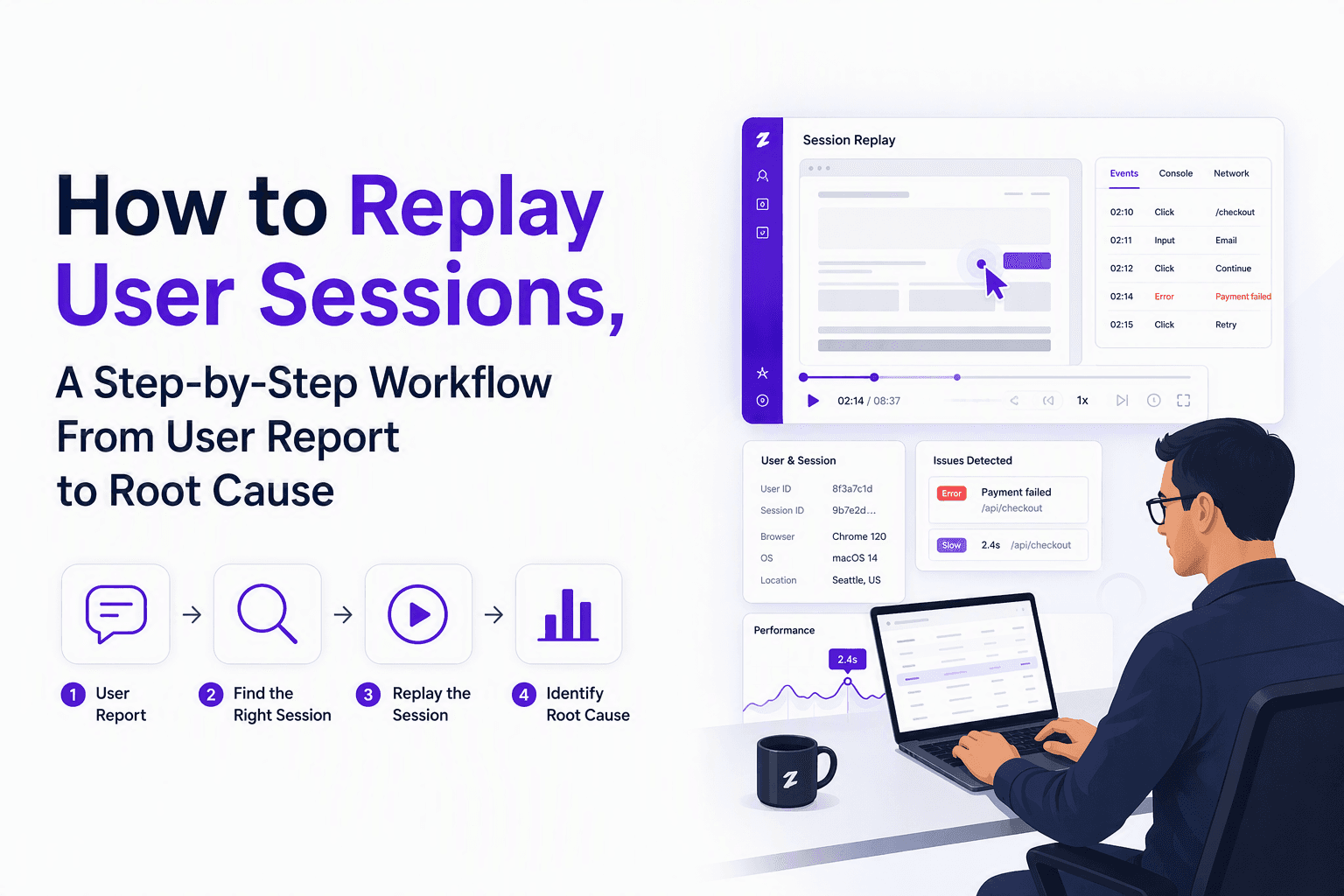
How to Replay User Sessions, A Step-by-Step Workflow From User Report to Root Cause
Learn how to replay user sessions with a practical workflow: find the right session, review signals, document findings, and share safely.