
User Session Recording Tools, How to Compare Options That Actually Help Debugging
Compare user session recording tools using engineering-first criteria: replay fidelity, privacy controls, and workflow fit for faster bug triage.
User session recording tools are easiest to compare when you judge them by debugging output, not replay aesthetics: capture fidelity, privacy safety, and how quickly a session becomes a reproducible issue for engineering.
- Evaluate tools on whether they turn a replay into a reproducible sequence: user actions + failing requests + environment, not just “watch a video.”
- Prioritize privacy controls that are provable in your workflow: default masking, allowlists, retention, and access scoping.
- Shortlist by primary workflow fit (product analytics, support triage, engineering reproduction, mobile) to avoid paying for overlap you will not operationalize.
What Actually Matters When Choosing User Session Recording Tools
Choosing user session recording tools comes down to five engineering-grade criteria that predict time-to-reproduce and the quality of handoffs between product, support, and engineering.
1) Capture fidelity that survives modern frontends
High-fidelity replay means the recording still reflects what the user experienced under React/Vue rerenders, route changes, async data loading, and UI virtualization. In practice, the fastest way to evaluate fidelity is to record a session on your most interactive flow (checkout, onboarding, search filters) and check three things: (1) the DOM state matches what the user saw at each step, (2) the timeline remains coherent under rapid clicks and navigation, and (3) UI text and error states appear at the right moment.
2) Debug context, not just replay
A replay is helpful, but a debuggable artifact usually needs more: the user action trail, the failing request (method, endpoint, status, timing), and environment context (browser/OS/device/release). Without those attached, engineers still end up asking, “Which API call failed?” and “Is this release-specific?” We initially assumed “video-like replay” was enough, but our team found triage still stalled unless network and environment clues were adjacent to the user step that triggered the failure.
3) Privacy and compliance controls you can operationalize
Privacy is less about a checkbox and more about defaults: masking sensitive inputs by default, field-level allowlisting, redaction rules, and access controls that limit who can view replays. If your legal team cares about consent flows, ensure the tool can integrate with your consent layer and respects opt-out. A solid reference for how consent should be captured and audited is the GDPR overview, but you still need tool-specific enforcement in the capture pipeline. If you want a practical framework specifically for replay, see consent management.
4) Performance and sampling controls
Session capture adds overhead, and the cost profile is usually driven by session volume, retention, and whether you record all sessions or a sampled subset. Evaluate: SDK weight, runtime impact in slow devices, your ability to sample by route, user segment, or error occurrence, and whether you can bias capture toward “high-signal” sessions (errors, failed conversions) without collecting everything.
5) Workflow fit and integrations
User session recording tools only reduce cycle time if the evidence lands where work happens: issue tracker, alerting, support desk, and logs/APM. Ask “Can a support agent attach the right replay to a ticket in under a minute?” and “Can an engineer open the replay from the issue and immediately see steps, requests, and environment?” For deeper setup guidance on types and tradeoffs, session recording is worth scanning before you commit.
The Best User Session Recording Tools for Different Team Priorities
The best user session recording tools depend on your primary bottleneck, so a more reliable shortlist groups options by workflow category rather than by who has the longest feature checklist.
1) Engineering-first replay for reproduction and root cause
Pick an engineering-first tool profile when the main pain is “we cannot reproduce it” or “support cannot capture enough evidence.” The strongest fit is a tool that ties the session to technical artifacts: failing API calls next to the user click, frontend exceptions aligned to the timeline, and environment metadata (browser, OS, device, release). The tradeoff is that these tools can be more opinionated about what they capture and how they structure issues, which is good for engineering throughput but sometimes less flexible for marketing-style behavior analysis.
2) Product analytics plus replay for UX exploration
Choose a product-analytics-led category when you need segmentation, funnels, and cohort analysis first, with replay as a drill-down. This profile is best when PMs and growth teams want to watch “representative sessions” after identifying a drop-off segment. The debugging tradeoff is that engineering context (network/request details, release tagging, error grouping) can be lighter, so you may still need logs or APM to close the loop.
3) Support-led tools for ticket resolution and customer comms
Support-driven teams benefit most from tools optimized for quickly finding the right session: user lookup, recent activity timeline, and easy share links with role-based access. The gap to watch is whether the recording includes enough technical breadcrumbs for engineering, or whether support still has to translate what they saw into steps and guess at environment details.
4) Mobile-focused recording (iOS/Android)
Mobile capture has different constraints: app lifecycle, offline states, native crashes, and device fragmentation. If mobile is core, validate that replay is stable across OS versions and that privacy masking covers native text inputs. Also check how the tool correlates sessions with crash reports and networking layers, because “I saw it on my phone” is not actionable without device and release context.
5) Lightweight, privacy-restricted capture for regulated environments
Some teams need session insight but must aggressively minimize what is collected. The right profile here is strong default masking, strict allowlists, short retention, and administrative controls that prove only approved data fields are stored. What surprised our team was how often “masking” existed in UI settings but not as an enforceable default, so we now require a test plan that tries to capture password, token, and payment fields and verifies redaction end-to-end.
Where Session Recording Tools Help Most in Bug Triage
User session recording tools accelerate triage most when you apply them to three repeatable handoffs: reproduction, isolation, and cross-team confirmation.
Use case A: Reproduction without a user interview
The highest-value workflow is turning “it broke” into a deterministic set of steps. Look for: a clear action trail (page path, clicks, form submits), timestamps, and the ability to jump to the “last meaningful step” before failure. In our experience working with SaaS support teams, the biggest time sink is back-and-forth for missing steps, so we treat “can support produce repro steps from a replay alone?” as a pass/fail evaluation.
Use case B: Root-cause isolation with adjacent technical evidence
Replays shorten the search space, but isolation needs correlation. A strong tool should let an engineer answer, within the same view: which request failed, what status code returned, whether latency spiked, and what frontend error fired. If the tool does not expose request timing/status next to the user action, you will end up switching between replay, network logs, and dashboards, which reintroduces context loss.
Use case C: Confirming impact and prioritization
Triage is not only “why” but “how often.” Even basic grouping by error signature, route, release, or user segment helps quantify blast radius. If your incident process relies on releases, ensure sessions can be filtered by app version or deployment identifier, so you can quickly verify regressions after a rollout.
The Gap Most Buyers Miss, Replay Alone Does Not Create Debugging Context
Replay alone rarely produces an actionable engineering ticket because it does not automatically capture the failing request, environment, and issue classification needed to reproduce and route the bug.
What “debugging context” should contain
A replay becomes engineering-ready when it packages four elements together: (1) journey steps leading into the failure, (2) the failing API or network event (method, URL, status, timing), (3) environment details (browser, OS, device, viewport, release), and (4) privacy-safe handling (masked inputs and redacted sensitive fields). If any one is missing, teams fall back to screenshots, console snippets, and follow-up questions.
Why unreported bugs matter
Many bugs never get reported because users rage-click, abandon, or assume the product is unreliable. A tool that only helps after a user submits a ticket addresses a subset of real failures. The practical question to ask vendors is: “How do we discover failures that correlate with abandonment, not with reports?” That typically requires automatic detection signals (failed requests, frontend exceptions) and a way to route them without manual triage across thousands of sessions.
One relevant option when you need automatic capture plus classification
Flash Log is designed for teams that want session evidence plus AI-based automatic bug capture and classification, including bugs captured even when users do not report them. The key workflow implication is that engineers can start from a packaged context bundle that includes the user journey, the failing request/response metadata and timing, and environment details, while sensitive inputs remain masked before the issue reaches the team.
How to Build a Shortlist Without Overbuying
A reliable shortlist method for user session recording tools is to run a two-hour evaluation sprint that scores tools on a single critical flow and a single critical failure mode.
Step 1: Pick one “money flow” and define success criteria
Select one flow that regularly generates bugs or revenue risk (checkout, signup, permissions, search). Write down a concrete target artifact: “An engineer can reproduce a failing checkout in under 10 minutes using only the ticket plus attached evidence.” This prevents the evaluation from drifting into nice-to-have UI preferences.
Step 2: Use a scoring rubric (0 to 2) across five categories
- Repro speed: Can we extract steps + trigger quickly?
- Technical adjacency: Requests/errors aligned to user actions?
- Privacy defaults: Masking, allowlists, retention, access controls?
- Fidelity: Accurate UI state under modern frontend patterns?
- Workflow fit: Issue tracker/support integration, ownership, sharing?
After running a few internal test incidents, the pattern was clear: tools that scored 2 on technical adjacency and privacy defaults created fewer “follow-up questions,” even if their replay player looked less polished.
Step 3: Validate with one synthetic bug and one real support ticket
Create a controlled failure (force a 500 on an endpoint in staging or break a feature flag) and record the session. Then take one anonymized real ticket and see whether the tool helps you reach a repro without asking the user anything else. This pairing catches both “works in demos” and “fails in messy reality.”
Step 4: Decide on sampling and retention before you negotiate
Cost surprises usually come from recording too much. Decide up front: which routes to always record, which segments to sample, retention duration, and who needs access. If your priority is debugging, bias capture toward error sessions and high-value flows rather than blanket recording.
| Tool category | Best for | What to verify in a trial | Common tradeoff |
|---|---|---|---|
| Engineering-first replay | Reproduction and root-cause isolation | Failing request + error aligned to user action; release/environment tags; privacy masking defaults | Less focus on broad product analytics |
| Product analytics + replay | Funnels, segmentation, UX exploration | How fast you can go from a cohort drop-off to representative replays; filtering by release | May require separate tooling for technical debugging |
| Support-led replay | Ticket resolution and user lookup | Time for an agent to find the right session; permissioning; share controls | Engineering context can be shallow |
| Mobile-focused recording | Native app issues across devices | Stability across OS versions; crash/network correlation; native input masking | Harder setup and higher variability |
| Privacy-restricted capture | Regulated teams with strict data minimization | Allowlist-first capture; short retention; auditable access | Reduced visibility into rich UI states |
FAQ about choosing session recording for debugging
How do I test replay fidelity quickly?
Record a session on your most dynamic flow and verify that UI state changes (validation errors, async loads, route transitions) appear at the correct timestamps; then repeat on a low-end device profile to see if timing and events drift.
What privacy controls are non-negotiable?
Default masking for inputs, field-level allowlists or redaction rules, role-based access, and retention controls are the minimum. Also confirm the tool respects your consent layer so you can prove opt-in and opt-out behavior.
Do user session recording tools replace logs or APM?
No. Replays narrow “what the user did,” while logs/APM explain deeper backend behavior. The most effective setups link session evidence to errors and failing requests so engineers can jump from the user action to the underlying trace or logs.
How many tools do we actually need?
Most teams should start with one primary tool aligned to the main workflow owner (engineering, product, or support) and only add a second if you can name the concrete handoff that remains slow after adoption.
If your main gap is that replays do not reliably turn into reproducible, routed issues, Flash Log is worth evaluating alongside your shortlist because it focuses on automatic bug capture and AI classification with privacy-safe context packaging so engineering can move faster with less back-and-forth.
Read Next
View all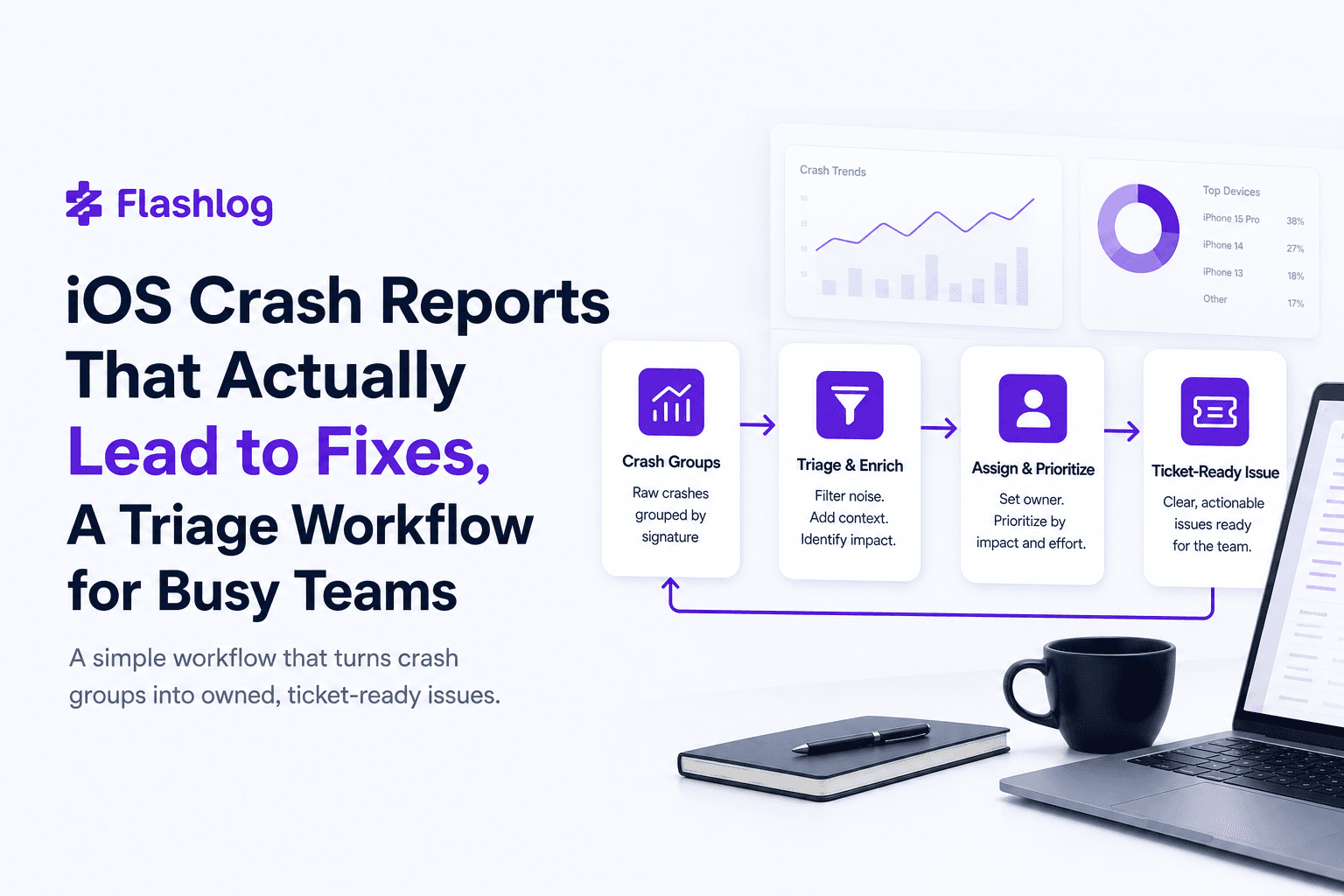
iOS Crash Reports That Actually Lead to Fixes, A Triage Workflow for Busy Teams
Turn ios crash reports into actionable tickets with a simple triage rubric and a minimum context bundle your iOS team can trust.
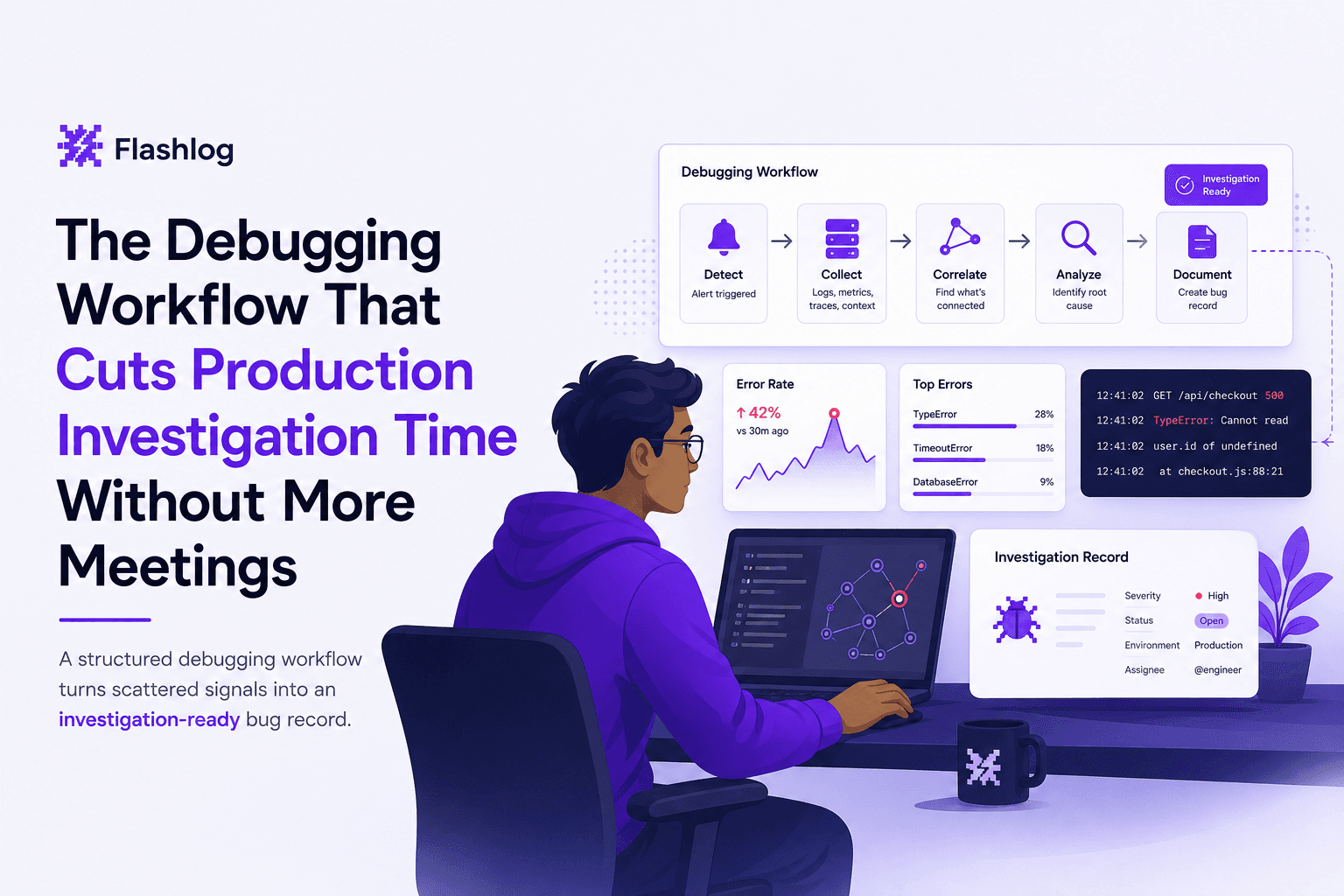
The Debugging Workflow That Cuts Production Investigation Time Without More Meetings
Learn a repeatable debugging workflow to debug production issues faster with clearer signals, faster triage, and less back-and-forth.
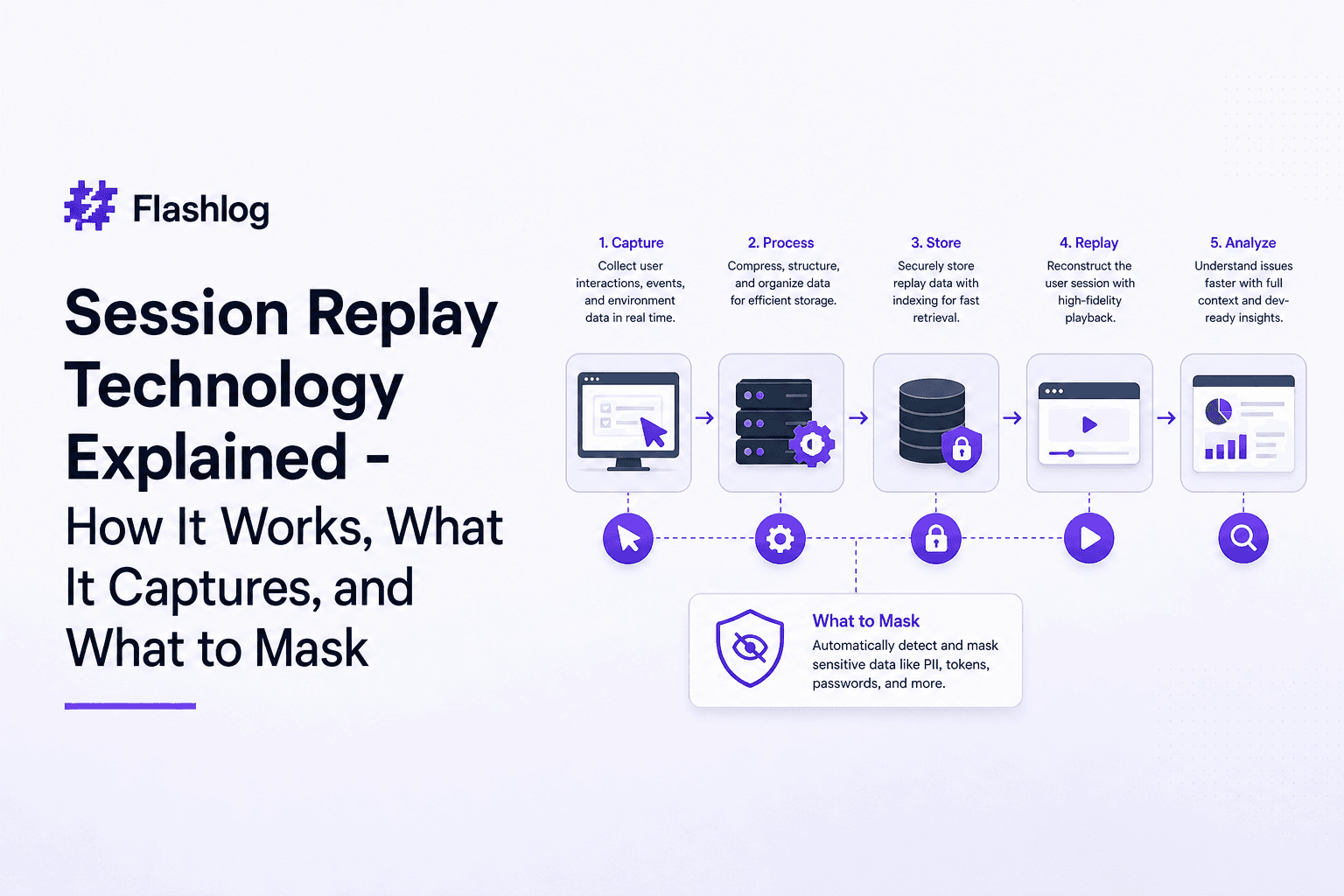
Session Replay Technology Explained - How It Works, What It Captures, and What to Mask
Learn session replay technology: how it works, what data it captures, what to mask, and a practical compliance checklist for web apps.