
Escalation Rules That Work A Practical Framework For Faster Incident Response
Escalation rules help on-call teams decide when an issue deserves attention, who owns the response, and how quickly action must happen. Effective escalation rules reduce missed incidents by connecting severity, ownership, and response expectations instead of simply sending more alerts. Teams that already operate alerting systems often struggle not because notifications are missing, but because escalation paths create confusion, delays, or unnecessary interruptions.
- Strong escalation workflows start with clear severity ownership and measurable response expectations.
- Alert quality improves when teams separate real incident pressure from noisy error volume.
- Automation and better bug visibility help engineers resolve issues before escalation becomes urgent.
Why Escalation Rules Fail Even When Alerts Are Configured Correctly
Escalation rules fail when alert ownership, severity definitions, and response timing are unclear. A configured alert only creates a signal; the escalation process determines whether that signal becomes effective incident management or operational noise.
Unclear ownership creates response gaps
The first failure point is often responsibility. If a P1 production issue reaches multiple teams without a clear owner, responders spend valuable time deciding who should act. A reliable framework assigns ownership before an incident occurs:
- Primary owner: the team expected to investigate first.
- Secondary owner: the backup team responsible when the primary owner cannot respond.
- Final escalation owner: the person accountable for removing blockers.
Each escalation path should also define the handoff condition. For example, a team may escalate after no acknowledgement within 15 minutes, not simply because an alert exists.
Too many escalation paths slow down decisions
Complex escalation trees often look comprehensive but create hesitation. A practical review checks whether every step answers three questions: who receives the alert, why they receive it, and what action they are expected to take.
In our experience working with on-call teams, reducing unnecessary routing steps improves clarity more than adding additional notification channels. The strongest workflows make ownership obvious before the incident pressure increases.
How To Design Escalation Rules Around Severity Ownership And Response Time
Effective escalation rules map incident severity to ownership and response time targets before alerts are triggered. A structured design prevents teams from treating every failure as equally urgent.
Step 1: Define severity using operational impact
Severity should represent business and customer impact, not only technical error volume. A practical severity model can include:
| Severity | Ownership | Response expectation |
|---|---|---|
| P1 | Primary engineering owner with incident lead | Immediate acknowledgement and active response |
| P2 | Service owner or product engineering team | Time-bound investigation |
| P3 | Normal development workflow | Scheduled resolution |
Step 2: Connect thresholds to real risk
Threshold-based escalation works best when the trigger represents meaningful pressure. For example, teams may decide that five P1 issues or twelve P2 issues require attention, rather than interrupting engineers for every isolated event.
FlashLog follows this approach by allowing alerts to trigger from priority issue counts instead of raw incoming failures. Its alert configuration supports operators such as greater than or equal to, equal to, and less than, helping teams define when bug pressure becomes operationally meaningful.
Step 3: Define timing expectations
Response time rules should specify acknowledgement, investigation, and resolution expectations. A complete escalation policy answers:
- How long until the first responder acknowledges the issue?
- When does ownership move to another team?
- Who communicates status updates?
We initially assumed more aggressive escalation would reduce risk, but our team found that clearer timing rules reduced unnecessary handoffs while preserving fast responses.
Building Escalation Workflows That Reduce Alert Fatigue
Escalation workflows reduce alert fatigue when they prioritize meaningful signals over notification volume. The goal is not fewer alerts at any cost; the goal is fewer interruptions that lack actionable context.
Separate detection from escalation
Raw error streams should not automatically become urgent notifications. A stronger workflow applies filtering before escalation:
- Classify issues by priority.
- Group repeated failures into shared issue context.
- Remove expected noise with ignore rules.
- Escalate only when pressure reaches a defined threshold.
This approach supports better alert triage because responders receive a clearer picture of what requires action.
Keep every escalation message actionable
Messages should include context instead of simply stating that something failed. Useful escalation messages include priority, issue count, affected system, and expected next action.
FlashLog supports template-driven alerts with live placeholders such as {{issue_priority}} and {{total_issue_count}}. This allows teams to deliver readable notifications through Slack, Telegram, Discord, or email rather than blank webhook messages.
The Metrics That Reveal Whether Your Escalation Rules Work
Escalation performance becomes measurable when teams track response speed, handoff patterns, and incident outcomes. Metrics reveal whether escalation rules improve operations or simply move noise between teams.
Measure response and resolution behavior
The most useful operational metrics include:
- Mean time to acknowledge: how quickly someone accepts ownership.
- Escalation frequency: how often incidents move beyond the first responder.
- Mean time to resolution: how long issues remain active.
- Missed incident patterns: situations where alerts existed but response was delayed.
After running escalation audits, the pattern was clear: frequent escalations often indicated unclear ownership or poor severity definitions rather than a lack of alerts.
Review escalation rules regularly
Teams should review escalation performance after major incidents and on a scheduled basis. Useful questions include whether thresholds are too sensitive, whether ownership matches system architecture, and whether responders receive enough context.
A mature alert management system connects these measurements with routing decisions so teams can improve continuously.
How Automated Bug Capture Complements Incident Escalation
Automated bug capture improves escalation decisions by giving engineering teams visibility into issues before they become major incidents. Better context helps responders understand impact, reproduce problems, and choose the right owner faster.
Improve incident context before escalation
Traditional escalation often begins after users report a problem or monitoring detects a failure. Automated bug capture adds another visibility layer by collecting issues even when users do not submit reports.
Flash Log uses AI-powered automatic bug capture and automatic bug classification to help engineering teams identify real bug pressure earlier. Combining stronger escalation practices with automated visibility creates a workflow where teams can act before small issues become larger operational risks.
Connect visibility with operational action
The best escalation process combines three elements: accurate detection, clear ownership, and reliable communication. A structured incident alerting workflow ensures that alerts reach the right people with enough context to make decisions.
Frequently Asked Questions About Escalation Rules
Improve your incident response workflow by combining stronger escalation practices with automated bug visibility. Flash Log helps teams capture and classify bugs automatically, including issues users may never report, so engineers can focus on meaningful problems before they become urgent escalations.
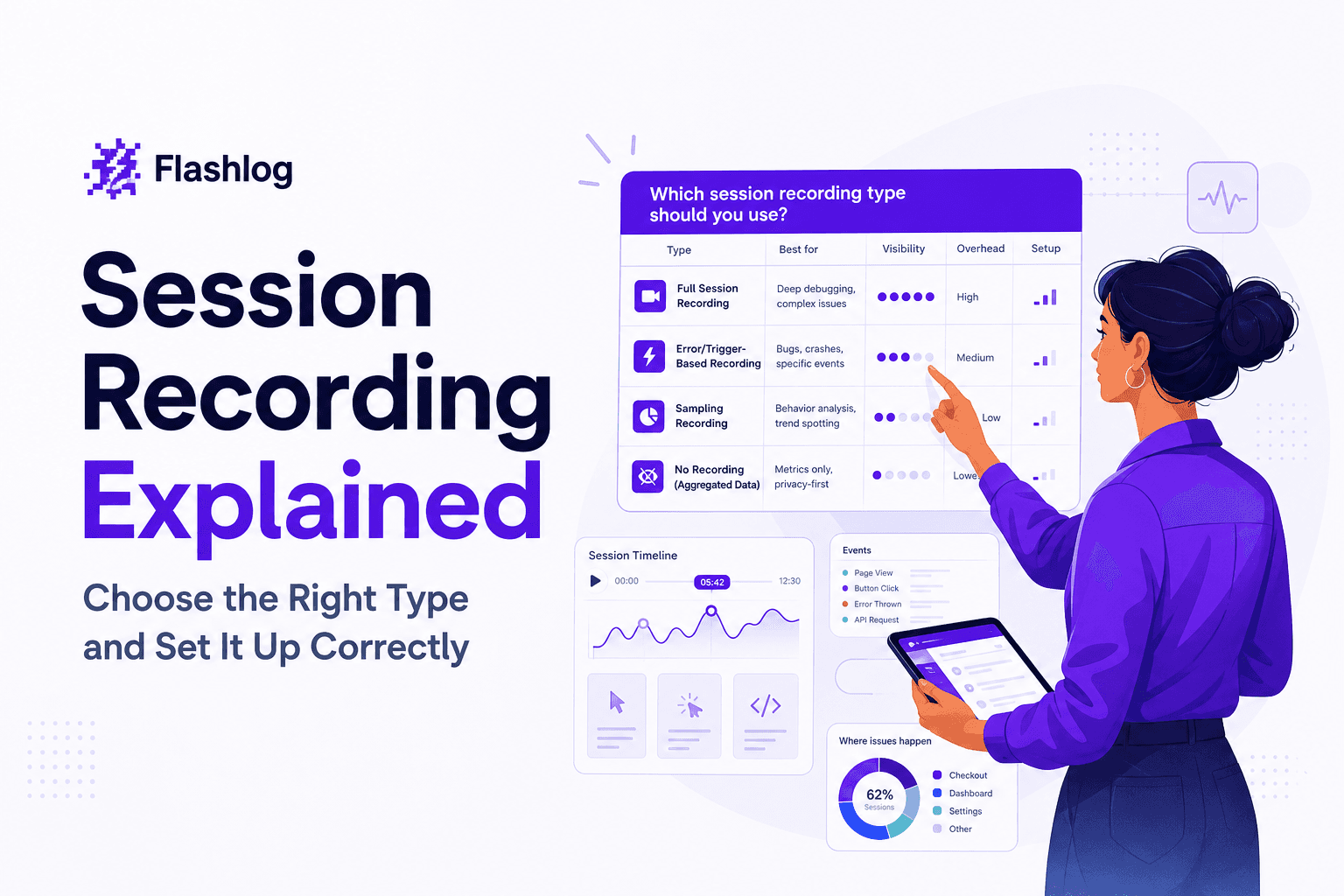
Session Recording Explained - Choose the Right Type and Set It Up Correctly
Session recording has 3 meanings: website replay, Citrix, and meetings. Use this framework to choose the right one and set retention and privacy.
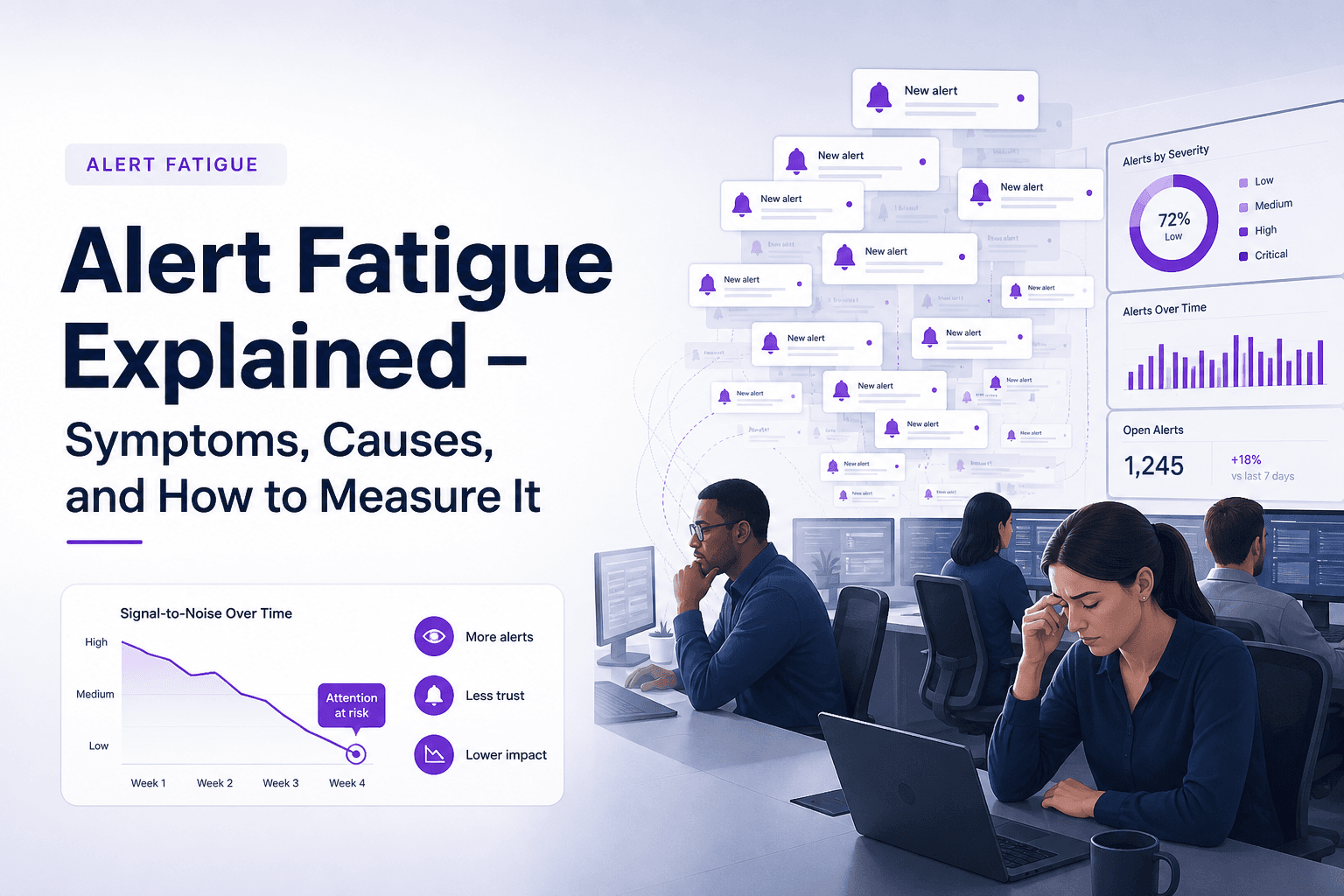
Alert Fatigue Explained - Symptoms, Causes, and How to Measure It
Learn what alert fatigue is, the symptoms to watch for, the main causes, and how to measure alert fatigue before incidents are missed.

Adaptive Sampling for Observability, A Practical Framework to Cut Noise Without Missing Incidents
Adaptive sampling framework for observability: pick signals, set rates with SLO risk math, validate quality, and cut telemetry noise without hiding incidents.