
Event Sampling for Observability Teams, Cut Noise Without Missing Critical Incidents
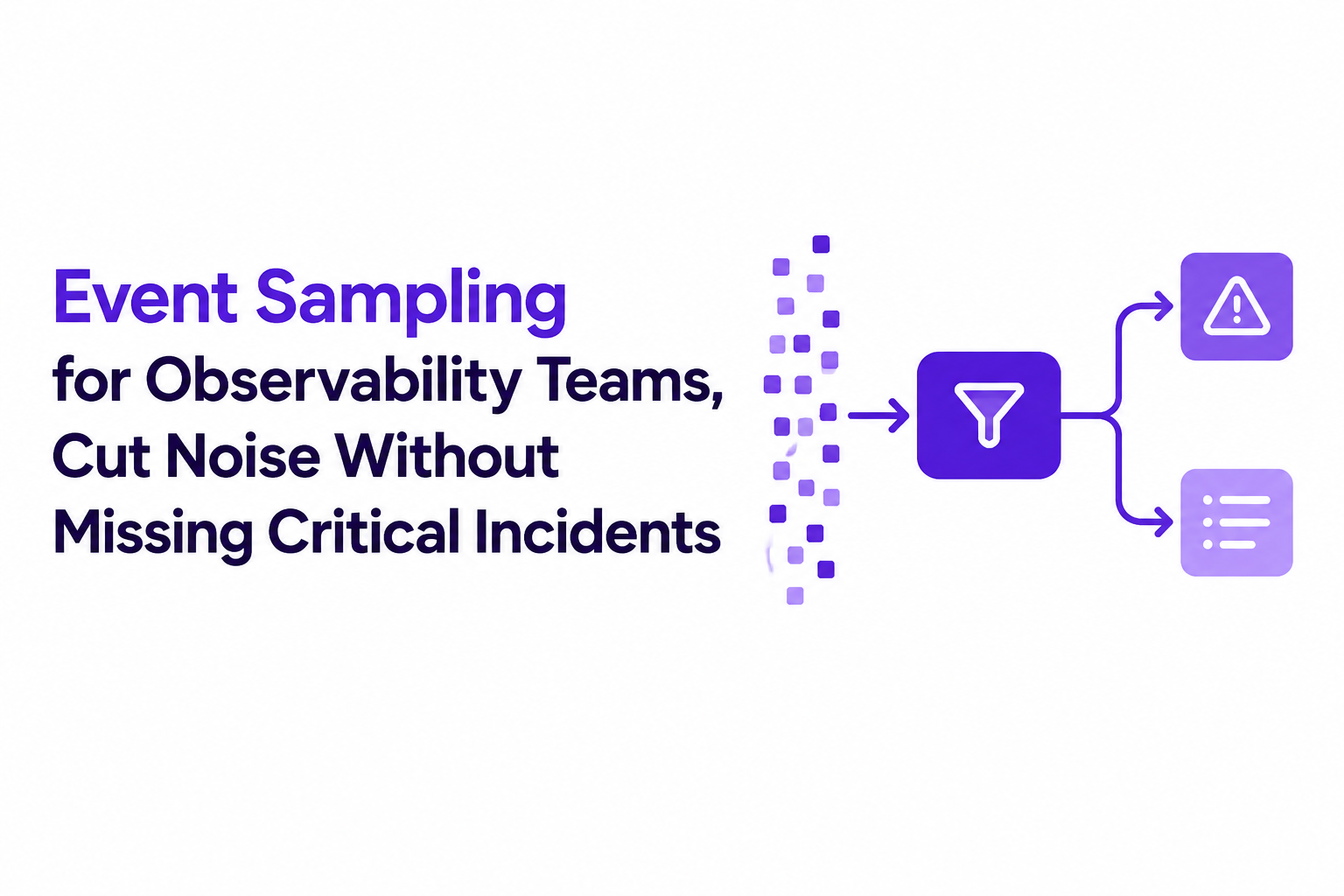
Event sampling is an observability technique where you capture telemetry only when specific triggers occur, so you reduce noise and cost without losing the incidents that matter. Used well, it turns “everything is urgent” streams into a measurable set of decision rules that protect engineering attention while preserving enough context to debug quickly.
- Define “must-capture” events first (user-impact, security-adjacent, revenue-critical), then sample everything else by explicit triggers and thresholds.
- Validate sampling with reliability checks: known-issue replays, canary trigger tests, and bias audits so you do not quietly hide a class of failures.
- Combine event-based triggers with time sampling for baselines, and always add dedupe and retention rules per event class.
Event Sampling Meaning in Observability, Not Web Events or Schema Markup
Event sampling in observability means trigger-based capture of operational signals (errors, slow transactions, broken user journeys), not browser DOM events, OS automation events, or schema.org “Event” structured data. The practical point: you are choosing which operational moments become stored evidence, based on engineering-defined rules.
What “event” refers to in this context
- Production failure events: unhandled exceptions, 5xx responses, queue retries, deadlocks, OOMs.
- Degradation events: p95 latency breaches, partial outages, elevated error budget burn.
- User-journey break events: checkout cannot complete, login loop, file upload stuck.
What it is not (common confusions)
- DOM/web events like click, scroll, submit: those are UI interactions. They can be inputs to an observability event, but they are not what teams mean by event sampling.
- Apple events / OS automation: unrelated inter-process messaging.
- schema.org Event markup: SEO metadata describing concerts, webinars, etc.
Why teams adopt event sampling in the first place
Event streams naturally produce alert fatigue because duplicates, expected business outcomes, and low-context signals look identical in downstream tools. After running several noise audits on SaaS backlogs, the pattern was clear: most “urgent” tickets were either duplicates of the same fingerprint or expected failures (rate limits, validation errors, payment declines) that never needed engineering action.
Event Sampling vs Time Sampling, A Decision Rule and Comparison Table
Event sampling is the better default when you can define “badness” precisely (errors, thresholds, broken flows), while time sampling is safer when you need unbiased baselines for unknown unknowns. Treat this as a coverage decision: do you want to guarantee capture of specific classes, or estimate overall behavior continuously?
A decision rule you can apply in 60 seconds
- Can you write a trigger that correlates with user impact? If yes, favor event sampling.
- Do you need population-level rates or long-tail discovery? If yes, add time sampling.
- Is the failure mode bursty and duplicate-heavy? If yes, event sampling plus dedupe is essential.
Failure modes to watch for (and how to mitigate)
- Bias: event sampling can overrepresent “loud” endpoints. Mitigate by adding a baseline time sample per service and auditing per-route coverage monthly.
- Blind spots: triggers that rely on status codes miss client-side failures. Mitigate with client error beacons and journey-completion signals.
- Trigger drift: product changes can invalidate rules. Mitigate with automated trigger tests in staging and canary checks in prod.
How to Design an Event Sampling Plan That Cuts Noise Without Hiding Incidents
An effective event sampling plan starts with an explicit event taxonomy and ends with validation checks that prove you are not missing high-impact incidents. The goal is not “fewer logs”; the goal is fewer interruptions with enough context to act.
Step 1: Define event classes and “always capture” criteria
- Class A (always capture): security-adjacent auth anomalies, checkout failures, data loss risks, widespread 5xx spikes.
- Class B (capture with thresholds): elevated latency, partial feature failures, third-party dependency flakiness.
- Class C (sampled or ignored): known validation errors, user-cancel flows, expected “declined” outcomes.
A concrete rule that works in SaaS: if an event blocks a primary journey (signup, login, checkout) or affects multiple users in a short window, it is Class A even if it looks “small” in raw volume.
Step 2: Specify triggers as executable rules, not prose
- Threshold triggers: “p95 > 1.2s for 5 minutes on POST /api/checkout”.
- Rate triggers: “5xx rate > 1% per route per 10 minutes”.
- Journey triggers: “checkout_started but no checkout_completed within 3 minutes”.
- Context triggers: “error contains ‘constraint violation’ AND user action was ‘save billing’”.
Step 3: Define the minimum context fields per class
Sampling without context just creates mystery tickets, so pin down a required field set per event class:
- Request context: route, method, status, latency, dependency calls.
- User impact: user id hash, tenant id, session id, journey step.
- Execution context: release/version, feature flag state, region/zone.
What surprised our team was how often “we captured the error” but could not reproduce because release and flag state were missing; adding those two fields reduced back-and-forth in triage dramatically.
Step 4: Add dedupe and grouping before anything becomes work
Duplicate storms are where event sampling either pays off or fails. Use fingerprinting rules such as: normalized stack trace + route + error type, or dependency error code + upstream endpoint. Group into one evolving issue with an occurrence counter, instead of creating 200 near-identical tickets.
Step 5: Set retention and review cadence per class
- Class A: longer retention for forensic debugging, plus attach reproduction context.
- Class B: moderate retention, reviewed weekly for trend shifts.
- Class C: short retention or discard, but keep aggregate counts for baseline.
Rare Event Sampling for High-Impact Bugs and Security-Adjacent Failures
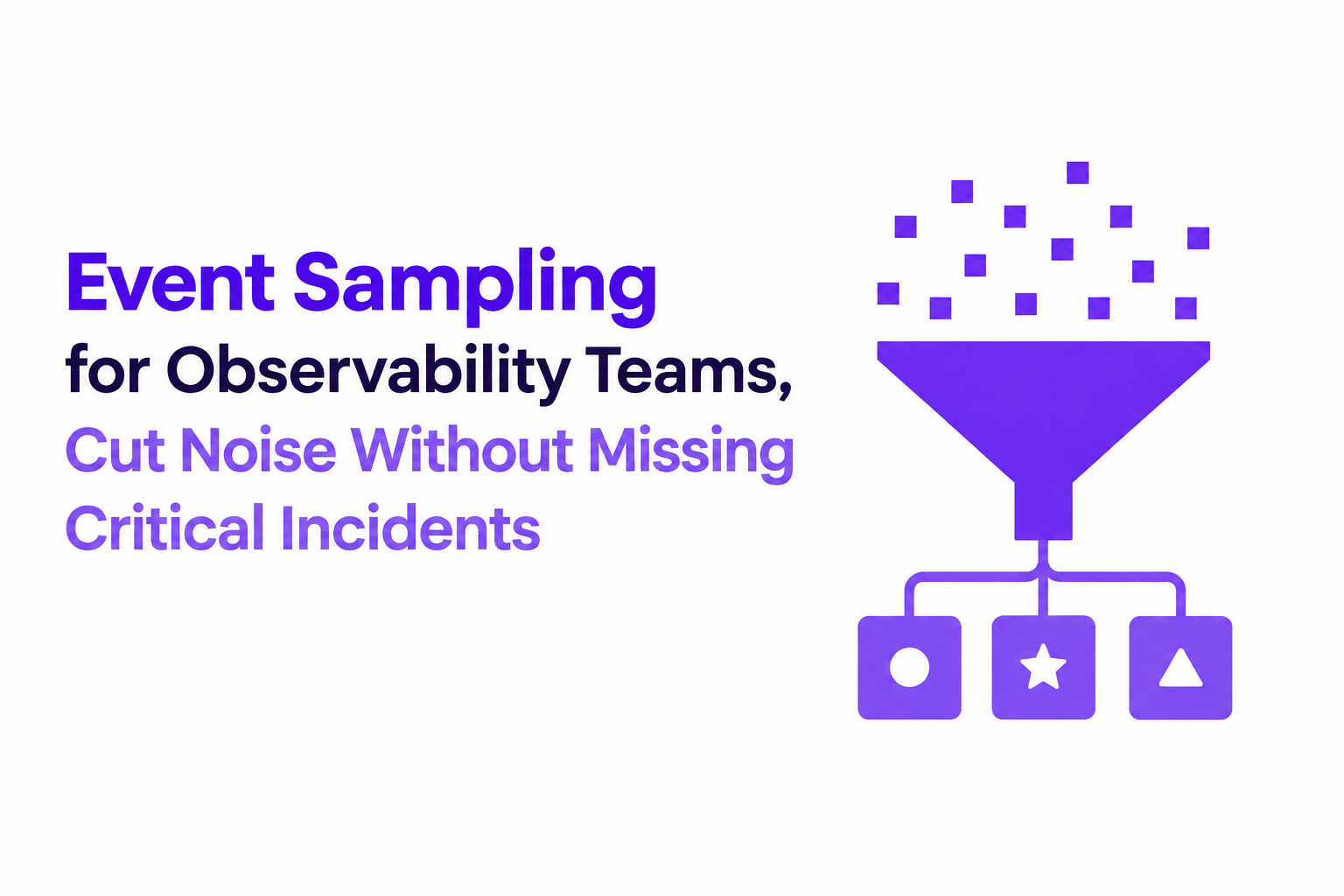
Rare-event capture works by widening the window and lowering the threshold specifically for high-impact classes, while keeping everything else constrained. This is where teams most often under-sample because “it barely happens”, until the one time it matters.
Three rare-event patterns that work in production
- Extended window triggers: alert or capture when “1 occurrence per hour” happens on Class A routes, not “3 per minute”.
- First-N capture: capture full context for the first 3 occurrences after a deploy, then switch to deduped summaries.
- Escalation on spread: a single auth anomaly might be noise, but “same anomaly across 5 tenants” becomes actionable.
Combine with time sampling for baselines
Rare events are hard to reason about without knowing what “normal” looks like, so pair event sampling with a small baseline time sample: periodic snapshots of success paths, latency distributions, and dependency health. This is also the cleanest way to validate that your triggers are not missing an entire failure mode.
Validation checklist for rare-event sampling
- Canary trigger test: inject a controlled failure in staging and verify the exact rule fires and captures the required context.
- Replay last incident: re-run incident logs against current rules; confirm it would still be captured and grouped correctly.
- Bias audit: monthly histogram of captured events by route/tenant to catch “one endpoint dominates all evidence”.
| Approach | Best when | Main risk | Mitigation |
|---|---|---|---|
| Event sampling | You can define triggers tied to impact (errors, broken journeys) | Trigger bias and blind spots | Baseline time samples + trigger tests + monthly audits |
| Time sampling | You need unbiased baselines and long-tail discovery | Cost creep and low signal density | Cap rates per service + focus on success-path baselines |
| Hybrid (recommended for most SaaS) | You need guaranteed capture for critical paths plus baselines | Operational complexity | Taxonomy + per-class context + dedupe/fingerprinting |
FAQ
If your team wants to operationalize event sampling without turning every raw production event into a noisy ticket, Flash Log adds an AI decision layer that captures bugs even when users do not report them, then classifies, dedupes, and filters expected failures before anything reaches engineering workflows.

Outlier Detection in Practice, A Workflow for Methods, Formulas, and Thresholds
Learn practical outlier detection: choose methods, apply formulas, set thresholds by cost, and ship reliable alerts with copy-paste Python patterns.

Software Defect Tracking Tools, 7 Options for Proactive Bug Detection
Compare software defect tracking tools for support-led workflows, proactive capture, automated triage, routing, and reporting. A shortlist with fit criteria.
False Positives In AI Systems, How To Measure Them Correctly And Reduce Noise
Learn to measure false positives correctly and apply a practical framework to reduce alert noise without missing real incidents.