
Software Defect Tracking Tools, 7 Options for Proactive Bug Detection
Software defect tracking tools work best for support teams when they reduce manual bug intake, capture enough context for engineers, and surface real production “pressure” before users flood the queue.
- Evaluate tools by workflow fit: capture method, context quality, routing, dedupe, and reporting, not feature checklists.
- Prioritize “intake-to-triage time” and “reproducibility rate” as your two practical selection benchmarks.
- Pick a primary system of record, then add lightweight capture and alerting so support and engineering see the same issue pressure.
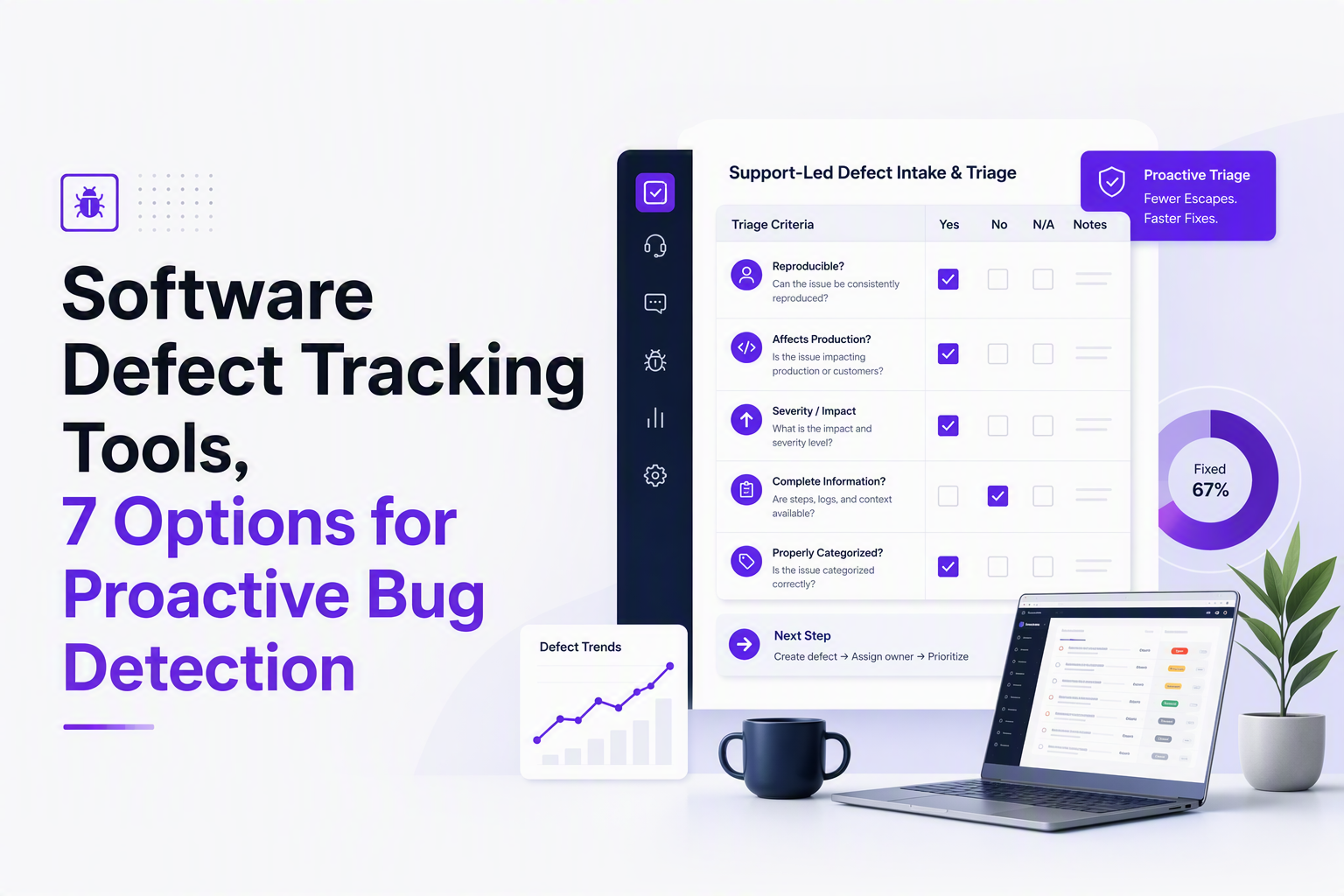
What support teams should prioritize in defect tracking tools
Support-led bug workflows succeed when a tool turns messy, multi-channel reports into engineer-ready issues with minimal back-and-forth.
A buyer checklist built around support reality
- Capture coverage: Can you capture defects from tickets, chat, user feedback, and production signals, not just manual forms?
- Context completeness: Does each defect include environment (browser, OS), user actions, timestamps, and relevant logs or screenshots?
- De-duplication and grouping: Can repeated failures roll up into one issue so support sees “issue pressure” instead of 50 lookalikes?
- Routing and ownership: Can you route by component, service, tag, or repository team, with clear SLAs?
- Support-engineering collaboration: Can support add customer impact, links to tickets, and urgency without rewriting everything?
- Reporting that answers support questions: Trend by release, component, and customer impact, plus time-to-triage and reopen rate.
Two benchmarks that matter more than feature count
- Intake-to-triage time: Time from first signal (ticket, crash, error spike) to an engineer-owned issue with enough context to act.
- Reproducibility rate: Percent of defects that can be reproduced from the initial record without another support follow-up.
In our experience working with SaaS support teams, the biggest gains come from collapsing “clarifying questions” into the first record: environment, steps, and what changed recently (release, config, cohort) so engineering does not have to re-interview the user.
Which tool capabilities reduce manual bug intake and triage work
Software defect tracking tools reduce manual work when they automate capture, classification, and routing before a human writes the “real” bug.
Capability map: what to look for and what it replaces
| Capability | What it replaces for support | Procurement question |
|---|---|---|
| Multi-source intake (tickets, forms, email, API) | Copy-paste into a tracker | Can we create issues from Zendesk/Intercom and from an API? |
| Auto-enrichment (device, browser, logs, session) | Back-and-forth for environment | What context is attached by default, and can we control PII? |
| Classification (component, priority) | Manual tagging and re-triage | Can routing be rules-based and auditable? |
| Grouping/deduping | Dozens of near-duplicate tickets | Does it merge by stack trace, fingerprint, or similarity? |
| Alerting based on issue pressure | Hand-made “something is on fire” pings | Can alerts trigger from issue counts, not every error event? |
| Two-way dev sync (GitHub/Jira) | Status chasing | Do updates flow back to support automatically? |
A practical intake workflow to test during trials
- Collect 20 recent real tickets that became bugs (include duplicates and hard-to-repro ones).
- Run them through each tool’s intake path (form, integration, email, API) and measure how many fields support must fill.
- Score context quality: does the record include environment, timestamps, and enough evidence to draft reproduction steps?
- Check grouping behavior: do 5 similar tickets become 1 issue with a growing “count”?
- Check closure loop: can support see fix status without polling engineering?
What surprised our team was how often “alerts” fail not because delivery is hard, but because the signal is unfiltered; any trial should include a noise test where you simulate a burst of repeat failures and confirm the tool groups first, then notifies.
The best software defect tracking tools for proactive teams
The best software defect tracking tools for proactive support teams fall into three buckets: developer issue trackers, customer feedback to issue pipelines, and production-first error monitoring with issue grouping.
Shortlist overview and strongest fit
- Jira Software: Best when engineering already runs on Jira and you need strong workflows and permissions.
- Linear: Best for fast-moving product and engineering teams that want low-friction triage and a clean UI.
- GitHub Issues: Best when code and defects must live together, especially for OSS or GitHub-first teams.
- Zendesk + internal bug pipeline: Best when support is the main intake and you need tight ticket linkage.
- Intercom + product feedback workflows: Best when conversational support is your main signal source.
- Sentry: Best for production error detection and grouping with rich technical context.
- Bugsnag: Best for mobile and release-centric crash visibility and stability tracking.
1) Jira Software
Jira fits support workflows when you need configurable fields, approval steps, and stable reporting across many teams.
- Tradeoff: Powerful workflows can increase form fatigue; mitigate by creating a “support intake” issue type with fewer required fields.
- Workflow fit test: Can you create an issue from a ticket with customer impact prefilled and assign it to the right component owner automatically?
2) Linear
Linear is a strong choice when you want fast triage, quick keyboard-driven updates, and a lighter process than Jira.
- Tradeoff: Less enterprise workflow depth; if you need complex multi-step approvals, you may hit limits.
- Workflow fit test: Can support provide impact and links without turning every report into a long template?
3) GitHub Issues
GitHub Issues works well when engineering wants defects next to code, pull requests, and releases, with minimal integration overhead.
- Tradeoff: Reporting and cross-team process controls are lighter; you may need conventions for labels, templates, and ownership.
- Workflow fit test: Can you keep issues from becoming a backlog graveyard by enforcing an “owner + next step” rule?
Teams that go GitHub-first often benefit from standardizing a bug tracker github workflow so support can file consistently and engineers can triage quickly.
4) Zendesk plus an internal bug pipeline
Zendesk-centered setups are best when most defect discovery starts as a ticket and you need traceability from customer to fix.
- Tradeoff: You still need a system of record for engineering; the key is making ticket-to-issue creation one click, not a manual rewrite.
- Workflow fit test: Can you link multiple tickets to a single defect and reflect status back to agents?
5) Intercom workflows for product and defect signals
Intercom can be effective when support conversations are the richest source of defect context and urgency.
- Tradeoff: Conversational context is not automatically reproducible context; ensure your pipeline extracts environment and steps, not just chat transcripts.
- Workflow fit test: Can you tag and route patterns without agents doing heavy taxonomy work?
6) Sentry
Sentry is a strong proactive option when you need production error detection, grouping, and stack traces that reduce engineering time-to-diagnosis.
- Tradeoff: Raw event volume can be noisy unless you tune grouping and alert thresholds; procurement should ask how “issue” grouping behaves.
- Workflow fit test: Can support see user impact and link incidents to tickets, or does it stay engineering-only?
7) Bugsnag
Bugsnag fits teams that want crash-focused visibility, especially on mobile, and prefer stability metrics oriented around releases.
- Tradeoff: As with any monitoring-first tool, you must define what becomes a tracked defect versus background noise.
- Workflow fit test: Can you connect crash trends to “what changed” in the release process and route owners automatically?
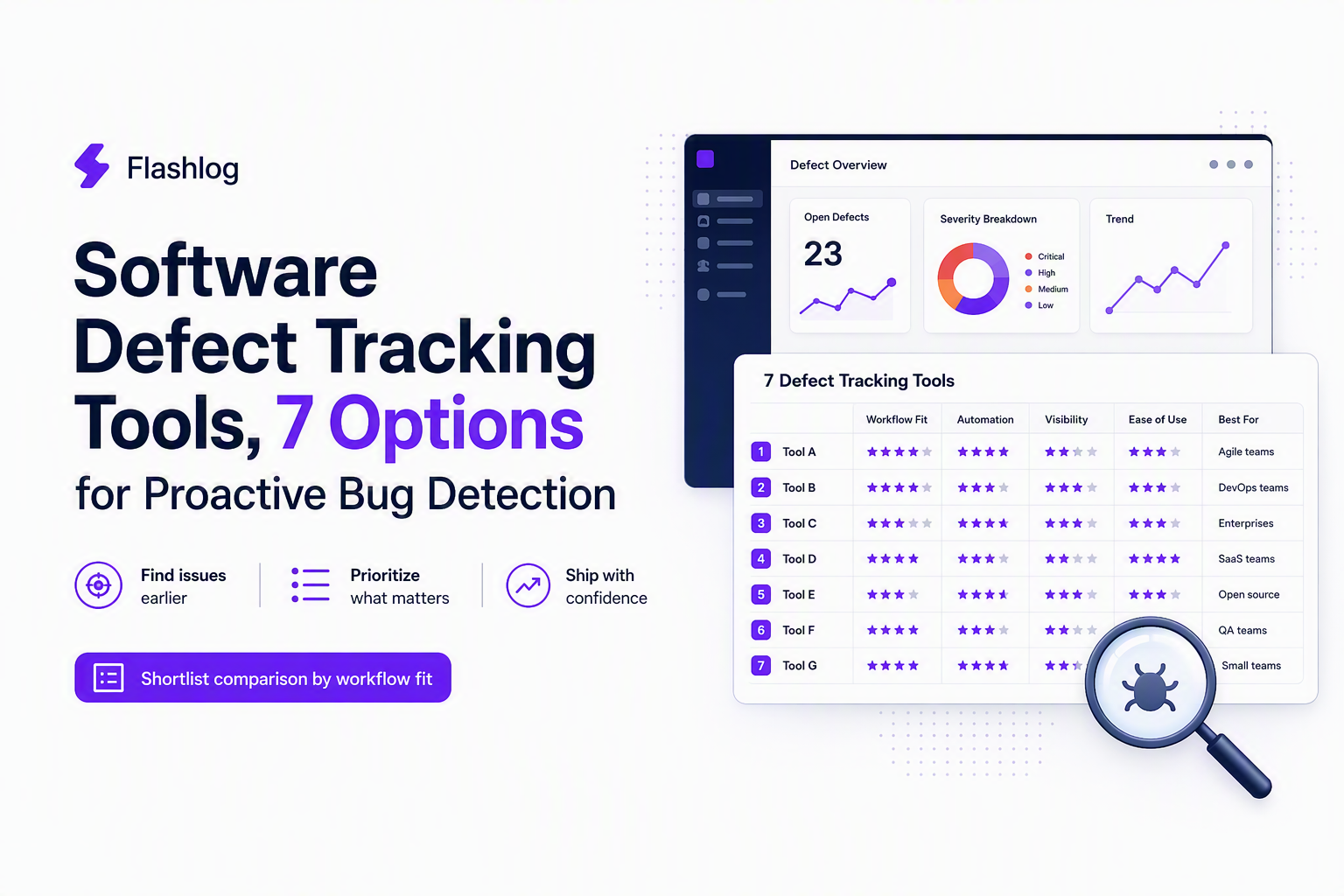
How to choose the right tool for your stack, team size, and process
Choosing between software defect tracking tools gets easier when you decide on a single system of record, then add capture and alerting around it.
A decision matrix you can use in 30 minutes
- If engineering lives in Jira: Use Jira as system of record; optimize intake with ticket integrations and strict required-field minimization.
- If engineering lives in GitHub: Use GitHub Issues; standardize labels, owners, and templates; add monitoring so defects are detected without waiting for tickets.
- If you need fastest triage with a smaller team: Linear works well; pair it with a monitoring tool to avoid “support-only” visibility.
- If your biggest pain is production surprises: Lead with Sentry or Bugsnag for detection and grouping; sync critical issues into Jira/GitHub.
Implementation constraints to validate early
- Permissions and PII: Can support see enough context without exposing sensitive logs?
- Ownership model: Do you route by component, service, or repository, and does the tool match that structure?
- Status truth: Can support trust the defect status without asking engineering in chat?
After running a few intake audits, the pattern was clear: the “best” tracker is usually the one that makes ownership unavoidable, because unowned defects are what keep support stuck in follow-ups and escalations.
When AI-first capture is better than manual reporting workflows
AI-first capture beats manual reporting when your users do not reliably report bugs and your team needs defects captured and classified even without a ticket.
Use these triggers to decide you need automated capture
- You see repeat tickets with vague symptoms: “It’s broken” without steps, device, or timing, leading to multiple clarification loops.
- Your monitoring is noisy: Thousands of errors but few actionable issues, so support still becomes the detection layer.
- You miss silent failures: Bugs that degrade conversion or workflows without generating tickets.
What “better” looks like in practice
- Coverage: Defects are captured whether or not a user reports them.
- Faster routing: Issues arrive pre-classified enough to go to the right owner, reducing manual issue triage time.
- Better alerting: Notifications trigger from grouped issue counts and priorities, not raw event spam.
When we tested automation against a week of support escalations, the fastest wins came from auto-grouping repeated failures into a single issue with rising counts; engineers stopped treating each new ticket as a new investigation.
| Tool | Best for | Primary tradeoff to plan for |
|---|---|---|
| Jira Software | Complex workflows, enterprise permissions, reporting | Heavier process unless you simplify intake |
| Linear | Fast-moving teams, lightweight triage | Less workflow depth for regulated orgs |
| GitHub Issues | GitHub-first teams, code-adjacent defect work | Needs conventions to avoid backlog sprawl |
| Zendesk | Ticket-first support teams needing traceability | Engineering system of record still required |
| Intercom | Conversation-led support and feedback intake | Chat context may not equal reproducible context |
| Sentry | Proactive production error detection and grouping | Noise unless grouping and alert thresholds are tuned |
| Bugsnag | Crash-focused mobile stability and release tracking | Must define what becomes a defect vs background |
FAQ about defect tracking for support teams
If your evaluation shows that manual reporting misses defects users never file and triage time is stuck in back-and-forth, Flash Log is worth a look as an AI-first option that automatically captures and classifies bugs, including when users do not report them, so engineers can deliver more efficiently with less manual intake.
Issue Tracker Software for Support Teams, A Proactive Bug Detection Workflow
Build issue tracker software for support teams with proactive bug capture, stronger fields, triage, and measurable SLAs to cut support-driven bugs.

Log Analyzer Workflow For Noise Reduction, Queries, Correlation, And AI Triage
Learn how a log analyzer workflow reduces noise with queries, correlation, AI triage, and practical evaluation steps for production teams.
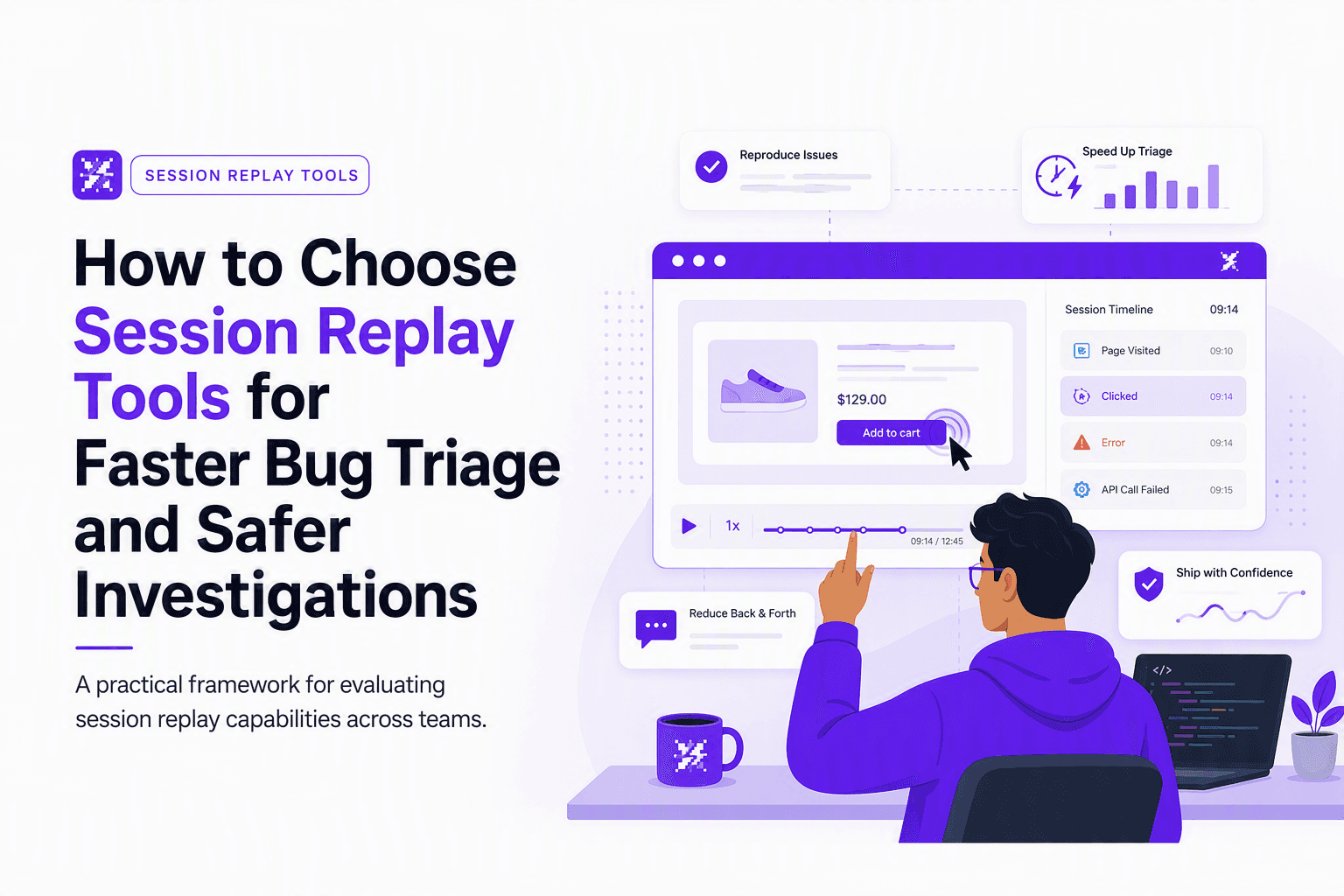
How to Choose Session Replay Tools for Faster Bug Triage and Safer Investigations
A practical framework to choose session replay tools: capture quality, integrations, privacy controls, hosting tradeoffs, and a pilot plan to cut triage time.