
Issue Tracking Software for Support Teams, A Decision Framework and Workflow Blueprint
Issue tracking software for support teams works best when it is chosen and configured around support-led bug intake, fast engineering handoff, and proactive capture of production failures that users never report. The practical goal is simple: fewer back-and-forth loops between Support and Engineering, and more verified fixes shipped with clear ownership, SLAs, and signal quality.
- Translate support pain into requirements using scenarios, then score tools with a weighted matrix so “easy for agents” doesn’t break engineering triage.
- Define a single lifecycle from customer signal to verified fix with statuses, owners, and SLAs that prevent “stuck in limbo” tickets.
- Add a proactive bug-detection layer (auto-capture, dedupe, AI classification) so engineering can start from a real issue even when no user files a ticket.
Support-led issue tracking requirements that actually matter
Support-led requirements for issue tracking software are the ones that reduce time-to-triage and misrouting, not the ones that look good in a feature checklist. The fastest way to get to those requirements is to map common support scenarios to the exact artifacts engineering needs to reproduce, prioritize, and fix.
Start from 6 scenarios and write “must output” artifacts
Instead of asking, “Does the tool have X feature?”, write down the scenario and the artifact that must exist after the workflow runs. Below is a scenario-to-artifact map our teams have used to expose gaps quickly.
- Scenario A: Vague customer report ("app is broken"). Must output: a structured intake form that forces environment and steps, plus an auto-generated internal summary for engineering.
- Scenario B: High-volume repeats (50 tickets in a day). Must output: deduped linkage: many support tickets to one engineering issue, with counts and top impacted accounts.
- Scenario C: Intermittent production error (support cannot reproduce). Must output: runtime context (timestamp, release/build, request/trace identifiers if available) attached to the issue.
- Scenario D: “Is this a bug or expected?” (policy or business-rule ambiguity). Must output: a triage decision record and owner, so it does not bounce between teams.
- Scenario E: Escalation to incident-like urgency (VIP impacted). Must output: a priority rule and alerting/notification path that is readable and testable.
- Scenario F: Fix shipped, customer needs closure. Must output: a customer-visible resolution note and a way to notify linked tickets when status changes.
Operational requirements most teams miss (but feel daily)
These requirements tend to be invisible until you run the workflow under load.
- One-to-many linking: many support cases to one underlying bug. If this is awkward, support will create duplicates and engineering will lose true impact.
- Field governance: who can set priority, severity, component, and status. If everyone can edit everything, data becomes unusable; if nobody can, tickets get stuck.
- Two audiences, two views: support needs speed and templates; engineering needs precision and change history. Good issue tracking software supports both without forcing one team into the other’s UI.
- Auditability: you need to know who changed priority and why, especially when Support escalates and Engineering pushes back.
A minimal “support to engineering handoff” definition you can enforce
Before you evaluate tools, define what “handoff complete” means, and build validation around it. A pragmatic definition that works across teams is:
- Repro evidence: either steps, or production context that makes steps unnecessary (logs, IDs, timestamp window).
- Impact statement: who is affected and how (accounts, region, plan tier, volume).
- Expected vs actual: one sentence each, written in product language.
- Routing metadata: component/service and owner team.
If you want your handoffs to consistently include usable steps, a shared template helps; link it inside your process so agents do not reinvent it each time. For a concrete template and examples, see reproduction steps.
A decision matrix to choose the right issue tracking software for your team
A decision matrix makes issue tracking software selection defensible by scoring how well a tool supports support-led intake, engineering triage, and cross-team accountability. The matrix below uses weighted criteria so you can reflect your reality, such as a small engineering team with a large support queue or vice versa.
The 10-criteria scoring model (with weights you can change)
Score each criterion 1 to 5, multiply by weight, then compare totals. Keep the scoring session small: one support lead, one engineering lead, and one ops/admin owner.
- Intake structure and speed (weight 12): forms, macros, required fields, bulk actions.
- Deduping and linking model (weight 12): many-to-one relationships, merging, impact rollups.
- Engineering workflow fit (weight 12): branches/PR links, release associations, change history.
- Permissioning and governance (weight 10): roles, field restrictions, workflow rules.
- Searchability and reporting (weight 10): saved views, dashboards, export, API access.
- Notification quality (weight 8): routing, escalation, suppression, digest options.
- Customization without fragility (weight 8): custom fields/statuses that survive migrations and scale.
- Integrations (weight 10): support desk, chat, email, source control, on-call tools.
- Time-to-admin and maintain (weight 8): admin UI, automation rules, permission audits.
- Total cost at your scale (weight 10): per-seat pricing, limits, add-ons, cost of “extra tools.”
Team-fit examples so you do not overbuy or underbuy
- Support-heavy org (high ticket volume, small engineering): prioritize deduping/linking, intake speed, and notification quality. A fancy engineering workflow that support cannot feed is wasted.
- Engineering-heavy org (many services, complex releases): prioritize engineering workflow fit, governance, and search/reporting so the backlog stays navigable.
- Regulated org: prioritize auditability, permissioning, and export controls, even if it slows down customization.
How to run the evaluation in 90 minutes using real tickets
Pick five recent bugs and replay them through each candidate setup, timing two things: (1) support intake time to a complete handoff, and (2) engineering time to first triage decision. In our experience working with support teams handling frequent repeats, the evaluation only became honest once we forced the “50 duplicates” scenario, because that is where weak linking and poor reporting shows up immediately.
If your engineering team struggles with consistently turning support input into actionable work, pair this selection process with a lightweight triage framework. See issue triage for a fast, repeatable approach.
Workflow blueprint from customer signal to verified fix
A workable workflow blueprint for issue tracking software defines one lifecycle with clear owners and SLAs, so tickets do not bounce between Support and Engineering without a decision. The blueprint below is designed for support-led intake, but keeps engineering in control of technical prioritization.
Statuses, owners, and SLAs you can copy
Keep statuses minimal and enforce transitions with required fields.
- New (Support owns, SLA: 4 business hours): intake created, customer context captured.
- Needs info (Support owns, SLA: 2 business days): missing environment, steps, or confirmation. If no response, close as “Incomplete” with reopen path.
- Ready for triage (Engineering owns, SLA: 1 business day): handoff definition met, routed to component/team.
- Triage complete (Engineering owns, SLA: 1 business day): labeled as Bug, Not a bug, Known issue, or Feature request; priority assigned.
- In progress (Engineering owns): work started, linked to branch/PR.
- Fix shipped (Engineering owns): release/build recorded.
- Verified and communicated (Support owns, SLA: 2 business days): validation done and customers notified on linked tickets.
Ownership rules that stop the “ping-pong” effect
- Support can set urgency, Engineering sets priority: Support flags business urgency (VIP, outage, revenue impact). Engineering sets technical priority (P1-Pn) after triage.
- One “routing” field, one owner: component or service must map to a single owning team. Avoid “Platform” as a dumping ground.
- Every reopen needs a delta: require “new info since last triage” so reopened issues carry signal.
What “done” means to Support, not only to Engineering
Engineering considers a ticket done when the fix ships; Support considers it done when the customer impact is resolved and communicated. Make “verified and communicated” a real status with a Support owner to prevent silent fixes that never reduce ticket volume.
If you want a scalable pattern for connecting engineering issues to code changes and keeping backlogs from turning into a graveyard, see bug tracker github.
The missing layer proactive bug detection before tickets exist
Proactive bug detection is the layer that creates trackable issues from real failures even when users do not report them, which reduces support workload and shortens engineering time-to-triage. If your current process starts only when a customer complains, you are inherently late and often missing the context needed to reproduce.
Where support-led workflows fail without proactive capture
- Silent failures: users churn or retry instead of reporting, so Support never opens a ticket.
- Unreproducible bugs: Support reports symptoms; Engineering asks for logs/IDs; the loop repeats across time zones.
- Duplicate noise: every agent writes up the same underlying error differently, making impact hard to see.
A practical architecture: tracker plus an intake layer that dedupes
The cleanest pattern is to keep your issue tracking software as the system of record for work, but add an intake layer that turns raw production failures into a smaller set of grouped, classified issues. After running audits of support escalations, the pattern was clear: when engineering sees grouped “issue pressure” rather than individual error events, prioritization becomes faster because the signal carries impact and repetition by default.
What to evaluate in a proactive layer (without buying an observability suite)
- Auto-capture without user action: the system should capture failures even if the user never files a ticket.
- Grouping/deduplication: repeated failures should roll into one issue context so Support can link many tickets to one root problem.
- Classification and ignore rules: expected business errors should be filtered so Support and Engineering do not treat them as bugs.
- Actionable alerting: alerts should trigger on accumulated issue counts by priority, not on every raw error event.
This is the one place a product mention is relevant: Flash Log is built as an AI-driven capture and classification layer that automatically detects bugs, including when users do not report them, then groups and triages them so engineering gets cleaner issues to act on. The operational win is fewer back-and-forth messages to reduce bug reproduction time, because the initial issue context is stronger.
Standardized cost and free-tier limits comparison for support use cases
A standardized cost comparison for issue tracking software should be based on your scaling threshold, usually the point where support ticket volume forces you to add more agent seats or where engineering needs more automation and reporting. Because pricing and free tiers change frequently and vary by plan, the most reliable approach is to compare vendors using the same worksheet and to verify numbers directly on current pricing pages.
A consistent worksheet for comparing pricing without guessing
- Seat model: per agent, per engineer, per collaborator, or mixed.
- Who needs a paid seat: support agents, engineers, product managers, exec viewers, external users.
- Automation limits: rules, triggers, workflow automation, API rate limits.
- Reporting limits: dashboards, exports, data retention windows.
- Integrations and add-ons: SSO, audit logs, advanced permissions, premium integrations.
Three scaling thresholds to model (with concrete questions)
- Threshold 1: support team doubles. What is the all-in cost when you add 10 more agent seats? Do you also need more automation volume?
- Threshold 2: product splits into more components. Do you pay extra for advanced permissioning, more projects/boards, or higher limits?
- Threshold 3: uptime expectations rise. Do you need alert routing, audit logs, and SSO that are locked behind higher tiers?
How to avoid “free tier lock-in” that blocks engineering later
Free tiers are useful for proving workflow fit, but they often restrict the very things support-led setups need at scale: automation rules, reporting, history, and permissions. We initially assumed seat cost was the main driver, but the cost surprise usually came from add-ons for audit logs, SSO, or automation once the workflow matured beyond a basic backlog.
For any tool you shortlist, add a one-page “day 180” model: how many seats, how many workflows/rules, and which governance features you expect to need.
Migration and rollout plan without breaking current support operations
A safe rollout plan for issue tracking software uses phased migration with dual-running periods and measurable adoption goals so Support does not lose responsiveness during the switch. The key is to migrate workflows and reporting first, then historical data selectively, rather than attempting a perfect full import on day one.
Phase 0 setup your data contract before you move anything
- Field map: old field to new field, including allowed values and defaults.
- Status map: which old statuses collapse into the new minimal lifecycle.
- Identity map: users, teams, queues, and permission groups.
- Linking strategy: how you will represent many support tickets tied to one engineering issue.
Phase 1 dual-run and route new tickets only
- Week 1: create new tickets in the new system, but keep old system read-only for history.
- Week 2: enforce required fields for “ready for triage” and measure compliance.
- Week 3: turn on automation for routing, dedupe/linking, and notifications.
Phase 2 migrate what you will actually use
- Migrate open work: all open bugs and linked high-impact support cases.
- Migrate reference history selectively: last 6 to 12 months of tickets, depending on your product cycle and compliance needs.
- Archive the rest: keep exportable backups and a documented retrieval process.
Adoption and quality metrics to track in the first 30 days
- Handoff completeness rate: percent of tickets entering “ready for triage” with required fields filled.
- Time to first triage decision: from “ready for triage” to “triage complete.”
- Duplicate rate: percent of new bugs later merged into an existing issue.
- Reopen rate with new info: percent of reopens that include a meaningful delta.
External reference: if you operate in an environment where auditability and security controls matter, confirm your target tool supports baseline practices like strong authentication and access controls. The OWASP Top 10 is a useful common-language reference for security expectations, even though it is not an issue-tracker standard.
| Decision point | What to document | Minimum acceptable bar | How to test in one day |
|---|---|---|---|
| Support intake quality | Required fields and templates | Handoff definition enforced | Replay 5 real tickets, measure missing info |
| Deduping and impact | Many-to-one linking, rollups | Duplicates collapse cleanly | Simulate 20 repeats and see if you get 1 issue |
| Engineering triage speed | Status/ownership rules | Decision in 1 business day | Run a week of dual-run and check SLA hits |
| Governance | Permissions, audit log needs | Priority changes traceable | Create role matrix, attempt restricted edits |
| Scale cost risk | Seat model and add-ons | Day-180 cost model written | Price out +10 support seats and needed add-ons |
FAQ
If you want to pilot a proactive intake layer alongside your current issue tracking software, Flash Log is designed to automatically capture and classify bugs even when users do not report them, then group noise into actionable issues so Support can escalate with stronger context and Engineering can triage faster. A small pilot usually starts with one product area and one alert rule so you can measure time-to-triage and handoff completeness before expanding.

CX Genie Reduced Incident Investigation Time by 58% with Flashlog
See how CX Genie used Flashlog to cut incident investigation time by 58%, save 34 engineering hours, and detect issues before customers reported them.
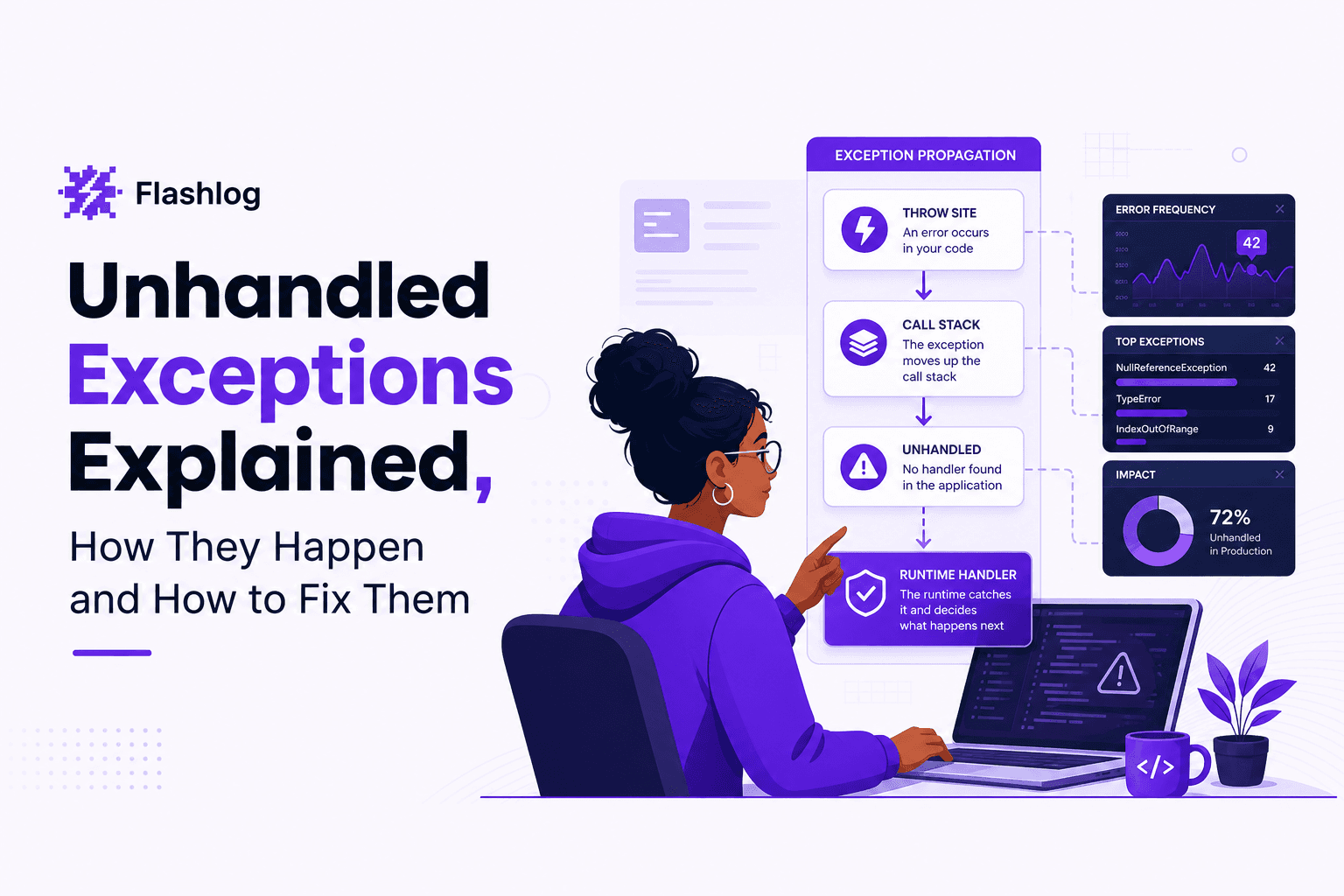
Unhandled Exceptions Explained, How They Happen and How to Fix Them
Learn what unhandled exceptions are, why they crash apps, and a practical flow to diagnose and prevent unhandled exceptions in production.
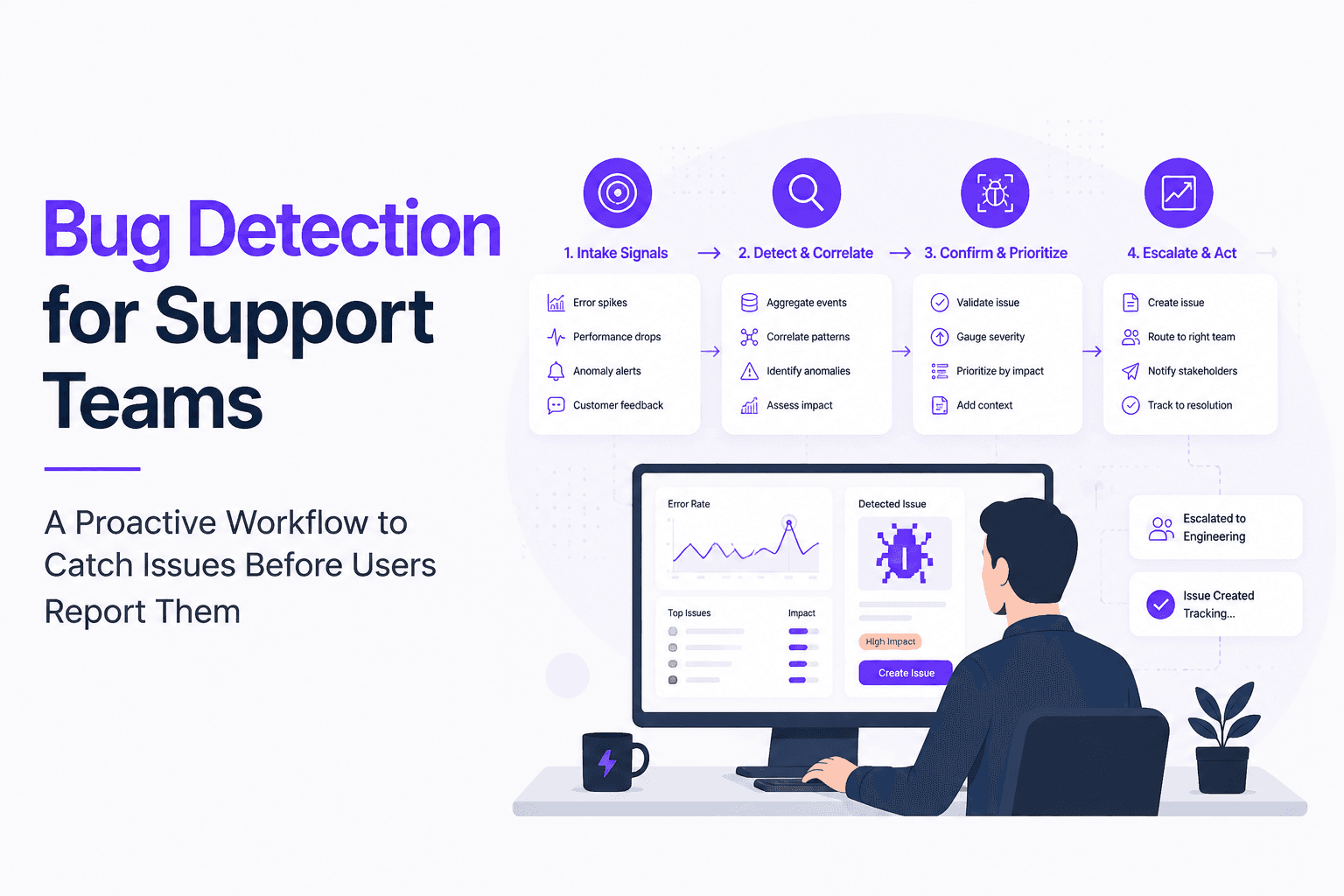
Bug Detection for Support Teams, A Proactive Workflow to Catch Issues Before Users Report Them
Build proactive bug detection for Support with clear signals, triage rules, evidence standards, and a weekly cadence that engineering trusts.