
Notification Overload On Android, A Practical Reset Plan That Reduces Noise
Notification overload happens when the volume, urgency, and unpredictability of alerts exceed your ability to process them calmly. An Android reset works best when you classify every alert, change delivery settings by category, and create predictable times for information instead of reacting to every interruption.
- Use four decisions for every alert: keep, batch, mute, or disable.
- Android settings can separate priority conversations, app channels, Do Not Disturb, and bedtime notifications.
- A lasting reset also requires batching email, feeds, news, and work messages outside your phone.
What Notification Overload Is And Why Notifications Can Trigger Anxiety
Notification overload is the accumulation of alerts that repeatedly interrupt attention without providing equal value. The problem is not simply having many apps. A low-value marketing alert, a team message, and a banking security warning may all arrive through the same visual and audio system, even though they deserve very different responses.
The experience often follows an anticipation, interruption, and reward loop. You hear or see a signal, anticipate that it may matter, interrupt your current task to check it, and occasionally receive something rewarding such as useful information or social approval. Because the reward is unpredictable, the brain can keep checking even when most alerts are irrelevant. That pattern can make ordinary phone use feel tense rather than helpful.
Alert fatigue usually describes reduced responsiveness to alerts after prolonged exposure, especially in operational or professional environments. Notification overload is broader: it includes personal messages, social updates, shopping prompts, calendar reminders, email, and system notices. The two problems overlap, and notification overload can eventually create alert fatigue.
Use a three-question test
- Would a delay of several hours create real harm?
- Does the alert require an action, or only invite attention?
- Can the information wait for a planned review window?
Keep alerts that protect safety, money, access, or a time-sensitive commitment. Batch alerts that are useful but not urgent. Mute alerts that belong in a quieter channel, and disable alerts that create no meaningful action. I find that naming the reason for each alert is more effective than trying to become more disciplined around an unfiltered stream.
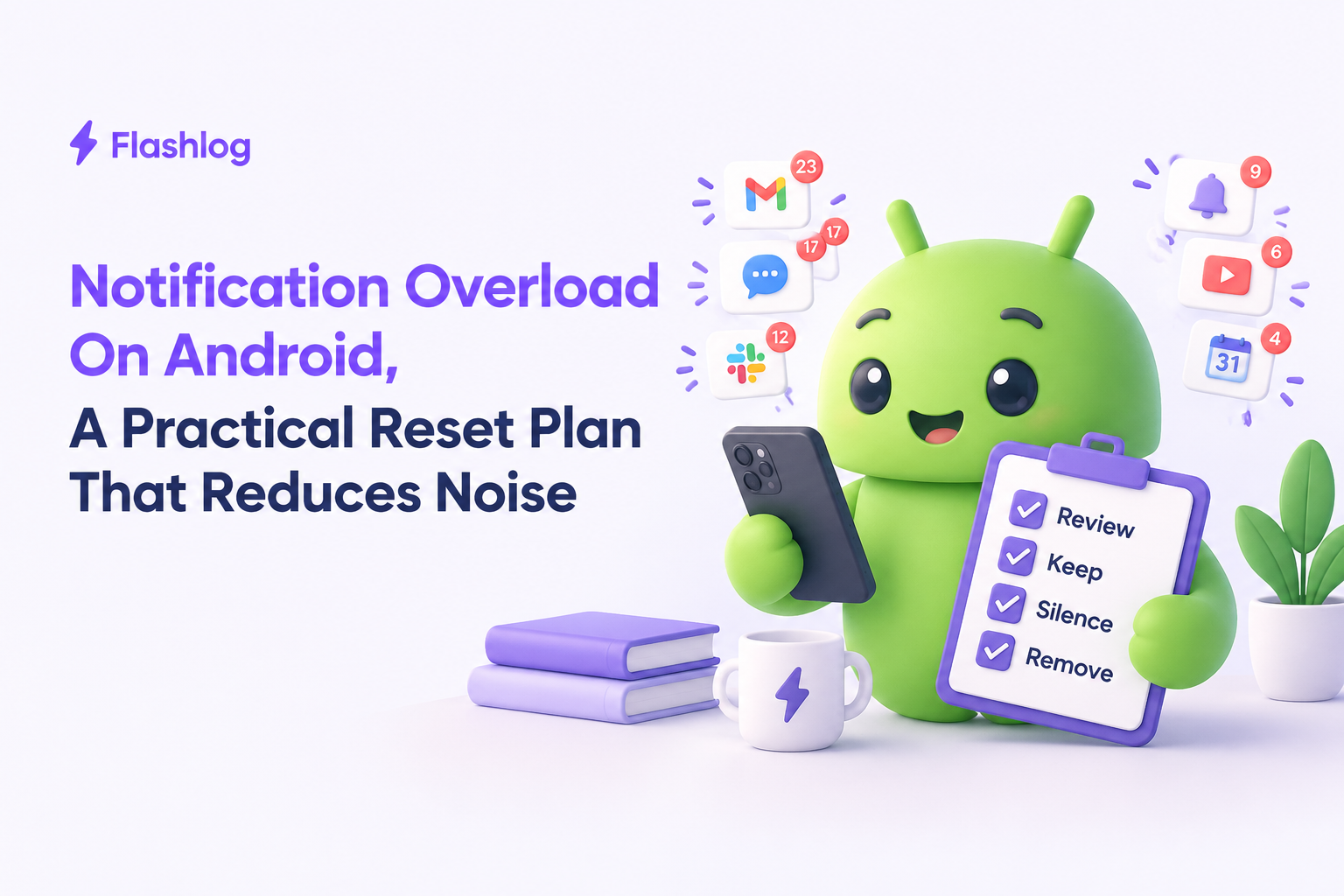
Use A Keep, Batch, Mute, Or Disable Notification Triage Matrix
A keep, batch, mute, or disable matrix reduces notification overload by assigning each alert a delivery rule before you change any settings.
| Alert category | Default decision | Reason | Example setting |
|---|---|---|---|
| Banking and security | Keep | Delay may increase financial or account risk | Sound and banner for sign-ins or transactions |
| Direct messaging | Keep or batch | Importance depends on the person and context | Priority conversations only |
| Calendar | Keep | Supports a defined commitment | Reminder before events, not every update |
| Work tools | Batch or mute | Most updates can wait for response windows | Scheduled review periods |
| Social apps | Mute | Usually attention-seeking rather than urgent | Open manually during planned breaks |
| Marketing and promotions | Disable | Creates demand without a necessary action | Turn off push notifications and unsubscribe |
Apply the decision rules
Start with the highest-volume category, not the most important category. If shopping, social, or news alerts produce most of the interruptions, disabling them gives immediate relief while preserving security and calendar signals. For messaging, keep alerts from household members, caregivers, or an on-call contact, then batch group conversations.
A useful rule is to keep no more than the channels that can change your decision within the next few hours. Everything else should be delayed, silenced, or reviewed manually. For a more detailed approach to notification fatigue, record the category, current delivery mode, desired mode, and review date in a short checklist.
Check the result after seven days
Do not judge the reset by whether every notification disappears. Judge it by whether important alerts remain visible and whether low-value alerts stop interrupting unrelated tasks. If you miss a useful update, move that category from disable to batch or from mute to priority. The matrix is a tuning system, not a permanent rule.
How To Fix Notification Overload On Android
Android can reduce notification overload by combining app channels, priority conversations, Do Not Disturb, and bedtime controls instead of using one global mute switch.
Pixel and standard Android path
- Open Settings > Notifications > App notifications.
- Select an app and review each notification category or channel.
- Turn off categories that are promotional, repetitive, or non-actionable.
- Set important conversations as priority when the option is available.
- Open Settings > Modes > Do Not Disturb and choose allowed people, apps, and schedules.
Menu names can vary by Android version, but the principle remains consistent: change the channel rather than silencing an entire app that contains both critical and trivial alerts. For example, retain security notices from a financial app while disabling offers and product recommendations.
Samsung One UI path
- Open Settings > Notifications > App notifications.
- Choose an app, then review available notification categories.
- Use Notification pop-up style to remove visual interruptions while retaining a status-bar record.
- Open Settings > Modes and Routines to create work, sleep, or personal schedules.
- Use Settings > Notifications > Do not disturb to define exceptions.
Samsung devices may hide notification categories until Settings > Notifications > Advanced settings has been configured to show them. If a category is missing, check the app's own notification settings and Android's notification history before assuming the control does not exist.
Configure bedtime and focus periods
Choose a sleep schedule, allow calls from selected contacts, and block visual alerts during the protected period. A practical starting point is to allow emergency contacts, alarms, and calendar reminders while blocking social, shopping, news, and work apps. Review the exception list monthly because old permissions can quietly recreate notification overload.
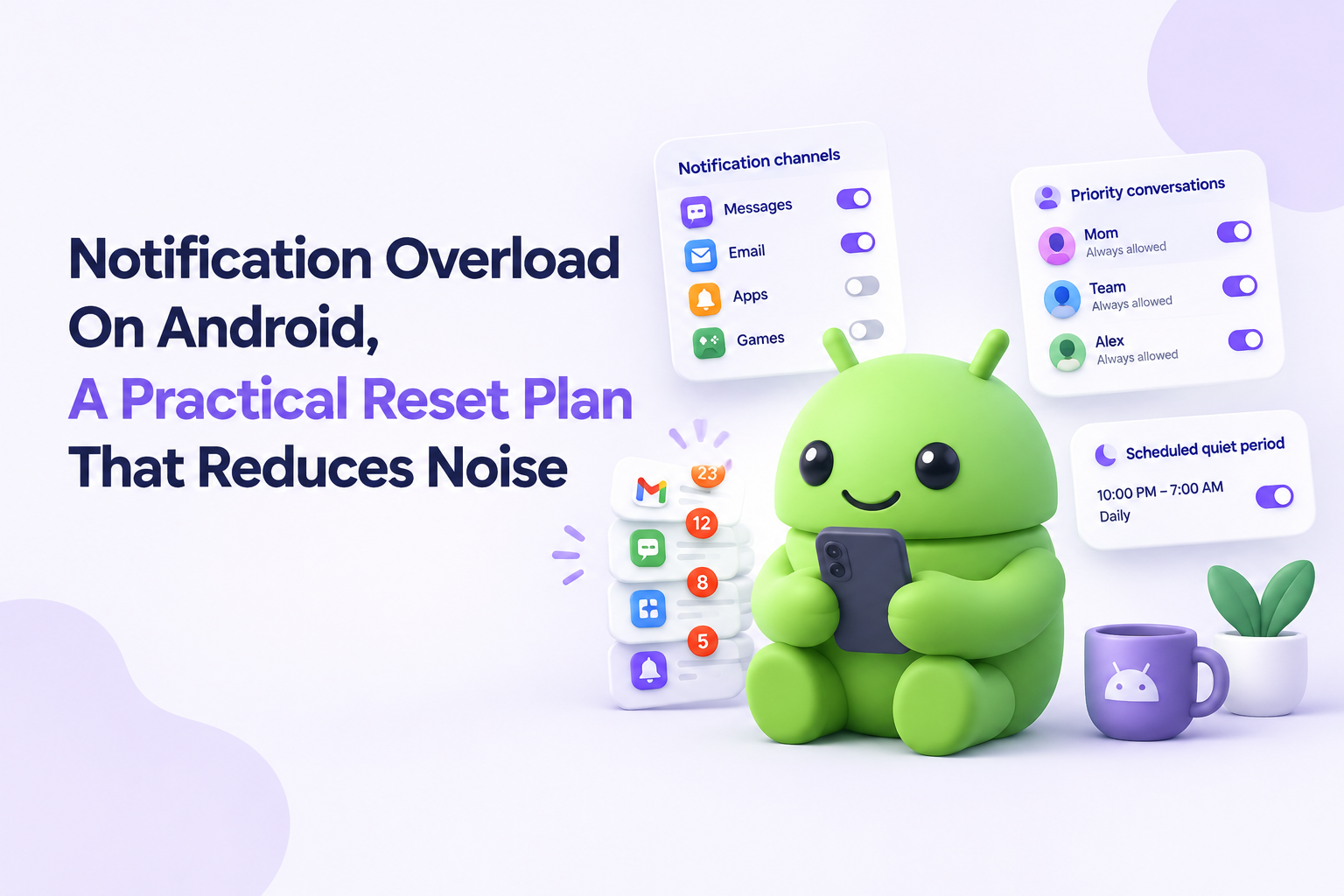
Build A Lower-Noise Information Diet That Lasts
A lasting information diet moves notification control beyond Android by separating capture, review, and response into planned windows.
Use channels with defined jobs
- Phone: urgent personal contact, security, and time-sensitive commitments.
- Email: durable information reviewed at scheduled times.
- Feeds and news: deliberate reading, never surprise delivery.
- Work chat: coordination during agreed response windows.
Turn off duplicate delivery first. If the same work update appears in email, chat, and a project tool, choose one primary channel and make the others silent or summary-only. This is a practical form of alert management: each signal has one owner, one destination, and one expected response time.
Create a weekly maintenance check
Once a week, review notification history and ask which alerts caused unnecessary checking. Unsubscribe from repeated marketing, remove abandoned apps, and renegotiate work-chat expectations. A simple team norm such as “non-urgent messages receive a response during working hours” removes pressure without requiring permanent availability.
For persistent notification spam, identify the source before changing more settings. The source may be an app, a browser permission, an email rule, or a duplicated integration. Removing the origin is more reliable than repeatedly clearing the resulting alerts.
Frequently Asked Questions About Notification Overload
Start with the notification triage checklist, then adjust one category at a time until your phone reflects your real priorities. If your engineering team also wants to reduce manual bug-reporting noise, explore Flash Log for AI-powered automatic bug capture and automatic bug classification.
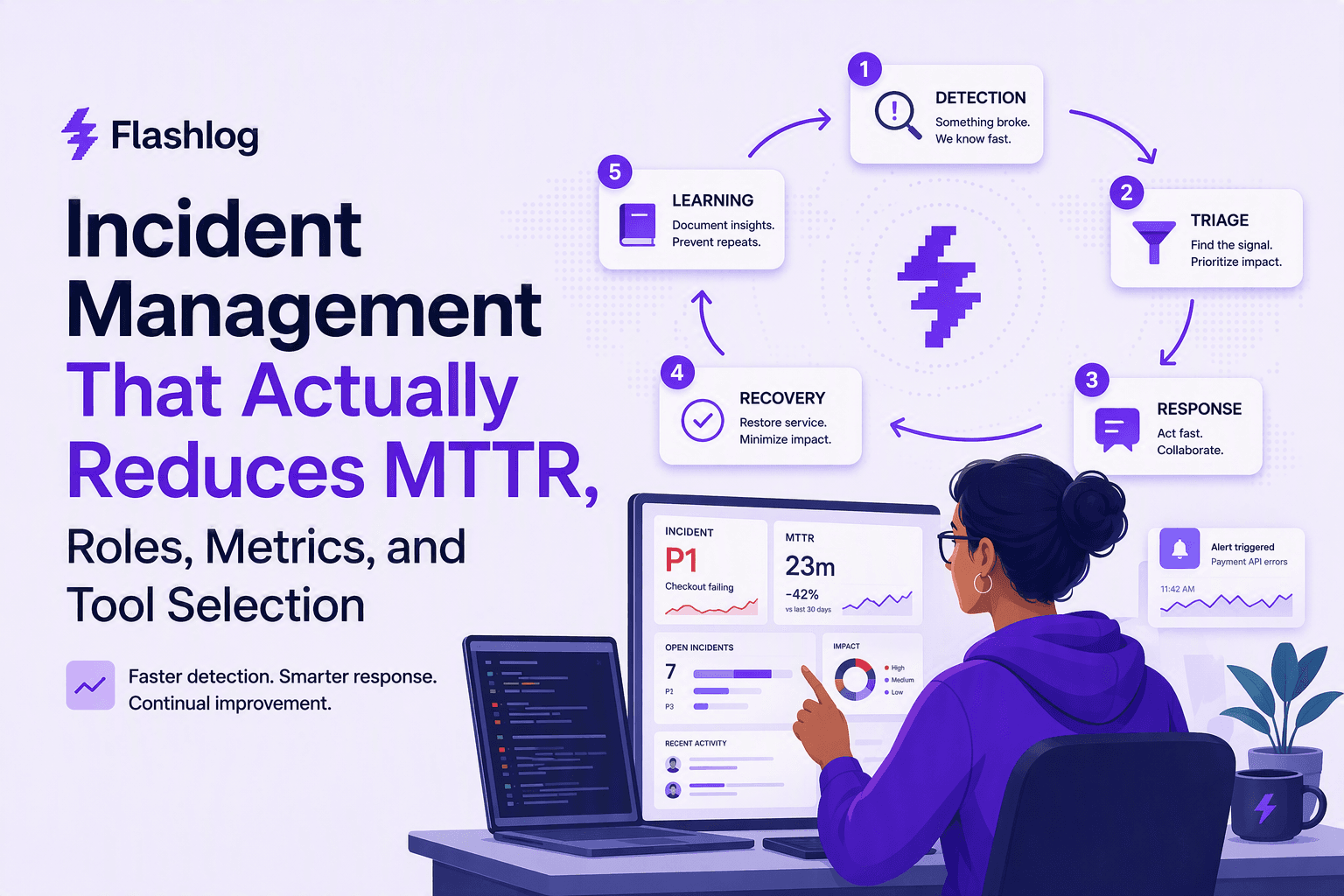
Incident Management That Actually Reduces MTTR, Roles, Metrics, and Tool Selection
A practical incident management playbook: 5-step loop, RACI ownership, MTTR metrics, and tool selection criteria for on-call, ITSM, and AIOps.

Debug In Production Without Panic, A Safety-First Workflow for Live Issues
Learn how to debug in production safely with a containment-first workflow, guardrails, and checklists to fix live issues fast.

CX Genie x Flashlog: Keeping Every Customer Conversation Reliable
See how Flashlog helps CX Genie detect missing messages, delayed replies, failed chat widgets, and other incidents affecting customer support.