
On-Call Software Buyers Guide, How to Compare PagerDuty Alternatives Beyond Alert Routing
On call software should be selected with a scorecard that measures alert quality, escalation reliability, integrations, and operational overhead, not just schedules and routing rules.
- Start by picking the right category: DevOps on-call, incident management, employee scheduling, or call-center platforms solve different problems.
- Compare PagerDuty alternatives using measurable criteria: alert noise rate, escalation success, time-to-implement, auditability, and total cost.
- Pair on-call tooling with proactive bug discovery so fewer issues ever become pages.
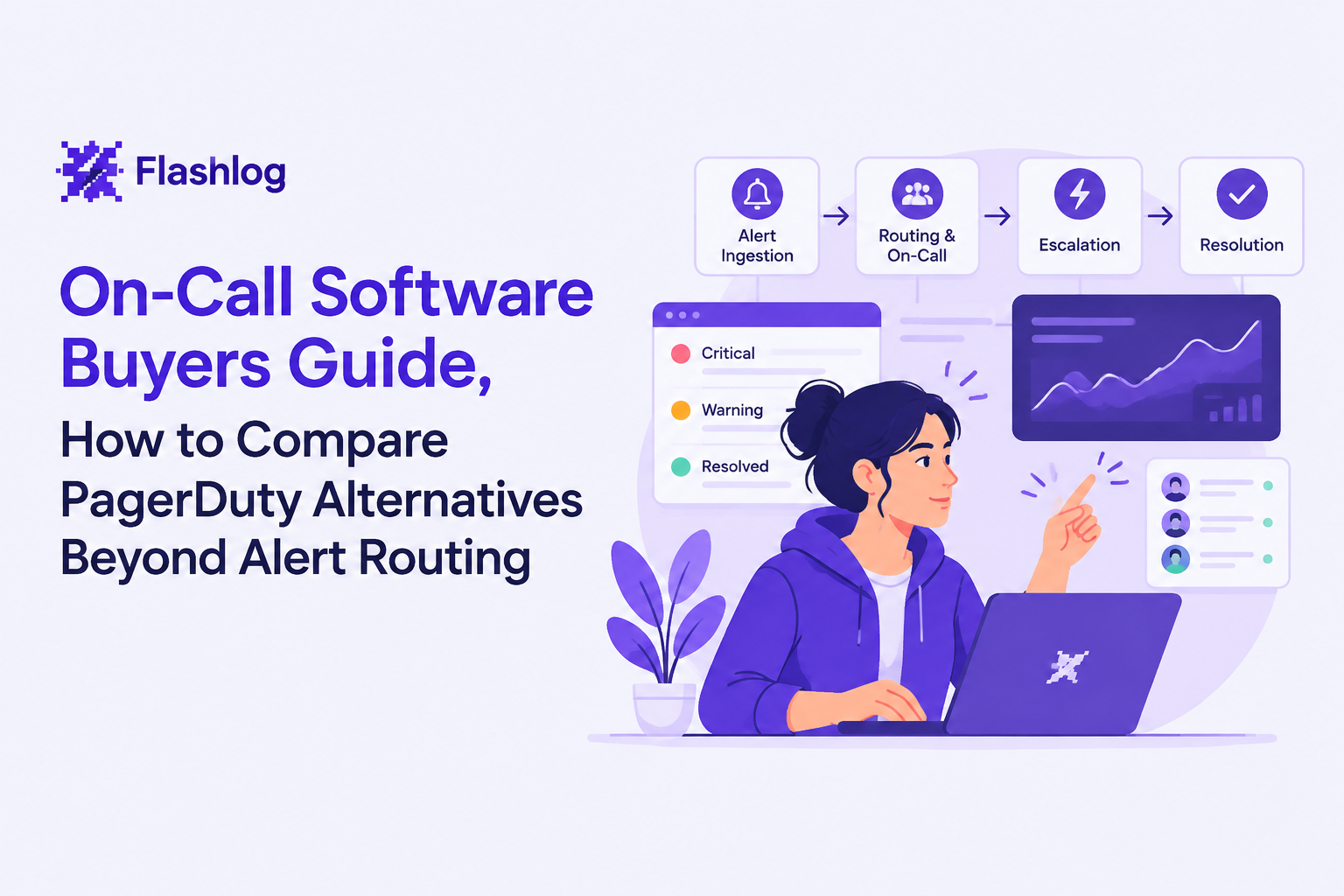
What On-Call Software Does and Which Category You Actually Need
On call software for engineering teams exists to ensure the right responder gets the right signal at the right time, with provable delivery and clear accountability.
Category check: four tools buyers commonly confuse
- DevOps on-call software: schedules, escalation policies, notification delivery, alert grouping, acknowledgement, and handoffs.
- Incident management platforms: incident roles, timelines, comms, postmortems, stakeholder updates; often integrates with on-call tools.
- Employee scheduling / workforce management: shift planning, time tracking, labor compliance; typically not built for automated alert ingestion.
- Call-center software: inbound queues, IVR, recordings, SLAs; optimizes for customer calls, not machine-generated operational alerts.
A fast decision tree you can run in 10 minutes
- If alerts are machine-generated (monitoring, logs, deploys), start in DevOps on-call software.
- If the pain is cross-functional coordination (comms, timeline, approvals), add or prioritize incident management.
- If the pain is staffing and shifts, use scheduling software, then integrate a DevOps on-call layer for pages.
- If the “alerts” are customer phone calls, you are in call-center territory, not engineering on-call.
Buyer trap: “incident management” does not automatically mean “on-call”
A practical way to spot the mismatch is to ask: “Can this tool prove who was notified, when, on which channel, and whether they acknowledged?” If the answer is unclear, the platform may be great for process tracking but weak for paging reliability and audit trails.
The Features That Matter When Comparing PagerDuty Alternatives
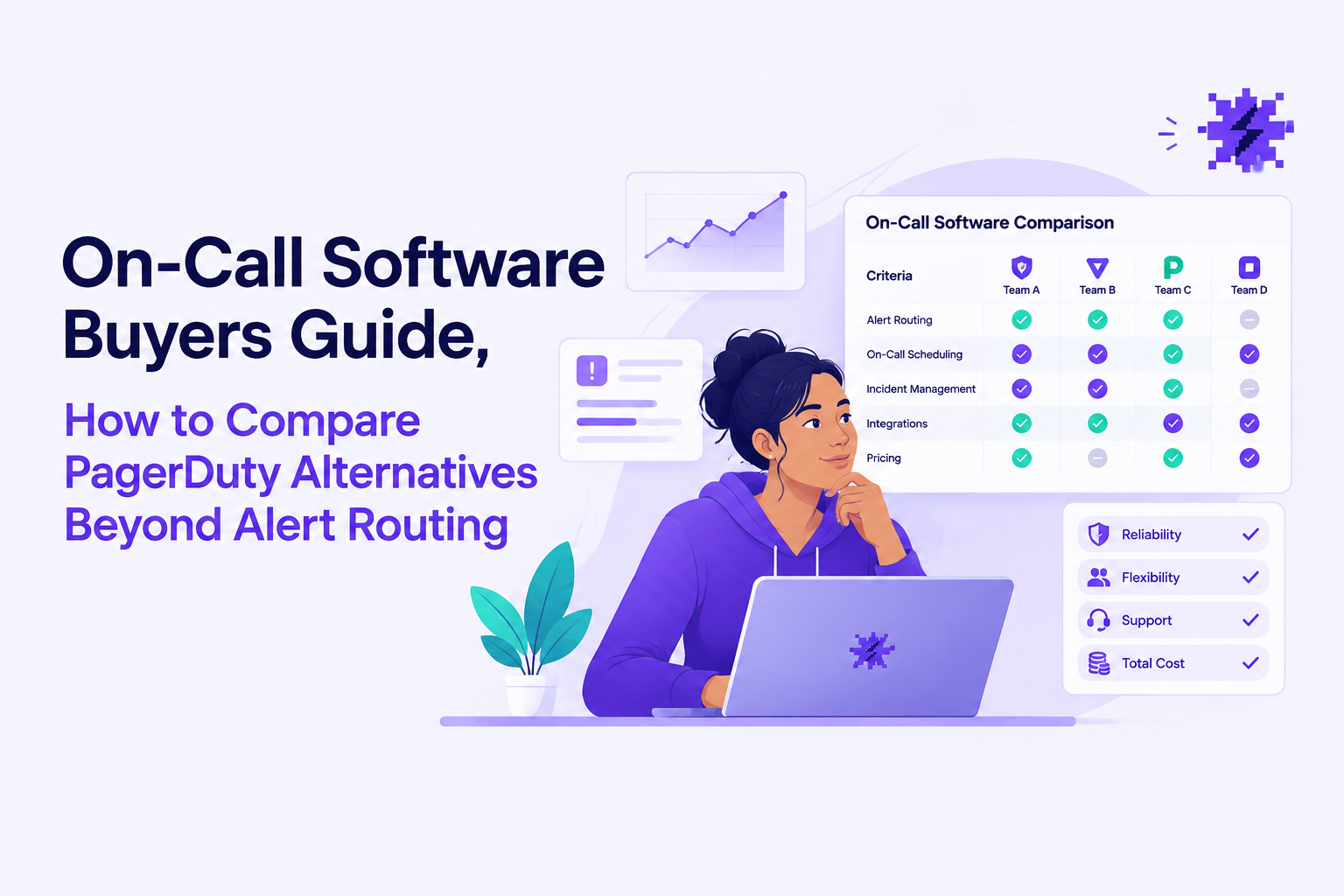
Comparing PagerDuty alternatives works best when you score capabilities that change outcomes in the first 30 days: escalation reliability, alert quality, integrations, auditability, implementation effort, and total cost.
Use a measurable checklist instead of vendor feature lists
- Schedules and handoffs: rotations, overrides, holidays, and “follow-the-sun” support.
- Escalation reliability: multi-step escalation, retries, and fallback paths (for example, chat plus email backup).
- Alert quality controls: dedupe/grouping, suppression windows, routing by service, and severity mapping.
- Integrations: monitoring sources, chat tools, ticketing, and webhooks; check both inbound alerting and outbound actions.
- Auditability: searchable event history, “who acknowledged”, and policy changes over time.
- Implementation effort: SSO, RBAC, migration path, and how hard it is to model services and ownership.
- Total cost: licenses plus hidden ops cost (noise, time spent maintaining routing, and incident fatigue).
Two “quality” metrics that predict whether your team will hate the tool
- Meaningful page rate: percentage of pages that required human action (track manually during trial). A low rate signals noise.
- Escalation success rate: percentage of critical alerts acknowledged within your target time window (define your own SLO for acknowledgement).
When we ran trials on on call software with teams that had chronic noise, the deciding factor was rarely “more integrations”; it was whether the tool made it easy to reduce repeat pages through grouping and sane routing rules without constant babysitting.
Where to go deeper in your evaluation
If your main risk is noisy paging and unclear ownership, start with frameworks for alert management and alert triage. If you are mapping the broader process, align on terminology with it incident management.
How to Score On-Call Software for Different Engineering Teams
Scoring on call software accurately requires weighting criteria by team type, because a 10-person startup and a regulated enterprise optimize for different failure modes.
Weighted scorecards by team profile
How to use this: score each criterion 1 to 5 during trial, multiply by weight, then compare totals; keep notes tied to real alerts from your environment.
- Startup (lean team, high context, low process): Alert quality 30%, implementation effort 25%, total cost 20%, escalation reliability 15%, auditability 10%.
- Mid-market SRE (multiple services, shared ownership): Escalation reliability 25%, alert quality 25%, integrations 20%, auditability 15%, implementation effort 15%.
- Enterprise (compliance, change control, many responders): Auditability 30%, RBAC/SSO and policy controls 25%, integrations 20%, escalation reliability 15%, alert quality 10%.
A 14-day trial plan that produces decision-grade evidence
- Day 1 to 2: model ownership for your top 5 services and the teams responsible.
- Day 3 to 5: connect 2 alert sources (one high-volume, one truly critical) and validate routing rules.
- Day 6 to 10: run “shadow paging” (send to a test channel or secondary notification) and measure meaningful page rate.
- Day 11 to 14: run two drills: an after-hours escalation drill and a daytime handoff drill; record acknowledgement times and failures.
What surprised our team was how often “time-to-implement” dominated the decision: the tool with slightly fewer features won because it reached stable routing faster, which reduced the operational tax during migration.
When to switch from your current tool
- Switch for noise if responders cannot explain why they got paged, or if grouping and suppression require constant manual work.
- Switch for reliability if you cannot prove notification delivery and acknowledgement history during audits or retrospectives.
- Switch for scale if service ownership changes weekly and the tool cannot keep routing accurate without heavy admin effort.
Where Flash Log Fits in a More Proactive Incident Workflow
On call software is strongest when it pages on real operational pressure, and proactive bug capture reduces the number of issues that ever become urgent pages.
Map the workflow: detect, qualify, then interrupt
- Detect: failures happen in production, including ones users never report.
- Qualify: dedupe and classify so the team sees issue-level pressure, not raw event exhaust.
- Interrupt: page only when thresholds indicate accumulated risk worth waking someone up for.
- Coordinate: use incident processes for comms, timelines, and follow-up.
Why this matters during evaluation
Many teams try to fix noisy paging by tuning routing forever, but the better lever is upstream: reduce junk before it becomes an alert. In our experience, setting a clear “wake-up line” (for example, paging only after grouped issues cross a threshold) produces calmer on-call than endlessly adding filters to raw error spam.
How Flash Log complements an on-call platform (one mention)
Flash Log adds a proactive AI layer that captures and classifies bugs automatically, including bugs users do not report, so teams can discover real issue pressure earlier and route fewer low-quality alerts into their on-call tool.
| Evaluation area | What “good” looks like | How to test during a trial | Failure signal |
|---|---|---|---|
| Alert quality | Grouped, deduped, severity is consistent | Send high-volume alerts for 48 hours, review grouping outcomes | Responder sees many near-duplicate pages |
| Escalation reliability | Multi-step escalation with fallback channels | Run an after-hours drill and verify acknowledgement history | Missed pages or unclear delivery proof |
| Integrations | Fast setup for your top monitoring sources and chat tools | Connect two sources and verify routing by service/priority | Heavy custom glue code to reach baseline |
| Auditability | Clear logs for notifications, acknowledgements, and policy changes | Export or search event history for a test incident | No defensible trail for retrospectives or audits |
| Implementation effort | SSO/RBAC and service modeling are straightforward | Time-box setup to one week and document blockers | Routing accuracy depends on constant admin work |
| Total cost | Costs align with usage and reduce operational overhead | Estimate license cost plus hours/week spent on tuning | Low sticker price but high ongoing maintenance |
FAQ for teams choosing on-call tooling
If you are shortlisting PagerDuty alternatives for on call software, evaluate your paging platform alongside proactive bug discovery: Flash Log can help capture and classify bugs automatically even when users do not report them, so your team can detect real issue pressure earlier and keep on-call interruptions reserved for what truly matters.
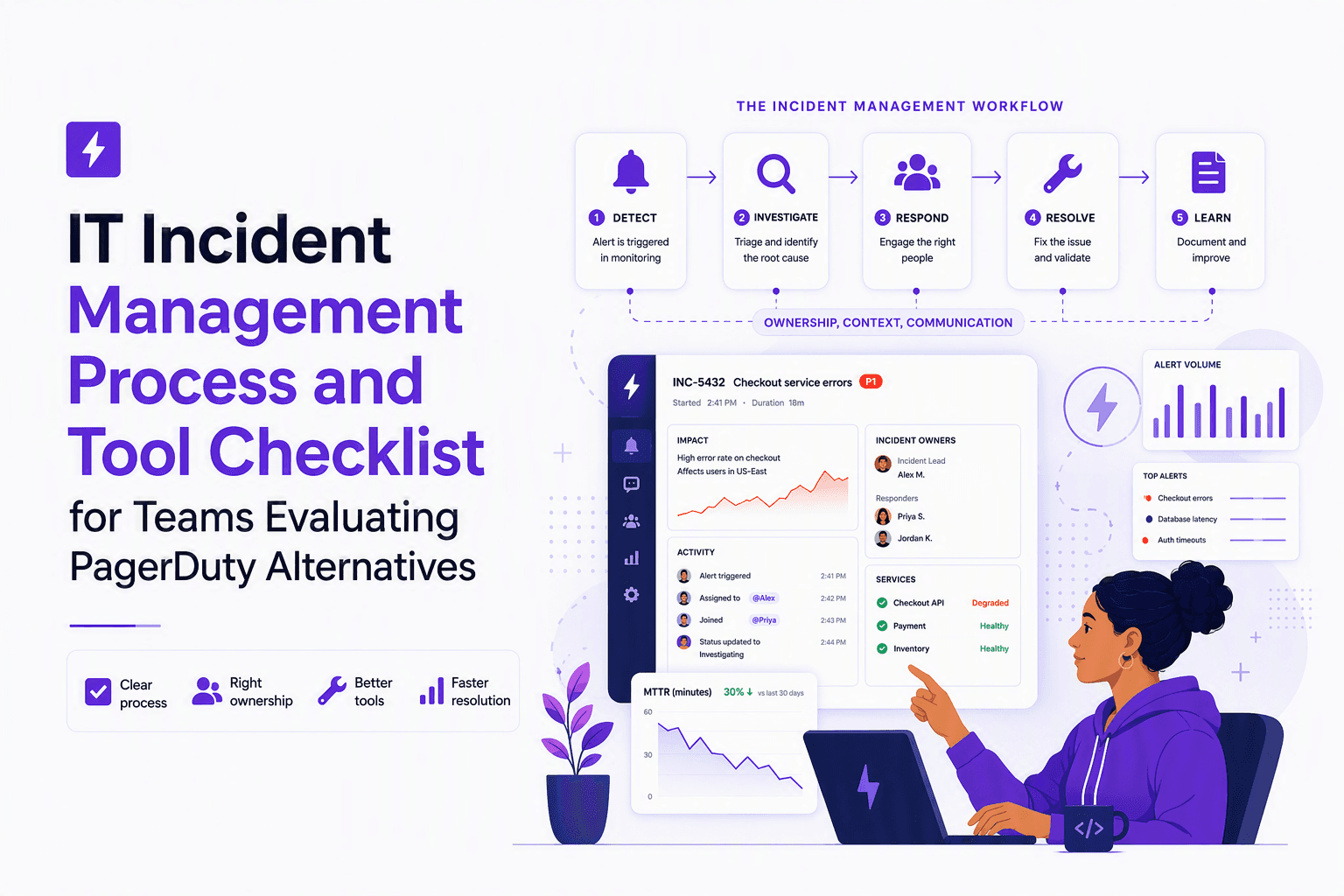
IT Incident Management Process and Tool Checklist for Teams Evaluating PagerDuty Alternatives
Build an it incident management process that maps each stage to tool requirements, major-incident roles, and integrations for PagerDuty-alternative evaluations.

Log File Analyzer Workflow That Cuts Noise, A Practical Step-By-Step Guide
A practical log file analyzer workflow to filter noise, find real errors fast, and know when online tools or AI triage make sense.
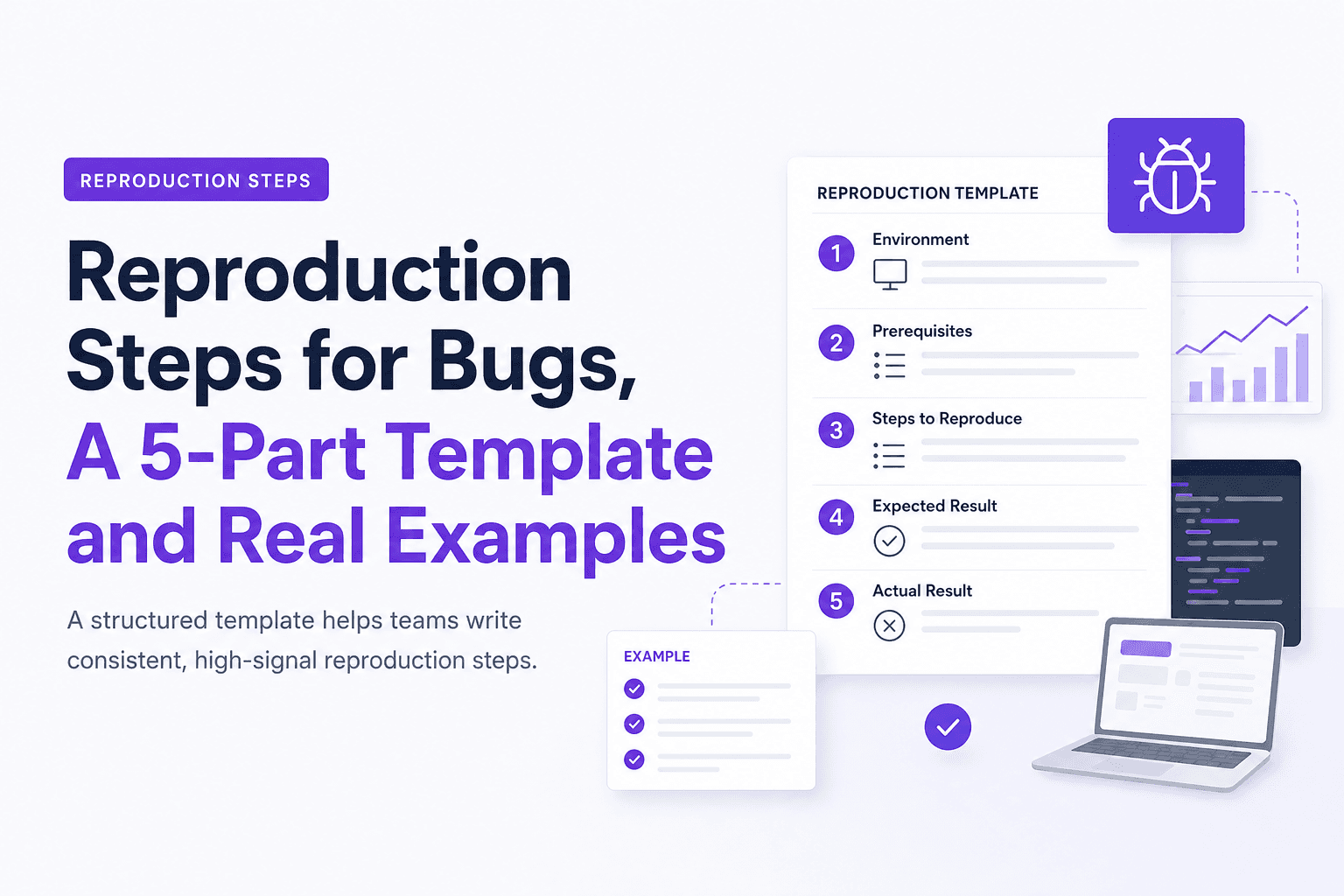
Reproduction Steps for Bugs, A 5-Part Template and Real Examples
Learn reproduction steps that engineers can actually follow: a 5-part template, diagram, and real web, mobile, and API examples.