
PagerDuty Alternatives Open Source, The 2026 Shortlist for Self-Hosted On-Call Paging
PagerDuty alternatives open source that you can realistically self-host in 2026 cluster into two buckets: alert routing and paging engines (best if you need reliable notifications and schedules), and incident coordination layers (best if you need war-room workflows, status pages, and postmortems).
- Pick the category first: paging engine (who to wake) versus incident coordination (how to run the incident) versus “open-core” (source available, but key reliability features are paid).
- Use project health signals before features: recent releases, responsive maintainers, and a tested upgrade path matter more than a long feature list.
- Self-hosted paging is viable, but production readiness requires HA, tested outbound providers (SMS/voice/email), secret hygiene, and an explicit runbook for “pager is down.”
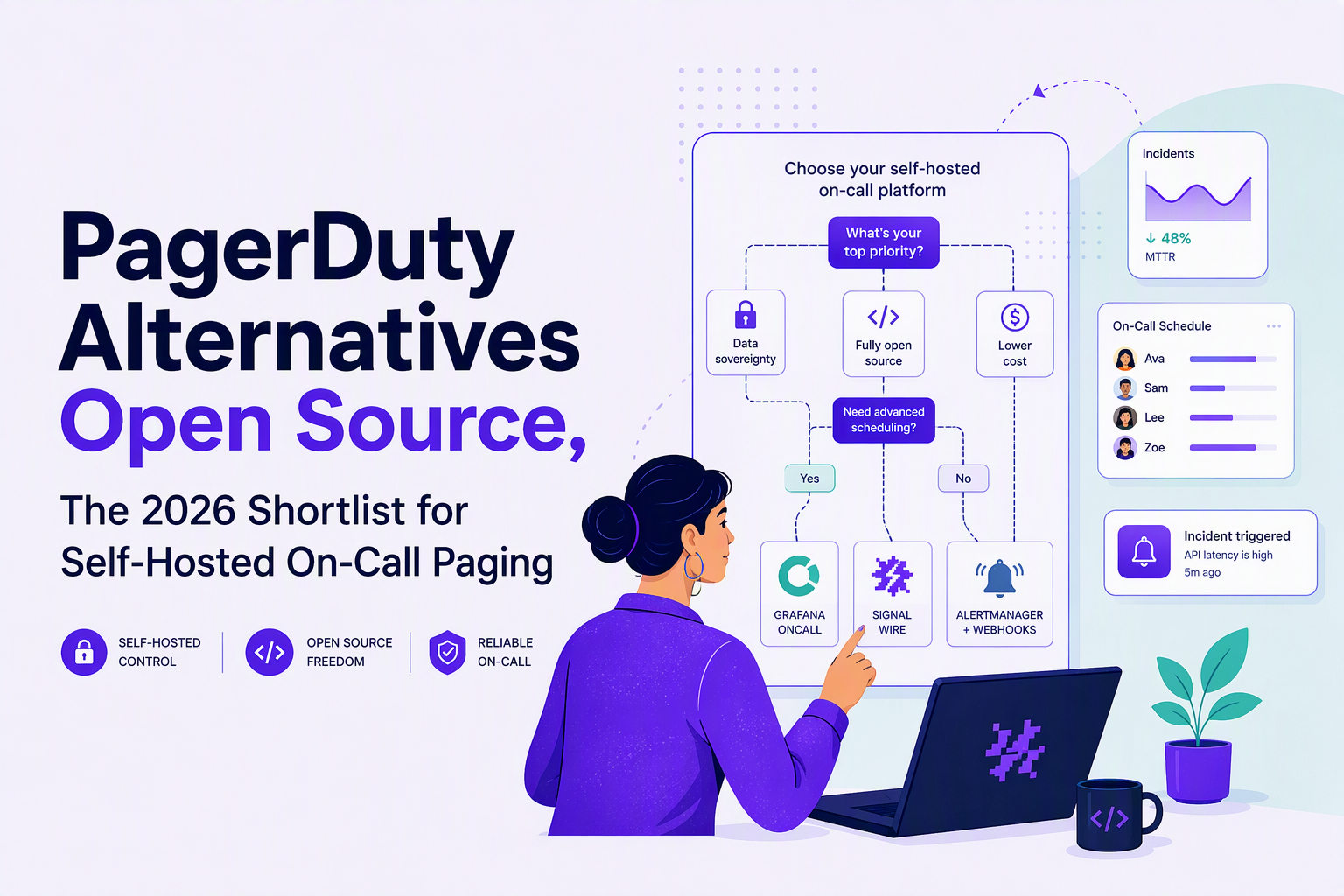
60-Second Chooser for PagerDuty Alternatives Open Source
PagerDuty alternatives open source are easiest to shortlist when you decide whether you need (A) paging and on-call schedules, (B) incident coordination, or (C) a hybrid stack that does both with clear boundaries.
Step 1: Classify your need in one sentence
- “We need to wake the right person reliably.” Choose a paging engine first (schedules, escalation, delivery guarantees).
- “We need to run incidents better.” Choose incident coordination (Slack workflows, status page, postmortems).
- “We need both, but want to self-host.” Prefer a paging engine plus lightweight coordination, instead of a single huge platform that is hard to upgrade.
Step 2: Pick your delivery constraints
- SMS/voice required: Validate integrations with a provider you can contract (Twilio, Nexmo/Vonage, etc.) and test deliverability from your regions.
- Chat-first acceptable: Slack/Teams/Matrix notifications can work, but define what happens when chat is degraded.
- Email-only not acceptable: Email is durable, but it is not paging; treat it as fallback, not primary.
Step 3: Decide the “source purity” bar
- Truly open source: core features and reliability primitives are in the public repo under an OSI license.
- Open-core: repo exists, but critical capabilities (HA, SSO, advanced routing) may be paid or closed. For this shortlist, we keep open-core out of the rankings and call it out explicitly when relevant.
Step 4: Apply a fast decision tree
- If you need on-call schedules + escalation + multiple channels, shortlist Grafana OnCall or Zammad (if you already run helpdesk workflows).
- If you need a modern incident command workflow, shortlist Cabin for coordination and pair it with a paging engine.
- If your priority is minimal moving parts, consider Prometheus Alertmanager as the core router, then add paging only where truly required.
In our experience working with small SRE teams, the fastest path to a stable replacement is choosing one system to own schedules and escalation, then integrating everything else into it, not building a mesh of “almost paging” tools.
Top PagerDuty Alternatives Open Source for Self-Hosted On-Call Paging
PagerDuty alternatives open source that hold up operationally tend to be opinionated about alert ingestion, deduplication, schedules, and outbound delivery, and the tradeoffs are usually about maturity and ecosystem rather than raw features.
1) Grafana OnCall, best for a modern OSS paging engine with strong alert inputs
Best for: Teams already running Grafana/Prometheus/Loki and wanting first-class schedules and escalations without moving to a closed SaaS.
- Core paging features to confirm: on-call schedules, escalation chains, notification policies, deduplication, acknowledgements, and integrations from Grafana Alerting and common webhooks.
- Operational tradeoffs: you are adopting a fast-moving stack; budget time for upgrades and schema migrations.
- What to deploy with it: Prometheus Alertmanager (or Grafana Alerting) upstream; a dedicated outbound provider for SMS/voice if needed; and a persistent datastore with backups.
2) Prometheus Alertmanager, best for routing, grouping, and inhibition at scale
Best for: Infrastructure-first organizations where “paging” starts as routing rules, grouping, and silencing, and you only escalate to humans for a smaller subset.
- Core strengths: grouping, inhibition rules, silences, and clean integration with Prometheus alerting pipelines.
- Limits versus a paging platform: no native on-call scheduling and escalation policy UX; you will pair it with something that owns schedules or accept a simpler process.
- Good fit pattern: Alertmanager routes to chat/email for most alerts, and only forwards “page-worthy” alerts to a paging tool.
What surprised our team when auditing alert pipelines was how often a “PagerDuty replacement” effort failed because the underlying alert quality was unchanged; Alertmanager’s grouping and inhibition can remove entire classes of duplicate pages before you even talk about on-call.
3) Zammad, best for ticket-driven operations that still need escalation
Best for: Teams that treat incidents as tickets from the start and want to unify inbound signals (email, web, integrations) with operational workflows.
- Core strengths: workflows, ownership, internal notes, and the ability to make incident handling accountable.
- Limits: it is not a dedicated pager; you need to design how “wake someone now” works, including after-hours handling and acknowledgment SLAs.
- Use-case fit: IT and support-heavy orgs that already live in tickets and need it incident management to be consistent across teams.
4) Cabin, best for incident coordination and timelines, not paging
Best for: A self-hosted incident command layer to coordinate response, capture timelines, and run post-incident follow-through.
- Core strengths: structured incident workflows and coordination artifacts that do not depend on one chat thread.
- Limits: you still need a paging engine for schedules, escalations, and delivery guarantees.
- Recommended pairing: Cabin for coordination plus Grafana OnCall (or another pager) for waking the right human.
5) ntfy, best for simple self-hosted push notifications as a building block
Best for: Teams that need a lightweight notification bus for apps and internal tools, and want to compose a solution carefully.
- Core strengths: simple publish/subscribe notifications, easy self-hosting, and low operational overhead.
- Limits: it is not an on-call scheduler; treat it as a delivery primitive, not the whole PagerDuty substitute.
- Where it fits: as one channel among several, behind a tool that owns escalation decisions.
Project Health Reality Check for Open-Source Paging Tools
Project health determines whether pagerduty alternatives open source will be safe to run during an outage, because abandoned repos and slow triage create failure modes you cannot mitigate with configuration.
A practical health scorecard you can apply in 15 minutes
- Recent releases: look for releases and tags that show ongoing maintenance, not just commits.
- Issue responsiveness: scan for maintainer replies on bug reports, especially around upgrades and security.
- Upgrade path: check if migrations are documented and reversible, and whether breaking changes are announced.
- Deployment references: Helm charts, docker-compose examples, or Terraform modules that appear maintained.
- Bus factor signals: multiple active maintainers, reviewed PRs, and clear contribution guidelines.
Red flags that usually become on-call pain
- “Works on my machine” install docs: no mention of persistence, backups, or HA.
- Archived or read-only repos: even if the feature list is attractive, treat it as a dead end for production paging.
- No tests around outbound delivery: paging failures are often provider-related; healthy projects document retries, rate limits, and fallbacks.
After running a few internal “pager failure drills,” the pattern was clear: projects with explicit runbooks and documented failure modes were easier to operate than projects with richer UI but thin operational documentation.
How to Self-Host a Pager Reliably, MVP to Production Checklist
Self-hosting a pager reliably requires designing for two outages at once: the incident you are responding to and the possibility that your paging stack is degraded at the same time.
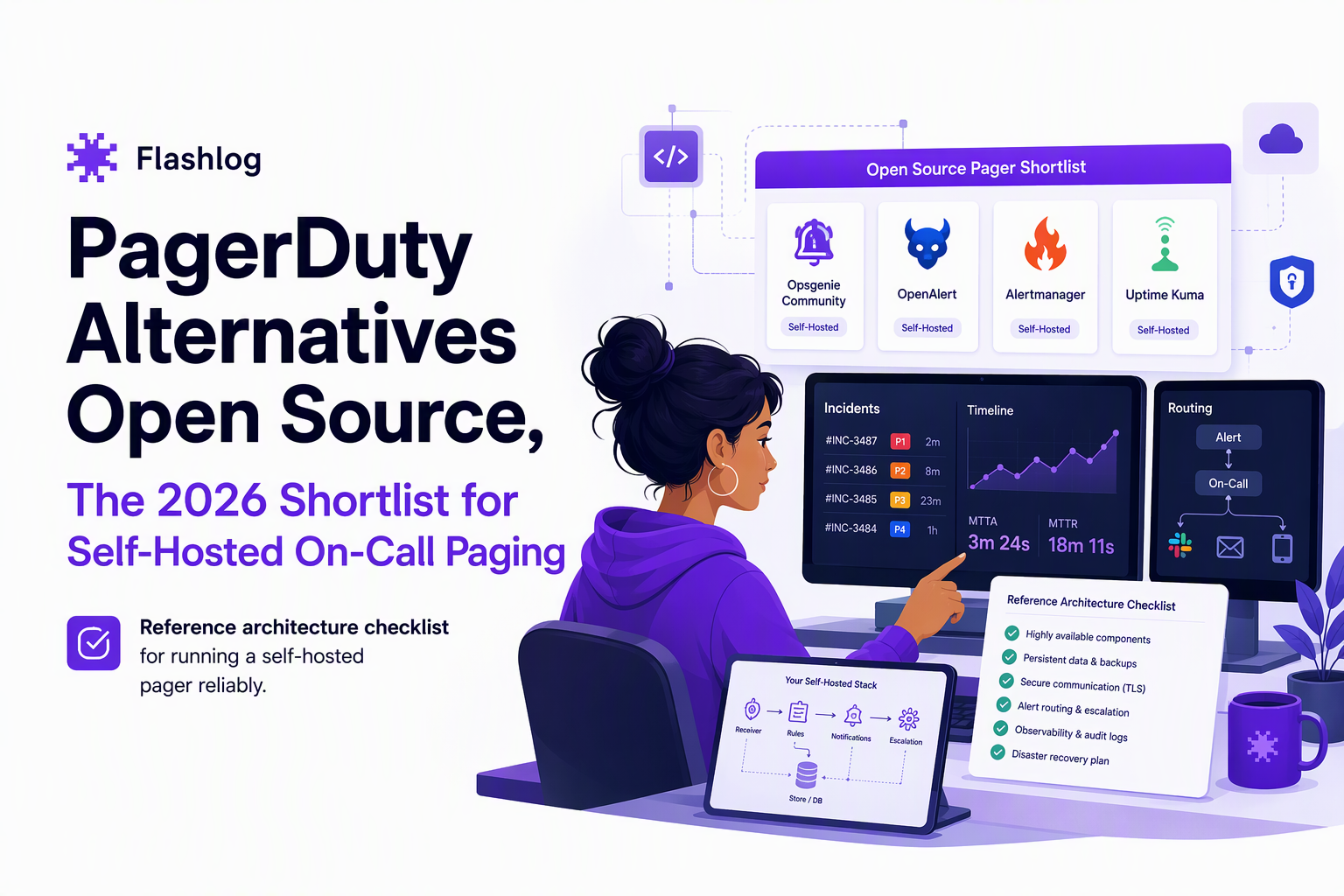
Reference architecture (minimal but production-minded)
- Ingestion: Prometheus Alertmanager or webhook receivers, with grouping and inhibition upstream.
- Paging core: a tool that owns schedules, escalation rules, acknowledgements, and deduplication.
- Delivery: at least two channels (for example chat + SMS, or SMS + voice) with tested credentials stored in a secrets manager.
- Persistence: durable database or storage, daily backups, and restore testing.
- Observability for the pager: synthetic alerts that confirm outbound delivery, not just “service is up.”
MVP checklist (what to implement first)
- One schedule, one escalation chain: define primary and secondary, with a fixed timeout for escalation.
- One golden route: pick the single route that will page, and silence everything else until routing is proven.
- Acknowledgement loop: require ack within a defined window and auto-escalate when not acked.
- Test dispatch: run a weekly test page through the real providers and verify receipt times.
Production hardening checklist (where most DIY stacks fail)
- HA: run at least two instances behind a stable endpoint; ensure leader election or stateless design depending on the tool.
- DR: document RPO/RTO for paging data; keep a cold standby if paging is mission critical.
- Security: enforce SSO where possible, rotate API tokens, and restrict webhook ingress with auth and allowlists.
- Provider reality: implement retries, rate-limit handling, and a fallback path if SMS is delayed in a region.
- “Pager is down” runbook: define manual phone tree or alternate channel and keep it in a place reachable during an outage.
For teams evaluating on call software, we recommend writing the escalation and fallback behavior in plain language first, then mapping it to the tool, because many reliability gaps are process gaps, not missing buttons.
| Tool | Best for | Strengths | Key tradeoff | Self-hosting notes |
|---|---|---|---|---|
| Grafana OnCall | OSS paging with schedules and escalations | Modern integrations, on-call primitives | Upgrade and operational maturity varies by deployment | Plan backups, outbound provider tests, and versioned upgrades |
| Prometheus Alertmanager | Routing, grouping, inhibition | Excellent noise control upstream | Not a full paging platform by itself | Pair with a scheduler/escalation owner if you truly page |
| Zammad | Ticket-driven incident handling | Ownership and workflow discipline | Paging behavior must be designed, not assumed | Define after-hours flows and ack expectations explicitly |
| Cabin | Incident coordination | Timelines, coordination artifacts | Does not replace a pager | Integrate with your paging tool as the “wake” layer |
| ntfy | Notification building block | Simple push messaging | No schedules or escalation | Use as a channel, not as the escalation brain |
Pricing and TCO, Why PagerDuty Feels Expensive and What OSS Really Costs
PagerDuty feels expensive because you are paying for reliability guarantees, operational features, and support that reduce the probability and cost of missed pages, while pagerduty alternatives open source shift those costs into your engineering time and infrastructure.
A back-of-the-envelope TCO model (use it to compare honestly)
- Direct infra: compute, database, storage, backups, and outbound messaging fees (SMS/voice/email providers).
- Engineering time: upgrades, incident response for the pager itself, integration work, and security reviews.
- Risk cost: the expected cost of a missed or delayed page multiplied by the probability of failure in your setup.
Hidden costs that show up after month two
- Provider edge cases: carrier filtering, rate limiting, and region-specific delays.
- Change management: routing rules drift unless owned like code with reviews and tests.
- Compliance and audit: access logs, retention policies, and proof of notification delivery may be required.
How to decide if self-hosting wins for you
- Self-host is usually worth it when: you have strong platform engineering, predictable alert sources, and a clear need for data residency or customization.
- SaaS is usually worth it when: your org cannot tolerate missed pages and you cannot dedicate owners for the paging system.
- Hybrid is often best: self-host routing and coordination, but keep a highly reliable paging path for the small set of alerts that must wake a human.
If you are also comparing broader pagerduty alternatives, we suggest scoring cost alongside operability: can your team write and maintain an escalation policy, test it weekly, and prove delivery during a partial outage?
For standards-oriented teams, align your incident practices with public guidance like the Google SRE Book guidance on being on-call, then choose the tooling that makes those behaviors easiest to sustain.
FAQ on open-source PagerDuty replacements
If you want fewer incidents to page on in the first place, Flash Log complements paging by automatically capturing bugs even when users never report them, then classifying and grouping them with AI so engineering can fix issues earlier. Book a demo to see how Flash Log can reduce unknown, uncaught bugs that later become on-call pages in your stack.

CX Genie Reduced Incident Investigation Time by 58% with Flashlog
See how CX Genie used Flashlog to cut incident investigation time by 58%, save 34 engineering hours, and detect issues before customers reported them.
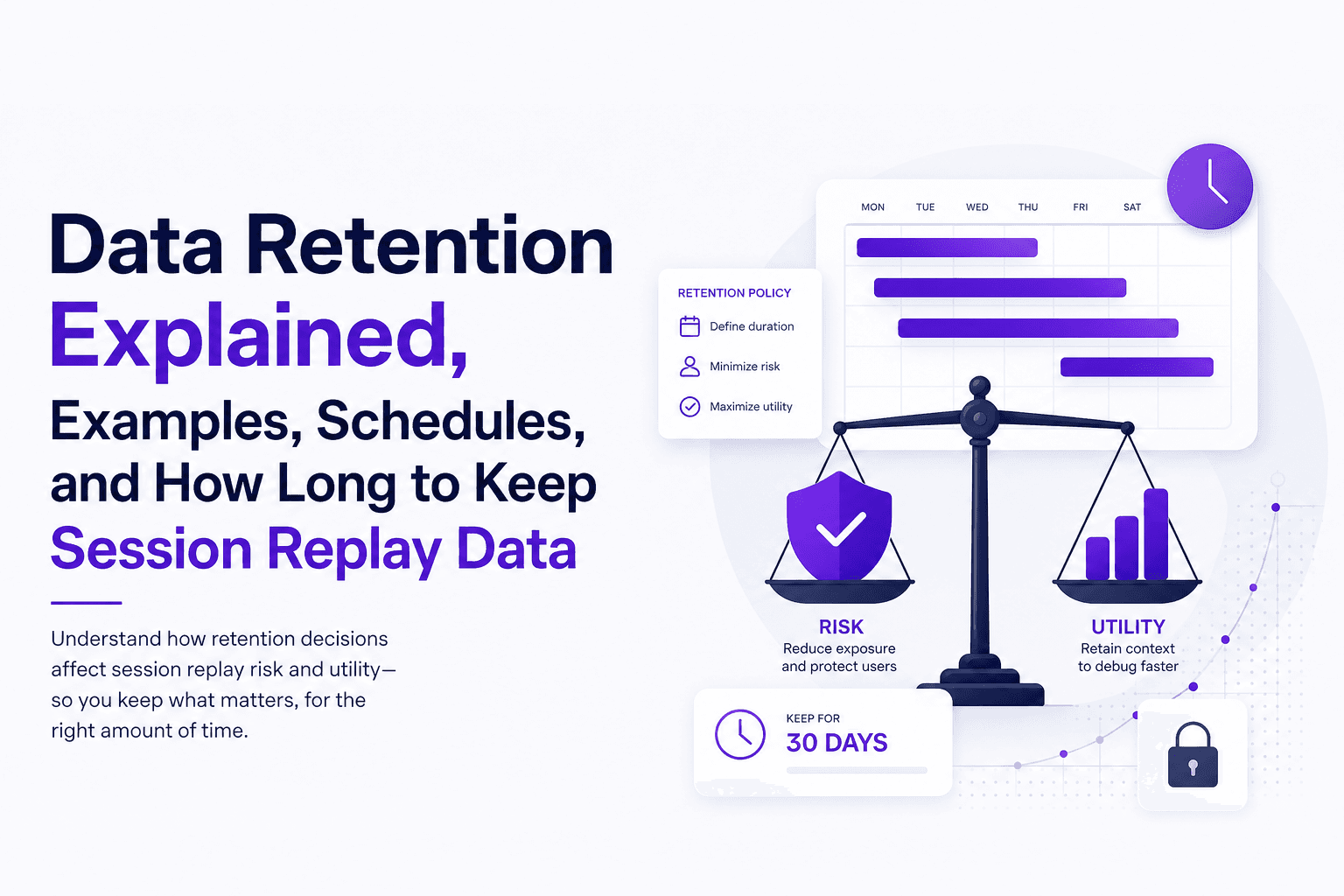
Data Retention Explained, Examples, Schedules, and How Long to Keep Session Replay Data
Learn data retention in plain English, how long to keep session replay data, and a ready-to-use retention schedule template.
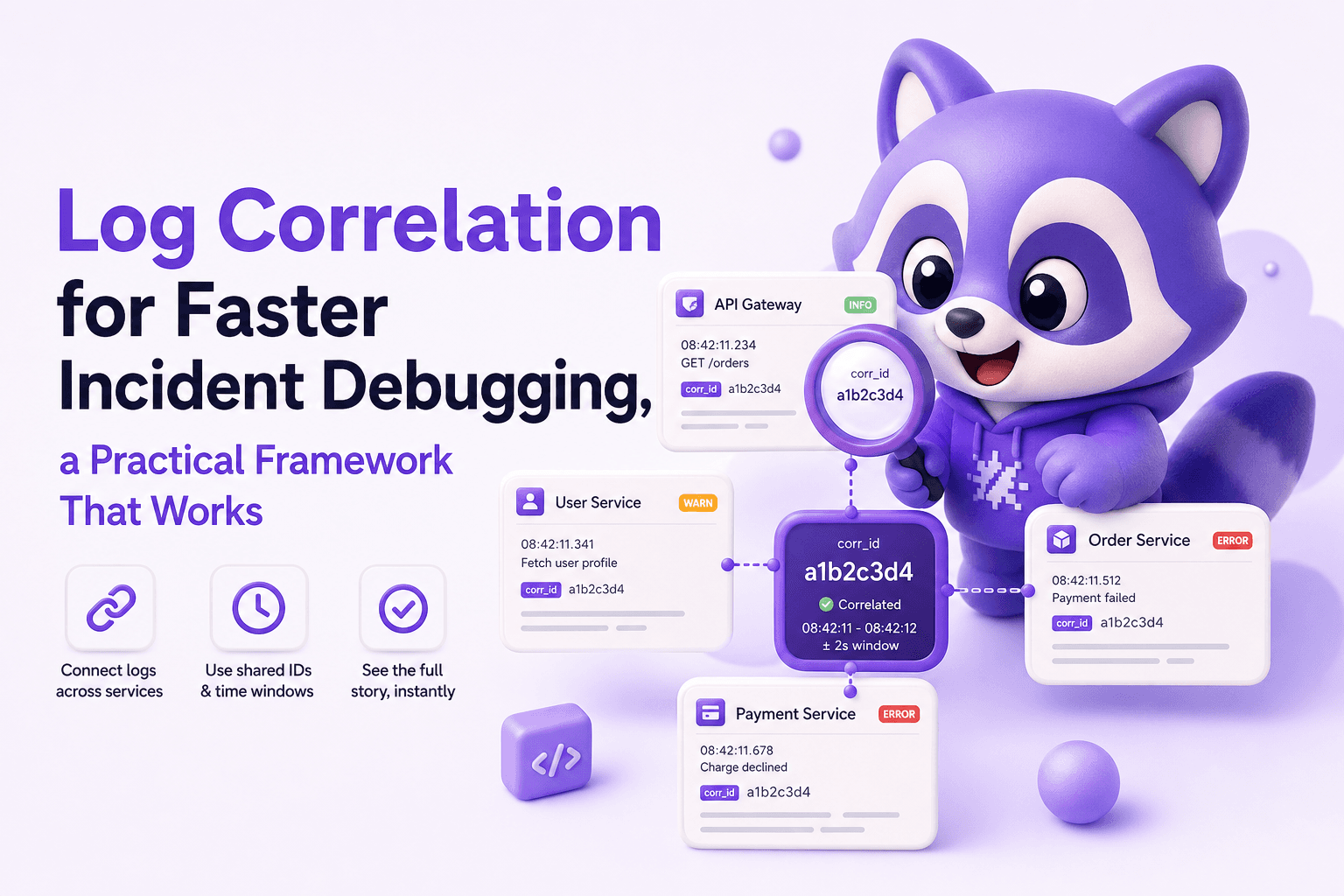
Log Correlation for Faster Incident Debugging, a Practical Framework That Works
Learn log correlation with a practical framework to connect requests across services, reduce noise, and debug production incidents faster.