
Sensitive Data Explained for Session Replay, The 4 Types and How to Handle Them
Sensitive data in session replay is any captured field, event, or context that could realistically harm a person or your business if exposed, misused, or retained too long, even if it is not explicitly named in a regulation.
- Use a harm-based definition first, then map to regulations (GDPR, HIPAA, PCI) so engineering teams can make consistent capture and masking decisions.
- Classify what you collect into 4 practical buckets (authentication, financial, health and safety, and high-risk identifiers) to drive default masking rules.
- Run a simple lifecycle workflow: discover what is captured, classify it, mask at the source, then set retention and access controls that match the risk.
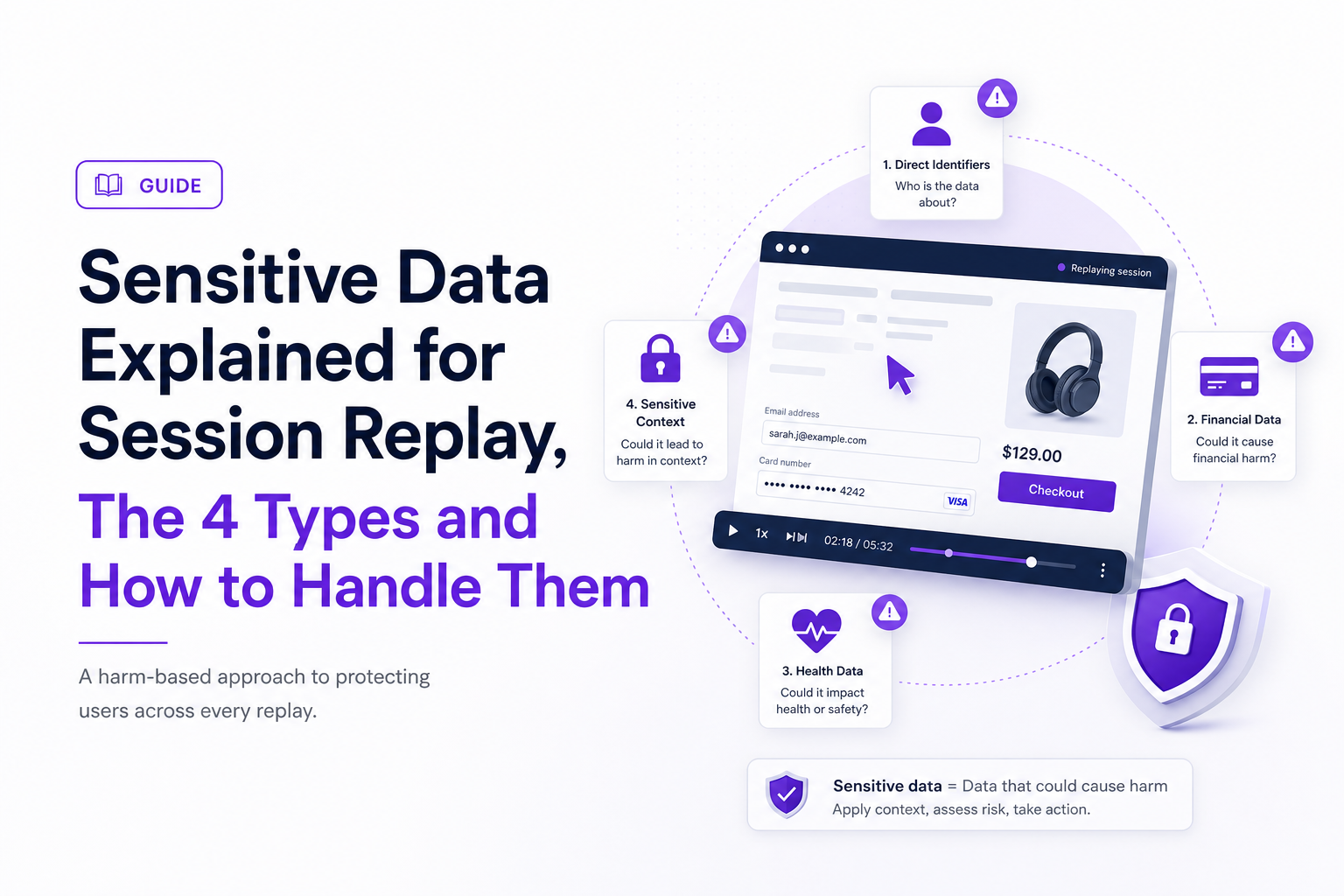
What Sensitive Data Means in Practice (Not Just in Regulations)
Sensitive data for session replay programs is best defined by impact: if a data element enables account takeover, identity harm, financial loss, discrimination, or serious embarrassment when leaked, it should be treated as sensitive by default.
This harm-based definition is more usable than trying to memorize every legal list, because session replay capture often includes unexpected details like keystrokes, DOM text, network payload snippets, or error messages. A practical way to write the definition for internal policy is:
- Trigger condition: The data is linked to a person, device, or session OR it reveals protected business operations.
- Harm test: Exposure would plausibly cause material harm (financial, security, safety, discrimination, reputational, or legal).
- Control expectation: The data requires stronger controls than general analytics (masking, minimization, shorter retention, and stricter access).
To make this operational, our team uses a quick “session replay lens” checklist before deciding what to capture:
- Can it authenticate someone? (passwords, one-time codes, magic links, session IDs)
- Can it identify someone at high confidence? (government ID, full card number, biometric template)
- Can it reveal a protected condition or status? (diagnosis terms, medication names, pregnancy status)
- Can it enable targeted abuse? (home address + schedule details, precise location, private messages)
- Is it “surprising” to users if recorded? (chat content, form free-text, support tickets)
For teams implementing session replay technology, the biggest mistake is assuming “we only record UI interactions” means low risk. In practice, UI interactions can include text nodes, input values, URL parameters, and API errors that echo user-provided content. Treat the definition as a risk gate, not a compliance footnote.
The 4 Types of Sensitive Data, A Simple Taxonomy You Can Actually Use
A four-bucket taxonomy helps teams make consistent masking and retention decisions without debating edge cases on every new form field.
Below is a practical classification model that maps cleanly to common regulatory regimes while staying engineering-friendly. The point is not perfect legal alignment; it is repeatable controls.
| Type (bucket) | Common session replay examples | Default handling rule | Common regulatory overlap (non-exhaustive) |
|---|---|---|---|
| 1) Authentication and access secrets | Passwords, passcodes, OTPs, magic-link tokens, reset links, session IDs, API keys | Never capture; block at source; redact in URLs and logs | Security best practice; often treated as “credentials” under breach laws |
| 2) Financial and payment data | Card number, CVV, bank account, routing, payout details, invoices with full billing address | Mask by default; only capture truncated identifiers (last 4) when needed | PCI DSS scope for cardholder data; GDPR personal data when linked |
| 3) Health, safety, and “special category” content | Symptoms, diagnoses, medications, therapy notes, injury details, crisis text, accommodations | Strong minimization; capture only non-content metadata; shortest retention | HIPAA (in covered contexts), GDPR special category data |
| 4) High-risk identifiers and intimate personal content | SSN, national ID, passport, driver’s license, full DOB, precise location, private messages, minors’ data | Mask by default; store only if essential and documented; strict access | GDPR, state privacy laws; children’s privacy rules depending on jurisdiction |
Two implementation notes that prevent “taxonomy drift”:
- Make Type 1 absolute. If a field can be used to log in or reset access, it is always sensitive data and should be blocked from capture, even in debug mode.
- Separate “content” from “context.” For Types 3 and 4, you often still need debug context (button clicked, request failed, timing) without the content itself. Masking rules should preserve the trail while removing the payload.
We initially assumed financial data would be the main source of risk in replay, but after running internal audits across checkout and login flows, the pattern was clear: authentication secrets and tokens were the highest-impact exposure because they turn a privacy incident into an account takeover incident.
Sensitive Data vs Personal Data vs Confidential Business Data, A Quick Decision Tree
A decision tree prevents teams from arguing definitions by turning “is it sensitive?” into a sequence of yes/no questions tied to handling outcomes.
Use this quick decision tree when reviewing a field, DOM region, event property, URL parameter, or request payload that might be captured by replay or logging:
- Does it enable authentication or access? If yes, treat as sensitive data Type 1 and block capture.
- Is it personal data (identifies a person directly or indirectly)? If no, go to step 5. If yes, continue.
- Would exposure plausibly cause material harm? If yes, treat as sensitive data (Types 2 to 4) and mask by default.
- Is it “surprising to be recorded” in context? If yes, treat as sensitive and minimize, even if harm is not obvious (example: private chat text).
- Is it confidential business data? If yes, apply confidentiality controls (mask, restrict access), even if it is not personal.
Common edge cases and how the tree resolves them:
- Email address: Usually personal data; not always sensitive. In session replay, it becomes sensitive when paired with reset flows, account pages, or anything that enables targeted phishing. Outcome: mask on auth screens; consider hashing elsewhere.
- IP address: Often personal data under GDPR interpretation; usually not sensitive by itself. Outcome: store with shorter retention and restrict access; avoid displaying it broadly in replay UIs.
- Order ID: Often not personal alone. Outcome: safe to keep if it cannot be used to fetch personal details without authorization; otherwise treat as high-risk identifier.
- Free-text “notes” fields: Frequently become sensitive because users paste passwords, medical details, or complaints. Outcome: default mask for free-text unless a documented need exists.
- Internal admin URLs or feature flags: Not personal, but can be confidential business data. Outcome: restrict access and consider masking route patterns in shared views.
If your team also collects audit logs, align the decision tree so “what we store” and “who can view it” match across replay, logs, and incident tooling. The most common mismatch I see is replay being treated as harmless UX tooling while audit logs get security scrutiny, even though replay can contain more raw content.
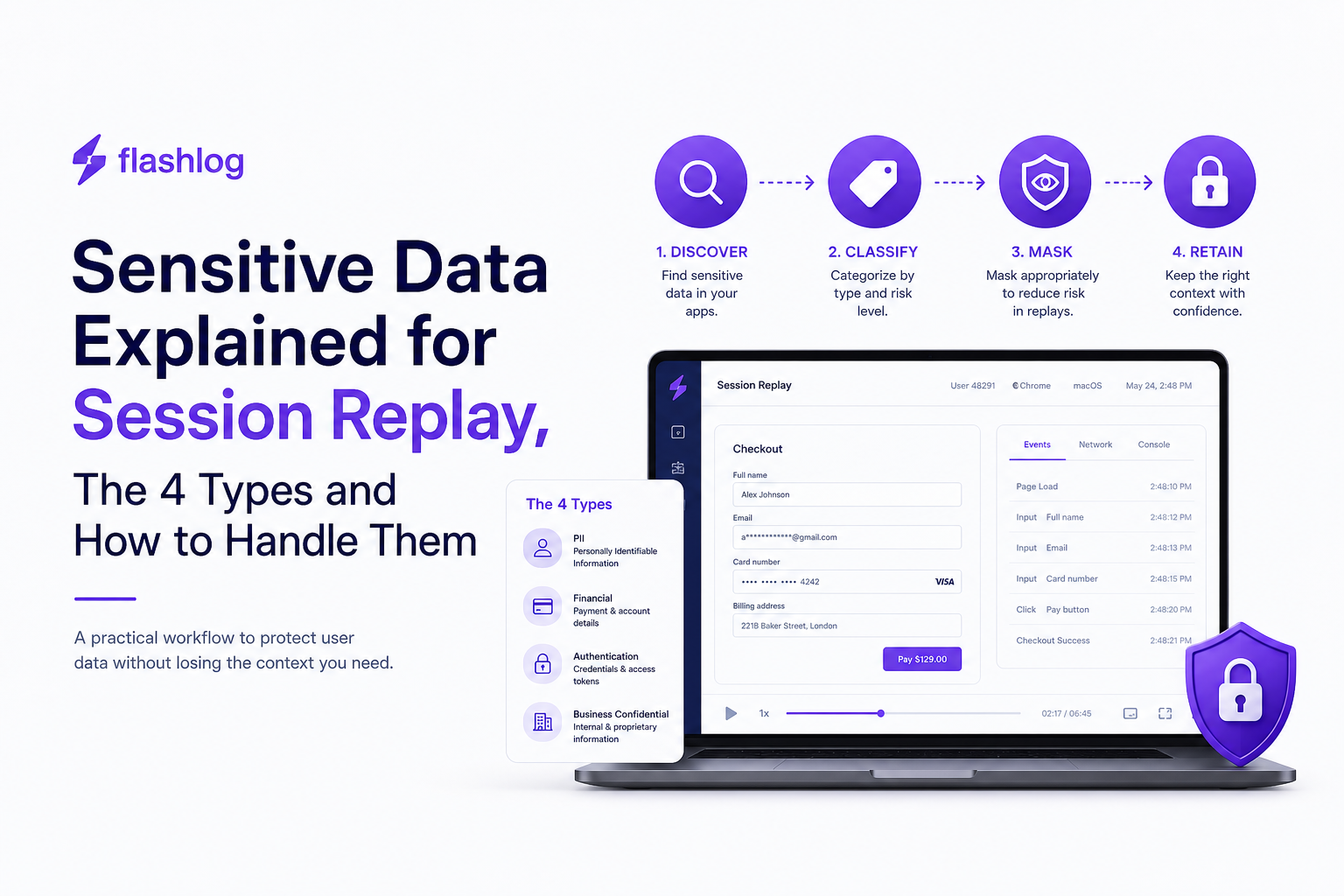
A Session Replay Safe-Handling Workflow for Sensitive Data
A safe-handling workflow for sensitive data in session replay has four repeatable stages with concrete outputs: discover, classify, mask, then retain and govern access.
This is the workflow we use to keep teams moving without waiting for perfect documentation.
Step 1: Discover what is actually captured (output: capture inventory)
Discovery is a technical exercise, not a policy meeting. Build an inventory from real capture surfaces:
- DOM capture: which selectors, text nodes, and inputs are recorded
- Event capture: click targets, form submits, custom events, error events
- Network capture: request URLs, headers, payload fields, responses, status and timing
- URL capture: query parameters and fragments (often overlooked)
Inventory template (minimum columns): data element, where it appears (page/endpoint), capture mechanism (DOM/event/network), example value, owner (team), and current masking status.
Step 2: Classify with the 4-type taxonomy (output: data map with handling level)
Classification should be fast and consistent. For each inventory row, assign:
- Bucket: Type 1 to 4 (or “not sensitive”)
- Handling level: Block, Mask, Truncate, Hash, or Allow
- Justification: one sentence tied to the harm test
In our experience working with product and engineering teams, adding the one-sentence justification reduces rework because reviewers can see the risk logic, not just the label.
Step 3: Mask at the source (output: masking rules and test cases)
Masking is most reliable when applied before data leaves the browser or client environment. Use layered rules so one miss does not become an incident:
- Field-based rules: mask by input name/id (password, token, ssn, card_number)
- Selector-based rules: mask DOM regions like account settings, inbox, chat windows
- Pattern-based rules: redact values matching card formats, JWT-like tokens, or email patterns when found in unexpected places
- Endpoint allowlists: capture only metadata for high-risk endpoints (auth, payment, health-related)
Practical test cases: create a “redaction suite” with synthetic inputs (fake cards, fake tokens) and verify they are masked in replay, network trails, exports, and screenshots. Do not use real user data for tests.
If you are using session recording alongside replay, keep one shared masking rule set so you do not fix one stream and forget the other.
Step 4: Retain and govern access (output: retention schedule + access model)
Retention and access are where “we masked it” often falls apart, because even masked context can still be sensitive in aggregate. Set two controls:
- Retention schedule: define default days by bucket and purpose, then document exceptions
- Access model: role-based access, least privilege, and reviewable access trails
A simple starting point is to keep shorter retention for higher-risk buckets and for any environment where capture is broader than necessary. If you need a structured way to document this, use a data retention table that lists purpose, bucket, default duration, and deletion mechanism.
Minimum governance checklist:
- Restrict replay access to roles that need it (engineering, support leads), not the whole org
- Log access and exports, and review periodically
- Disable or tightly control raw export features
- Define an incident process for “masking miss” reports
Sensitive Data Labels and Icons, How to Mark It Clearly in UI and Documentation
Clear labels turn sensitive data handling from tribal knowledge into an auditable, repeatable practice across code, dashboards, and runbooks.
The goal is to make risk visible at the point of use: where someone decides to add a capture rule, view a replay, or export evidence into a ticket.
A simple labeling system (output: label spec you can paste into docs)
- S1 Restricted: authentication secrets (Type 1). Label text: “Restricted: never capture”. Icon suggestion: key with slash.
- S2 High: financial, government IDs, precise location (Types 2 and 4). Label text: “High risk: masked by default”. Icon suggestion: shield.
- S3 Special: health, safety, special category content (Type 3). Label text: “Special category: minimize and shortest retention”. Icon suggestion: medical cross (use carefully).
- C Confidential: business-only secrets. Label text: “Confidential: restricted access”. Icon suggestion: lock.
Where labels should appear (placement rules)
- In code: annotate capture configuration next to selectors/endpoints (so reviews catch risky additions).
- In dashboards: show a small label on fields that are masked or blocked, plus a tooltip stating why.
- In runbooks: include the label in the “evidence to collect” section so support knows what not to request.
- In tickets: add an auto-tag like “S2 masked” when replay context is attached.
Accessibility and clarity guidelines
- Do not rely on color alone; include text like “Masked” or “Restricted”.
- Use consistent terms across teams: “mask” (redact value), “block” (do not capture), “truncate” (keep last 4), “hash” (one-way transform).
- Document one example per label showing what engineers will see (for example:
card_number=•••• •••• •••• 1234).
What surprised our team was how much confusion disappeared once we standardized label text and used the same words in code review, privacy docs, and the replay UI, because people stopped inventing their own categories for the same sensitive data.
| Bucket | Recommended capture | Recommended masking | Recommended access |
|---|---|---|---|
| Type 1 Authentication | Metadata only (event timing, success/fail) | Block values entirely | Strict, security-reviewed |
| Type 2 Financial | Truncated identifiers where needed | Mask by default; allow last-4 only | Limited to support leads and engineering |
| Type 3 Health and safety | Non-content context (buttons, pages, errors) | Mask content fields and free text | Need-to-know, shortest retention |
| Type 4 High-risk identifiers | Context only unless essential | Mask by default; avoid storing raw | Need-to-know with auditability |
FAQ about sensitive data in session replay
If your engineering team wants fewer production blind spots without loosening privacy controls, Flash Log can help by automatically capturing and classifying bugs even when users do not report them, while keeping masking, retention, and access controls front and center in the workflow.

Outlier Detection in Practice, A Workflow for Methods, Formulas, and Thresholds
Learn practical outlier detection: choose methods, apply formulas, set thresholds by cost, and ship reliable alerts with copy-paste Python patterns.
Alert Fatigue Explained, A 5-Step Playbook to Cut Noise Without Missing Critical Signals
Reduce alert fatigue with a 5-step playbook, a 60-second self-check, and a scorecard to cut noise without missing critical signals.
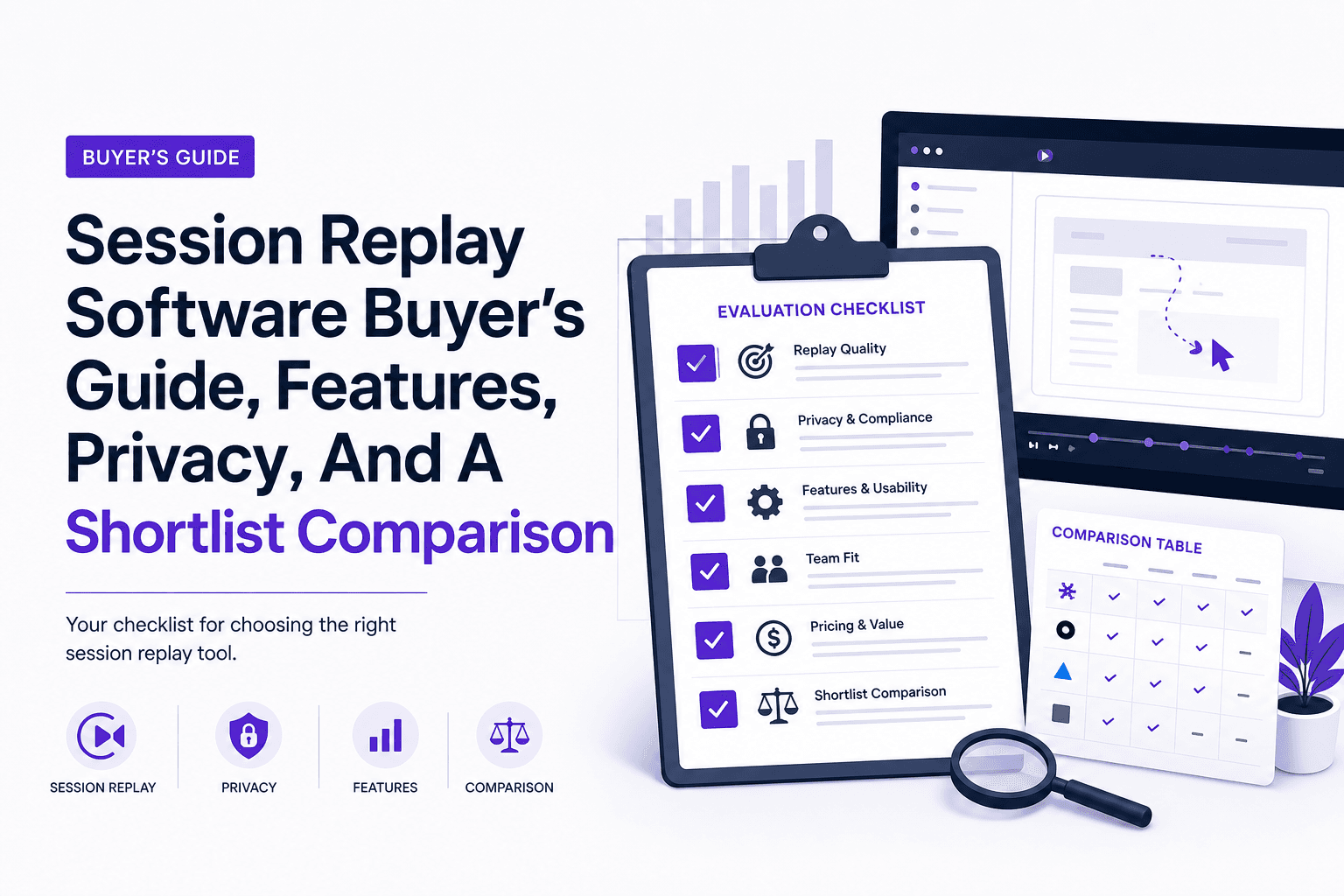
Session Replay Software Buyer’s Guide, Features, Privacy, And A Shortlist Comparison
A practical session replay software buyer’s guide with evaluation criteria, rollout checklist, privacy playbook, and a shortlist comparison table.