
Log Filtering That Actually Reduces Noise, A Practical Framework and Cheat Sheet
Log filtering works best when it is treated as a controlled decision system: you reduce interruptions and cost while preserving the forensic signal you will need during incidents.
- Define success for log filtering using measurable outputs (alert volume, ticket volume, and time-to-detect), plus explicit anti-goals to avoid hiding real incidents.
- Use a simple taxonomy of four filter types (severity, behavior, context, and identity) so every filter is explainable and reversible.
- Pick where to filter (source, pipeline, ingestion, or query time) using a risk-first decision guide and a validation checklist with canary events.
Where Log Filtering Fits in Noise Reduction and Incident Response
Log filtering should optimize for fewer interruptions while keeping enough detail to reproduce and diagnose real failures.
The mistake I see most often is treating filtering as “drop logs until costs go down.” That creates blind spots: the 1 percent of events that matter are the ones you later need to prove what happened, who was impacted, and whether the system recovered. A healthier goal is “reduce noisy outputs” (alerts, tickets, pages, weekly reports) while keeping raw signal available somewhere.
Define goals, metrics, and anti-goals before you write filters
- Success metrics (pick 2 to start):
- Alert volume: pages per on-call shift, or Slack alerts per hour.
- Ticket volume: issues created per day from production events.
- Mean time to acknowledge: are actionable alerts noticed faster after noise reduction?
- Anti-goals (write these down):
- Do not drop data needed for security investigations (auth events, privilege changes).
- Do not remove the ability to correlate across services (shared request IDs, trace IDs).
- Do not make filtering irreversible unless you have a compliance mandate to do so.
Filtering is one layer in a broader workflow
In practice, log filtering sits between raw event capture and the work surfaces engineers actually watch. When paired with disciplined log analysis, the point is not “fewer logs,” it is “fewer false alarms.” If you also do on-call, align filtering with your alert triage rules so the same events do not reappear in three different places.
The Four Types of Log Filters Plus 5 Examples You Can Reuse
Log filtering becomes maintainable when every rule maps to one of four intents: severity, behavior, context, or identity.
When our team audited noisy production streams, the biggest gains came from rewriting “mystery regexes” into named filter intents, then requiring an owner and a rollback plan for each new rule. That single change made reviews faster and reduced accidental data loss.
Type 1: Severity filters (what level of badness is worth attention)
- Keep all ERROR, sample INFO:
- Use this when INFO is high-volume and you can reconstruct flows via traces.
- Do not do this if INFO contains the only breadcrumb for partial failures.
- Example: “Create alerts only for 5xx, but keep 4xx for analysis.”
Type 2: Behavior filters (what patterns indicate breakage)
- Latency threshold: log only slow requests above a cutoff, while keeping aggregates for the rest.
- Retry storms: group repeated identical failures into a single evolving issue (same fingerprint, increasing count).
- Example: “Flag checkout failures when error rate spikes, but suppress single isolated timeouts.”
Type 3: Context filters (what is expected vs unexpected)
- Expected business responses: payment declines, validation failures, permission denials, rate limits.
- Environment awareness: keep debug-level in staging, reduce it in production.
- Example: “Ignore 404 for optional CDN images, keep 404 for API routes.”
Type 4: Identity filters (who, what endpoint, what tenant)
- Endpoint allowlist/denylist: include only critical paths, or exclude known noisy endpoints.
- Tenant scoping: isolate noisy tenants without muting global issues.
- Example: “Exclude /health and /metrics from issue creation, keep them for availability dashboards.”
Five reusable examples (copy, then customize)
- 5xx only for ticketing: Create issues for HTTP status >= 500, but store all statuses for later queries.
- Auth failures split by intent: Keep all login failures, but suppress “wrong password” from paging; page on “token verification error” or “unexpected auth provider failure.”
- High-latency tail capture: Keep request logs above your SLO threshold; store only summaries below it.
- Known harmless 404s: Ignore specific static asset patterns; never ignore API route 404s.
- Duplicate exception grouping: Fingerprint by exception type + top stack frame + route, then group occurrences.
These examples are intentionally “intent-first” so you can apply the same log filtering logic whether you implement it in code, an agent, or query-time rules.
A Decision Framework for Where to Filter at Source, Pipeline, Ingestion, or Query Time
Where you implement log filtering determines what you can recover later, so the default should be reversible filtering as close to query time as you can afford.
Use this risk-first decision guide
- Source (in app code): lowest cost and fastest, but highest risk of permanently losing forensic context.
- Pipeline (agent/collector): good for standardization and redaction; still risky if you drop events instead of tagging.
- Ingestion (vendor ingest rules): great for cost control; dangerous when rules are hard to test or roll back.
- Query time (search/dashboard rules): safest for investigation and iteration; does not reduce ingest cost.
Practical do and do-not rules
- Do filter notifications and issue creation aggressively; keep raw events longer if you can.
- Do prefer tagging (mute=true, expected=true, confidence=low) over dropping, unless compliance requires dropping.
- Do not implement irreversible drops for “unknown unknowns” like 500s, auth anomalies, or payment flow errors.
- Do not rely on free-form message regex alone; use structured fields (status, route, service, error_class) whenever possible.
Decision matrix (quick pick)
- If the goal is cost control: ingest or pipeline filtering, but keep a sampled or quarantined stream for forensics.
- If the goal is faster iteration: query-time first, then promote stable rules downward.
- If the goal is compliance: pipeline redaction, then minimal necessary drops with verification.
We initially assumed “filter early” was always better, but incident reviews showed the opposite: the most damaging failures were the ones where we could not reconstruct a timeline because an early drop removed correlation fields.
Log Filtering Cheat Sheet, Translate the Same Intent Across Tools
A cheat sheet keeps log filtering consistent because it maps one intent to multiple implementations across CLI, PowerShell, SQL-like queries, and vendor query languages.
Common intents and translations
- Show 5xx errors excluding a known harmless route
- grep:
grep ' status=5' app.log | grep -v ' route=/health' - awk:
awk '$0 ~ /status=5/ && $0 !~ /route=\/health/' app.log - PowerShell:
Get-Content app.log | Select-String "status=5" | Select-String -NotMatch "route=/health" - SQL-like:
WHERE status >= 500 AND route <> '/health'
- grep:
- Find repeated exceptions by fingerprint
- SQL-like:
SELECT fingerprint, COUNT(*) FROM logs WHERE level='ERROR' GROUP BY fingerprint ORDER BY COUNT(*) DESC
- SQL-like:
- Slice by correlation ID for a single user journey
- CLI:
grep 'trace_id=abc123' *.log - SQL-like:
WHERE trace_id = 'abc123' ORDER BY timestamp
- CLI:
If you want to go deeper on connecting events across services after filtering, pair this with log correlation patterns and a consistent fingerprinting strategy.
Compliance-Safe Filtering, Redaction Patterns and How to Validate You Did Not Break Forensics
Compliance-safe log filtering requires two parallel controls: redaction that reduces exposure, and validation that proves investigations still work.
Redaction patterns that hold up operationally
- Allowlist fields: store only approved keys (status, route, service, error_class, trace_id) and drop the rest.
- Denylist fields: remove known sensitive keys (password, authorization, ssn) while keeping everything else.
- Regex redaction: replace patterns like emails or card-like numbers with tokens (be careful with false matches).
- Hashing: hash stable identifiers (user_id) so you can group and correlate without exposing raw values.
Validation checklist (use before and after every change)
- Canary events: inject 3 to 5 known log lines (one 5xx, one auth anomaly, one slow request) and confirm they still appear end-to-end.
- Correlation test: verify a single trace_id can be followed across at least two services.
- Rollback plan: keep the prior rule set versioned and revertible within minutes.
- Diff-based review: review what would be dropped or redacted using a staging dataset before production rollout.
- Incident replay: take one past incident and confirm you can still reconstruct the timeline with the new filters.
When we tested redaction changes, the fastest way to catch “silent breakage” was running an incident replay query set as part of CI, because it forced us to prove that the same investigative questions still had answers after filtering.
| Filtering stage | Best for | Main risk | Default recommendation |
|---|---|---|---|
| Source (app) | Preventing obviously useless logs | Irreversible loss of context | Only for clearly non-diagnostic noise |
| Pipeline (agent) | Redaction, normalization, tagging | Hard-to-debug drops | Prefer tag, redact, and route over drop |
| Ingestion | Cost control at scale | Rules are easy to overreach | Use for stable, well-tested rules only |
| Query time | Fast iteration and safe tuning | Does not cut ingest cost | Start here, then promote downward |
FAQ
If you want to pilot an AI-assisted workflow on top of this framework, Flash Log captures production bugs automatically even when users never report them, then classifies and groups noisy duplicates so only actionable issues make it into Jira, Linear, Slack, or weekly review while you validate log filtering changes safely.
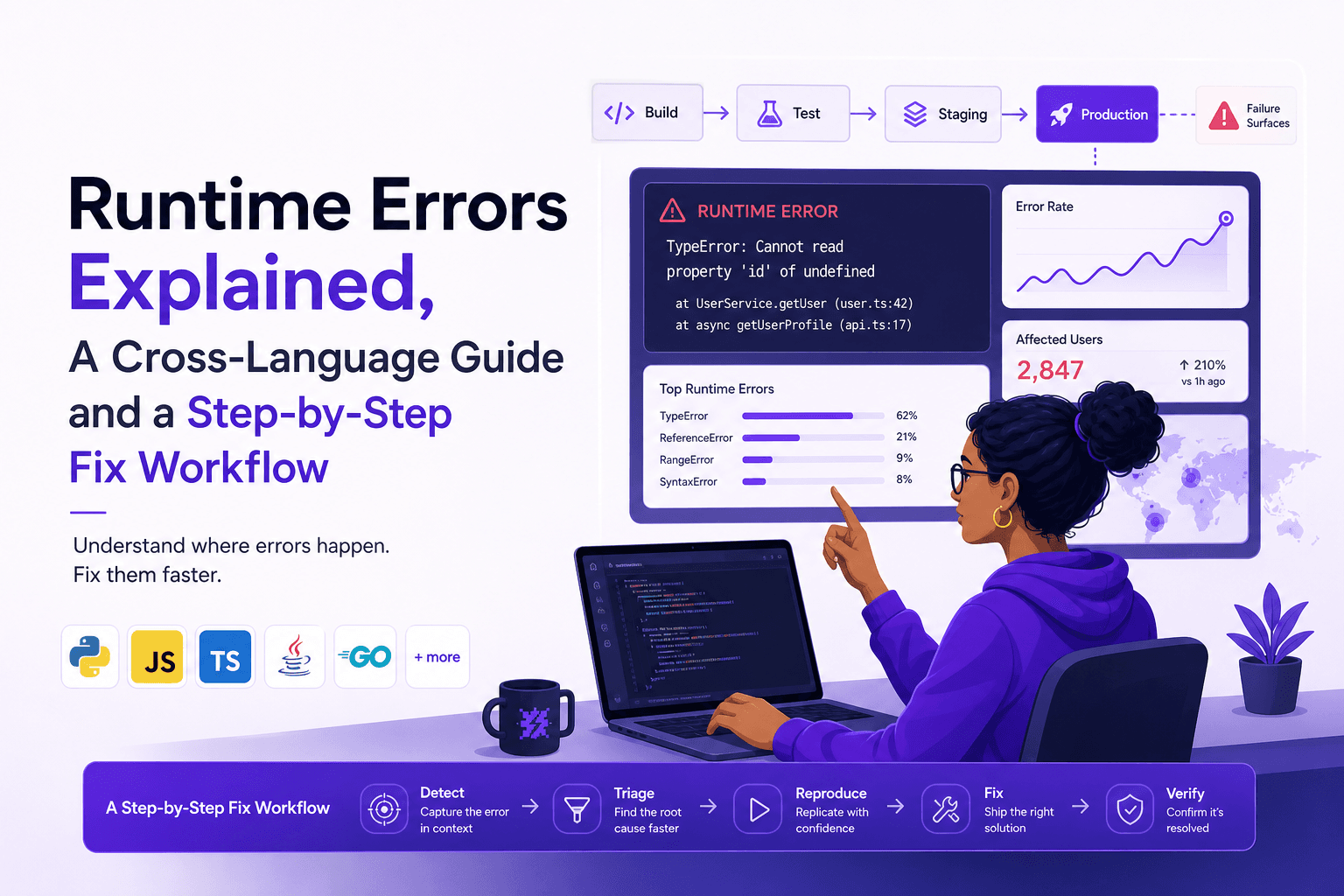
Runtime Errors Explained, A Cross-Language Guide and a Step-by-Step Fix Workflow
Learn what runtime errors are, how they differ from compile-time issues, and a repeatable workflow to reproduce, diagnose, fix, and verify them.
Issue Tracking Software for Support Teams, A Decision Framework and Workflow Blueprint
Choose issue tracking software for support-led bug intake using a decision matrix, workflow blueprint, and proactive detection layer for faster triage.
Notification Spam Explained and How to Stop It on Any Device
Notification spam explained in plain English, with steps to find the source and stop it on iPhone, Android, browsers, email, and SMS.