
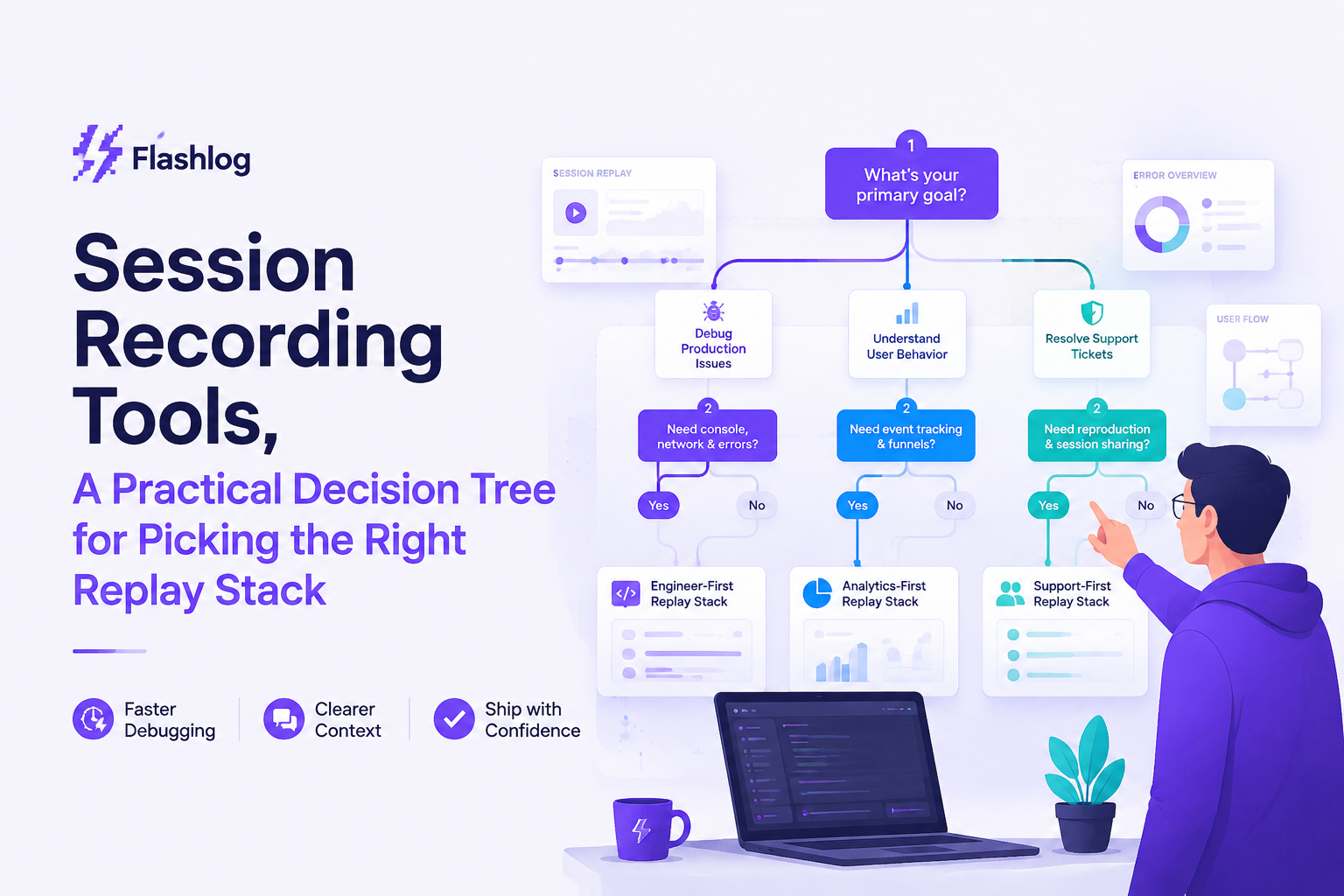
Session Recording Tools, A Practical Decision Tree for Picking the Right Replay Stack
Session recording tools are easiest to choose when you treat them as evidence systems for a specific job to be done, not as interchangeable “replay” widgets, so this guide gives you a 60-second decision tree plus a pilot checklist to validate fit on speed-to-root-cause, privacy, and performance.
- Pick the tool category first (CRO analytics vs mobile UX vs developer debugging vs enterprise governance), then compare vendors inside that category.
- In a trial, success is predicted by how fast you can find the right session, how complete the technical context is, and whether privacy and performance controls hold up under real traffic.
- Require non-negotiables: masking by default, access controls, retention controls, and a clear answer for “what data is captured” and “how it is protected.”
First, confirm what you mean by session recording
Session recording in product and engineering usually means capturing a user’s in-app journey so you can replay interactions and correlate them with errors, funnels, or friction, not recording a Zoom call or a support screen-share.
Two different categories get mixed up in procurement
- Digital experience replay (what this post covers): website or app “session replay” that captures events like clicks, page transitions, view state, and sometimes network/console signals.
- Audio/video meeting recording: conferencing tools, call recorders, or customer interview platforms. Different security model, different retention rules, different buyer.
Within digital experience replay, “session” can mean different capture models
Before you compare session recording tools, align on which capture model your team needs, because it changes both privacy risk and debugging value.
- DOM reconstruction replay (web): rebuilds UI from events and DOM snapshots. Great for “what happened” on a page, weaker on “why did the backend fail” unless enriched.
- Event analytics with visual playback: focuses on structured events and adds replay as evidence. Strong for funnels and segmentation.
- Mobile view hierarchy replay (mobile): captures view tree and interactions; often paired with crashes, ANRs, and network traces.
- Engineering-first evidence packages: ties the user journey to failing requests, environment, and errors so you can reproduce without interviewing the user.
Quick disambiguation checklist (30 seconds)
If you can’t answer the questions below in one sentence each, tool evaluations will be noisy.
- Primary user: PM/CRO, mobile UX, support, or engineering?
- Primary outcome: conversion lift, usability insights, crash reduction, or faster bug reproduction?
- Primary unit of work: funnel segment, screen flow, or an issue ticket with evidence?
A 60-second decision tree to pick the right type of session recording tool
Session recording tools work best when you select them by the job you need done, because CRO-grade replay, mobile UX replay, developer debugging replay, and enterprise governance are optimized for different constraints.
Decision tree (start at the top)
- If the main job is “understand conversion drop-offs and friction at scale” → choose a web CRO and behavior analytics replay tool.
- If the main job is “understand gesture flows and usability on iOS/Android” → choose a mobile UX replay tool built for mobile capture and release/version segmentation.
- If the main job is “reproduce bugs without asking users what they did” → choose a developer debugging replay tool that attaches technical context (errors, failing requests, environment) to a specific issue.
- If the main job is “enable replay under strict governance and audits” → choose an enterprise compliance and governance replay platform and validate controls first.
What each branch optimizes for (and what it usually compromises)
- Web CRO: strong segmentation, heatmaps, funnels, sampling control; compromises can include limited low-level technical context for reproduction.
- Mobile UX: screen-level flows, gesture support, crash linkage; compromises can include heavier SDK integration work and stricter performance tuning needs.
- Developer debugging: issue-centric evidence, correlation with network/errors/releases; compromises can include fewer marketing analytics features.
- Enterprise governance: access controls, auditability, data residency options; compromises can include slower setup and higher admin overhead.
A practical “fit” test we use in evaluations
When we tested replay stacks for engineering triage, the fastest way to spot category mismatch was to time one task: “find the one broken session from a vague report and get to a plausible root cause.” If the tool couldn’t get us there without exporting data to three other systems, it was the wrong branch of the tree, not just the wrong vendor.
The evaluation checklist that actually predicts success in a pilot
A pilot succeeds when engineers can move from “something broke” to a reproducible sequence with minimal back-and-forth, so the checklist below focuses on speed-to-root-cause, privacy controls, and measurable performance impact.
1) Setup effort and data quality (what to validate in week 1)
- Time to first useful replay: measure from “SDK snippet added” to “a teammate can watch a relevant session.” Track in hours/days, not feelings.
- Framework compatibility: SPA routing, iframes, shadow DOM, mobile web views, React Native, etc. Ask for known limitations up front.
- Identity and session stitching: can you connect anonymous sessions to logged-in users and still honor privacy rules?
- Sampling model: can you dial capture up only around errors, specific routes, or cohorts to reduce cost and risk?
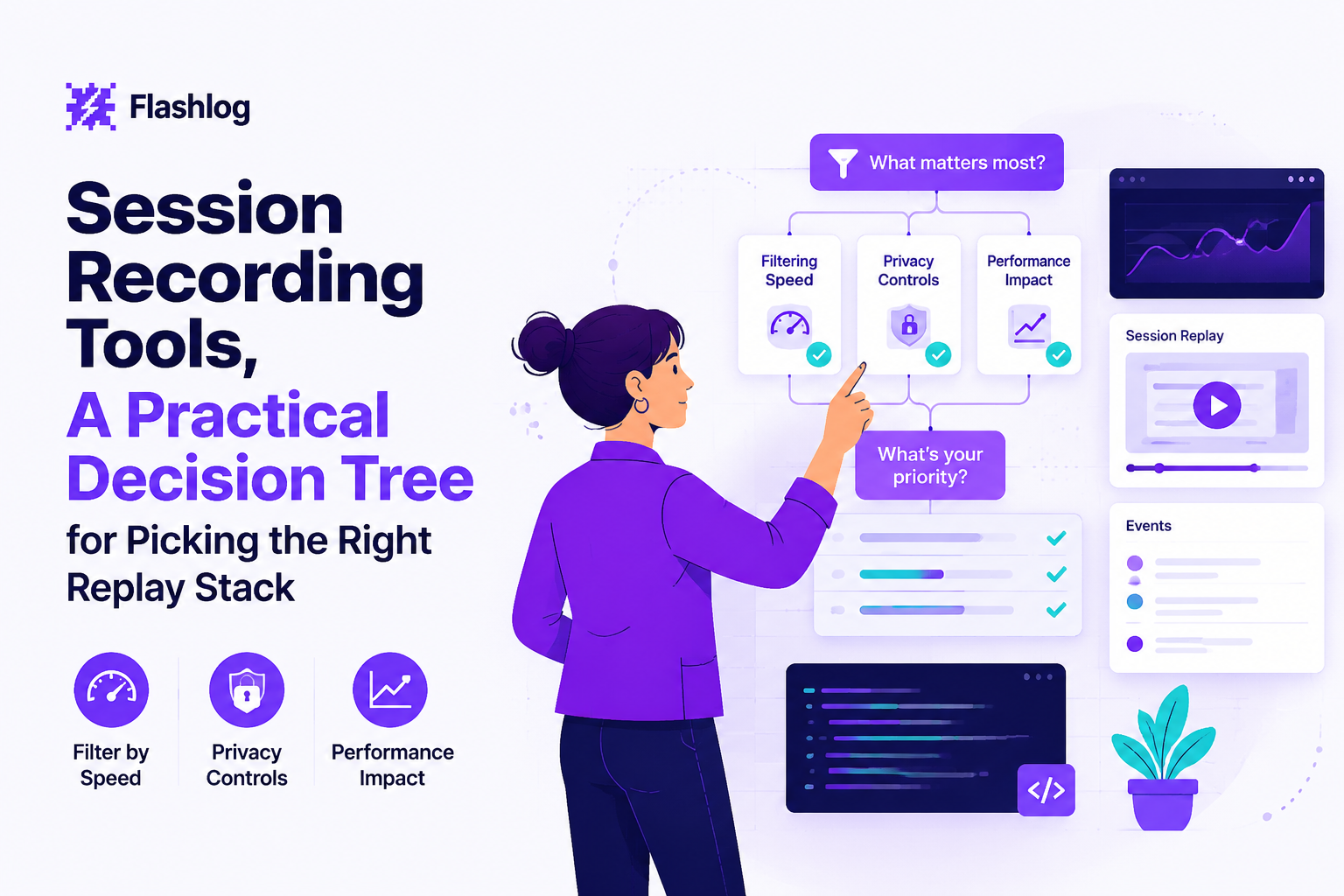
2) Filtering speed (the real cost center)
Filtering speed is the difference between replay as a daily tool and replay as a last resort, so test discovery with realistic noise.
- Entry points: can you start from an error, a user ID, an order ID, a URL, a release version, or a specific API endpoint?
- Search latency: run 10 queries your team actually uses and note if results are instant, seconds, or “go get coffee.”
- Signal correlation: can you see user actions, console errors, and network failures on one timeline, or do you pivot between views?
3) Integrations that reduce handoffs
The most valuable integrations are the ones that eliminate manual transcription into tickets.
- Issue trackers: can a replay link plus key context (steps, environment) land in Jira/Linear/GitHub Issues with one action?
- Alerting and error monitoring: can you jump from an error spike to the exact sessions that generated it?
- Data warehouse and BI: if your org is analytics-heavy, check export paths and whether events are structured enough to join to business metrics.
4) Privacy controls you can verify, not just read about
- Masking defaults: confirm how inputs are masked and whether masking is configurable per field/selector.
- Redaction at capture time: validate whether sensitive values are prevented from being captured, not just hidden in the UI later.
- Role-based access: ensure least-privilege viewing and export permissions.
- Retention controls: test that retention windows and deletion requests behave as expected.
If you need a deeper framework for safeguarding replay data, the internal guide on hiding masking personally identifiable information is a practical way to align product, legal, and engineering on what must never be captured.
5) Performance impact checks you can run during a trial
Performance impact is rarely “free,” so make it measurable in the pilot, even if you can’t publish a single universal number.
- Baseline first: record Core Web Vitals or your internal RUM metrics before enabling capture on a representative route.
- Enable replay on one route: test a high-traffic route and a complex route (checkout, editor, search) with the same sampling rate.
- Compare network and CPU: look for extra requests, bundle size changes, and long tasks during heavy interactions.
- Test “capture around errors”: validate whether you can reduce overhead by capturing more only when errors or failed requests occur.
Security and privacy, session replay vs session replay attack
Security review is smoother when you can explain that legitimate session replay records in-app interactions for debugging and analytics, while “session replay attack” usually refers to malicious scripts or supply-chain compromises that exfiltrate sensitive data by capturing user input.
Non-negotiable safeguards to require from session recording tools
- Data minimization controls: ability to disable capture on specific pages, components, or routes (auth, payments, health data).
- Capture-time masking and redaction: sensitive inputs never leave the browser/device in raw form.
- Access governance: SSO/SAML support, RBAC, audit logs, and scoped sharing links.
- Retention and deletion: configurable retention windows and an operational path for deletions when required.
- Vendor security posture: a current security page, documented subprocessors, and published compliance artifacts where applicable (for example SOC 2 reports are commonly requested in enterprise procurement).
How to run a buyer-side “attack surface” review in one meeting
- Map capture points: list which pages and inputs are in scope (login, checkout, account settings).
- Decide the red line: specify fields that must be blocked at capture time (password, tokens, card numbers).
- Test with dummy secrets: enter recognizable fake values and verify they never appear in replay, exports, or network payloads.
- Verify who can view: confirm that support, PMs, and engineers have appropriate access levels and that access is logged.
We initially assumed UI-only masking was “good enough,” but audit reviews showed the real question is whether raw values were captured anywhere upstream; that pushed us to treat capture-time redaction as the default requirement, not a nice-to-have.
Shortlist examples, which common tools fit each branch and why
Shortlisting session recording tools is easier when you match tools to the decision-tree branch and then evaluate two to three finalists with the same pilot tasks.
Web CRO and behavior analytics replay
- Microsoft Clarity: useful when you need lightweight web behavior insights and replay for UX friction, especially for teams that want a low barrier to entry. Validate segmentation depth for your use case via the pilot checklist.
- Hotjar: common for heatmaps, feedback widgets, and qualitative UX research workflows. Ensure privacy configuration meets your requirements before broad rollout.
- Lucky Orange: often chosen by smaller teams wanting a simple, combined analytics and replay workflow. Test filtering speed and sampling controls under real traffic.
Enterprise product analytics and governance-heavy replay
- Fullstory: typically considered when teams want robust search, segmentation, and enterprise controls. Validate whether engineering can correlate replays with technical failures without heavy manual work.
- Contentsquare: often used for digital experience analytics at scale, especially where governance and cross-team reporting matter. Validate how fast an engineer can go from a ticket to the right session.
Mobile UX replay
- UXCam: geared toward mobile session replay and screen flow insights. Validate SDK performance impact and release/version segmentation in your pilot.
Developer debugging oriented replay (what to look for)
For engineering-led debugging, prioritize tools that attach replay context to the issue itself: last meaningful actions, failing request metadata, environment (browser/OS/device/release), and privacy-safe capture. If you want a refresher on setup expectations, see web session replay implementation details and a debugging walk-through.
To avoid over-ranking based on marketing pages, treat the shortlist as “candidates to run through the same timed tasks,” not as a single winner. If you want a broader framework for comparisons, the session replay software buyer’s guide can help you standardize terminology across stakeholders.
Where Flash Log fits for engineering-led bug capture and faster triage
Flash Log fits best when your primary goal is engineering-led bug capture and faster triage, especially for issues users do not report clearly or at all.
The “missing report” problem session replay does not always solve
Traditional replay workflows assume somebody knows which session to look for, but many costly bugs start as vague complaints (“checkout is broken”) or never reach support. In our experience, the biggest time sink is not watching replays; it is identifying the right replay and then gathering the technical evidence engineers need to reproduce.
What to validate if you trial Flash Log alongside other session recording tools
- Automatic capture on failure: confirm whether issues are captured even when the user does not file a report, and whether the system packages the surrounding context.
- Reproduction context completeness: validate that the bug artifact includes the user journey, failing request details (method, URL, status, timing), and environment (browser/OS/device/release) while masking sensitive inputs.
- Classification and handoff: check whether issues are automatically grouped or classified enough to reduce noise before they hit the engineering queue.
A simple 1-week pilot plan (works for any vendor)
- Pick 3 real workflows: e.g., signup, search, checkout, settings save.
- Define “repro-ready”: a ticket is repro-ready only if it includes steps, environment, and technical failure evidence.
- Time the loop: measure minutes from first alert or report to “engineer can reproduce locally or in staging.”
- Audit privacy: run the dummy secret tests and verify capture-time redaction.
If you are still deciding which category you are in, the overview on session replay tools and the explainer on session recording can help you align stakeholders before you run trials.
| Decision-tree branch | Primary buyer goal | Pilot task that proves fit | Common failure mode to watch for |
|---|---|---|---|
| Web CRO and behavior analytics | Find friction patterns and segments that explain conversion changes | Identify top 3 drop-off reasons on one funnel step, backed by replay evidence | Replays exist but cannot be segmented quickly enough to act on |
| Mobile UX replay | Understand gestures, flows, and UX issues across app versions | Reproduce a flow problem on one device class and one release version | SDK overhead or incomplete capture for complex views |
| Developer debugging replay | Reproduce bugs with technical context and fewer user interviews | Start from an error or failing request and land on the exact session + steps | Great video-like replay, but missing request, environment, or error linkage |
| Enterprise governance | Enable replay at scale under audits and strict privacy requirements | Pass a security review with capture-time redaction, RBAC, retention controls | Controls exist on paper but are hard to validate or enforce in practice |
FAQ
If your next step is a trial, run a 1-week pilot using the checklist above and keep the evaluation anchored on time-to-root-cause and privacy validation; if your primary goal is faster bug capture and triage even when users never report the issue, consider adding Flash Log as one of the session recording tools you test side-by-side.
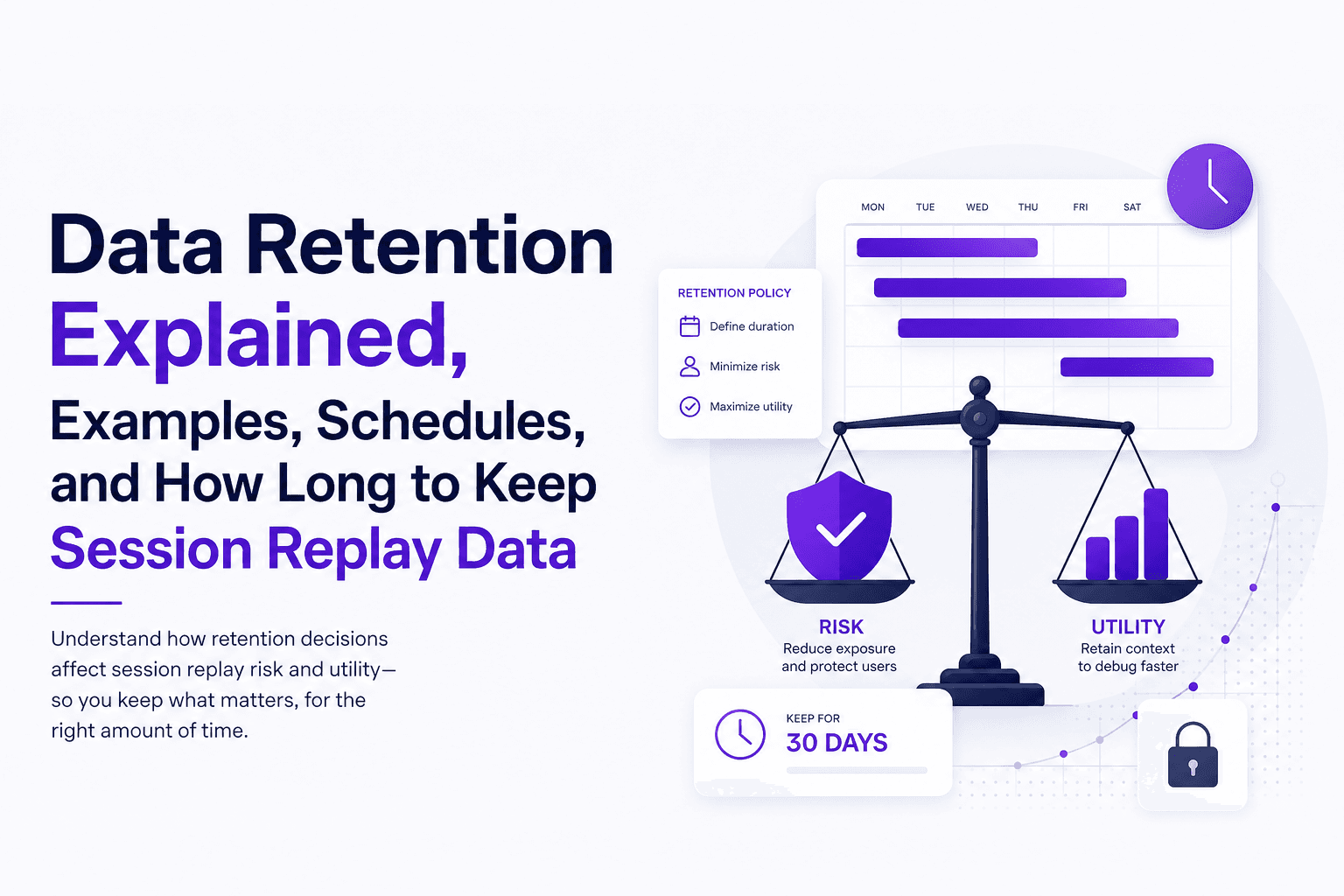
Data Retention Explained, Examples, Schedules, and How Long to Keep Session Replay Data
Learn data retention in plain English, how long to keep session replay data, and a ready-to-use retention schedule template.
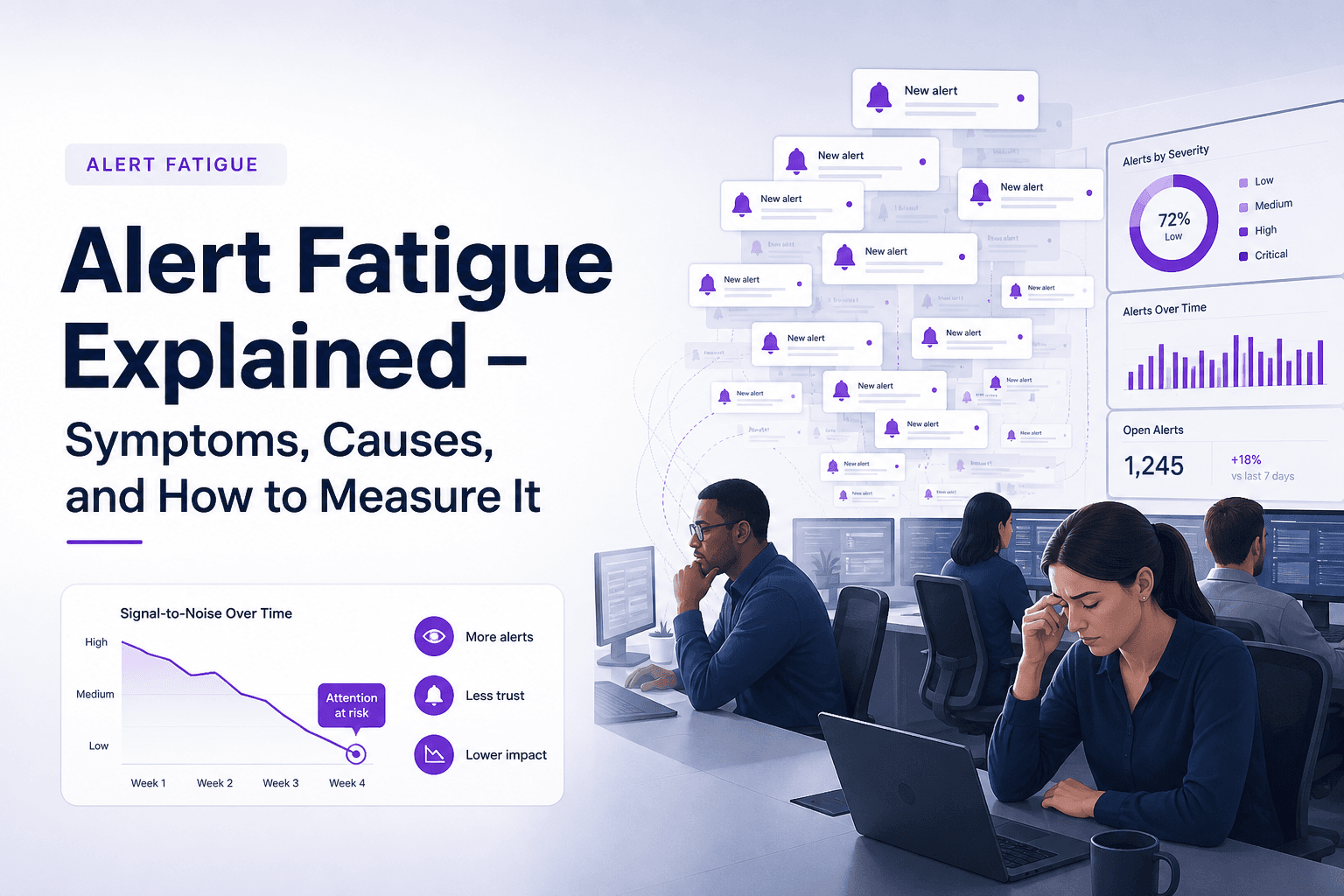
Alert Fatigue Explained - Symptoms, Causes, and How to Measure It
Learn what alert fatigue is, the symptoms to watch for, the main causes, and how to measure alert fatigue before incidents are missed.
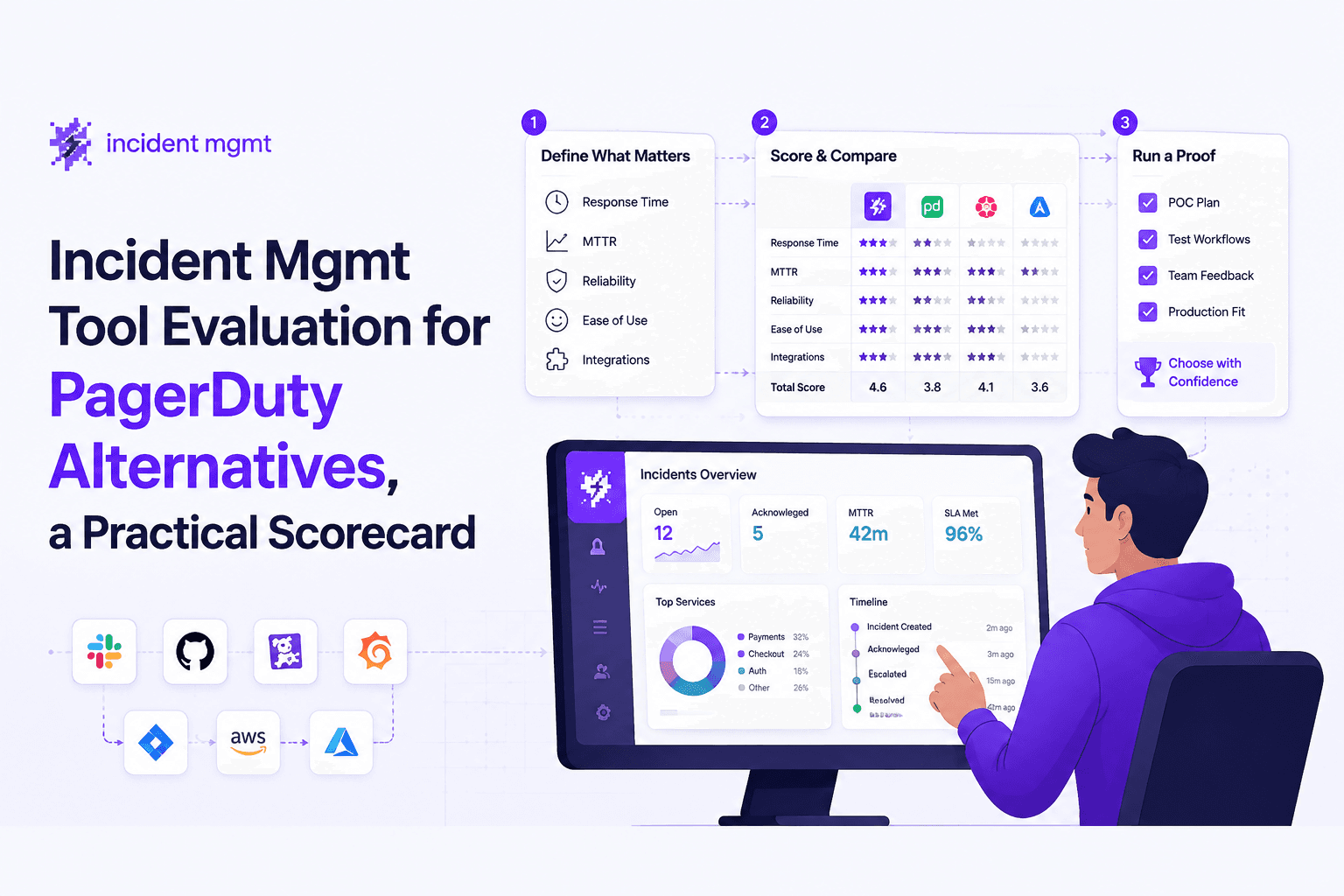
Incident Mgmt Tool Evaluation for PagerDuty Alternatives, a Practical Scorecard
Use this incident mgmt scorecard to compare PagerDuty alternatives, cut alert noise, validate workflows, and reduce MTTR with proof questions.