
Dynamic Sampling for Observability - A Tuning Playbook to Cut Noise Without Missing Bugs
Dynamic sampling is a practical way to reduce observability noise and cost by changing sample rates based on traffic, risk, and context, while still protecting rare, high-impact bugs from being dropped.
- Disambiguate “dynamic sampling” first: observability dynamic sampling changes rates by runtime context, not drilling or database sampling.
- Tune with guardrails: choose stable group keys, cap per-group rates, and track coverage metrics so incident readiness stays measurable.
- Validate with numbers: forecast throughput per period, check tail coverage, and run a controlled rollout with revert switches.
Dynamic Sampling Means Different Things - Pick the Right One in 30 Seconds
Dynamic sampling in observability refers to adjusting the probability of keeping logs, events, or traces based on runtime context such as endpoint, error signals, tenant, or traffic volume.
The term is overloaded, so here is a fast disambiguation you can use in a runbook or internal wiki:
- Observability dynamic sampling: keep/drop decisions change over time using rules, budgets, or feedback (for cost control and signal quality).
- Geotechnical drilling: “dynamic sampling” can refer to sampling during drilling operations (physical process, unrelated to telemetry).
- Oracle or database contexts: “dynamic sampling” can mean optimizer statistics sampling to improve query plans (data access, not log/trace retention).
If your problem is “we cannot afford to store everything” or “our alert stream is full of duplicates and low-value events”, you are in the observability meaning for dynamic sampling, and the rest of this playbook applies.
Dynamic vs Static vs Adaptive Sampling - What Changes, What Breaks, What Stays Measurable
Dynamic sampling changes the sampling rate during runtime based on context, while static sampling keeps a fixed rate and adaptive sampling usually targets a feedback goal like a fixed event budget per time window.
Incident-readiness lens: the three failure modes to avoid
- Tail loss: rare failures (1 in 100k) disappear because the sampler optimizes for volume, not risk.
- Bias drift: the “shape” of retained data changes over time, so dashboards and investigations become incomparable week to week.
- Cardinality blowups: sampling keyed on high-cardinality dimensions (user_id, request_id) creates uneven retention and budget surprises.
Comparison table you can use to pick an approach
| Approach | Rate changes over time? | Best for | Main risk | Measurability guardrail |
|---|---|---|---|---|
| Static sampling | No | Stable baselines, simple cost control | Wastes budget on low-value volume | Report retained % by service and endpoint |
| Dynamic sampling | Yes (context-driven) | Prioritizing errors, risky endpoints, new releases | Bias drift if rules are not versioned | Version sampler config + track coverage for SLO-impacting paths |
| Adaptive sampling | Yes (budget-driven) | Hitting an ingest cap reliably | Can downsample precisely when incidents spike | Minimum floors for error classes + per-group caps |
How I draw the lines in practice
In our experience working with teams that run high-traffic APIs, static sampling is fine for low-stakes telemetry, but dynamic sampling becomes necessary once “one noisy endpoint” can eat the whole budget and hide issues elsewhere.
If you want a deeper framework comparison, these two pieces are the closest mental models to what teams actually implement: adaptive sampling and event sampling.
A Practical Dynamic Sampling Tuning Playbook for Logs and Events
A workable dynamic sampling configuration is built by choosing objectives, stable grouping keys, and explicit guardrails before you touch any rate formulas.
Step 1: Write down the objective as a budget and a coverage target
Define two numbers that your sampler must satisfy at the same time:
- Budget target: “retain at most N events/minute” or “keep ingest under X GB/day”.
- Coverage target: “retain 100% of 5xx”, “retain 100% of checkout failures”, or “retain at least K examples per hour per fingerprint for P0 paths”.
This prevents a common failure where “cost control” quietly becomes “incident blindness”. If you already do log sampling, reuse the same budget math, but add context-based floors for critical paths.
Step 2: Choose group keys that are stable and investigation-friendly
Dynamic sampling needs grouping so rates can vary by “things that matter”. Use keys that help you debug and do not explode cardinality:
- Good keys: service, env, route pattern, status class (2xx/4xx/5xx), exception type, feature flag name, release version.
- Risky keys: user_id, session_id, request_id, full URL with query params, stack trace strings.
After running a few audits, the pattern was clear: grouping by normalized route patterns and status classes kept sampling understandable, while grouping by raw URLs created surprise hot keys and unpredictable budgets.
Step 3: Set cardinality guardrails and rate caps up front
Use explicit ceilings so your sampler stays stable under weird traffic:
- Max groups per window: only track the top M groups by volume per 1-5 minutes; lump the rest into “other”.
- Per-group max rate: cap any single group to at most R events/sec retained.
- Per-group minimum floor: for critical classes (5xx, security, checkout), keep at least F events/minute even if volume is low.
These guardrails are the difference between “dynamic sampling” and “a stochastic incident generator”.
Step 4: Use a two-stage decision flow: filter, then sample
Noise reduction works best when you remove known-non-actionable events before you spend any sampling budget on them. A practical order is:
- Deterministic filtering: drop expected business outcomes (validation failures, declined payments), known harmless 404s, and intentionally ignored endpoints. If you need a checklist for this layer, see log filtering.
- Context-based sampling: dynamically increase retention for risky areas (new release, elevated 5xx, high latency), and decrease for high-volume low-value groups.
In many stacks, teams mistakenly do only the second step and then wonder why costs stay high: they are sampling noise instead of removing it.
Step 5: Roll out with measurable validation, not hope
Validate dynamic sampling with three dashboards you can keep long-term:
- Retained volume by group: events/min retained per service and per route pattern.
- Error tail coverage: count of distinct error fingerprints retained per hour for 5xx and critical paths.
- Investigation completeness: for a fixed set of known incident types, confirm you still have enough context (payload shape, stack traces, correlated IDs) after sampling.
If you are using an AI-based layer for noise control, keep it explainable and adjustable. A good reference is this practical framing of ai noise reduction, where the key is deciding what deserves attention before it becomes a ticket or an alert.
Worked Example with Real Numbers - Log and Sqrt Functions, Period by Period
A dynamic sampling formula should be simple enough to forecast on paper, otherwise you cannot reason about what you are losing during a spike.
Setup: four groups and a fixed ingest budget
Assume you process logs/events in 5-minute windows and want to retain roughly 10,000 events per window across all groups. You define four groups:
- G1: Checkout 5xx and payment submit failures (must keep high coverage)
- G2: All other 5xx
- G3: 4xx (mostly client errors, still useful sometimes)
- G4: 2xx (high-volume, low debugging value unless you are doing product analytics)
Traffic in three periods (raw events per 5 minutes):
- Period A: G1=200, G2=800, G3=20,000, G4=200,000
- Period B (release spike): G1=600, G2=2,000, G3=25,000, G4=220,000
- Period C (incident): G1=3,000, G2=10,000, G3=40,000, G4=250,000
Rule layer: floors and caps
- Floor: keep 100% of G1 always, keep at least 30% of G2.
- Cap: never retain more than 6,000 events per window from G4.
Sampling functions: sqrt for mid-volume, log for extreme volume
Two practical shapes that are easy to forecast:
- Sqrt: retain_count = a * sqrt(volume). This keeps proportionally more of small groups and tapers as volume grows.
- Log: retain_count = b * ln(1 + volume). This is more aggressive for huge volumes.
Pick simple coefficients you can tune. For this example:
- G3 uses sqrt with a=50
- G4 uses log with b=800
Compute retained counts (rounded) and then enforce caps:
| Period | G1 retained | G2 retained | G3 retained (50*sqrt) | G4 retained (800*ln) | Total retained |
|---|---|---|---|---|---|
| A | 200 (100%) | 240 (30% of 800) | ~7,071 (50*sqrt(20,000)) | ~9,775 (800*ln(200,001) capped to 6,000) | ~13,511 |
| B | 600 (100%) | 600 (30% of 2,000) | ~7,906 (50*sqrt(25,000)) | ~9,855 (capped to 6,000) | ~15,106 |
| C | 3,000 (100%) | 3,000 (30% of 10,000) | ~10,000 (50*sqrt(40,000)) | ~9,997 (capped to 6,000) | ~22,000 |
Interpreting the numbers and fixing the budget miss
This configuration overshoots the 10,000 budget in all periods, and that is the point of doing the math explicitly: dynamic sampling formulas without forecasting often fail quietly until the bill arrives. To bring totals closer to 10,000, you can (a) reduce a from 50 to 30 for G3, (b) lower the G4 cap from 6,000 to 3,000, or (c) add a budget allocator that scales G3 and G4 down when total retained exceeds the window budget.
What surprised our team was how often “we will just sample 2xx hard” was not enough, because 4xx volume became the dominant retained class once 2xx was capped; adding deterministic ignore rules for known 4xx patterns reduced retained volume more safely than lowering error coverage.
Failure modes to test before you ship
- Release bias: if you key on release_version, new releases may get higher retention, making old versions look “healthier” than they are.
- Hot-key starvation: one noisy route can still dominate unless you cap per-group retained counts.
- Rare bug dropout: if you do not floor critical groups, a low-volume but severe bug can vanish in the math.
| Checklist item | What to decide | Concrete default to start with |
|---|---|---|
| Critical path floors | Which endpoints/classes are never downsampled? | 100% for checkout/auth 5xx; 30% floor for other 5xx |
| Group keys | Which dimensions define sampling groups? | service + env + route_pattern + status_class |
| Cardinality guardrail | How many groups per window are tracked? | Top 200 groups by volume; rest into “other” |
| Caps | Max retained per group/window | Cap high-volume success groups first (2xx), then 4xx |
| Validation metrics | How do you prove you did not lose tail bugs? | Distinct error fingerprint coverage per hour + incident replay tests |
FAQ
If you want to sample aggressively for cost but still keep high-signal defect visibility, pair dynamic sampling with automated bug capture and classification: Flash Log captures bugs even when users do not report them, groups repeated failures, and filters low-confidence signals so only actionable issues reach engineering workflows.

On-Call Software Buyers Guide, How to Compare PagerDuty Alternatives Beyond Alert Routing
Compare on call software beyond alert routing with a practical scorecard for PagerDuty alternatives, fit-by-team, integrations, and total cost.

Alert Management That Engineers Actually Trust - A Noise-Reduction Blueprint With Templates
A practical alert management blueprint: ingest, normalize, dedupe, suppress, route, and measure alerts with copy-paste templates and KPIs.
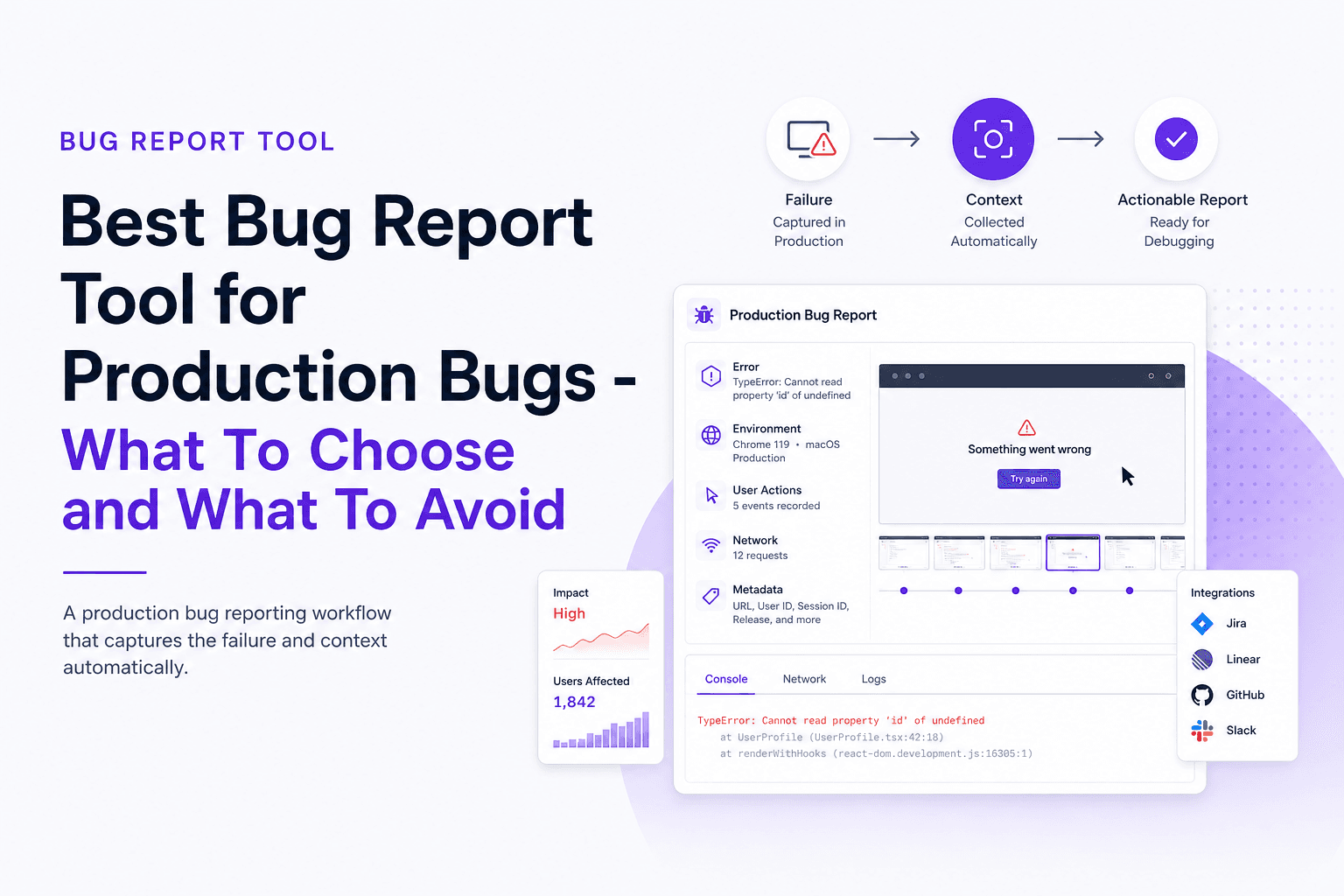
Best Bug Report Tool for Production Bugs - What To Choose and What To Avoid
Choose the best bug report tool for production bugs in 2026 with a 7-day trial scorecard, shortlist options, and common pitfalls to avoid.