
Software Bug Tracking Software That Actually Cuts Triage Time, A 2026 Shortlist
Buying software bug tracking software in 2026 is less about “where do we file issues” and more about “how fast can we turn a production failure into a ticket with enough context to fix it without back-and-forth.” This shortlist prioritizes tools that reduce missing context, deduplicate noise, and shorten time-to-fix when bugs happen in real user flows.
- Evaluate bug trackers on triage speed (time-to-clarity), context completeness, and noise control, not just integrations.
- Shortlist by your primary bottleneck: production capture, developer workflow, support intake, or reporting and governance.
- Run a trial with a strict checklist: capture, dedupe, routing, privacy, and a measurable baseline like “minutes to a reproducible ticket.”
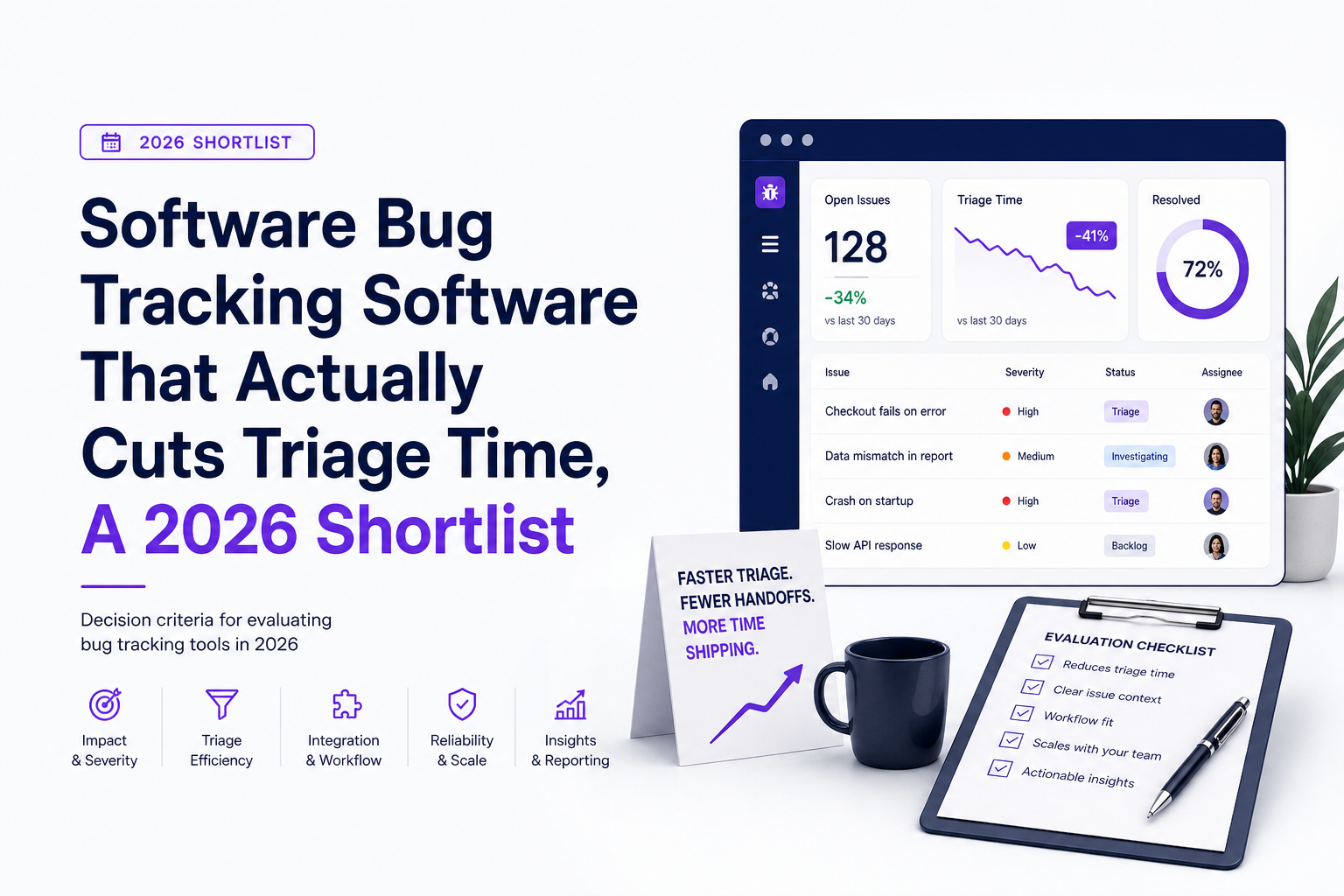
What good software bug tracking software looks like in 2026
To choose software bug tracking software that actually reduces triage time, you need criteria tied to outcomes you can measure in a trial. I recommend scoring tools on three dimensions and using a simple benchmark: median time-to-clarity, defined as “time from first signal to a ticket with enough context that an engineer can start fixing.”
1) Triage speed you can measure in minutes
- Time-to-clarity (TTC): target under 10 to 15 minutes for production bugs that are already hitting users.
- Time-to-first-action: time until an assignee has reproduction steps, failing endpoint or UI action, and environment context.
- Duplicate rate: percentage of incoming bug signals that are duplicates of an existing issue.
In practice, TTC is the metric that reveals whether a tool is helping or just generating more artifacts. If your “bug tracker” is really a place to store screenshots, TTC stays high because engineers still have to reconstruct what happened.
2) Context quality that reduces back-and-forth
Good tools capture or enforce these fields without making reporters do extra work:
- Reproduction path: the user actions leading into the failure, not just the final error.
- Technical evidence: failing request, status code, stack trace, console logs, and release version.
- Impact: affected users count, frequency, and whether the bug blocks a revenue or activation event.
If you want a concrete standard, use a ticket template that includes environment and reproduction steps and then measure how often tickets arrive pre-filled during your trial.
3) Noise control and routing that protects engineering attention
Modern software bug tracking software should help you avoid two failure modes: (1) flooding Jira or GitHub with duplicates, and (2) missing real bugs because nobody reported them. Look for:
- Deduplication across the same error signature and variants (same bug, different users).
- Classification that separates expected business errors from real failures.
- Routing rules that send only confirmed issues to your system of record, while keeping a review queue for “maybe” items.
Best software bug tracking software for different team needs, a 2026 shortlist
This is a ranked shortlist by “triage impact,” not by brand awareness. Each option can be the right choice depending on where your bottleneck sits: capture, context, workflow integration, or governance.
1) Flash Log: best for automatic production bug capture and missing-context reconstruction
Who it’s for: teams where the biggest cost is unreported production failures and slow triage because context is missing or scattered across support chats, screenshots, and logs.
Why it makes the shortlist: Flash Log is built around capturing real production failures at the moment they happen, packaging the technical context, and routing one clean issue into Jira, GitHub Issues, or a weekly review. It focuses on network failures (4xx/5xx), runtime exceptions, and realtime or socket rejection flows, and it can preserve the user path into the bug so engineers can reproduce faster.
Tradeoffs: If your bugs are mostly internal QA findings and you already have disciplined, high-quality ticket writing, the incremental benefit may be smaller than for teams with high production variance.
Best-fit scenario: You want software bug tracking software that reduces “invisible bugs” and lowers mean time to clarity by attaching impact, environment, and evidence automatically, while keeping sensitive fields redacted before upload.
2) Jira: best for enterprise workflow control and cross-team governance
Who it’s for: organizations that need custom workflows, permissions, SLAs, and reporting across many teams.
Strengths: powerful workflow customization, mature permissions, and strong ecosystem. It is often the system of record even when other tools handle capture or observability.
Tradeoffs: Jira does not solve production capture by itself, so teams often bolt on intake forms, support tools, and logging to reconstruct context. In our experience working with product teams that rely on Jira alone, the bottleneck is rarely “creating an issue” and almost always “getting enough evidence to act without a meeting.”
Best-fit scenario: You need governance and auditability, and you are willing to pair Jira with a production-focused capture layer.
3) GitHub Issues: best for developer-native workflows and smaller teams
Who it’s for: engineering-led teams that want issues close to code, PRs, and releases.
Strengths: low overhead, great linkage to commits and pull requests, and a familiar workflow for developers. If you want patterns for scaling it cleanly, see this bug tracker github guide.
Tradeoffs: intake quality varies widely. Without strong templates and dedupe discipline, you can end up with issues that are hard to reproduce and hard to prioritize.
Best-fit scenario: You want simple software bug tracking software tied directly to code changes, and your team can enforce structured issue templates.
4) Linear: best for fast-moving product teams that prioritize speed and focus
Who it’s for: teams that want a streamlined issue workflow with strong UX and predictable cycles.
Strengths: fast triage experience, clean prioritization, and good team-level visibility. Linear often improves “issue hygiene” because it is easier to keep the backlog current.
Tradeoffs: Like other trackers, it is not inherently a production capture system. You still need a reliable intake path for real user-impacting failures.
Best-fit scenario: Your bottleneck is backlog chaos, not permissions or deep customization, and you want the tracker experience to stay lightweight.
5) Zendesk (or similar support desk): best for support-led bug intake and customer communication
Who it’s for: teams where support is the front door for bug reports and you need tight customer follow-up.
Strengths: great for managing conversations, attachments, and customer impact narratives.
Tradeoffs: support tickets are not engineering-ready bug records. Without a clear handoff process, engineers spend time extracting technical details, and duplicates multiply.
Best-fit scenario: Use it as an intake and communication layer, then route validated bugs into your engineering tracker with a structured payload.
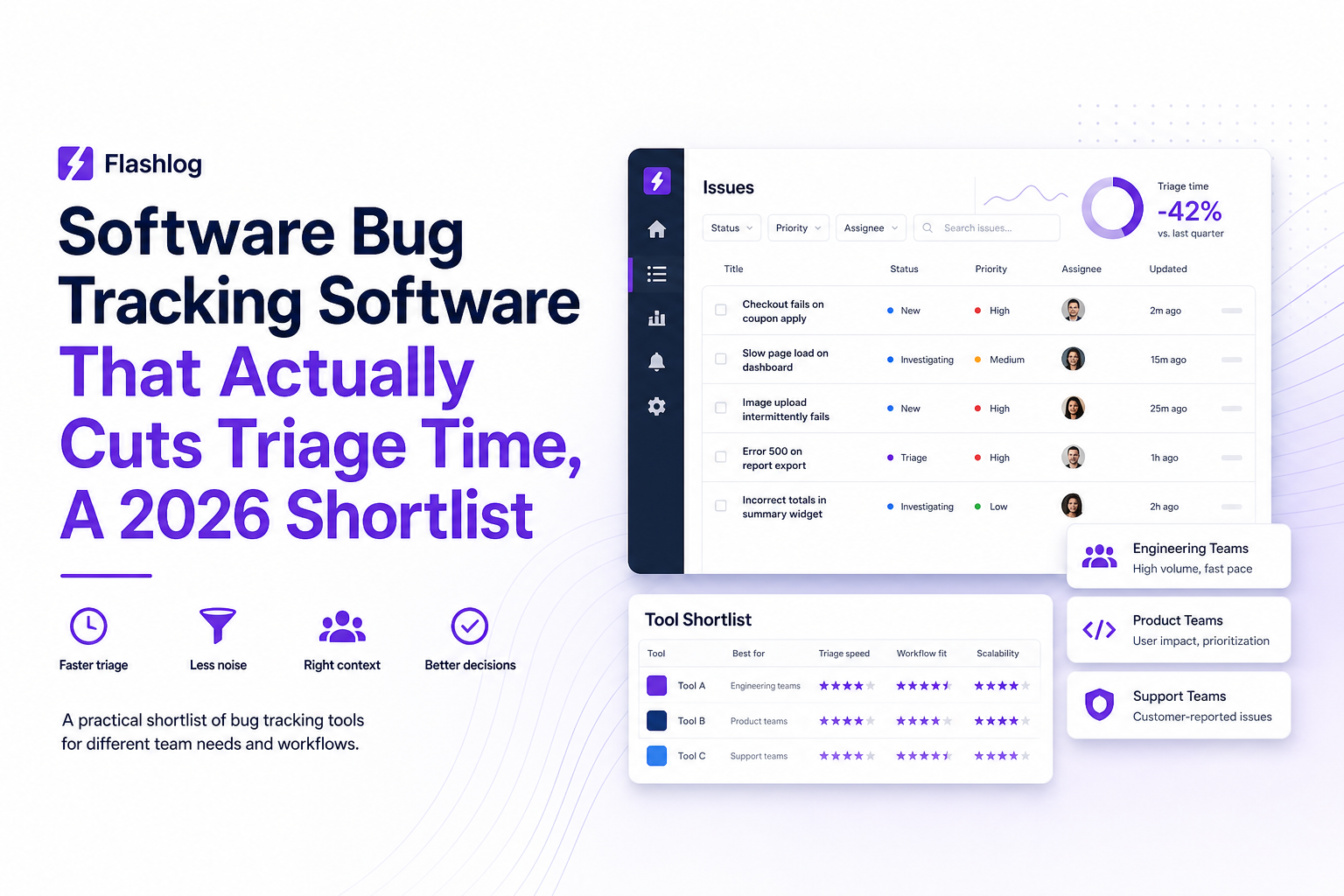
The evaluation checklist that prevents buyer’s remorse
A trial should feel like a controlled experiment, not a vibe check. The goal is to prove whether the tool reduces TTC and duplicate load while improving context quality.
Step 1: Baseline your current triage in 30 minutes
- Pick 20 recent production bugs (or the last two weeks).
- For each, record: time to reproduce, number of messages needed to clarify, and whether it was a duplicate.
- Compute median TTC and median “messages to clarity.”
What surprised our team was how often “time to reproduce” was not blocked by engineering skill, but by missing basics like release version, failing endpoint, or the exact step where the UI broke.
Step 2: Test capture quality with a scripted failure set
Create 6 to 10 test cases that mirror real failures:
- API 500 on a key flow (checkout, signup, save)
- Frontend runtime exception on a modal or route change
- Slow endpoint that times out
- Realtime socket rejection or close code errors
During the trial, verify the tool captures: the failing request, status code, environment, release, and user path. If it cannot, it is not reducing the “reconstruction tax.”
Step 3: Validate dedupe and noise control with real traffic
- Trigger the same failure from multiple devices or test users.
- Check whether the tool groups duplicates into one issue or creates many.
- Confirm you can ignore expected business errors without hiding real failures.
If you do any formal issue triage, make sure the tool supports a review queue or digest so engineers do not get spammed.
Step 4: Prove workflow fit with one real integration
- Route confirmed bugs into your system of record (Jira, Linear, or GitHub Issues).
- Verify required fields are mapped: severity, component, environment, release, and reproduction hints.
- Check permissions and redaction for sensitive data.
If you are choosing a broader software bug tracking system, treat integration mapping as a pass or fail requirement, not a nice-to-have.
Why unreported bugs are the hidden cost and how AI capture changes the math
Most teams underestimate unreported bugs because they only count what enters the tracker. The real cost shows up as churn, retries, support load, and engineering time spent chasing “ghost” failures.
A simple way to quantify silent failure cost
Use this back-of-the-envelope model for one critical flow (for example, checkout or onboarding):
- Sessions per week through the flow
- Failure rate (from logs or monitoring)
- Conversion value (revenue per conversion or activation value)
- Detection lag (hours or days until the team notices)
Silent failures are expensive because detection lag is often longer than you think. For general context on the cost of defects, teams often reference the “cost to fix later is higher” principle popularized in software engineering literature; a practical overview is available from NIST’s defect cost analysis.
How AI-assisted capture reduces triage load instead of adding it
AI only helps if it compresses raw signals into fewer, higher-quality artifacts. The winning pattern in software bug tracking software is:
- Capture the failure automatically (even when users do not report it)
- Classify it into a bug type and severity
- Enrich with environment, release, and reproduction path
- Deduplicate so engineering sees one issue, not twenty
When we tested auto-capture plus dedupe on a high-traffic flow, the biggest win was not fewer bugs, it was fewer conversations: engineers started with a ticket that already contained the failing endpoint and the user path, so clarification loops dropped sharply.
What to watch for in AI summaries
- Does the summary include the “why it fails” hypothesis and the evidence behind it?
- Does it preserve raw context links (request payload, stack trace) for verification?
- Can you redact sensitive fields before upload to avoid leaking secrets?
If your team is still relying on a manual bug report tool for production, AI capture is most valuable when it removes the need to ask users or support to “send one more screenshot.”
How to roll out a new bug tracker in 14 days without breaking workflows
A rollout fails when it forces everyone to change behavior at once. The safer approach is to keep your system of record (Jira, Linear, or GitHub Issues) and add or switch the capture and triage layer first.
Days 1 to 3: Define routing rules and success metrics
- Pick one or two critical user journeys (signup, checkout, publish, save).
- Define what becomes a ticket vs what stays in review (example: only 5xx, runtime exceptions, and blocked UI actions become tickets).
- Set success metrics: median TTC, duplicate rate, and percentage of tickets with reproduction path included.
Days 4 to 7: Run in parallel with strict scope
- Enable capture for the chosen journeys only.
- Route issues into a single project or label so you can compare apples to apples.
- Hold a 15-minute daily review to confirm dedupe and severity mapping are sane.
Days 8 to 11: Expand coverage and lock down privacy
- Add additional surfaces: API errors, frontend exceptions, realtime failures.
- Review redaction and data retention settings with security or ops.
- Confirm permissions: who can see user identifiers, payloads, and environment details.
Days 12 to 14: Document the new “definition of ticket-ready”
- Create a one-page standard: required fields, severity rules, and when to close as duplicate.
- Update templates in the system of record so manual issues match the same structure.
- Publish a short playbook for support and engineering handoffs.
We initially assumed the hard part would be migration, but audits showed the real risk was inconsistent routing rules that either spammed engineers or hid important failures; treating routing as a product decision fixed that quickly.
| Team need | Best-fit tool | What to validate in a trial | Common pitfall |
|---|---|---|---|
| Automatic production bug capture with full context | Flash Log | Does it capture failing endpoint, user path, release, impact, and dedupe into one issue? | Logging everything without noise control |
| Enterprise governance and workflow customization | Jira | Workflow, permissions, reporting, and integration mapping from intake tools | Assuming Jira alone will reduce missing context |
| Developer-native issue tracking close to code | GitHub Issues | Template quality, labeling discipline, and linkage to PRs/releases | Issue graveyard from duplicates and vague reports |
| Fast product execution with clean triage UX | Linear | Cycle fit, triage speed, and how external signals become structured issues | Weak intake process for production failures |
| Support-led intake and customer communication | Zendesk (support desk) | Handoff quality into engineering tracker, dedupe rules, and ownership | Support tickets treated as engineering-ready bugs |
FAQ
If your main problem is production bugs that never get reported and tickets that arrive without enough evidence to act, Flash Log is designed to capture the failure automatically, reconstruct the path into it, and route one clean issue into your existing workflow.

Session Recording Explained - Choose the Right Type and Set It Up Correctly
Session recording has 3 meanings: website replay, Citrix, and meetings. Use this framework to choose the right one and set retention and privacy.
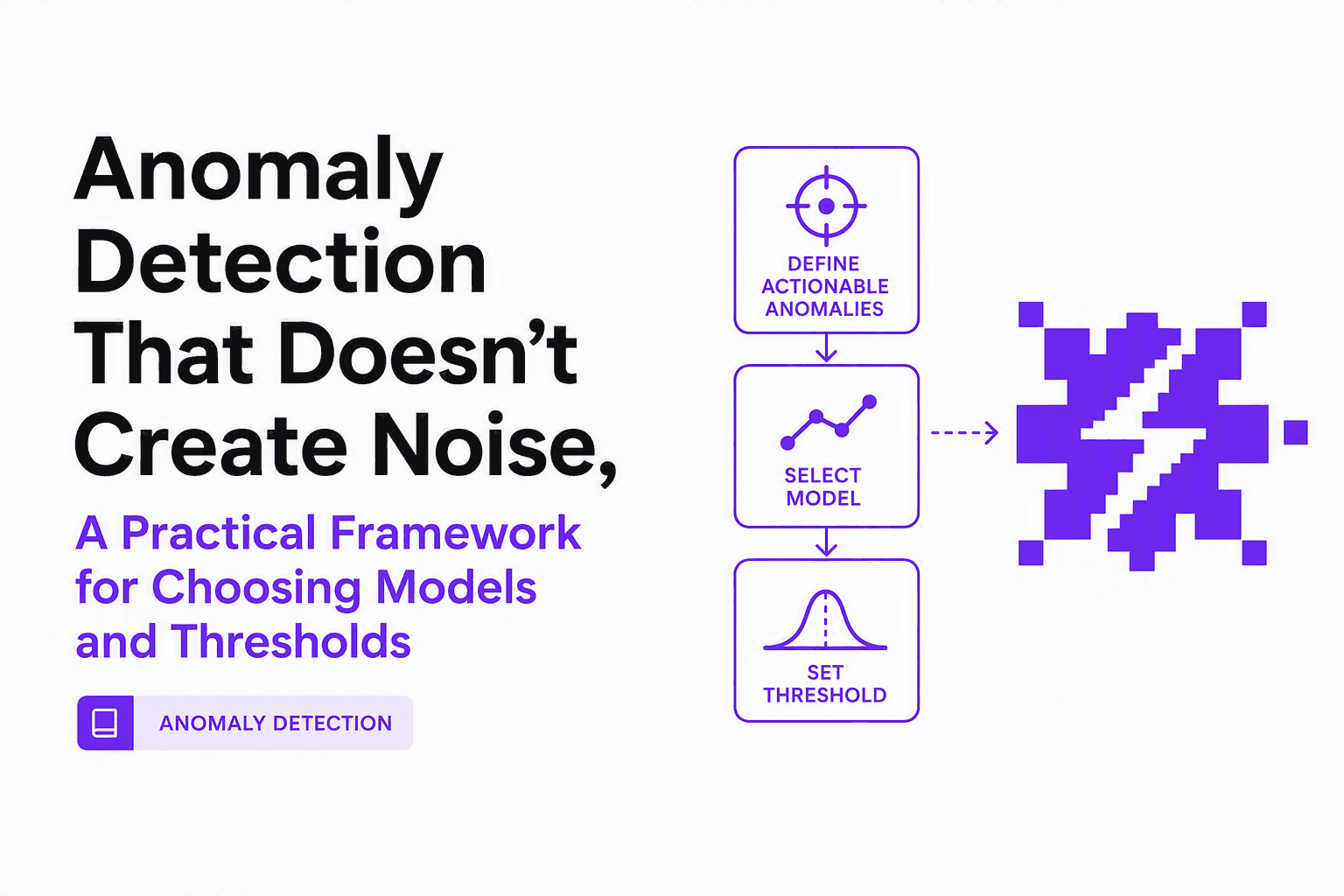
Anomaly Detection That Doesn’t Create Noise, A Practical Framework for Choosing Models and Thresholds
Design anomaly detection that reduces noise: model selection by data type, thresholding without alert fatigue, and evaluation without labels.
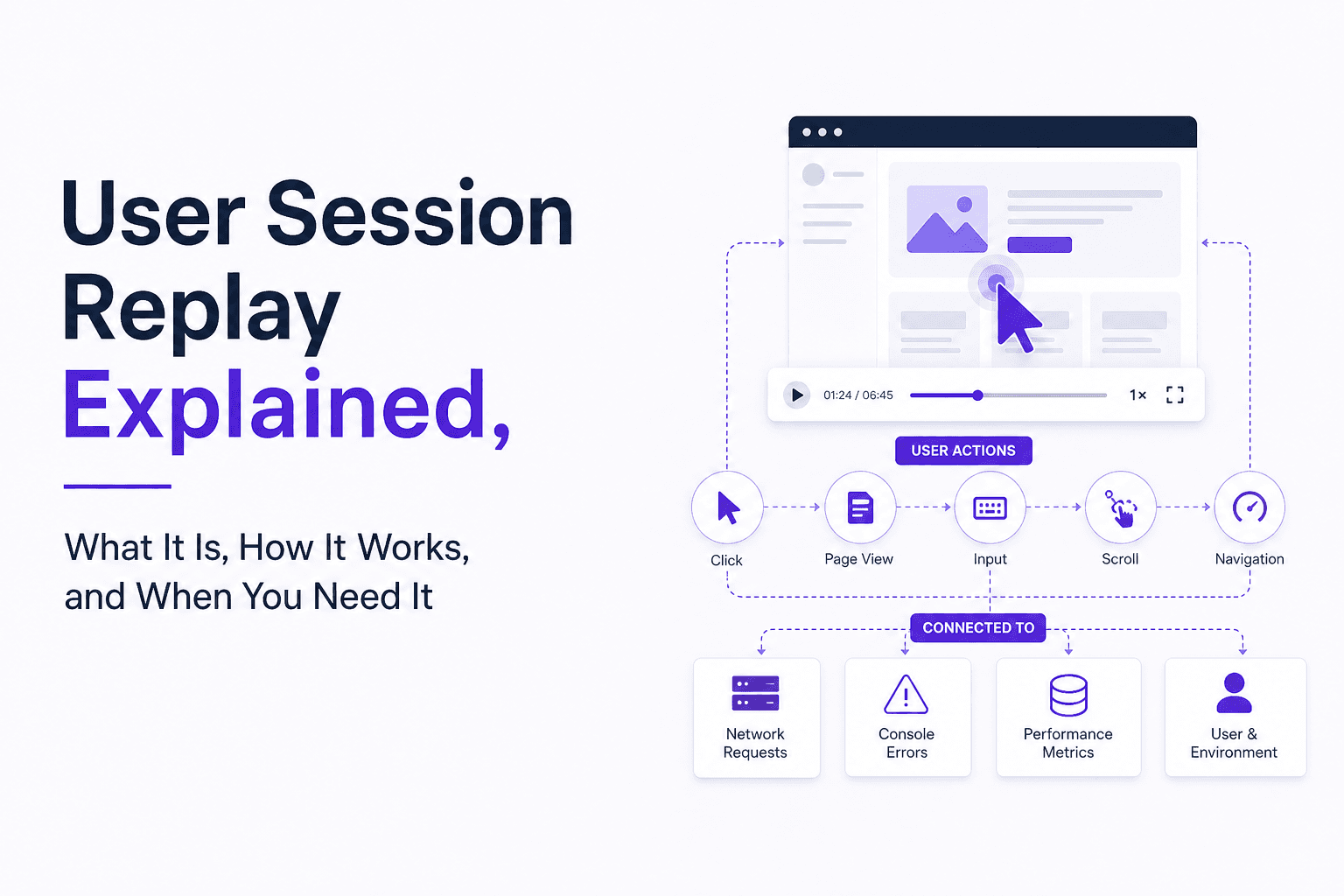
User Session Replay Explained, What It Is, How It Works, and When You Need It
Learn what user session replay is, how it works, what problems it solves, and a checklist to decide if you need user session replay.